Welcome to Junction Move 38!
import appTo launch documentation:
mkdocs serve👉 Then go to http://localhost:8000
After cloning the repo, you can install the package using pip or poetry:
pip install .poetry installIt is possible to have a development environment up an ready using Docker and vscode:
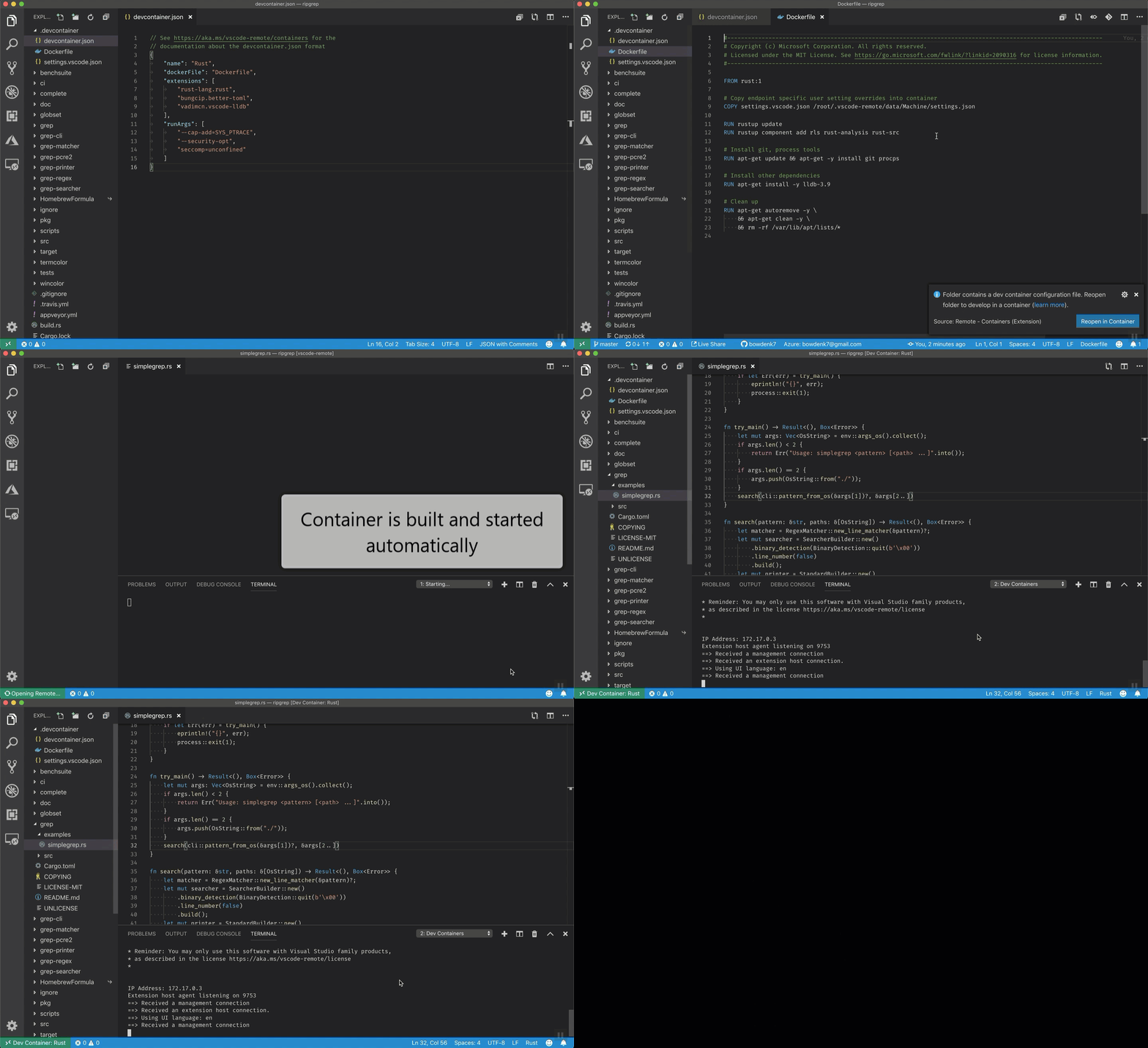
-
Install remote containers in VSCode.
- Press
Ctrl+P - Paste
ext install ms-vscode-remote.remote-containers - Press
Enter
- Press
-
Run the docker in development in VSCode (wait, first time takes some time to run) :
F1 > Open Folder in Container
Select the desired folder (backend, frontend...)
It automatically searches for de .devcontainer/devcontainer.json file in the root folder.
To apply changes made to the dockerfile or the devcontainer.json:
F1 > Rebuild Container👍 It will install automatically app in development mode and all the pre-commit hooks along all the tools needed for a correct development: black, isort, pylint, mypy, pytest...
In order to keep code and commits quality we enforce the use of pre-commit by doing:
pre-commit installThis will install a bunch of hooks that will check staged files (only the *.py staged files) to check that they stick to black, autopep8, isort and some other standards.
🙋 Name: Move38
📩 Email: matesanz.cuadrado@gmail.com