Trouble keeping track of all the articles you read on the web? We've got you covered. Read all the articles you want and save the important points into a notebook for future references using our chrome extension. You can visit them online later on our website.
In this modern world where we have foreaken books, when almost all the readers prefer web over actual books. It has become quite a bit difficult to keep track of what we read. We have experienced this problem for a very long time and decided to do something about it. So, we have come up with this idea of scribbing away the important bits of information and storing them for you in a orderly, user friendly manner. Any one using the chrome browser can take advantage of our Google Chrome plugin. Just select and copy what you want to keep, We will handle the rest.
This Project is a newborn cub right now, It has the potential of becoming a Full-fledged reading tool having features like reading mode, Ad free Browsing, Automatic Tags. Even in it's early stages we have implemented Google's Text to Speech API to help us study when we're felling a bit lazy.
This Project has a log way to go. With Proper investment of time and proper use of technologies we plan to take it to a different level. Session saving, grouping tabs etc. are just the features from the tip of our mind. We have included the starting version of session saving in this release.
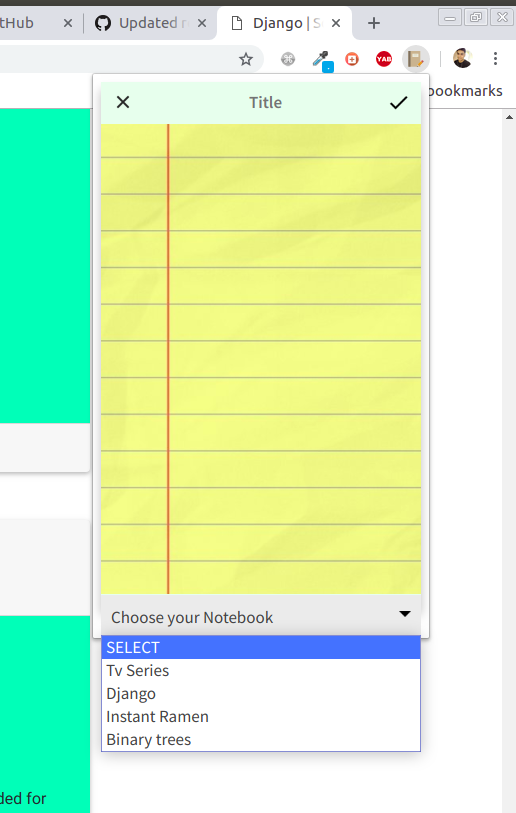
Extension : extension
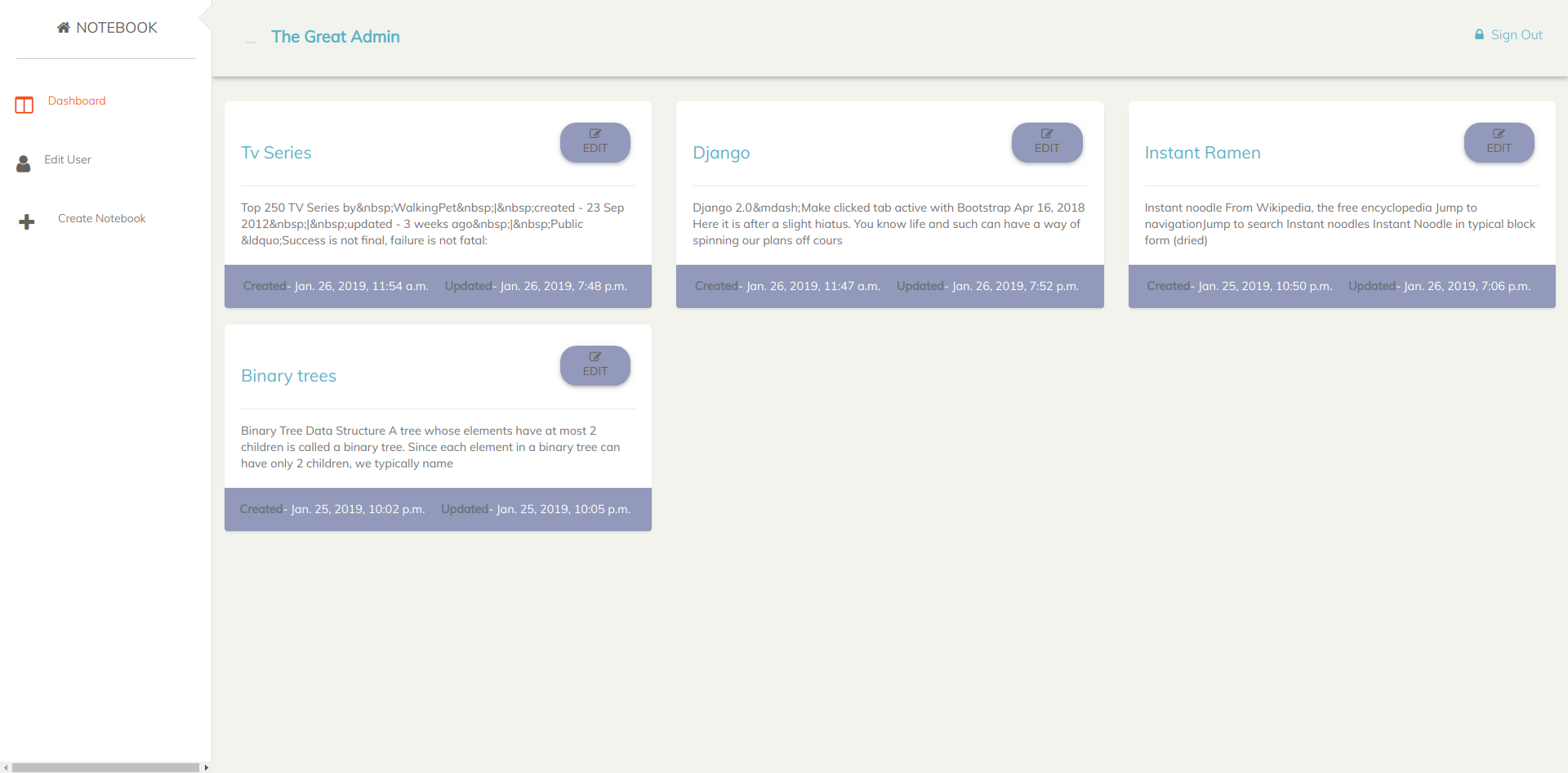
Dashboard : dashboard
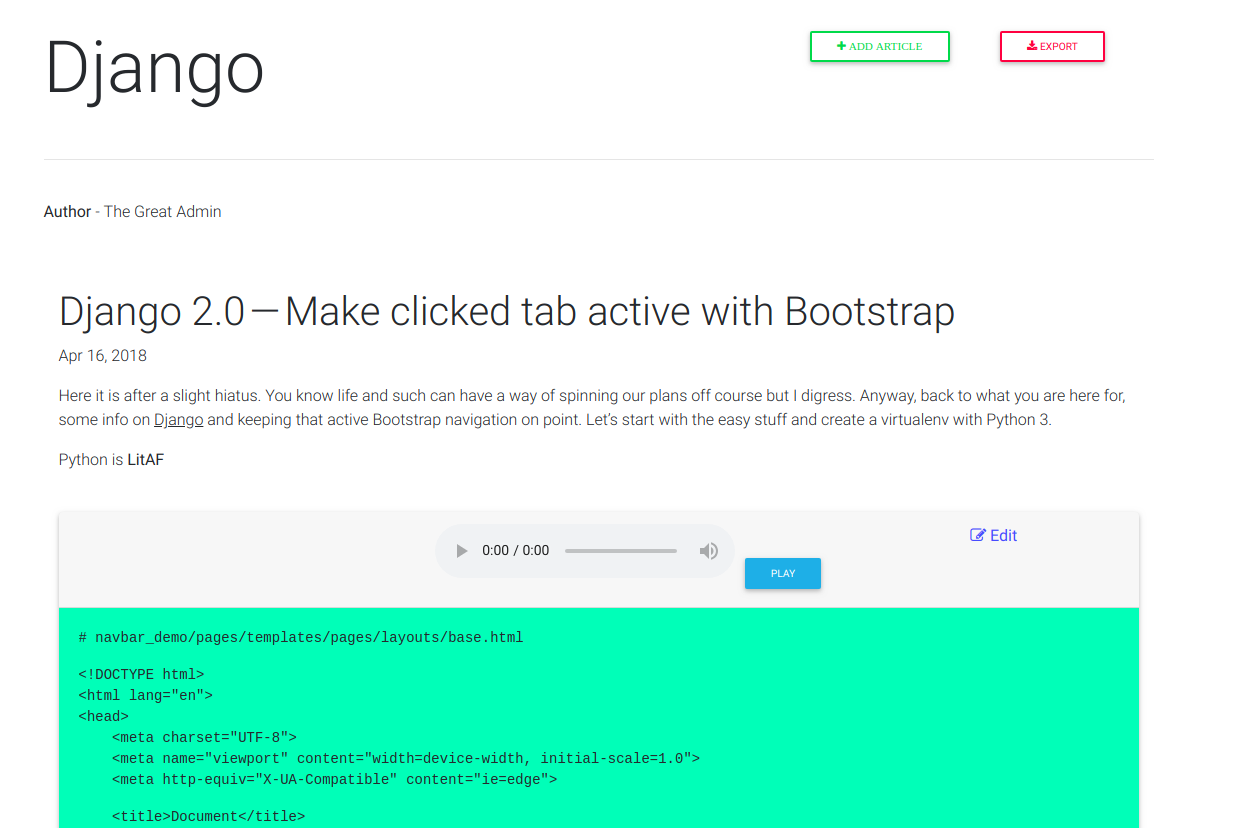
Articles : articles
Languages - Python 3.6, JavaScript
Backend Framework - Django 2.15
Database - POSTGRESQL
Version-control - Git and Github
JavaScript Library - jquery
Style Libraries - Bootstrap
APIs - Google Cloud's Text to Speech API
Others -
- ck-editor
- WeasyPrint
- Install Python and some dev tools for Python
$ sudo apt-get install python-pip python-dev build-essential$ apt install Python3.6- use easy_install for older versions of ubuntu e.g -$ easy_install python3-pip
- Install Pip
$ apt install python3-pip
- Install and activate virtual environment
$ pip install virtual env$ source ./env/bin/activate
- Install other requirements given in requirements.txt file
$ pip install -r requirements.txt
- Modify database engine,
- Rename the database section in settings.py
- add username and password and port accordingly
- save changes
- Sync db and make superuser
$ python manage.py makemigrations$ python manage.py migrate$ python manage.py createsuperuser
- Collect Static files
python manage.py collectstatic
- Runserver
$ python manage.py runserver$ visit 127.0.0.1:8000
- Unpack the contents of ext-src into a chrome extension and you are good to go.
- Rohit Raj Anand: rht6226
- Ashwini Kumar : ashwini571
- Saket Kumar: saket1999