

A revival of the old SoftSled Project, an open source Windows Media Center Extender
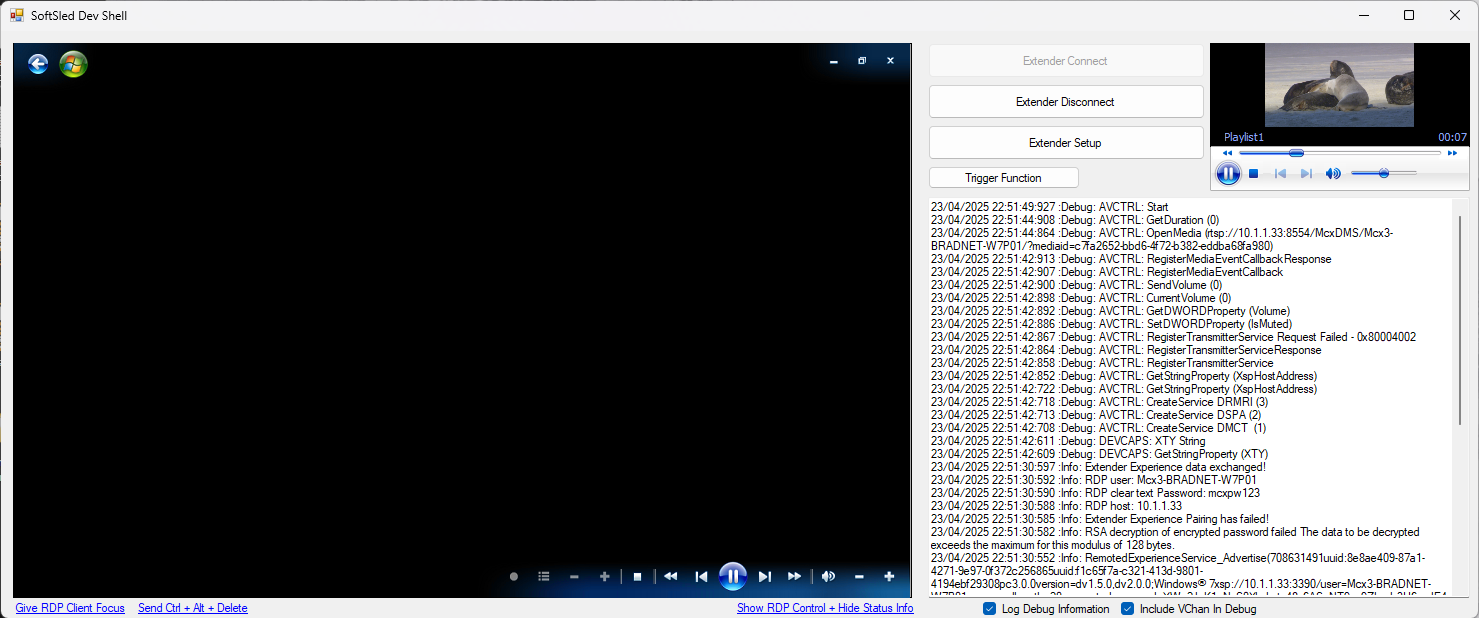
- Audio RTSP communication needs work with ffplay and parsing RTSP / RTP packets
- Video RTSP communication needs work with ffplay and parsing RTSP / RTP packets
- H.264 working
- MPEG2-TS underway
- Recorded TV and Live TV playback over H.264 is working!
- Interface sounds (through RDP or local) currently being worked out
- Initial Device Configuration
- Device Services Remoting (DSLR)
- Extender Device Capability Queries (DSPA)
- Extender Device Session Communication (DSMN)
- Extender Device Media Control (DMCT)
- Opening Sounds
- Full-Screen Interface
- Implement Video Overlay (Not possible to Chroma-key the RDP window in WinForms or WPF... Need to think of another option.)
- Create Extender Certificate
- Implement media controls (play/pause/previous/next) media from client
- Create RC6 remote control forwarder
- Create settings areas (perhaps could be used for dedicated device)
- WLAN
- Display
- Audio
- Windows 7 OR Windows 8 with Media Center (yes, SoftSled2 works with WMC8)
Multiple certificates have been found to work with SoftSled - these being:
- Linksys2200.cer
- Xbox360.cer
Work is currently ongoing around a certificate generation process to build certificates upon SoftSled provisioning / setup.
The device certificate selected seems to be required to be installed into the Other People store of the Current User running the Extender setup. This might be required to be in the Local Machine store at a later point in time, but work still needs to be done to confirm.
(If using Linksys2200.cer)
- Copy Linksys2200.cer to the Host Machine and let Windows install the certificate into the default store.
- Start SoftSled.
- Go to your Media Center PC and Navigate to Settings > Extenders.
- Find SoftSled in the list.
- Click Configure.
- In the key type in 1234-3706, and WMC will try to pair the Extender.
- Windows Media Center will go through the configuration steps and will pair the Extender, but will fail the last step and won't be able to connect.
- Open netplwiz, and note the new user (in the form of Mcx{num}-{machineName}).
- Manually reset the password of this user to mcxpw123.
- Once done, try to connect SoftSled, and if you're lucky you'll get to the WMC home screen through RDP.