
Note
As the original repo is no longer maintained, I will keep this here. I do not plan on modifying this script but I would be happy to accept pull requests
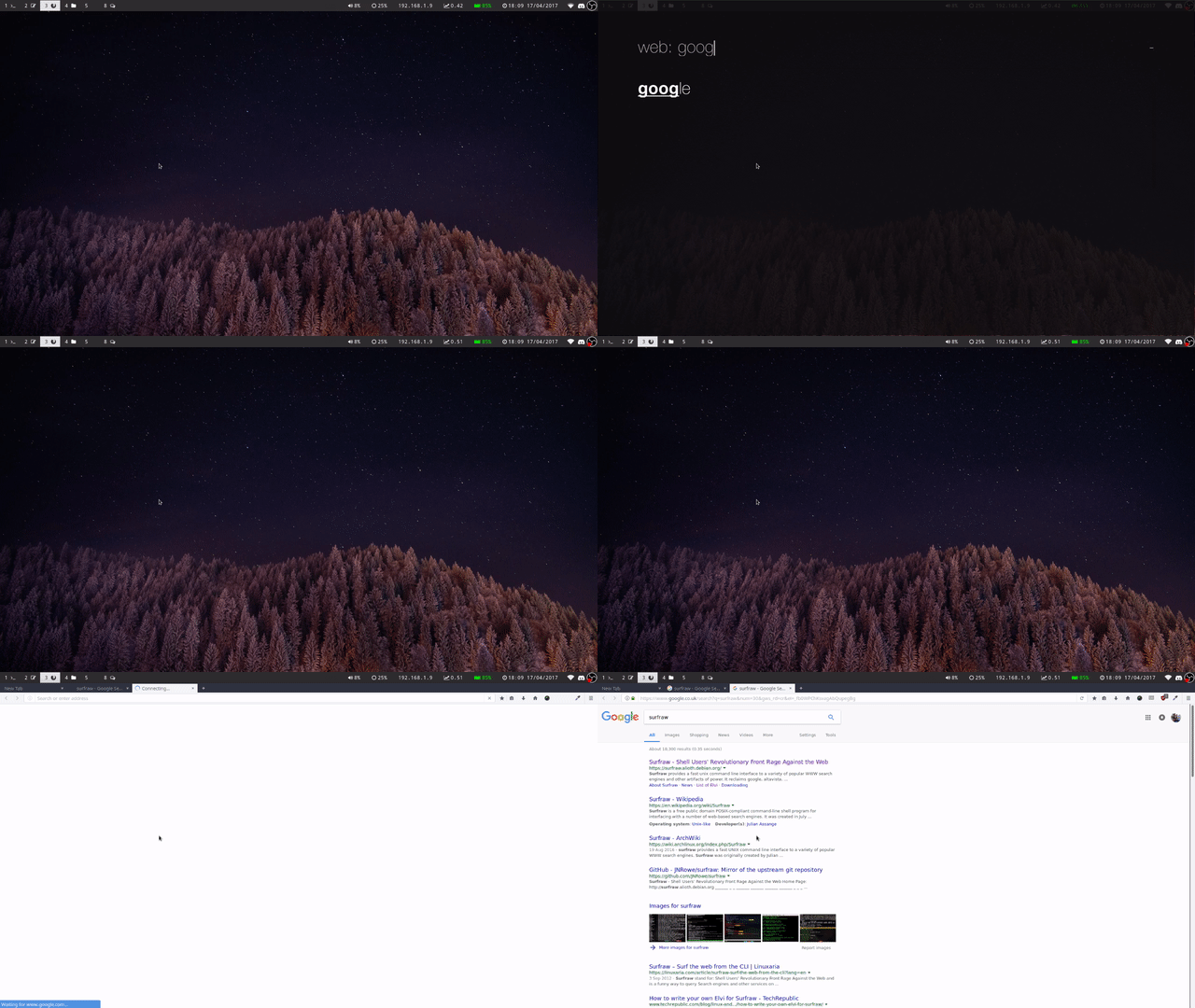
A short little Bash script that uses your menu of choice (like rofi or wofi) to prompt you for an Elvis and a search term with surfraw.
This'll work anywhere. You could place it in ~/.local/bin or /usr/bin and have it built into dmenu, I use it in i3 with this line in my configuration: bindsym $mod+Mod1+space exec ~/.dotfiles/menu-surfraw, it's up to you!
menu-surfraw [OPTIONS] [ELVIS [SEARCHTERM]]

OPTIONS:
  -h, --help		Displays this message
  -m, --menu		Select a menu to use. Some of them need the -d or
                        --dmenu flag. Just add it behind the name.
                        Example: ./menu-surfraw -m wofi -d -b librewolf
  -b, --browser 	Select a browser to use.

ELVIS:
    This is the same as surfraw, any Elvi you have installed. Can be left
    blank, as you will be prompted for this in the menu.

SEARCHTERM:
    Again, the same as surfraw, the term you are searching for. Can also be
    left blank as you will be prompted for this in the menu.
- Dmenu
- Surfraw
- Rofi or any other menu (optional)
Do what you like, this script makes use of Unlicense so it's essentially public domain!