Simple peer-to-peer live video streaming – start a camera stream in your browser and share it instantly with a receiver via a unique Stream ID. Version 1.0 – developed by Kevin Tobler 🌐 www.kevintobler.ch
- 1.0
- 📹 Start live video directly from your browser (desktop or mobile)
- 🔗 Share the stream via a unique Stream ID
- 📋 One-click copy of the Stream ID or a ready-to-use receiver link
- 🔄 Switch between front and back camera (on supported devices)
- 🎥 Select specific cameras from a list (desktop devices)
- ❌ End a stream manually (Sender clears all signals, Receiver can send “Bye”)
- 🌍 Works without plugins – pure WebRTC + PHP signaling
- 🎥 Real-time WebRTC video streaming between browsers
- 🔑 Stream ID is randomly generated and unique for each session
- 📋 Copy Stream ID or full Receiver link with one click
- 🔄 Switch cameras (front/back on mobile, device selection on desktop)
- 🗑️ Automatic cleanup of old signaling files
- ✅ No database required – signaling stored as temporary JSON files
- 🌐 Works on modern browsers (Chrome, Firefox, Safari, Edge)
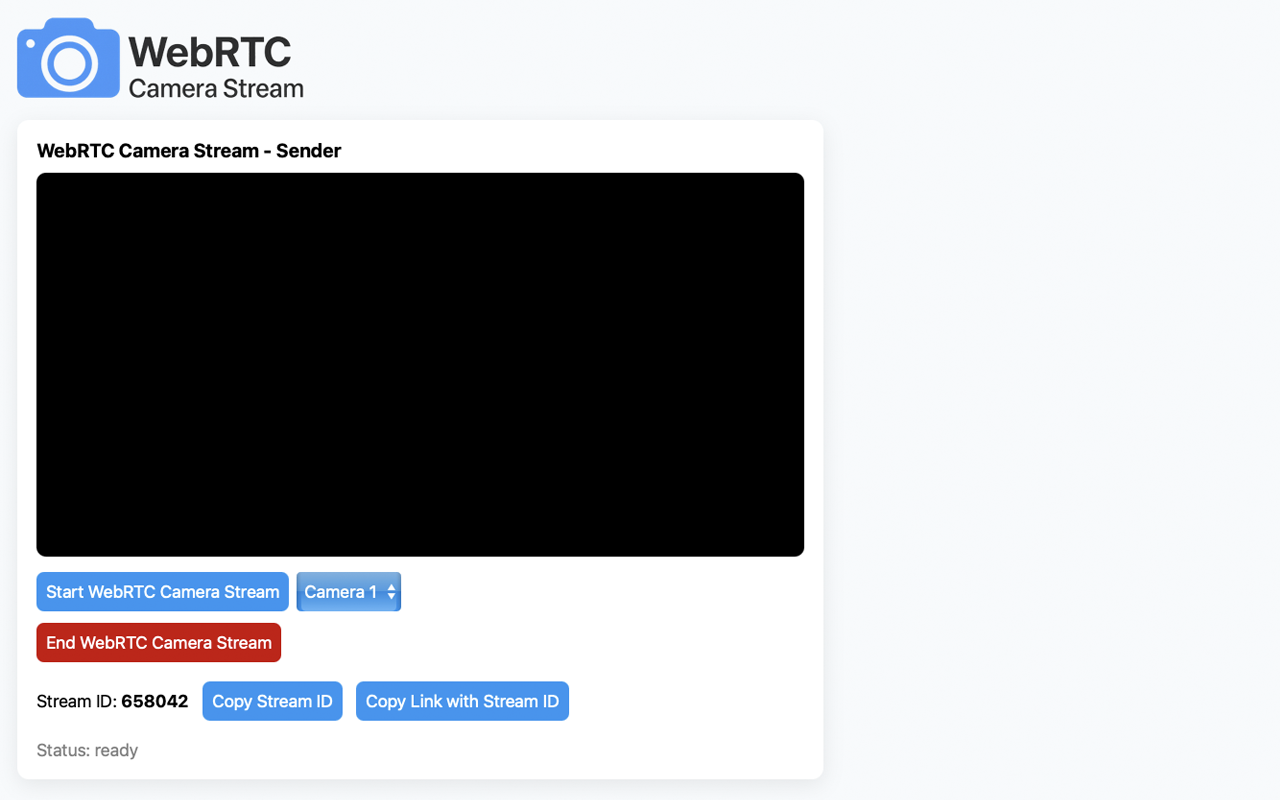
Try WebRTC Camera Stream directly in your browser:
🔗 https://webrtc.kevintobler.ch
- Upload all files (
index.html,sender.html,receiver.html,signal.php,css,img) to your web server - Ensure PHP and HTTPS is enabled (
⚠️ PHP 7.4 or higher and TLS/HTTPS required) - Make sure the server allows writing to the
/signalsdirectory (created automatically and protected with .htaccess) - Share the Stream ID or the Receiver link with your viewer
- Sender opens
sender.htmland starts the stream → a new random Stream ID is created. - Receiver opens
receiver.htmland enters the same Stream ID. - Both communicate via the signaling server (
signal.php), which exchanges:- 📤 Offers & Answers (SDP)
- ❄️ ICE candidates (STUN connectivity)
- 🚫 Bye messages (to end streams)
- Once connected, the video/audio stream flows directly peer-to-peer (encrypted).
- All signaling data is stored as temporary JSON files on the server (auto-deleted after 24h).
- Access to the
/signalsdirectory is blocked via.htaccess. - Media streams are end-to-end encrypted by WebRTC.
- Stream IDs are random 6-digit numbers and expire after stream termination.
Kevin Tobler
🌐 www.kevintobler.ch
This project is licensed under the MIT License – feel free to use, modify, and distribute.