English | Português (BR)
A professional starter template for ASP.NET Core 8 with Razor Pages and ASP.NET MVC, layered (clean) architecture, Identity + JWT, AutoMapper, and a modern layout using Bootstrap 5.
Purpose: a reusable, opinionated base to start projects consistently with solid defaults and good practices.
- Overview
- Tech Stack
- Architecture & Structure
- Features
- Screenshots
- How to Run
- Configuration (appsettings)
- Useful Commands (EF Core)
- Roadmap
- Contributing
- License
ProTemplateX provides a solid starting point for enterprise web systems: ready-to-use authentication, layered separation, organized controllers/views, standardized DTOs and mappings, and a base that scales with tests, observability, and CI/CD.
Backend
- ASP.NET Core 8 (Web API, MVC, and Razor Pages)
- Entity Framework Core (ORM)
- ASP.NET Identity + JWT
- AutoMapper
- SQL Server (default)
Frontend
- Razor Pages & Razor Views
- Bootstrap 5
- JavaScript for interactive components
Clear separation into presentation, application, and infrastructure layers to improve testability and maintenance.
/ProTemplateX
1-Presentation/
  ProTemplateX.WebAPI/             # ASP.NET Core (API) + MVC + Razor Pages
    Controllers/
    Views/                          # e.g., Home/Index, Account/Login, Register
    wwwroot/assets/                 # CSS, JS, images
2-Application/                      # Business rules, DTOs, Services
3-Infra/
  Infra.Data/                       # EF Core, Migrations, Repositories
  Infra.Domain/                     # Entities and Interfaces
- User registration and login with Identity
- Integrated JWT authentication
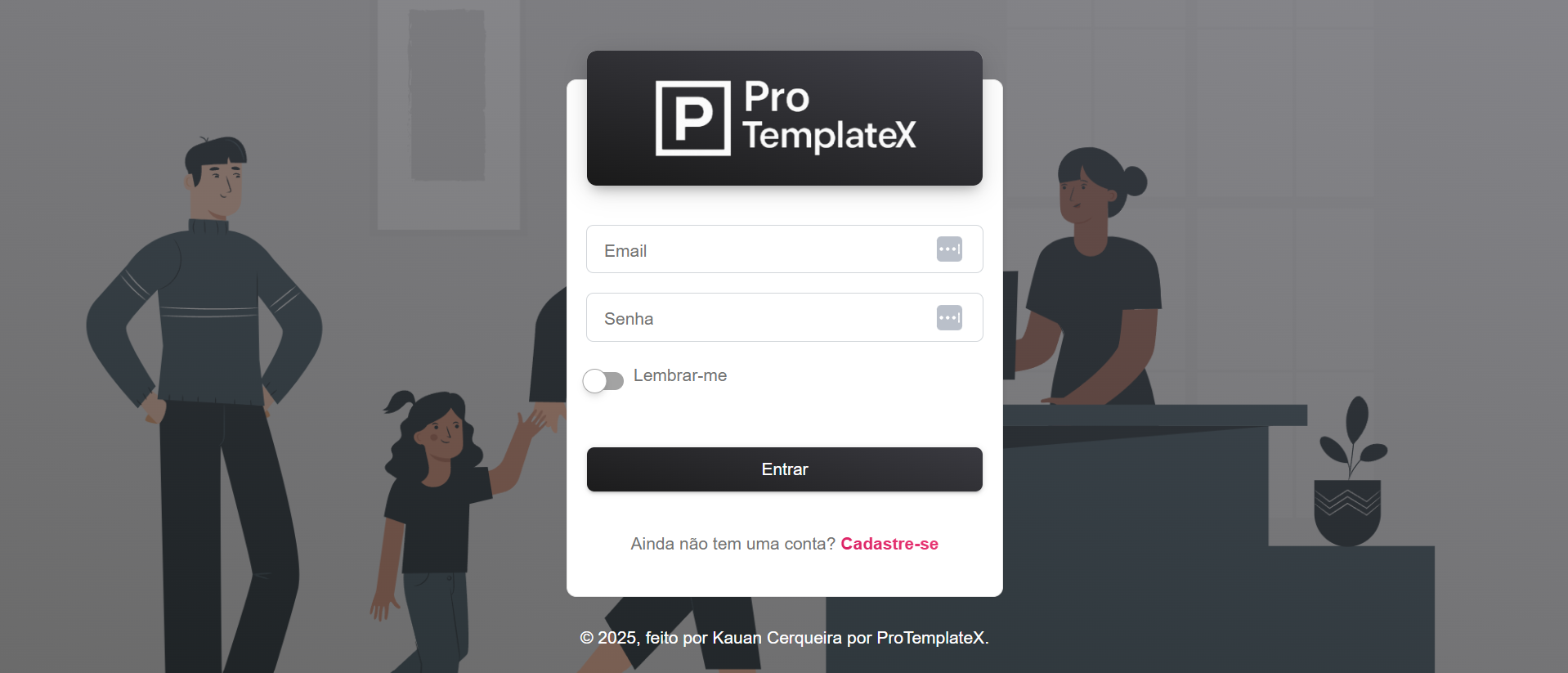
- Customized Login and Register screens
- Terms of Use via modal
- Modular and scalable base (Domain, Data, and Application)
- Responsive layout with Bootstrap
Login
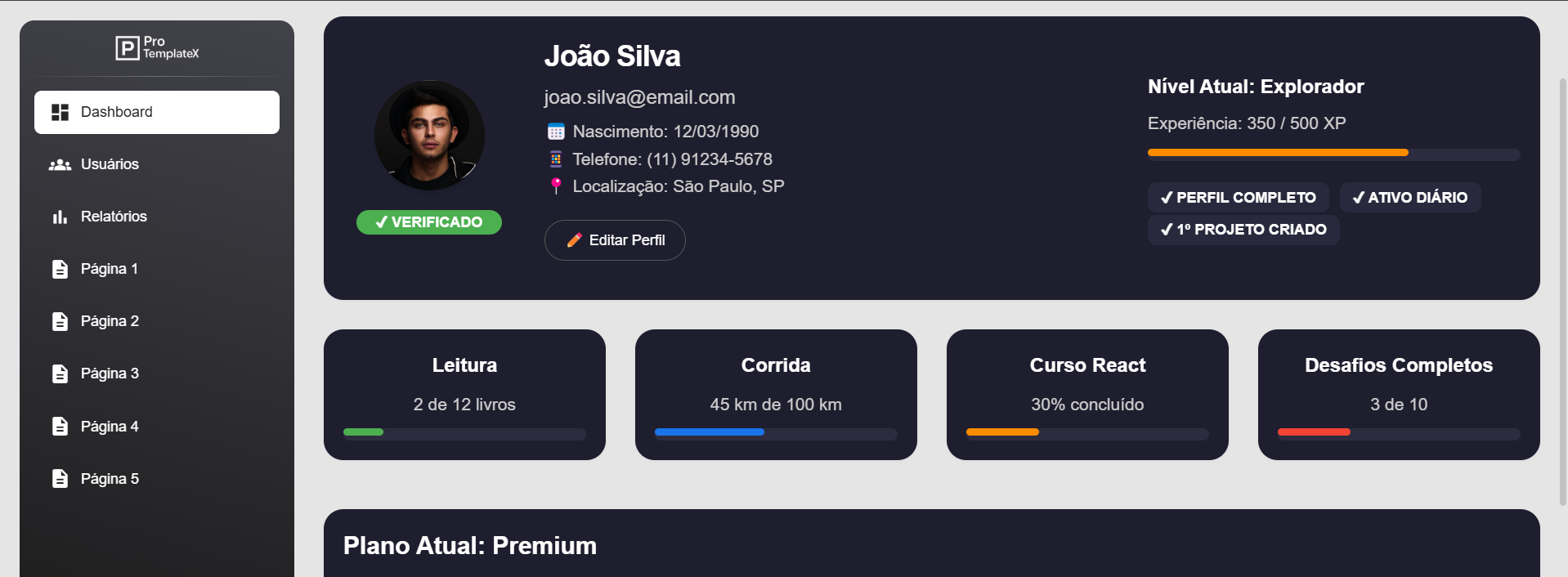
User Profile
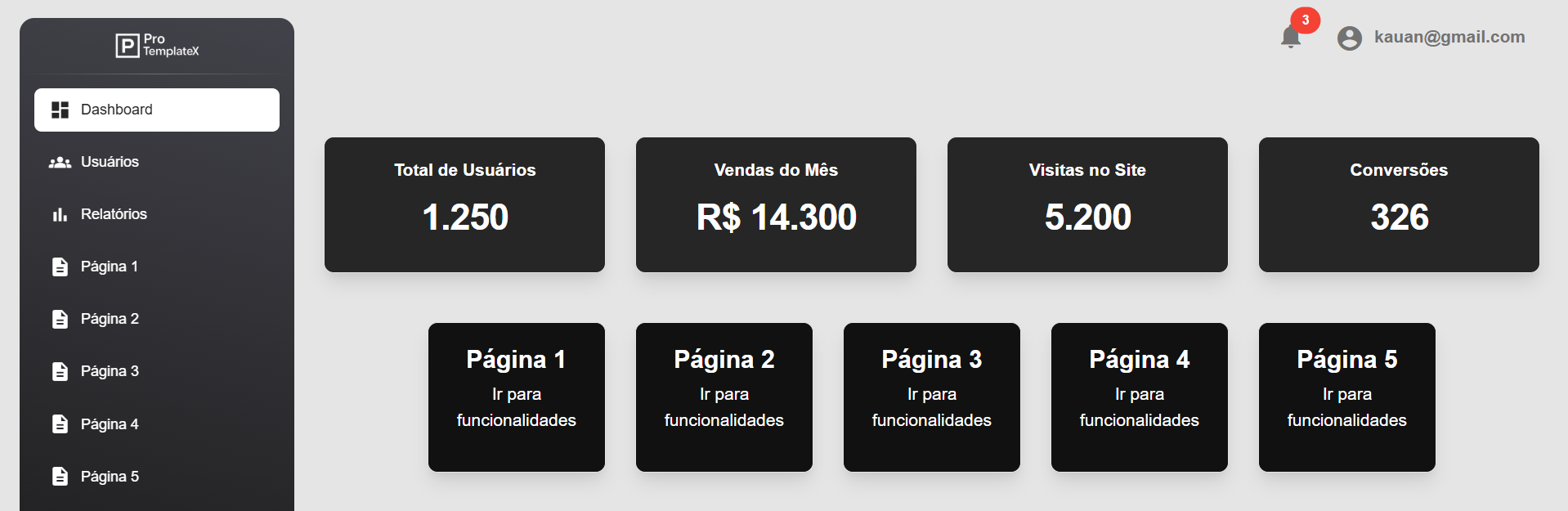
Main Dashboard
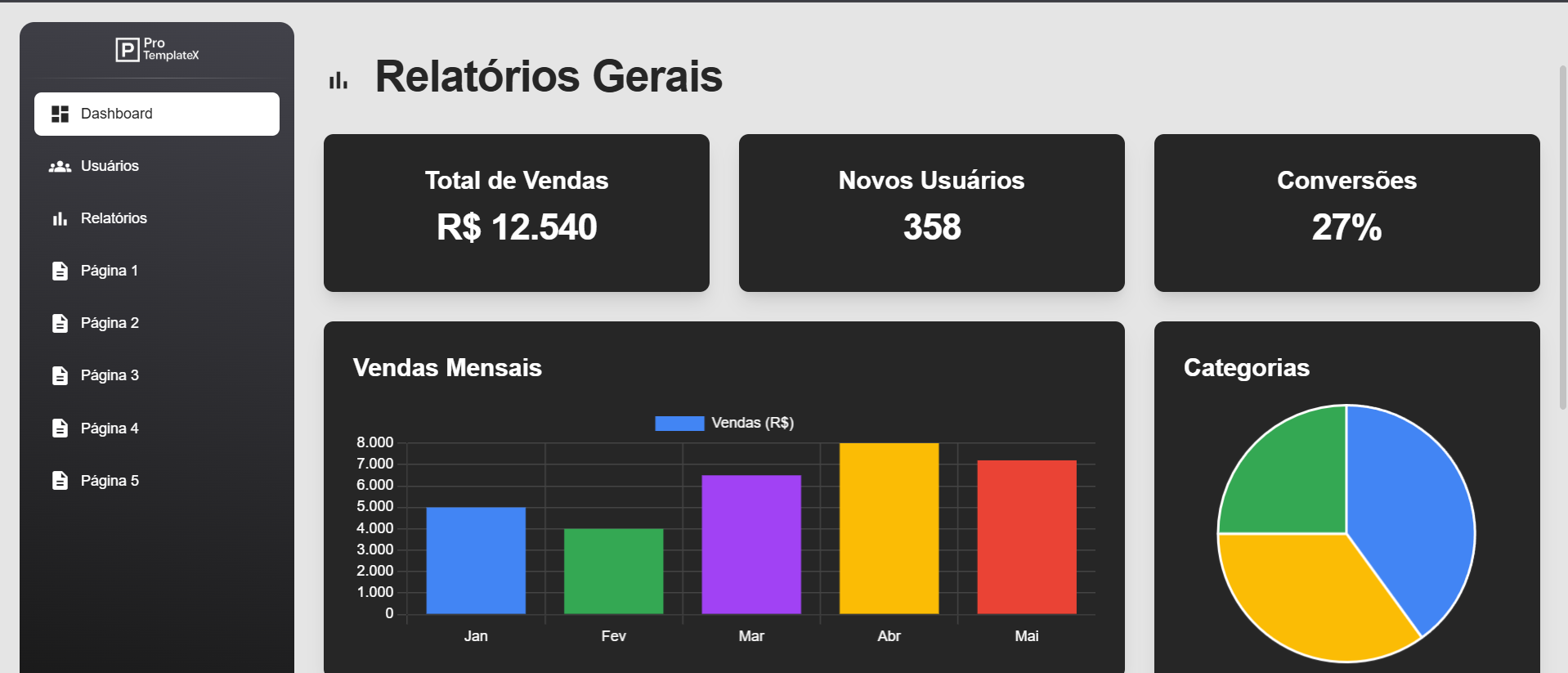
Advanced Dashboard (in progress)
Project Logo

- .NET 8 SDK
- Visual Studio 2022 (or VS Code)
- SQL Server / LocalDB
- Set the connection string and JWT in
appsettings.Development.json(see example below). - Apply EF Core migrations (see “Useful Commands”).
- Run the app:
# Example: starting the presentation layer
cd 1-Presentation/ProTemplateX.WebAPI
dotnet run

# Navigate to
http://localhost:5000
If you use multiple startup projects (API + MVC), adjust your run profiles in Visual Studio/launchSettings.
{
  "ConnectionStrings": {
    "DefaultConnection": "Server=localhost;Database=ProTemplateX;User Id=sa;Password=Your_password123;TrustServerCertificate=True"
  },
  "Jwt": {
    "Issuer": "ProTemplateX",
    "Audience": "ProTemplateX",
    "Key": "Replace-this-key-with-a-secure-and-very-long-value"
  },
  "Logging": {
    "LogLevel": {
      "Default": "Information",
      "Microsoft.AspNetCore": "Warning"
    }
  },
  "AllowedHosts": "*"
}
In production, do not commit secrets. Use dotnet user-secrets, environment variables, or a secrets vault.
# Create migration
dotnet ef migrations add InitialCreate -p 3-Infra/Infra.Data -s 1-Presentation/ProTemplateX.WebAPI

# Update database
dotnet ef database update -p 3-Infra/Infra.Data -s 1-Presentation/ProTemplateX.WebAPI

# Roll back (optional)
dotnet ef database update LastGoodMigration -p 3-Infra/Infra.Data -s 1-Presentation/ProTemplateX.WebAPI
Adjust
-p(Data project) and-s(startup) paths to match your solution.
- Admin panel with cards and charts
- Role/Policy-based authorization
- File upload and media management
- Dashboard with KPIs, charts, and tables
- Automated tests (unit and integration)
- Observability (structured logging and metrics)
- Fork the repository
- Create a branch:
git checkout -b feature/my-feature - Commit:
git commit -m "feat: concise description" - Push:
git push origin feature/my-feature - Open a Pull Request
Distributed under the MIT License.