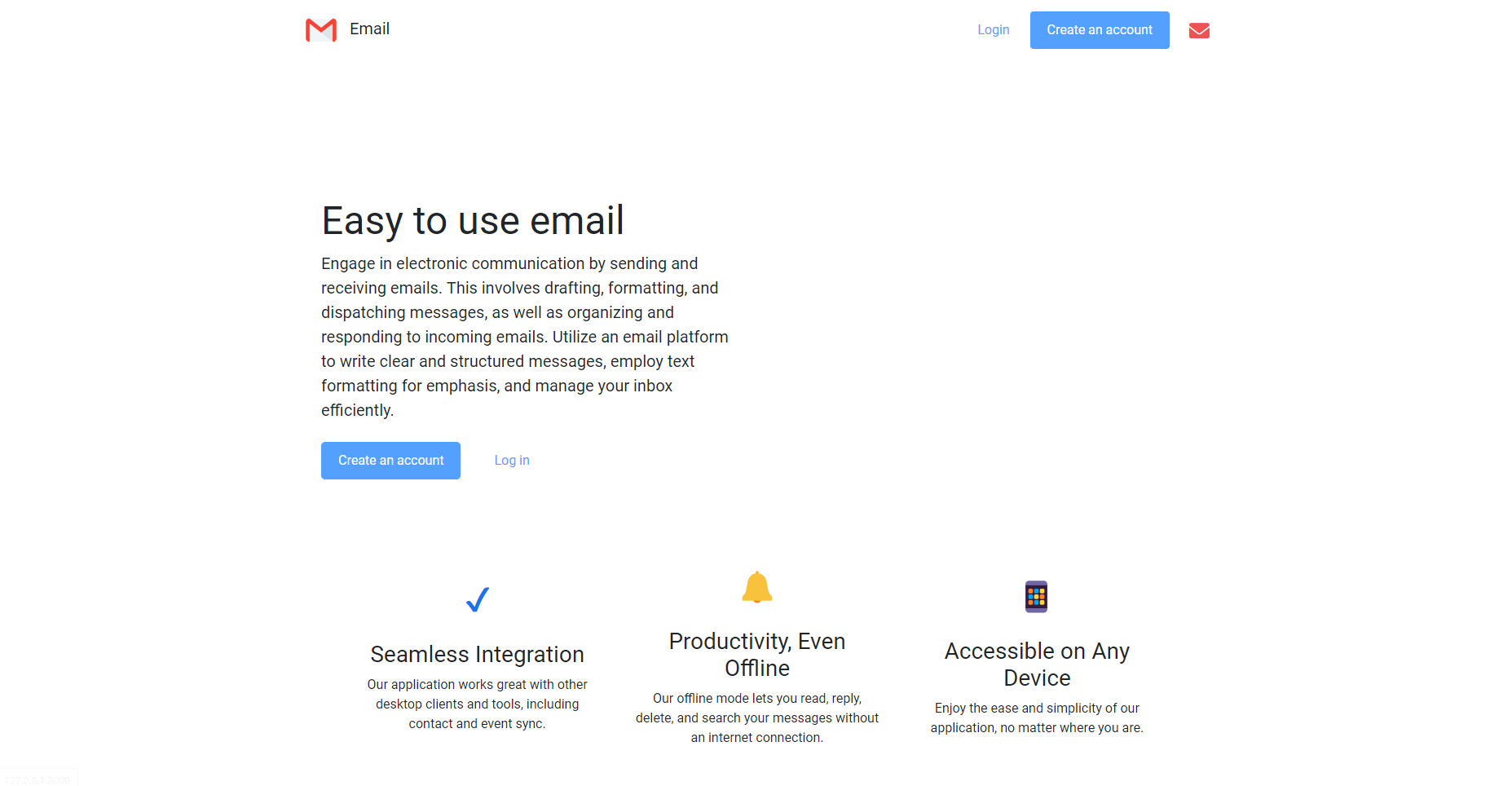
This project is a Django-based email application that features user authentication and typical email functionalities like sending, receiving, archiving, and deleting emails. Below is a detailed breakdown of its components:
- User Registration and Authentication
- Composing and Sending Emails
- Viewing Received and Sent Emails
- Archiving and Unarchiving Emails
- Marking Emails as Read
- Deleting Emails
- Replying to Emails
json: Parses JSON data from requests.django.contrib.auth: Manages user authentication, login, and logout.django.shortcuts: Renders templates and redirects HTTP responses.django.contrib.auth.decorators: Requires login for certain views.django.db: Handles database errors.django.http: Returns JSON responses and handles HTTP methods.django.urls: For URL routing.django.views.decorators.csrf: Handles CSRF tokens.
index: Renders the application homepage.inbox: Displays the inbox for authenticated users.compose: Handles creating and sending emails via POST requests.mailbox: Retrieves emails for different mailboxes (inbox, sent, archive).email: Retrieves, updates, or deletes a specific email based on the request method.register: Handles user registration, including password confirmation and error handling for duplicate emails.login_view: Manages user login, authenticating users based on provided credentials.logout_view: Logs out the current user and redirects to the homepage.
- Renders the main application page for users.
- Verifies if the user is authenticated. If yes, renders the inbox page; if not, redirects to the login page.
Handles email composition and sending:
- Accepts only POST requests.
- Parses JSON data from the request body to extract email details.
- Validates recipients' email addresses.
- Retrieves recipient user objects from the database (returns an error if a recipient doesn't exist).
- Creates an email object for each recipient and saves it to the database.
- Sends a JSON response indicating success or failure.
Retrieves and returns emails for a specified mailbox (inbox, sent, archive). Filters emails based on mailbox type and the authenticated user:
- Inbox: Retrieves received emails (not archived).
- Sent: Retrieves sent emails.
- Archive: Retrieves archived emails.
- Emails are ordered by timestamp and returned as JSON.
Handles email retrieval, updates, and deletion based on request method:
- GET: Retrieves and returns email details as JSON.
- PUT: Updates read and archived status.
- DELETE: Deletes the email from the database.
- Validates email ownership for the authenticated user.
Handles new user registration via POST requests:
- Extracts email, password, and password confirmation from the request.
- Validates that passwords match and checks for duplicate emails.
- Creates and saves a new user if validation passes.
- Logs in the user and redirects to the inbox after registration.
Manages user login:
- Accepts POST requests with email and password.
- Authenticates and logs in the user if credentials are correct.
- Redirects to the inbox on success.
- Displays error messages on failed login attempts.
Logs out the user and redirects to the homepage.
JavaScript enhances the user experience by handling frontend interactions and dynamically updating content.
DOMContentLoaded: Initializes the application, sets up event listeners, and loads the inbox by default.- Form Submission: Prevents default form actions, gathers form data, and sends it to the server using Fetch API.
- Mailbox Loading: Fetches emails for different mailboxes and updates the DOM to display email details.
- Email Actions: Handles archiving, unarchiving, replying, and deleting emails by making API calls to the server.
This structure makes the Django email application's flow easier to follow, improving clarity and presentation with Markdown.