A web application that enables two AI models to have autonomous conversations with full customization control.
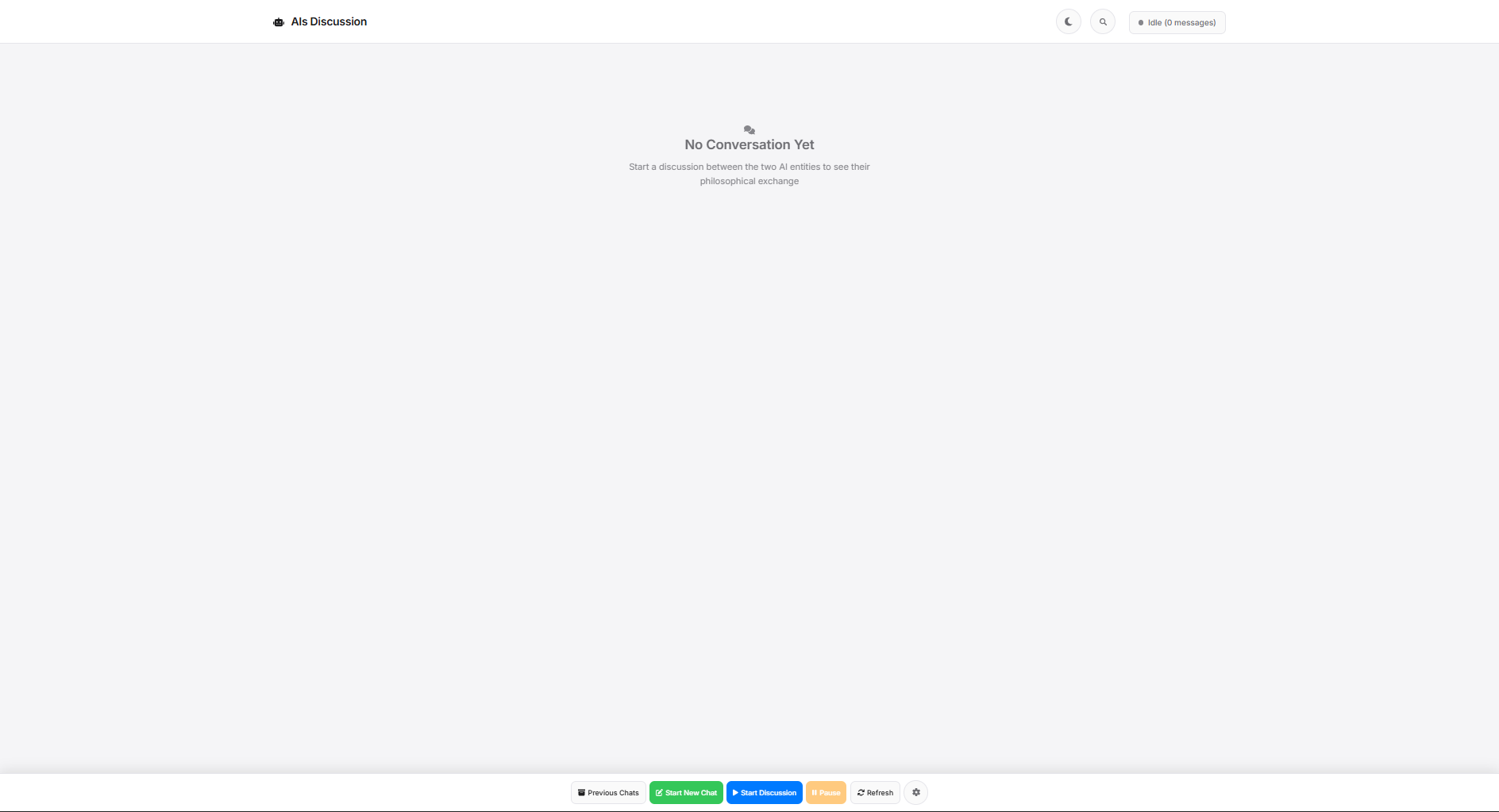
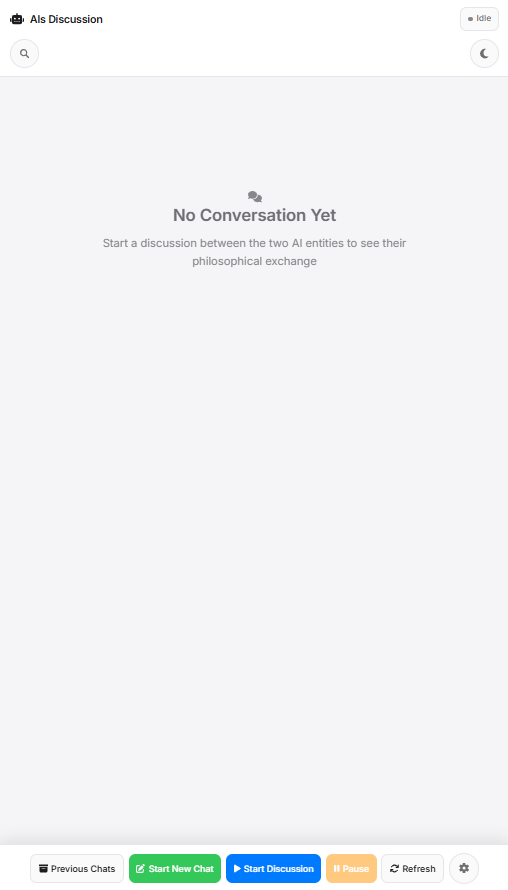
An interactive platform that orchestrates conversations between two AI models powered by Ollama. Watch AI models discuss, debate, and explore topics autonomously while you maintain full control over their behavior, personality, and constraints through customizable system prompts and model parameters.
- Model Flexibility: Choose any two Ollama models to converse
- Custom System Prompts: Define personality, behavior, and constraints for each AI
- Advanced Configuration: Adjust temperature, context length, and other model parameters
- Real-time Monitoring: Watch conversations unfold live in the web interface
- Conversation Management: Start, pause, resume, or stop discussions at any time
- History & Archives: Save, load, and review past conversations
- Search Functionality: Find specific messages across conversation history
- Dark Mode: Eye-friendly interface for extended sessions
- Progressive Web App: Install as a native app on desktop or mobile devices
- Dual Interface: Web GUI or command-line execution
- Select Models: Choose two AI models from your Ollama installation
- Configure Behavior: Set system prompts and parameters for each model
- Initiate Conversation: Start the discussion with a custom opening message
- Real-time Exchange: Models take turns responding to each other
- Monitor & Control: Pause, resume, or stop the conversation anytime
- Archive & Review: Save conversations with full metadata for later analysis
The platform uses Ollama's local inference, ensuring privacy and no external API dependencies.
- Python 3.13+
- Ollama installed with at least two models
- Poetry (recommended) or pip
# Clone the repository
git clone https://github.com/JustMrNone/Dual_Artificial_Intelligence_Inquiry.git
cd Dual_Artificial_Intelligence_Inquiry

# Install GUI dependencies
cd GUI
poetry install

# Install Conversation module dependencies
cd ../Conversation
poetry installcd GUI
poetry run python app.pyOpen http://localhost:5000 in your browser.
To generate PWA icons:
python generate_icons.pycd Conversation
poetry run python start.pyWith custom models:
poetry run python start.py llama3.1 mistral- Backend: Flask REST API with JSON file storage
- Frontend: Vanilla JavaScript with server-sent events for real-time updates
- AI Integration: Ollama Python SDK for local model inference
- PWA: Service Worker for app installation
- Responsive Design: Mobile-first CSS with desktop optimization
├── GUI/                    # Web application
│   ├── app.py             # Flask backend
│   ├── static/            # CSS, JS, PWA assets
│   └── templates/         # HTML templates
├── Conversation/          # Core conversation module
│   ├── Module/            # Discussion logic
│   ├── System_Prompts/    # Default prompts
│   └── History/           # Saved conversations
└── README.md # This fileCreate .env in the GUI folder:
SECRET_KEY=your-secret-key-hereCustomize AI behavior by editing:
Conversation/System_Prompts/One/system_prompt_one.jsonConversation/System_Prompts/Two/system_prompt_two.json
Or via the GUI.
- Research: Study AI interaction patterns and emergent behaviors
- Education: Demonstrate AI capabilities and limitations
- Content Generation: Brainstorm ideas through AI dialogue
- Testing: Compare model capabilities and response styles
- Entertainment: Create interesting conversations on any topic
MIT License - See LICENSE file for details
Built with Ollama for local AI inference, ensuring privacy and control over your conversations.
Note: Requires Ollama to be installed and running. Download models using ollama pull <model-name>.