This is a python tool that lets you backup many games!
To run it simply download the newest release in releases (currently https://github.com/Joshi234/game-backuper/releases/tag/v1.3.1-alpha) and unzip it and run main.exe
It would be cool if you would add more games to the library so we can support more. To do this simply run add in the tool and add a game. use ~ for indicating a user directory. Example:~/AppData/Roaming/HelloGames/NMS . Then do a pull request where you simply upload the game_list.json that was created in the same dir as your file. If you arent so in the entire github thing you can also send it to me on discord: Joshi234#9828
If you run update game list in the actions menu it will fetch the newest version of the game list. This contains the locations where the saves are stores so better keep this up-to-date. The reason why you need to do it manually is because if you update, all your custom games will be overwritten.
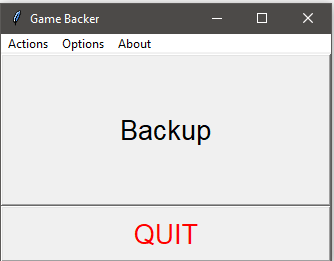
Just press the big backup button and it will ask you for a folder where it should put the backups of the saves
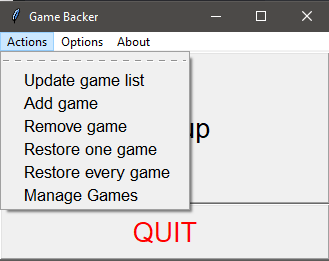
Here you see the different functions you can use.
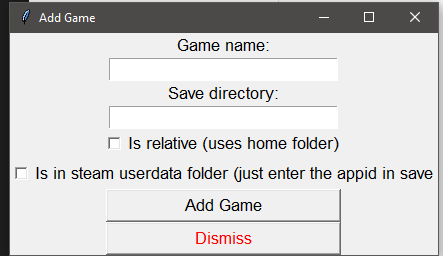
The add game menu
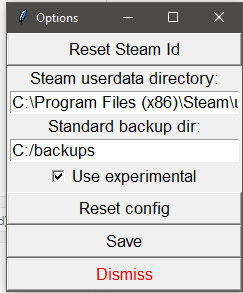
The options menu