Skip to content

CI for Node#2

Open
JoeyB26 wants to merge 1 commit intomainfrom
JoeyB26-patch-1
Open

CI for Node#2
JoeyB26 wants to merge 1 commit intomainfrom
JoeyB26-patch-1

Conversation

@JoeyB26
Copy link
Owner

@JoeyB26 JoeyB26 commented Jul 3, 2021

No description provided.

@github-learning-lab
Copy link

The title of this pull request isn't what I expected!

To rename your pull request:

  1. Click on Edit next to the pull request's title.
  2. The title will turn to a text field, CI for Node in the title field.
  3. Click Save.

I'll respond when I detect this pull request has been renamed.

@JoeyB26 JoeyB26 closed this Jul 3, 2021
@JoeyB26 JoeyB26 reopened this Jul 3, 2021
Copy link
Owner Author

@JoeyB26 JoeyB26 left a comment

Choose a reason for hiding this comment

The reason will be displayed to describe this comment to others. Learn more.

He brew for me he brew for you, so now let’s have a cup of Joe.

@JoeyB26 JoeyB26 closed this Jul 4, 2021
@JoeyB26 JoeyB26 reopened this Jul 4, 2021
@JoeyB26 JoeyB26 changed the title Create npm-publish.yml CI for Node Jul 9, 2021
@github-learning-lab
Copy link

Templated workflow success!

Great job adding the templated workflow. Adding that file to this branch is enough for GitHub Actions to begin running CI on your repository. This takes a couple of minutes, so let's take this opportunity to learn about some of the components of the workflow file you just added. We'll dive deeper into some of the key elements of this file in future steps of the course.

Step 2: Run a templated workflow

I'll respond when GitHub Actions finishes running the workflow. You can follow along in the Actions tab, or by clicking Details on the pending status below.


Actions workflow not running? Click here

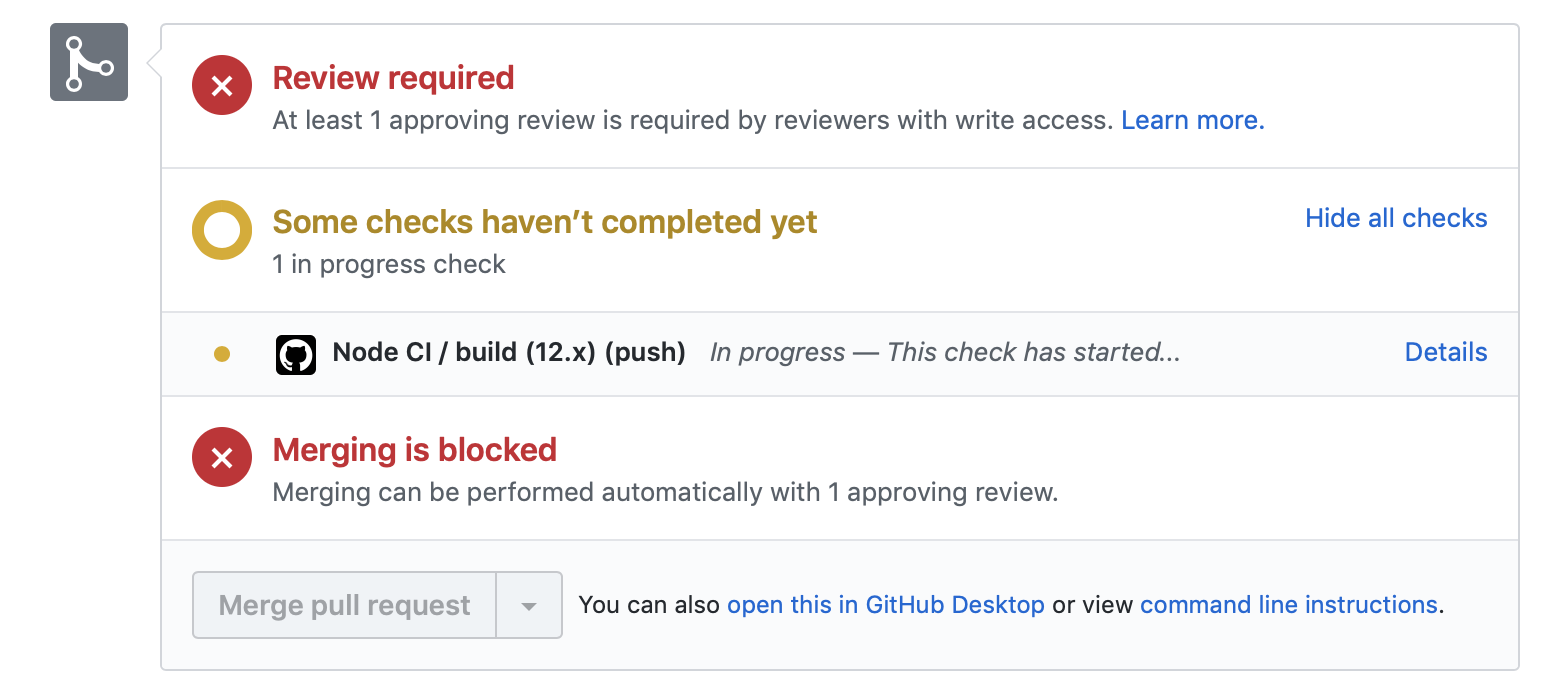
When a GitHub Actions workflow is running, you should see some checks in progress, like the screenshot below.

checks in progress in a merge box

If the checks don't appear or if the checks are stuck in progress, there's a few things you can do to try and trigger them:

  • Refresh the page, it's possible the workflow ran and the page just hasn't been updated with that change
  • Try making a commit on this branch. Our workflow is triggered with a push event, and committing to this branch will result in a new push
  • Edit the workflow file on GitHub and ensure there are no red lines indicating a syntax problem

@JoeyB26 JoeyB26 self-assigned this Jul 9, 2021
Sign up for free to join this conversation on GitHub. Already have an account? Sign in to comment

Labels

None yet

Projects

None yet

Development

Successfully merging this pull request may close these issues.

1 participant