A reading disability is a condition in which a sufferer displays difficulty reading. Examples of reading disabilities include: developmental dyslexia, alexia and hyperlexia. Often people with visual differences find reading difficult as well.
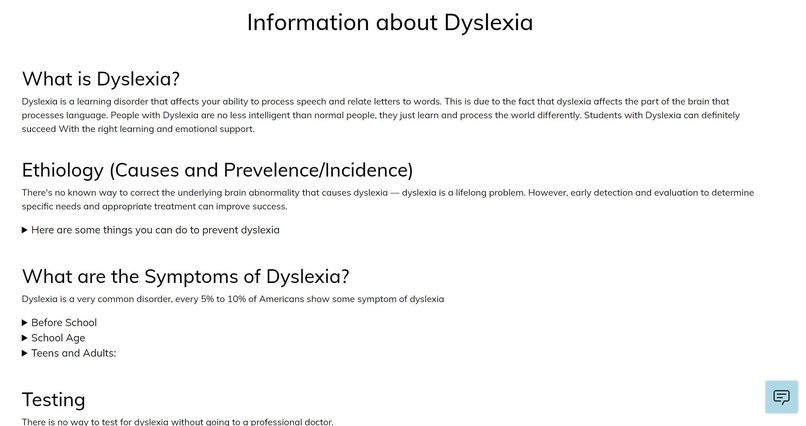
Dyslexia is a learning disorder that directly affects reading, writing, spelling, and speaking skills. It is the most common learning disability, affecting as much as 17% of children in the United States. People with dyslexia typically have trouble reading fluently. They often read slowly and make mistakes that can impact how well they comprehend what they read.
So, I have created a chrome extension to make reading webpages easier for our friends with dyslexia and other learning disabilities!
UNdyslexify is an inclusively designed plugin that implements proven techniques to improve reading comprehension for new readers, language learners, and people with learning differences such as dyslexia.
It provides various options to modify websites in order to make the written content easier to read. It improves readability and better visual impact for all readers, but especially those with dyslexia. Users can customize the settings in order to find the most appropriate appearance that suits the individual user.
It provides the following features:
- Change Font Feature : Using this, the user can change the font of the websites to Open-Dyslexic font family which is a font created to increase readability for readers with dyslexia. The user can customize the font type as well as size.
- Reading Ruler : This provides a full width reading-ruler which follows the mouse cursor so that the user can easily read the content in the current line. The user can customize the ruler height.
- Spacing Adjust : Using this, the user can adjust the spacings between different letters and words on the website. They can adjust the words and letter spacings to make the content easier to read by easily differentiating between diffrent words and letters through spaces.
- Line Height Adjust : This can be used to adjust the spacing between different lines of text on the webpage. The user can customize line height according to their likings.
- Listen and Visualize Word : This feature allows the user to listen to difficult words aloud and also displays a picture for those words in order to make learning easier through listening and visualization.
- Javascript : Javascript is the programming language in which this entire project has been built.
- HTML : It is used to create the frontend of the chrome extension.
- CSS : It is used to add all the styling in the chrome extension. All the custom changes on the hoest website are being done using css as well.
- Google Cloud Text To Speech API : This API service has been used for text-to-speech conversion for listening to certain text on the websites by the user.
- Google Cloud Custom Search API : This API service has been used to get images corresponding to words for the user for better visualization.
I have built this chrome extension using Java Script, HTML and CSS. I have used the Google's Custom Search API for displaying the images corresponding to different words. I have also used a Google's Text-To-Speech API for reading content aloud to the users.