
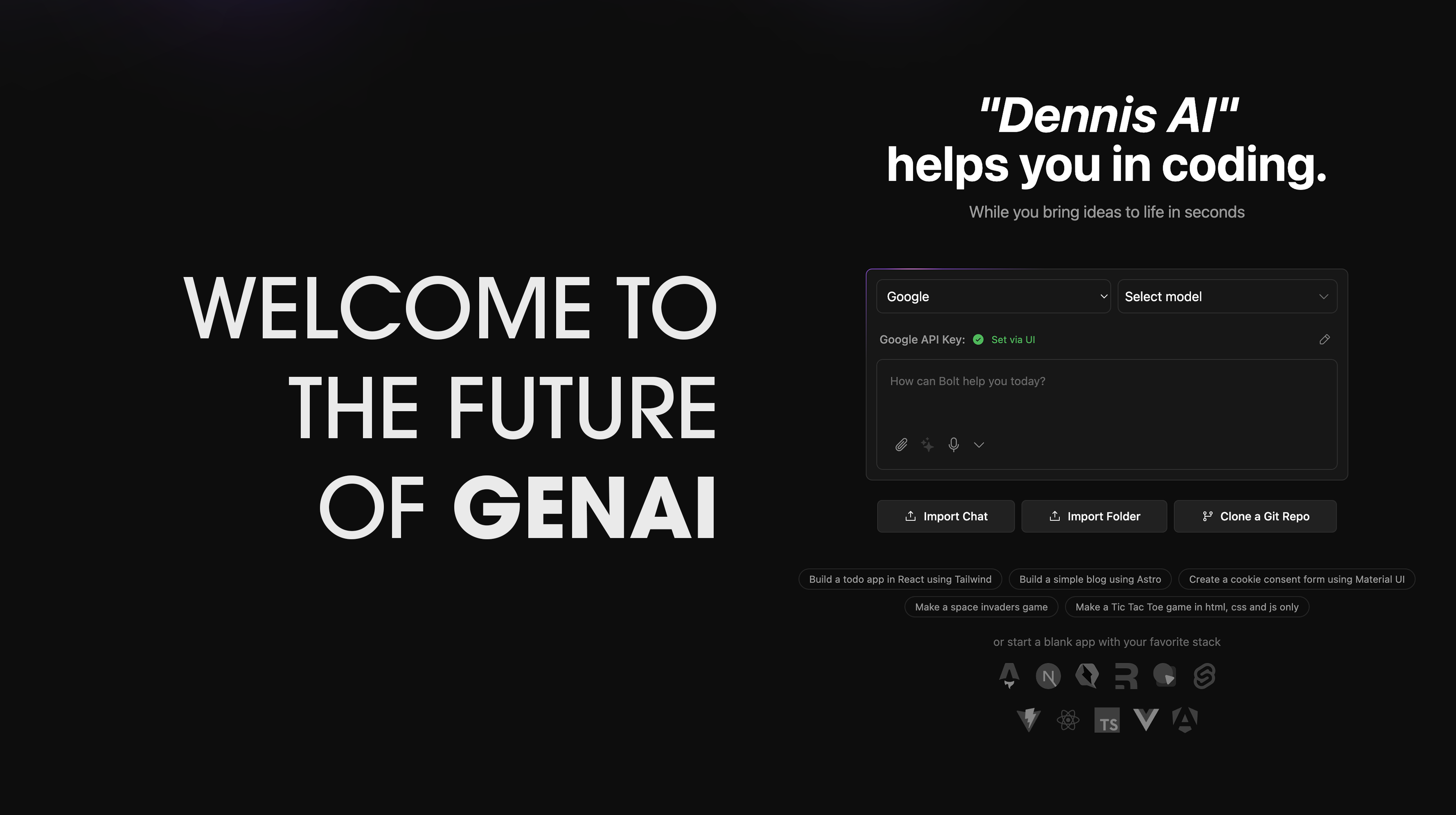
Welcome to Dennis – your blazing-fast, open-source 🧠👨💻 AI coding assistant for full-stack development right in your browser!
✨ With Dennis, you can choose your favorite LLM for every prompt — including:
- 🔮 OpenAI
- 🧠 Anthropic
- 🔧 Ollama
- 🌈 Gemini
- ⚡️ Groq
- 🤖 LM Studio
- 🦙 Mistral
- 🚀 xAI
- 🧬 HuggingFace
- 🔍 DeepSeek
- 🧭 OpenRouter
...and you can even extend it to any other model supported by the Vercel AI SDK!
📚 Check out the Dennis Docs for official installation instructions and more!
💬 Also, don’t miss the pinned post in our community – packed with resources to help you run and deploy Dennis like a pro.
🛠️ Originally created by Jayash Bhandary, Dennis has quickly grown into a passionate, global community effort to build the BEST open-source AI dev tool out there!
- 🌍 Join the Community
- 📌 Requested Additions
- ✨ Features
- 🔧 Setup
- 🚀 Run the Application
- 📜 Available Scripts
- 🤝 Contributing
- ❓ FAQ
Dennis is a growing, community-driven initiative. Our core team is committed to organizing the project so contributors like YOU 🚀 can easily jump in, explore active development areas, and make an impact!
✅ means already implemented!
Here's what the community has helped build so far:
- ✅ OpenRouter Integration
- ✅ Gemini Integration
- ✅ Autogenerate Ollama models
- ✅ Filter models by provider
- ✅ ZIP project downloads
- ✅ Prompt enhancements in
prompts.ts - ✅ DeepSeek API
- ✅ Mistral API
- ✅ OpenAI-compatible API
- ✅ Local folder file sync
- ✅ Docker containerization
- ✅ Publish to GitHub
- ✅ API key UI editor
- ✅ xAI Grok Beta
- ✅ LM Studio
- ✅ HuggingFace
- ✅ Bolt Terminal
- ✅ Code output streaming
- ✅ Revert code history
- ✅ Chat backup & restore
- ✅ Cohere integration
🔥 AI-powered full-stack web development (Node.js)
🧩 Multi-LLM support with pluggable architecture
🖼️ Attach images to prompts
🖥️ Integrated terminal for LLM command outputs
🕒 Code version history & rollback
🗂️ ZIP export for portability
🐳 Docker support for seamless setup
- Click source.zip
- Extract and follow the steps below!
Make sure you’ve got:
👉 Download Node.js (LTS recommended)
npm install -g pnpm
pnpm install
pnpm run devSetting up your API keys in Dennis is straightforward:
- Open the home page (main interface)
- Select your desired provider from the dropdown menu
- Click the pencil (edit) icon
- Enter your API key in the secure input field
For providers that support custom base URLs (such as Ollama or LM Studio), follow these steps:
-
Click the settings icon in the sidebar to open the settings menu
-
Navigate to the "Providers" tab
-
Search for your provider using the search bar
-
Enter your custom base URL in the designated field
Note: Custom base URLs are particularly useful when running local instances of AI models or using custom API endpoints.
- Ollama
- LM Studio
- OpenAILike
This method is recommended for developers who want to:
- Contribute to the project
- Stay updated with the latest changes
- Switch between different versions
- Create custom modifications
- Install Git: Download Git
-
Clone the Repository:
# Using HTTPS git clone https://github.com/JayashBhandary/Dennis.git -
Navigate to Project Directory:
cd Dennis -
Switch to the Main Branch:
git checkout main
-
Install Dependencies:
pnpm install
-
Start the Development Server:
pnpm run dev
To get the latest changes from the repository:
-
Save Your Local Changes (if any):
git stash
-
Pull Latest Updates:
git pull origin main
-
Update Dependencies:
pnpm install
-
Restore Your Local Changes (if any):
git stash pop
If you encounter issues:
-
Clean Installation:
# Remove node modules and lock files
rm -rf node_modules pnpm-lock.yaml

# Clear pnpm cache
pnpm store prune

# Reinstall dependencies
pnpm install
-
Reset Local Changes:
# Discard all local changes
git reset --hard origin/main
Remember to always commit your local changes or stash them before pulling updates to avoid conflicts.
pnpm run dev: Starts the development server.pnpm run build: Builds the project.pnpm run start: Runs the built application locally using Wrangler Pages.pnpm run preview: Builds and runs the production build locally.pnpm test: Runs the test suite using Vitest.pnpm run typecheck: Runs TypeScript type checking.pnpm run typegen: Generates TypeScript types using Wrangler.pnpm run deploy: Deploys the project to Cloudflare Pages.pnpm run lint:fix: Automatically fixes linting issues.
We welcome contributions! Check out our Contributing Guide to get started.
For answers to common questions, issues, and to see a list of recommended models, visit our FAQ Page.