Python API
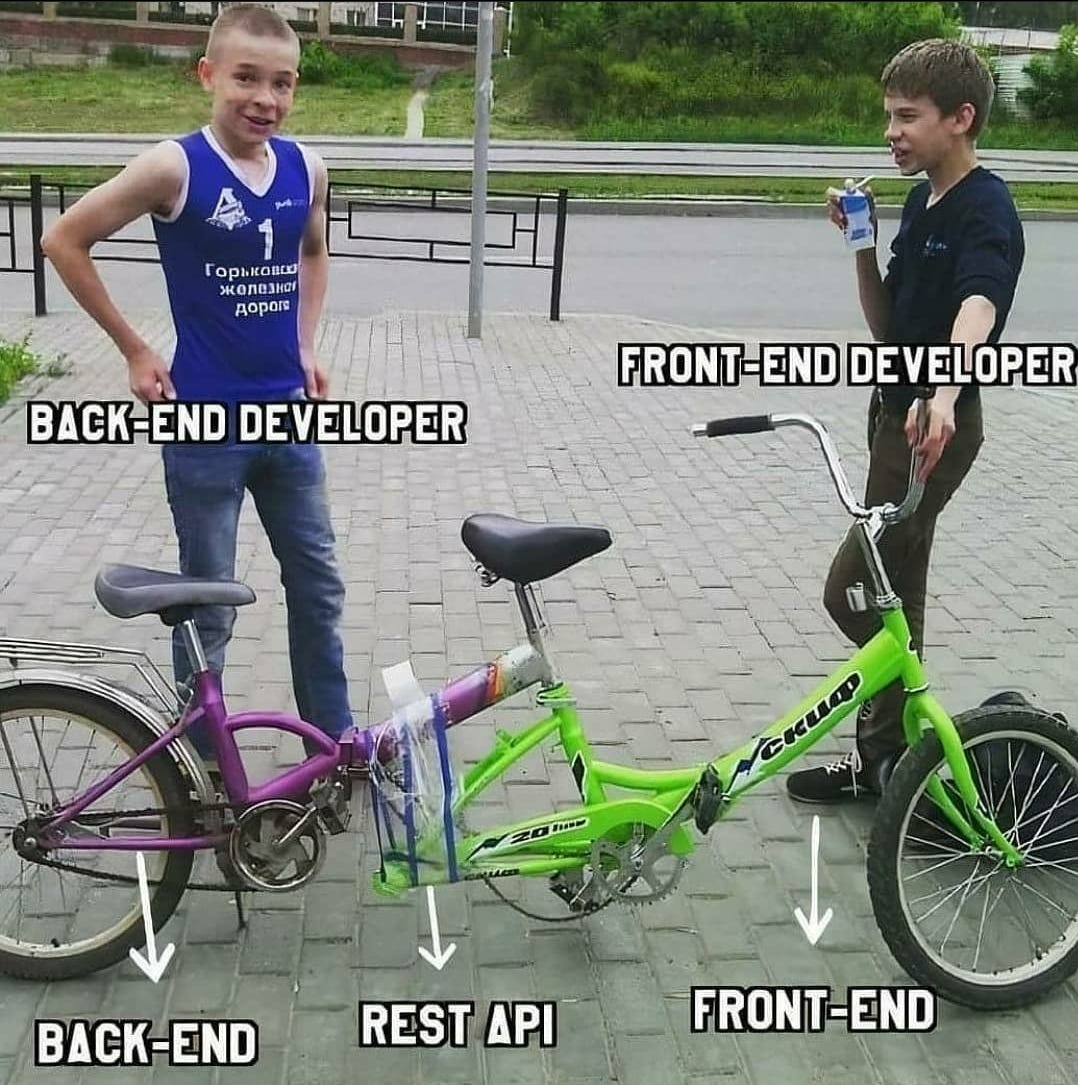
The backend API which runs on the server (Morbius) is written in Python 3.8.5. The source code for the API is located in the website/api/ directory.
- Navigate to the directory of the API (website/api/)
- Install Pipenv by running the following command:
pip3 install pipenv. Pipenv allows multiple versions of Python packages without conflicts. See Pipenv Introduction - Activate the Pipenv by running
pipenv shell. - Install the packages required by the API by running
pipenv install. - Run the API by running
python3 app.py
The backend Python API is written using the Flask framework. Flask was chosen because it's popular and lightweight. The API is modeled as a REST API. Generally, REST APIs use parameters from the URL, data from the HTTP body, and the HTTP method (such as GET, POST, DELETE, etc.) to preform an action and return JSON as a result. See this blog post for more information.