




Enhance your Discord experience while playing League of Legends! This project brings unique Discord Rich Presence integration for League players, including features not even available natively from the game!
Got questions already? Don't hesitate to join the Discord Community Server
- Installation
- Showcase
- Command Line Arguments
- Tips for Running
- FAQ
- Build from source
- Contact and Support
- History
I recommend using Windows Terminal and setting it as your default terminal. It makes everything look way better with colors and proper formatting instead of the boring old cmd window.
- Head over to the Releases Page
- Download
leagueRPC.exefrom the latest release (it's under Assets) - Run the exe file (probably sitting in your Downloads folder)
- Accept the Windows security popup if it shows up
- That's it! ✨
No automatic updates yet, so you'll need to manually download new versions from the Releases Page. Don't worry though - LeagueRPC will let you know in the terminal when there's a newer version available. I recommend staying up to date for the best experience.
Who let the Kitten and the Penguin out? I did 😎. Now you too, can show off your favorite summoner icon, right there on Discord!


You can show off your rank emblem right in your Discord Presence.
- SoloQ/Flex: Shows off your Rank emblem + LP
- TFT: Shows off your TFT rank emblem + LP
- Arena: Shows off your Arena medallion + Your rating
If you want to hide your rank, then add the --no-rank argument, to disable this feature. As it's enabled by default.


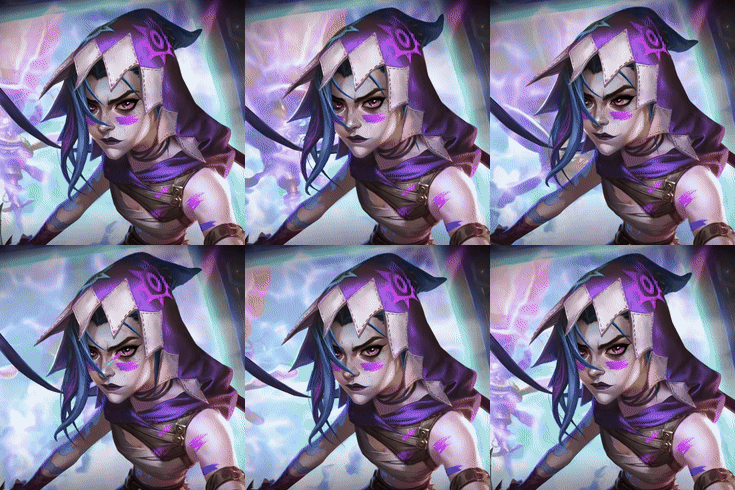
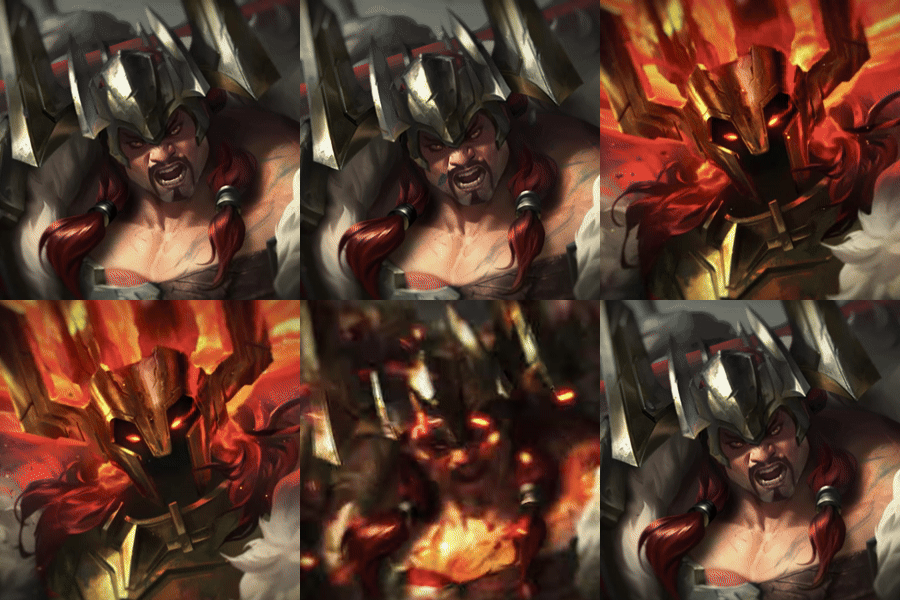
- Show your selected skin.
- Animated skins: Ultimate skins will be animated on Discord.
- Skin Names: The name of the skin will be shown when hovering the skin on Discord. This includes Chromas as well.
- KDA: Display your Kills, Deaths, Assists and Creep Score (cs)
- Can be disabled with
--no-stats
- Can be disabled with
- Rank: Show what rank you have depending on the gamemode you play in (SoloQ, Flex, TFT, Arena, etc.)
- Can be disabled with
--no-rank
- Can be disabled with
- Game timer: The ingame timer is accurately represented on Discord. Which is something even League's own Rich Presence don't do.

Example on Discord:








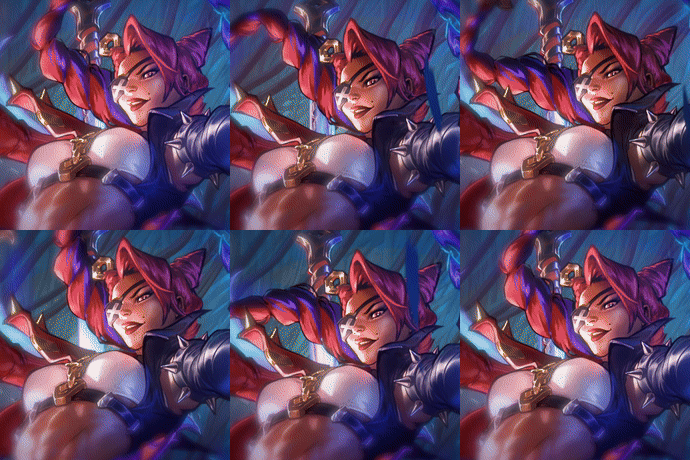






Showcase your favorite TFT Companion!


All arguments are optional - LeagueRPC works perfectly fine without any of them. Use these if you want to customize behavior.
✨ = Enabled by default
LeagueRPC automatically finds and launches League for you. This is important because it takes priority over League's native Discord presence during startup.
Only specify a path if League is installed somewhere unusual:
leagueRPC.exe --launch-league "G:\Riot Games\Riot Client\RiotClientServices.exe"Want to show a different game name on Discord? Create an app at the Discord Developer Portal and use its Application ID.
leagueRPC.exe --client-id 1230607224296968303Fun options:
- League of Kittens:
1230607224296968303 - League of Linux:
1185274747836174377
Hides your KDA and CS from Discord.
leagueRPC.exe --no-statsHides your rank, LP, and emblem from Discord.
leagueRPC.exe --no-rankRemoves the 🟢/🔴 emojis next to your Online/Away status.
leagueRPC.exe --hide-emojis

Hides your Rich Presence when you're just sitting in the client. It'll show up again when you queue, enter champ select, or start a game.
leagueRPC.exe --hide-in-clientUsing a Discord alternative or modified client? Add its process name here. Find it in Task Manager.
leagueRPC.exe --add-process CustomDiscord AnotherProcessHow long to wait for League to start before giving up. Default is -1 (waits forever).
leagueRPC.exe --wait-for-league 30Mostly useful for legacy Linux setups with Lutris
How long to wait for Discord to start. Default is -1 (waits forever).
leagueRPC.exe --wait-for-discord 30Mix and match whatever you need:
leagueRPC.exe --client-id 1230607224296968303 --no-stats --hide-emojisJust whitelist it. This happens because the exe isn't code-signed (not paying $100/year for that). The source code is public if you want to verify it's safe, or just build it yourself.
Don't like terminals? No problem:
- Right-click
leagueRPC.exe→ Create shortcut - Right-click the shortcut → Properties
- In the
Targetfield, add your arguments afterleagueRPC.exe - Double-click the shortcut to run
Nope! It only uses Riot's local API (127.0.0.1:2999), which is completely safe. Vanguard won't care about it either since it doesn't modify any game files nor gives you an advantage in game.
No. Some antivirus software might flag it because it's not code-signed (costs $100/year, not worth it for a free project). The entire source code is public on GitHub - feel free to review it or build it yourself. If you trust it, just whitelist it in Windows Defender.
Make sure LeagueRPC launches League for you. There's a tiny window during client startup where the native Discord presence can be disabled, and LeagueRPC needs to catch it.
If it's still not working:
- Log out of League
- Close League completely
- Start LeagueRPC and let it launch League for you
- Log back in
Still broken? Hit me up on Discord or open a GitHub issue.
This is an independent open-source project, not affiliated with Riot Games.
Yep! Works with all game modes including TFT, Arena, ARAM, Swarms, and whatever new modes Riot releases.
Blame Riot's API - it only updates every 10 minions killed instead of every single one. Nothing I can do about that unfortunately.
For the cool kids who want to build it themselves:
# Clone and navigate
git clone https://github.com/Its-Haze/league-rpc.git
cd league-rpc

# Set up virtual environment
python -m venv venv
.\venv\Scripts\activate

# Install dependencies
pip install -r requirements.txt
pip install pyinstaller

# Build
pyinstaller --onefile --name leagueRPC.exe league_rpc/__main__.py --clean --distpath .

# Run
.\leagueRPC.exeGot questions? Join the Discord Server Feel free to open up Help tickets, or contact me directly on Discord (@haze.dev).
For issues related to the code, or project as a whole, please open an issue on GitHub.
This project was previously called league-rpc-linux, but since RIOT introduced Vanguard, and broke League on linux. I wanted to rename this project to league-rpc, and continue maintaining it for Windows users.