MicMac is a free open-source photogrammetric suite that can be used in a variety of 3D reconstruction scenarios. MicMac aims mainly at professionnal or academic users but constant efforts are made to make it more accessible to the general public.
One of MicMac strengths is its high degree of versatility. It can indeed be used in various fields: cartography, environment, industry, forestry, heritage, archaeology,...MicMac allows both the creation of 3D models and of ortho-imagery when appropriate.
The goal is to create a Facade software, which will be easy to use, such that running a single executable,
or, running a single command in the command-line will produce some photogrammetric artifact.
MicMac made this software accomplishable by implementing photogrammetric tools not through GUI, but through the command-line.
-
Download MicMac binaries.
-
Add a new environemental variable: for example D:\MicMac\bin
-
Run our
setup_win64.pyfile. It will fix any Windows permission error, while saving your pervious permissions (ACL). -
Run
SimpleMicMac.pywith an image directory path and a model name!
Example: python3 SimpleMicMac.py TestDataset/.*.JPG TestModelName
This command will directly offer you some photogrammetry methods to apply to your given dataset!
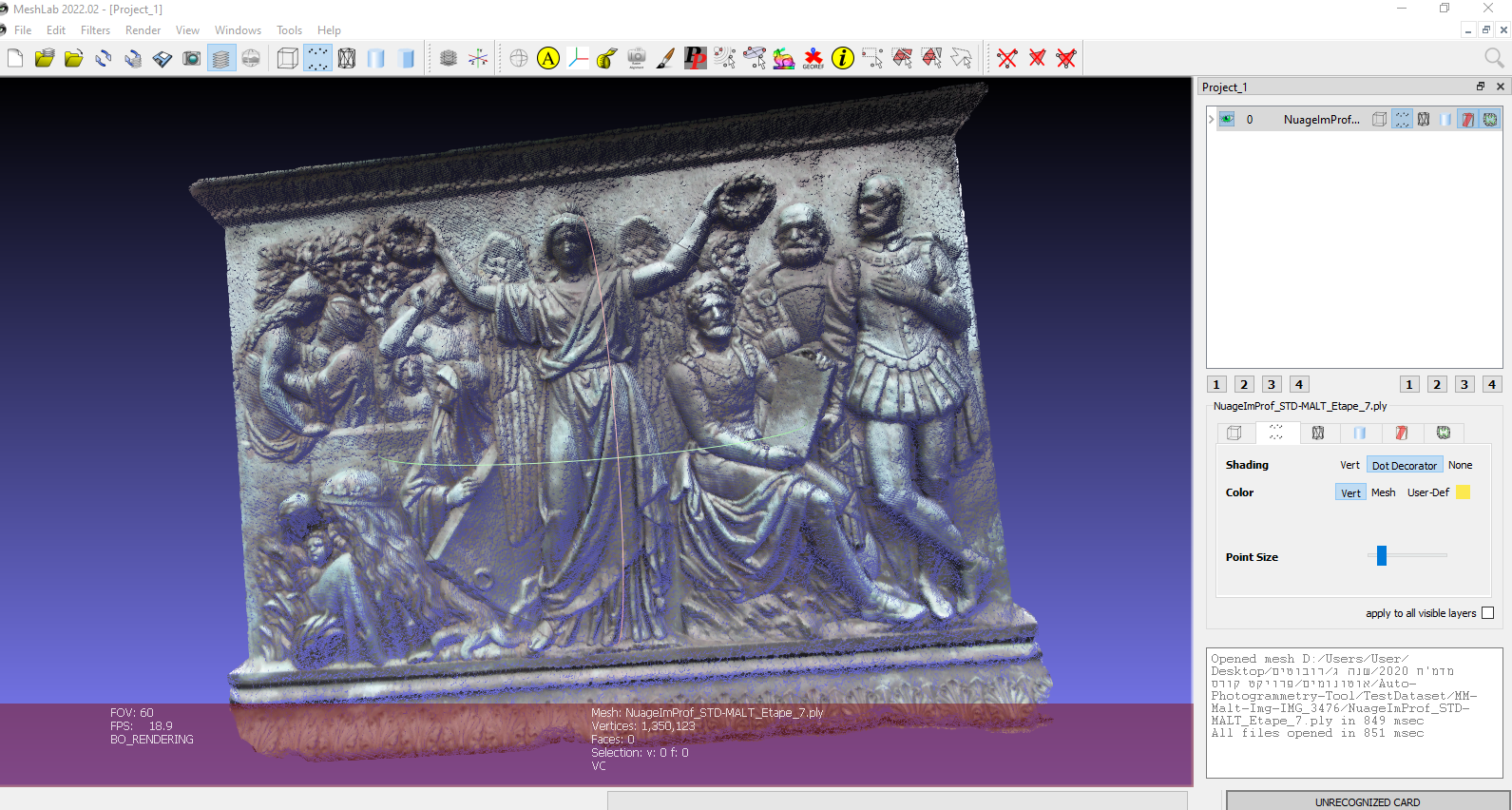
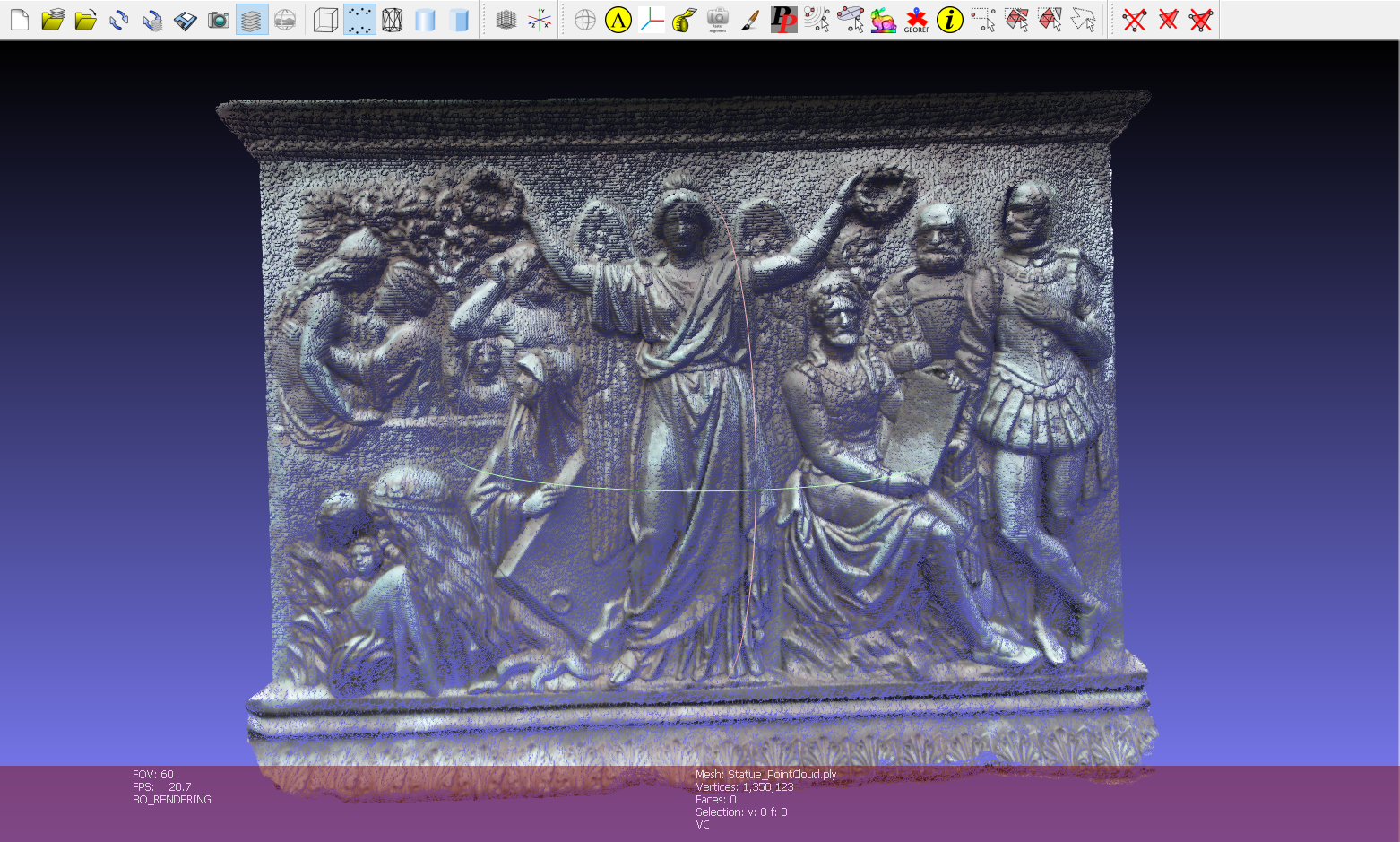
Testing our very small dataset on MicMac tools have produced the following results:
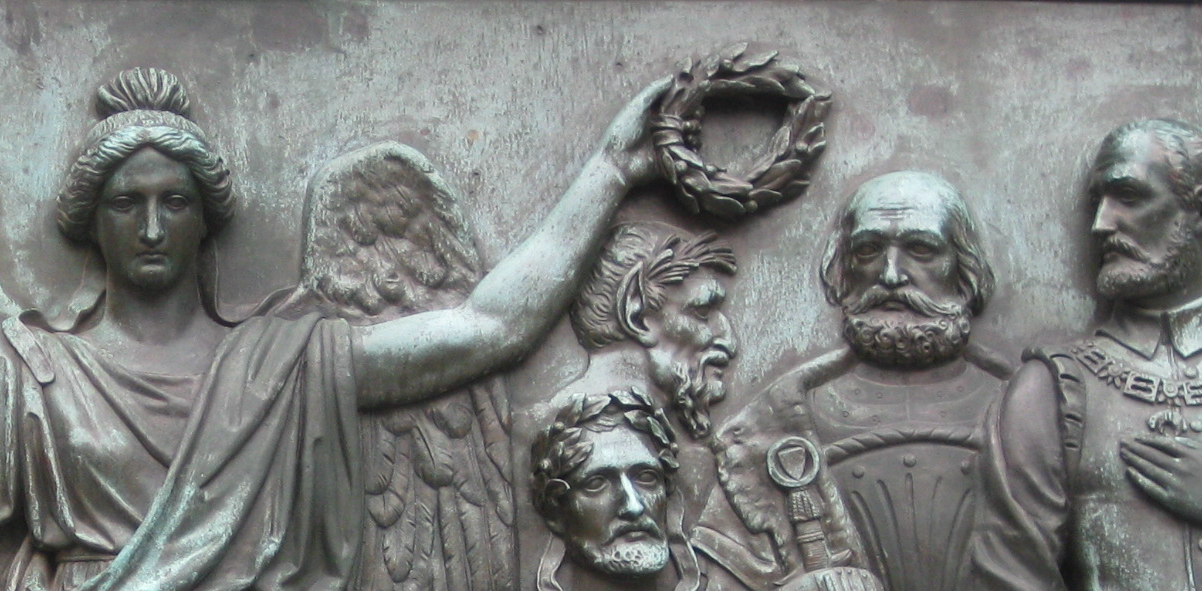
A 3D point cloud produced by running this tool on the given Statue dataset: