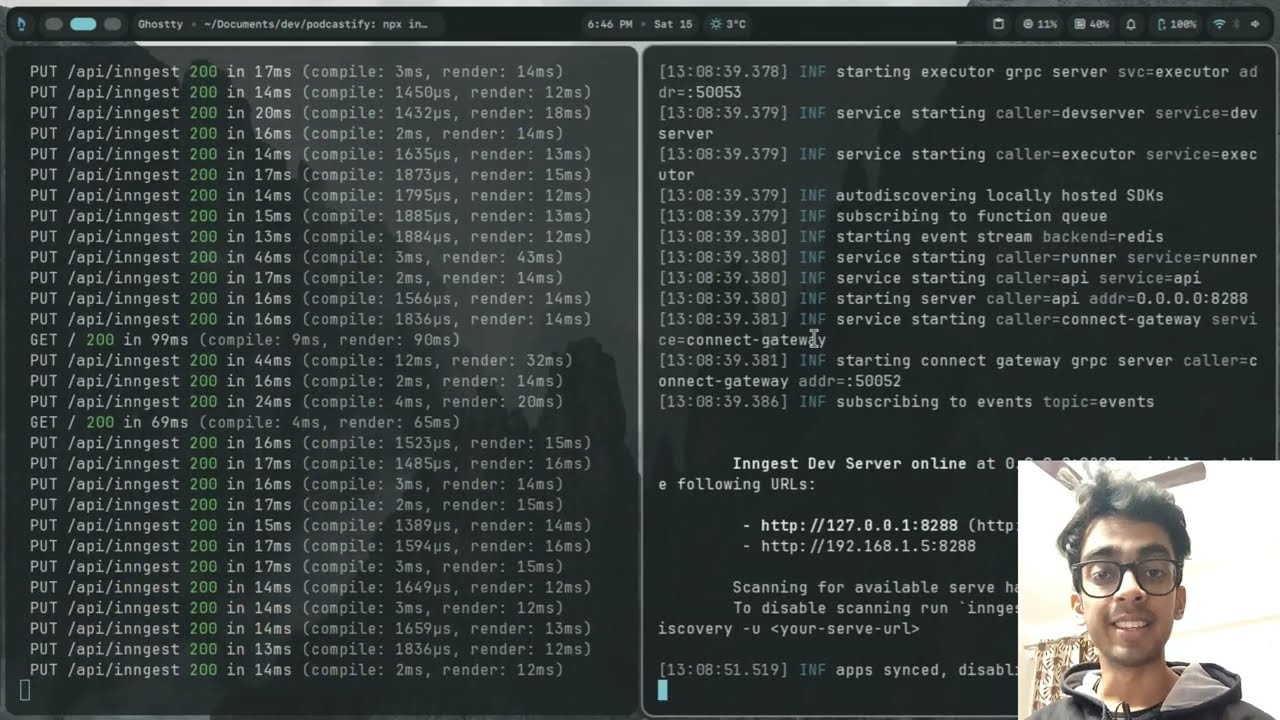
Demo: In case the app is not working, you can watch the demo video above to see how Podcastify works.
Podcastify is a modern web application that transforms blog posts into multilingual podcast audio files. Simply paste a blog URL, and the application will scrape the content, generate chapters, translate them into multiple languages, and create high-quality audio files for each language.
- Next.js 16 - React framework with App Router
- React 19 - UI library
- TypeScript - Type-safe JavaScript
- Tailwind CSS 4 - Utility-first CSS framework
- Shadcn UI - Component library built on Radix UI
- React Flow - Node-based canvas for visualizing podcast workflow
- Lingo.dev - Internationalization (i18n) library
- Next Themes - Dark/light theme support
- Sonner - Toast notifications
- Inngest - Background job processing for audio generation (integrated with Vercel)
- Mozilla Readability - Content extraction from web pages
- OpenRouter - AI-powered content summarization
- Google Gemini - Text-to-Speech API for audio generation
- Lingo.dev - AI-powered translation service
- JSZip - Creating zip archives for audio downloads
- Lucide React - Icon library
- Date-fns - Date manipulation
podcastify/
├── app/
│   ├── api/                    # API routes
│   │   ├── chapters/           # Chapter generation endpoint
│   │   ├── scrape/             # Blog content scraping
│   │   ├── summarize-chapters/ # AI summarization
│   │   ├── translate-chapter/  # Translation endpoints
│   │   ├── tts/                # Text-to-speech (sync)
│   │   ├── tts-async/          # Text-to-speech (async)
│   │   ├── merge-audio/        # Audio merging
│   │   ├── zip-audio/          # Audio zipping
│   │   ├── jobs/               # Job status tracking
│   │   └── inngest/            # Inngest webhook
│   ├── globals.css             # Global styles and animations
│   ├── layout.tsx              # Root layout
│   └── page.tsx                # Main home page
├── components/
│   ├── podcast-flow.tsx        # Main canvas component
│   ├── chapter-card.tsx        # Chapter display card
│   ├── loading-screen.tsx      # Loading states
│   ├── language-switcher.tsx   # Language selection
│   ├── theme-toggle.tsx        # Dark/light theme toggle
│   ├── translation-loader.tsx # i18n loader
│   ├── LightRays.tsx          # Background effect
│   ├── PrismaticBurst.tsx     # Background effect
│   └── ui/                     # Shadcn UI components
├── lib/
│   ├── cache.ts               # LocalStorage caching
│   ├── lingo.tsx              # i18n configuration
│   ├── inngest/               # Inngest client and functions
│   │   ├── client.ts
│   │   └── functions.ts
│   ├── jobs-store.ts          # Job state management
│   └── utils.ts               # Utility functions
├── hooks/
│   └── use-mobile.ts          # Mobile detection hook
├── public/
│   └── audio/                 # Generated audio files storage
├── package.json
├── tsconfig.json
├── next.config.ts
└── README.md
- Node.js 18+ installed
- npm, yarn, pnpm, or bun package manager
- OpenRouter API key (for AI features)
- Google Gemini API key (for Text-to-Speech)
- Lingo.dev API key (for translation)
- Inngest account (for background job processing)
-
Clone the repository
git clone <repository-url>
cd podcastify
-
Install dependencies
npm install
# or
yarn install
# or
pnpm install
-
Set up environment variables Create a
.env.localfile in the root directory:# API Keys OPENROUTER_API_KEY=your_openrouter_api_key GEMINI_API_KEY=your_gemini_api_key LINGO_API_KEY=your_lingo_api_key
-
Set up Inngest for local development
In a separate terminal, start the Inngest Dev Server:
npx inngest-cli@latest dev
This will:
- Start the Inngest Dev Server (usually on
http://localhost:8288) - Display an Event Key in the terminal
Keep this terminal running while developing.
- Start the Inngest Dev Server (usually on
-
Run the development server
npm run dev
# or
yarn dev
# or
pnpm dev
-
Open your browser Navigate to
http://localhost:3000(or the port shown in terminal)
npm run build
npm start-
Install Inngest Vercel Integration
- Go to vercel.com/integrations
- Search for "Inngest" and install the integration
- This automatically sets
INNGEST_EVENT_KEYandINNGEST_SIGNING_KEYenvironment variables
-
Add Environment Variables in Vercel
In your Vercel project settings, add:
OPENROUTER_API_KEY=your_openrouter_api_key
GEMINI_API_KEY=your_gemini_api_key
LINGO_API_KEY=your_lingo_api_key
NEXT_PUBLIC_APP_URL=https://your-app.vercel.app
Note:
INNGEST_EVENT_KEYandINNGEST_SIGNING_KEYare automatically set by the Vercel Inngest integration - you don't need to add them manually. -
Deploy
- Push your code to your Git repository
- Vercel will automatically deploy
- Your Inngest functions will appear in the Inngest dashboard automatically
| Variable | Required | Description | Auto-set by |
|---|---|---|---|
OPENROUTER_API_KEY |
Yes | OpenRouter API key for AI summarization | - |
GEMINI_API_KEY |
Yes | Google Gemini API key for Text-to-Speech | - |
LINGO_API_KEY |
Yes | Lingo.dev API key for translation | - |
INNGEST_EVENT_KEY |
Yes | Inngest event key | Vercel Integration (prod) / Dev Server (local) |
INNGEST_SIGNING_KEY |
Yes | Inngest signing key | Vercel Integration (prod only) |
NEXT_PUBLIC_APP_URL |
Yes | Your app URL (for production) | - |
OPENROUTER_REFERER_URL |
Optional | Referer URL for OpenRouter | Defaults to NEXT_PUBLIC_APP_URL |
- Blog URL Input - Paste any blog URL to extract content
- Chapter Generation - Automatically generates chapters from blog content
- Customizable Chapter Count - Select 1-10 chapters for summarization (default: 3)
- Content Scraping - Extracts clean text content from web pages using Mozilla Readability
- AI Summarization - Uses OpenAI to summarize content into specified number of chapters
- 18+ Languages - Support for English, Spanish, French, German, Italian, Portuguese, Dutch, Polish, Russian, Japanese, Korean, Chinese, Arabic, Hindi, Turkish, Swedish, Norwegian, Danish, and Finnish
- Translation - Automatic translation of chapters into selected languages
- Language Switcher - Easy language selection with visual indicators
- Text-to-Speech - Generates high-quality audio files for each chapter and language
- Background Processing - Async audio generation using Inngest for better performance
- Audio Player - Built-in audio player in modal for preview
- Download Options:
- Individual audio downloads
- Bulk download (zip all selected audios)
- Merge multiple audios of the same language
- Interactive Canvas - React Flow-based visual workflow representation
- Node-Based Design:
- Chapter nodes with content viewing
- Circular audio nodes with language indicators
- Merge group nodes for combining audios
- Dark/Light Theme - Full theme support with smooth transitions
- Responsive Design - Works on desktop and mobile devices
- Session Persistence - Automatically saves and restores work on page reload
- Smart Caching - Caches chapters, translations, and audio files
- Chapter Count Aware - Cache is specific to URL + chapter count combination
- LocalStorage - Client-side caching for faster subsequent loads
- Session Management - Maintains state across page reloads
- Audio Selection - Multi-select audio nodes with checkboxes
- Merge Groups - Create groups to merge multiple audio files
- Dynamic Layout - Auto-adjusting chapter rectangles to prevent overlaps
- Visual Feedback:
- Animated gradient borders during audio generation
- Loading states and progress indicators
- Toast notifications for user actions
- Background Processing - Audio generation runs in the background via Inngest for better performance
- Export Formats - Support for MP3, OGG, and other audio formats
- Audio Quality Settings - Configurable bitrate and sample rate
- Voice Selection - Choose different voices per language
- Playback Speed Control - Adjust audio playback speed
- Chapter Timestamps - Add timestamps to audio files
- Batch Processing - Process multiple URLs at once
- Cloud Storage Integration - Save to Google Drive, Dropbox, etc.
- Podcast RSS Feed Generation - Auto-generate RSS feeds for podcast platforms
- Custom Voice Training - Upload custom voice samples
- Audio Effects - Add background music, sound effects
- Collaboration - Share projects with team members
- Analytics Dashboard - Track usage and generation statistics
- API Access - RESTful API for programmatic access
- Webhook Support - Notify external services on completion
- Mobile App - Native iOS and Android applications
- Performance Optimization - Further optimize audio generation pipeline
- Caching Strategy - Implement server-side caching
- Error Recovery - Better error handling and retry mechanisms
- Testing - Comprehensive unit and integration tests
- Documentation - API documentation and developer guides
- Accessibility - Enhanced screen reader support and keyboard navigation