Mood Journal AI is an intelligent journaling application built with Next.js, TypeScript, and MongoDB using Prisma as the ORM. The app allows users to document their thoughts and emotions through journal entries. AI-powered analysis using LangChain and OpenAI provides insights such as mood tracking, sentiment analysis, and contextual summaries. User authentication is handled through Clerk.
- User Authentication: Powered by Clerk for secure login and signup.
- AI-Powered Insights: OpenAI analyzes journal entries to determine mood, subject, summary, and sentiment.
- Automated Saving: Journal entries auto-save after users stop typing.
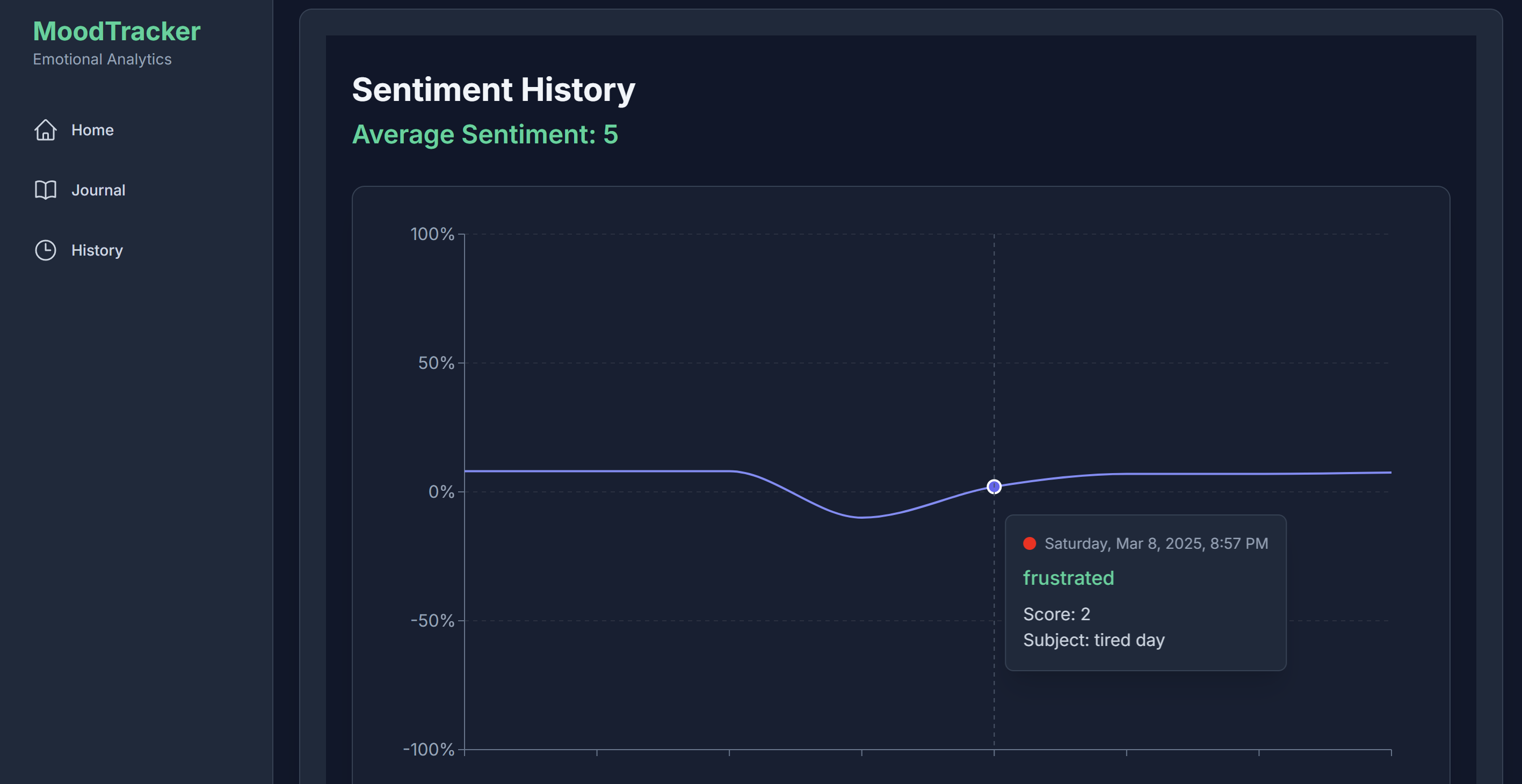
- Sentiment Tracking: A graphical history page visualizes mood trends over time.
- AI-Powered Query: Users can ask AI questions about their past entries.
- Framework: Next.js
- Language: TypeScript
- Database: MongoDB with Prisma ORM (Prisma Docs)
- Authentication: Clerk (Clerk Docs)
- AI & NLP: LangChain + OpenAI (LangChain Docs, OpenAI Docs)
- Schema Validation: Zod (Zod Docs)
- Clone the repository:
git clone https://github.com/Harsh2563/Mood.git cd Mood - Install dependencies:
npm install
- Set up environment variables: Create a
.envfile and add the necessary environment variables for Clerk, Prisma, OpenAI, and MongoDB. - Run database migrations:
npx prisma migrate dev
- Start the development server:
npm run dev
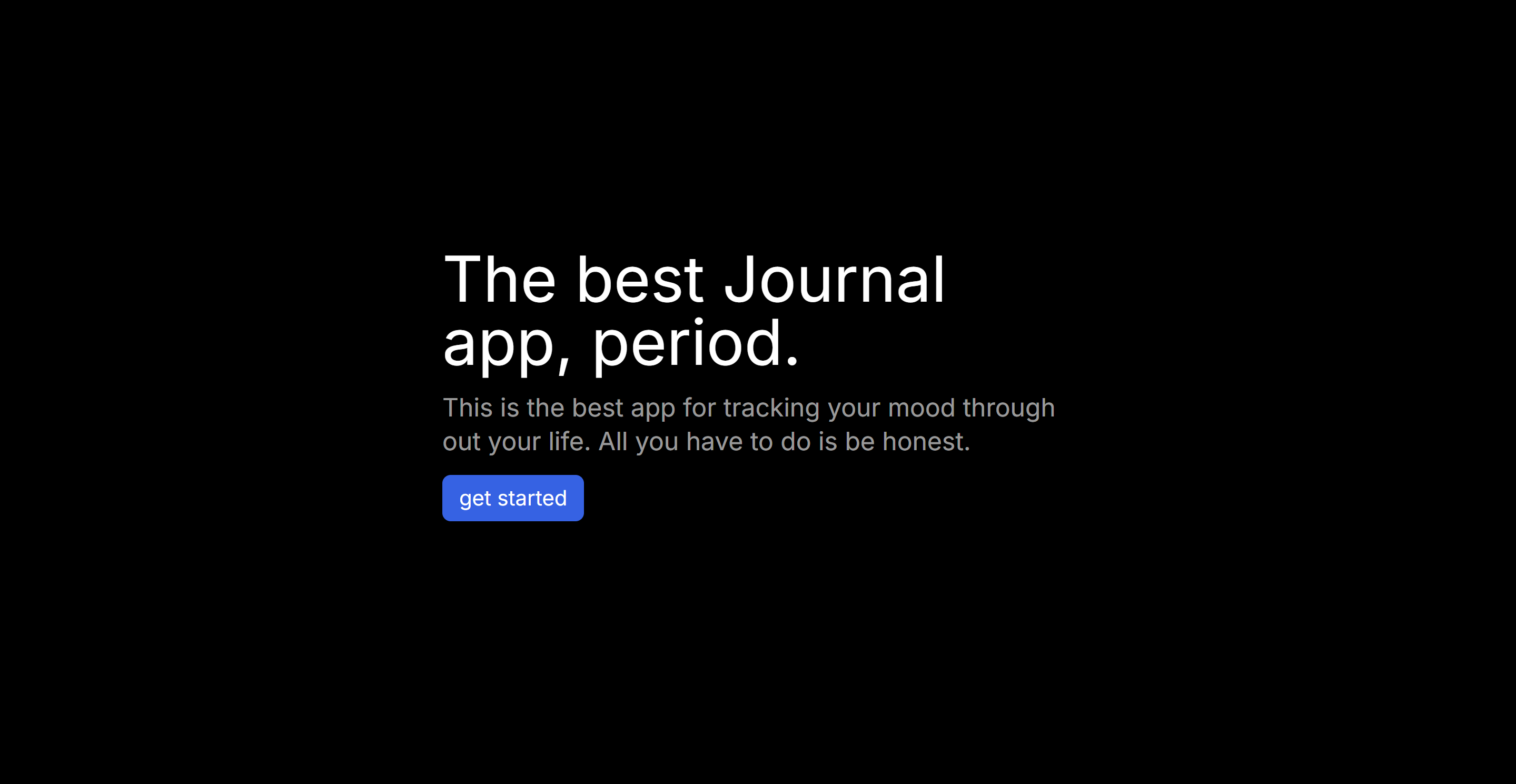
- Displays a Get Started button.
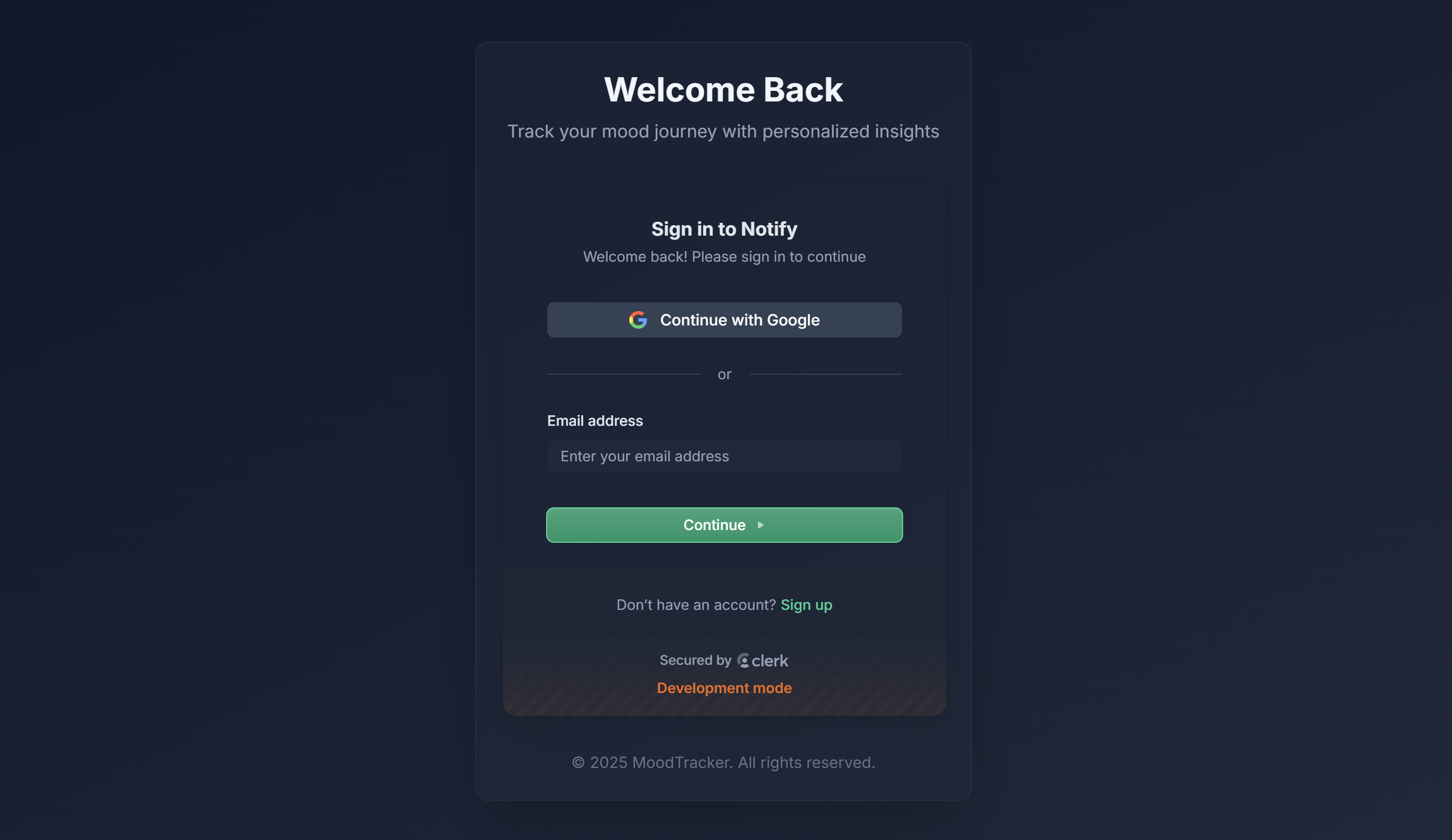
- Clicking redirects to Clerk’s authentication page.
- Users can log in or sign up.
- On successful authentication, users are redirected to the dashboard/homepage.
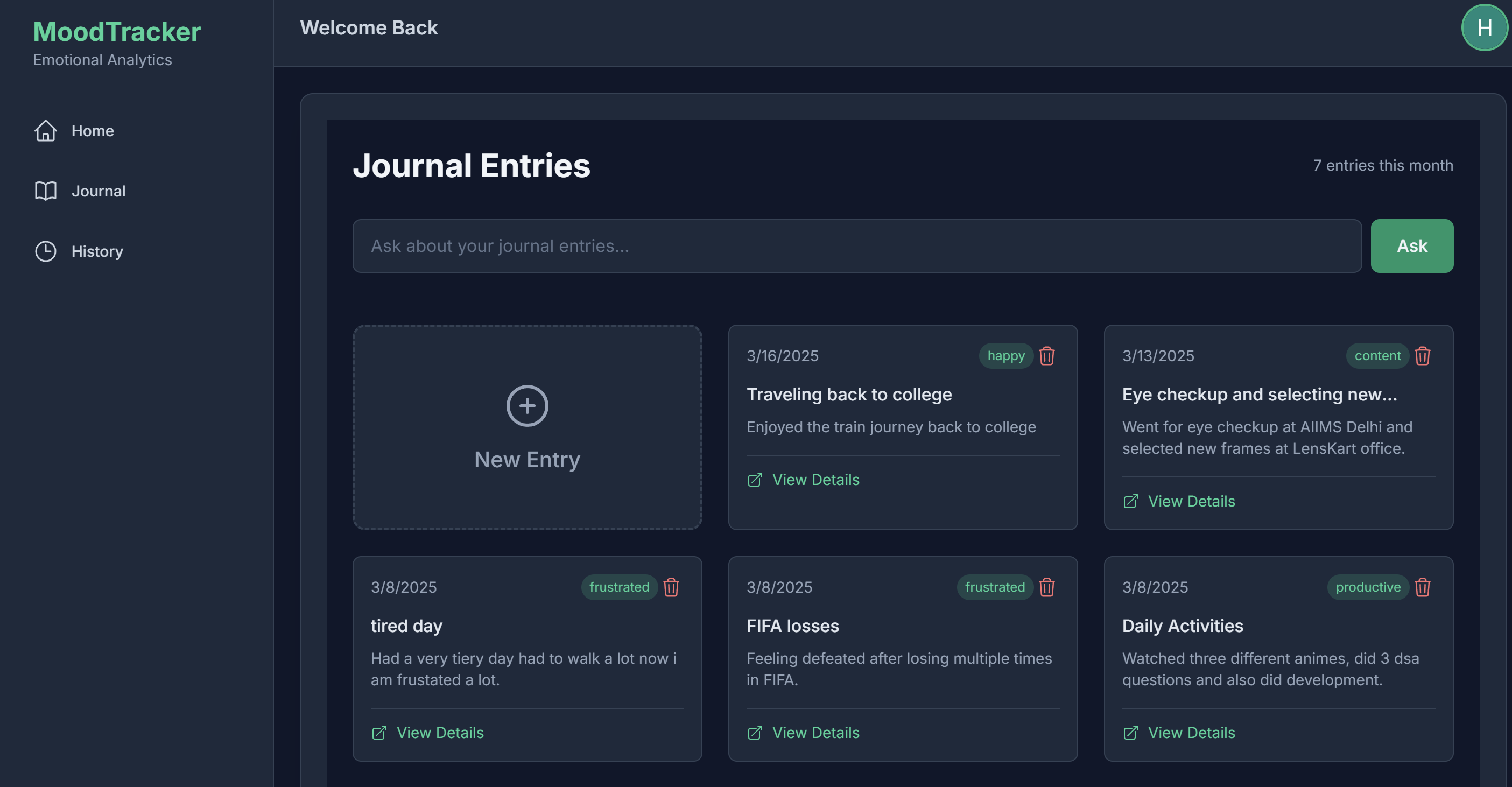
- Left Sidebar:
- Home: Default landing page after login.
- Journal: Shows user-created journal entries.
- History: Visualizes past mood trends.
- Right Section:
- AI Chat Input: Users can ask AI about their past journal entries.
- New Entry Card: Clicking creates a new journal entry.
- Previous Entries: Displays past user journal entries.
- Left Side:
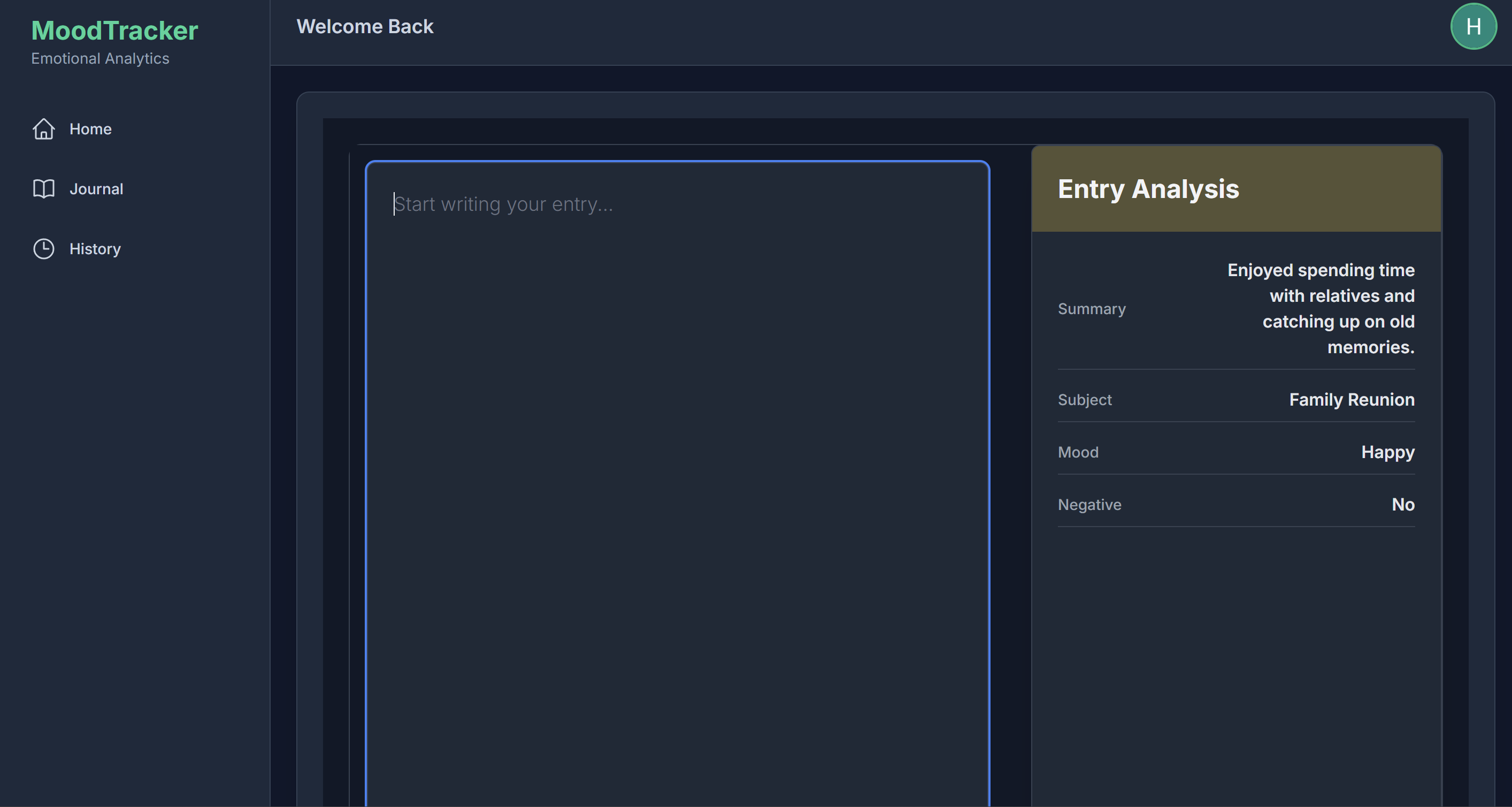
- Input field for writing journal entries.
- Auto-save feature to store entries automatically after the user stops typing.
- Right Side (AI Insights Panel):
- Displays AI-generated analysis:
- Summary
- Subject
- Mood Analysis
- Sentiment Classification (Positive/Negative)
- Displays AI-generated analysis:
- Graphical representation of mood trends over time.
- Uses sentiment scores to plot a mood graph based on past journal entries.
- Uses Zod for structured AI responses.
- Ensures AI outputs follow a defined schema for accurate analysis.
- Custom AI models for deeper emotional analysis.
- Integration with voice input for journaling.
- More visualization tools for tracking emotions.
For any issues, feel free to open a discussion or reach out!
Happy journaling! ✨