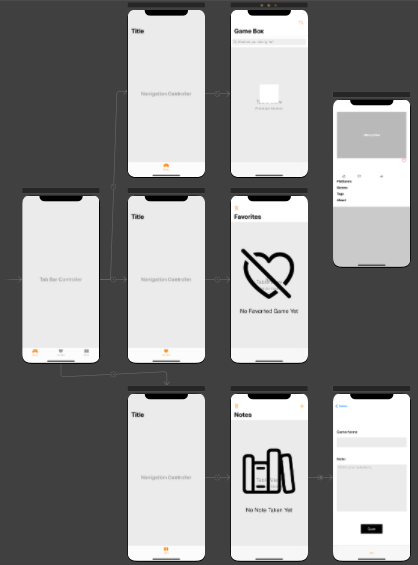
This project is prepared within the scope of SIMPRA iOS Bootcamp by Halil Ibrahim Andiç. You can browse between thousands of games and search, favorite or take notes about them. API Credit: https://rawg.io/apidocs
GameBox-Movie.mov
- List Games
- Search by Game Name
- Filter by released in 2022
- Filter by Genre: RPG Games
- Filter by Tag: Co-op Games
- Filter by Platform: Mac-Os Games
- Favorite Games List
- Add games to Favorites
- Remove games from Favorites
- Notes List
- Take and update notes about games
- Delete notes
- Language Support
- English
- Turkish
- Performs Without Internet (Only Fetched)
- MVVM Architecture
- Core Data
- View previously listed games offline
- View your favorite games offline
- View your notes offline
- Pagination
- Image Cache
- Local Notifications
- Localization
- Internet Connection Control
- Alamofire
- KingFisher
- DropDown
- Cosmos
- NVActivityIndicatorView

Designed by my lovely wife, Didem <3
| Screen | Description |
|---|---|
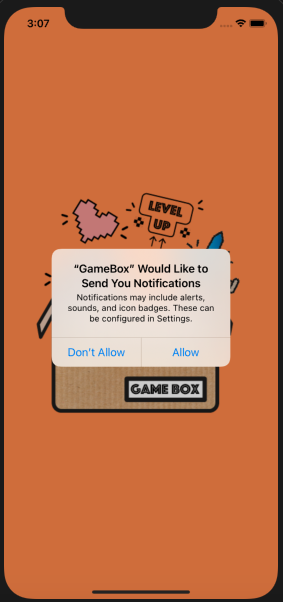 |
Permission request to send local notification |
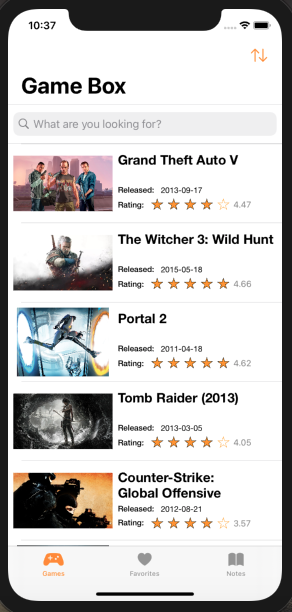 |
Home Page |
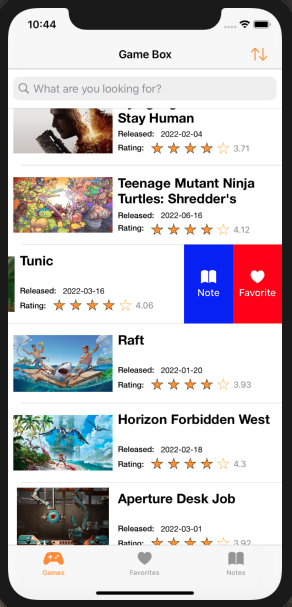 |
You can manage favorite and note taking actions from game list by swiping cell. |
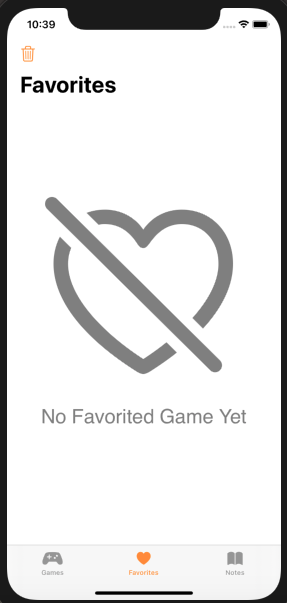 |
Favorites Page (Empty) |
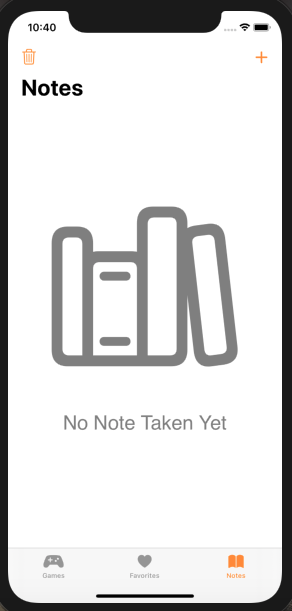 |
Notes Page (Empty) |
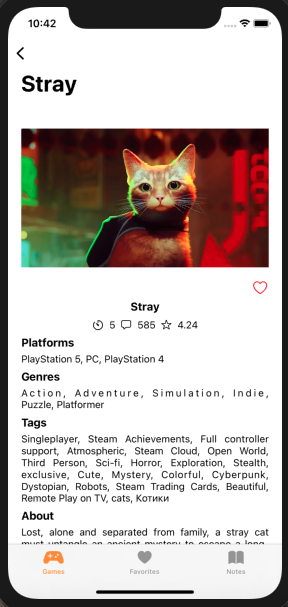 |
Detail Page |
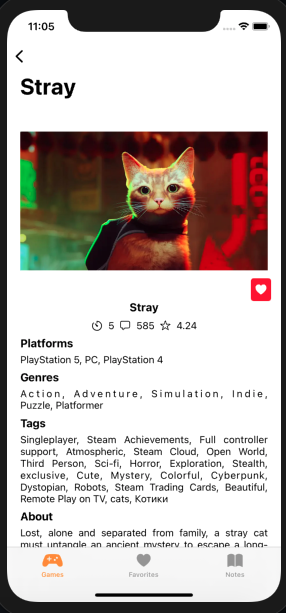 |
You can favorite any game by clicking the heart icon on its detail page |
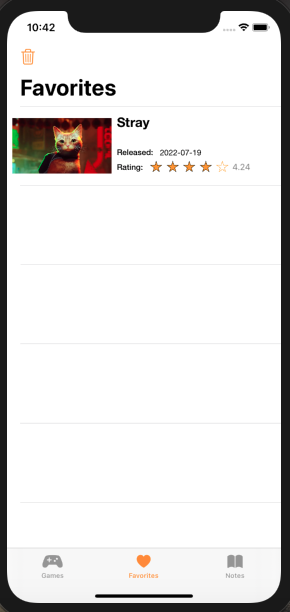 |
Favorites Page (Filled) |
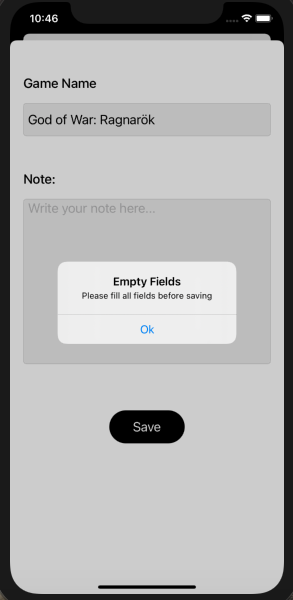 |
Note detail page will not allow you to save the note without filling all fields |
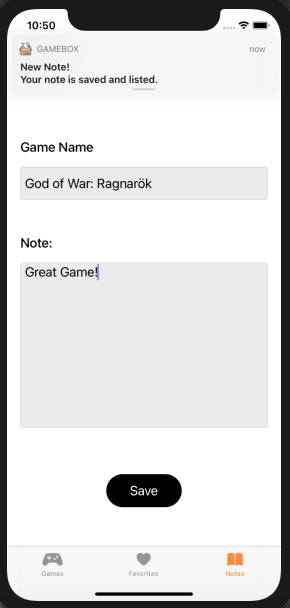 |
When the note saved successfully, a notification pops-up on the banner |
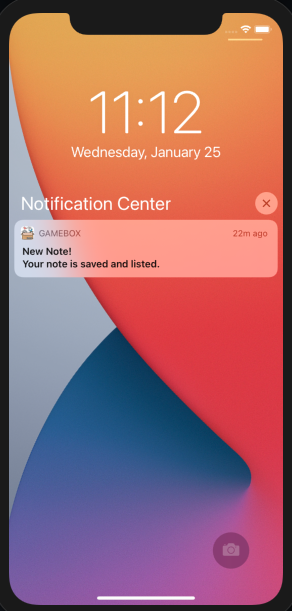 |
Same notification on Lock Screen |
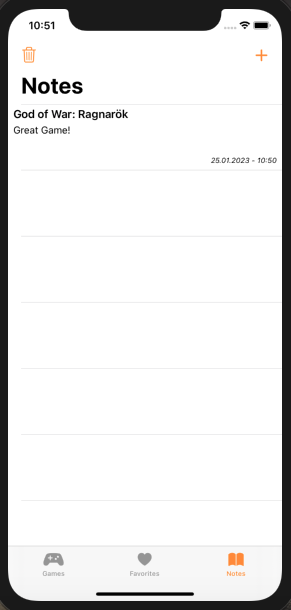 |
Notes Page (Filled) |
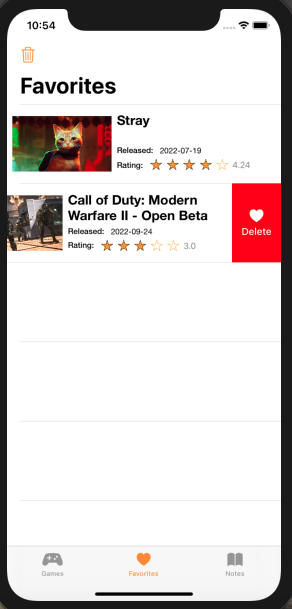 |
Delete a note or favorited game with swipe action |
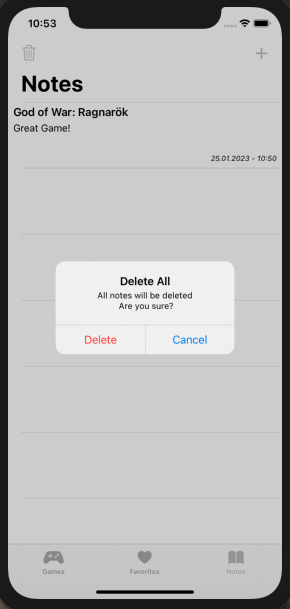 |
Delete all of the notes or favorited games by clicking trash icon (top left) |
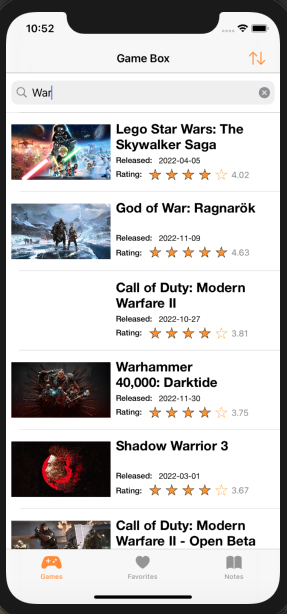 |
You can search a game |
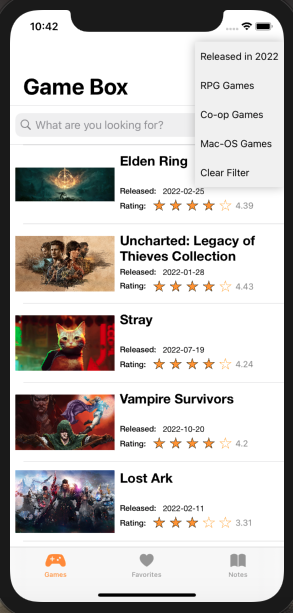 |
Open filter dropdown menu from top right icon and change game listing preferences |
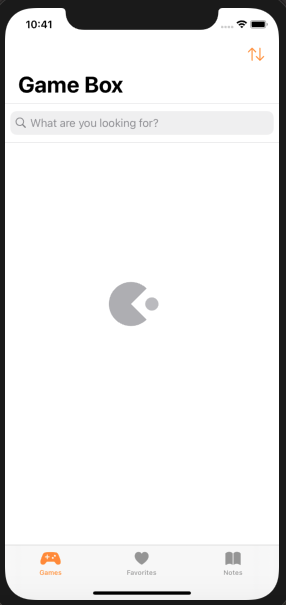 |
Pacman indicator appears during fetch operation |