Welcome! I would appreciate if you Star my Repository, your support is greatly appreciated!
View Demo
·
Changelog.md & Roadmap
·
Report Bug
·
Request Feature
 Table of Contents
Portify is an open source, self-built portfolio template actively developed for over a year. It ships with everything a modern developer portfolio needs: a Blog powered by Markdown files, a Portfolio page to showcase your projects, a visual Gallery & Showcase, a dedicated About page, and a Tools section featuring utilities like a Gradient Generator, Shadow Generator, Operator Lookup, code Snippets, and more.
Pages and features at a glance: Home · Blog · Portfolio · Showcase · About · Tools
Built with a strong focus on UI/UX, every detail has been considered. Layouts come with rich filtering options, tag systems, and multiple display variants. Components like testimonials, sliders, hover effects, and animations are included out of the box. The design hits the right balance between modern, compact, and user-friendly without ever feeling cluttered or outdated.
Still actively developed. Bug reports, questions, and setup help are always welcome.
- Blog — Markdown-based blog with full post rendering, ready to write and publish.
- Portfolio — Project showcase page with filtering, tags, and multiple layout options.
- Gallery & Showcase — Visual image showcase with lightbox support.
- Tools & Snippets — Built-in tools (Gradient Generator, Shadow Generator, Operator Lookup) and a Snippets viewer to display your own code files.
- Holographic Card Design — Unique holographic card effect for a distinctive, modern look.
- Dark / Light Mode — Fully themed for both environments with smooth switching.
- Responsive — Optimized across mobile, tablet, and desktop on Windows, macOS, and Linux.
- Rich Components — Testimonials, sliders, hover effects, animations, filters, and more included.
I'll be adding more in the near future. Potential updates include:
- Advanced animations and effects.
- More customization options.
- Additional themes for better personalization.
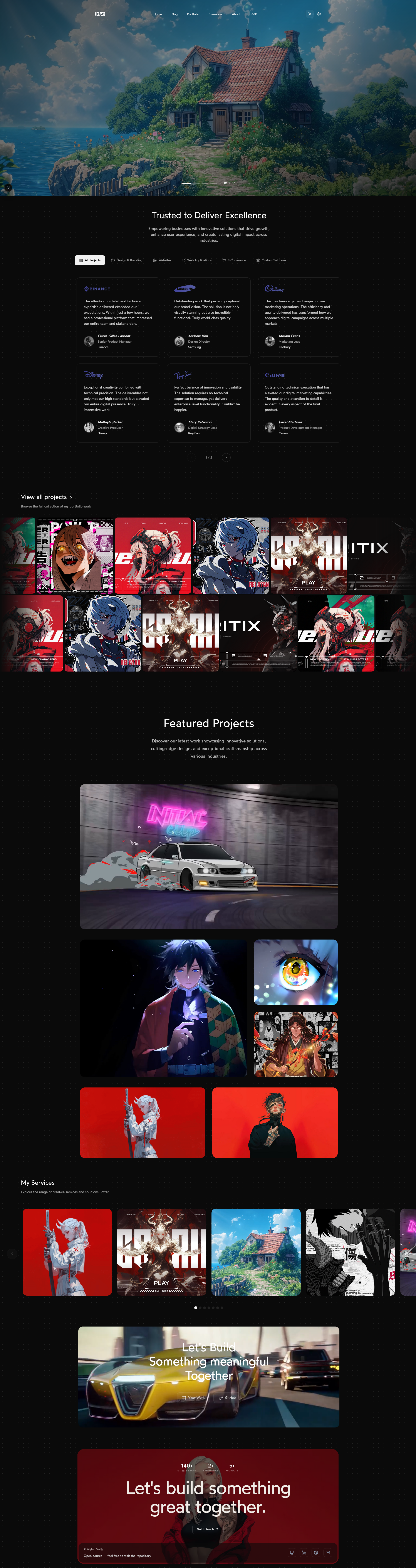
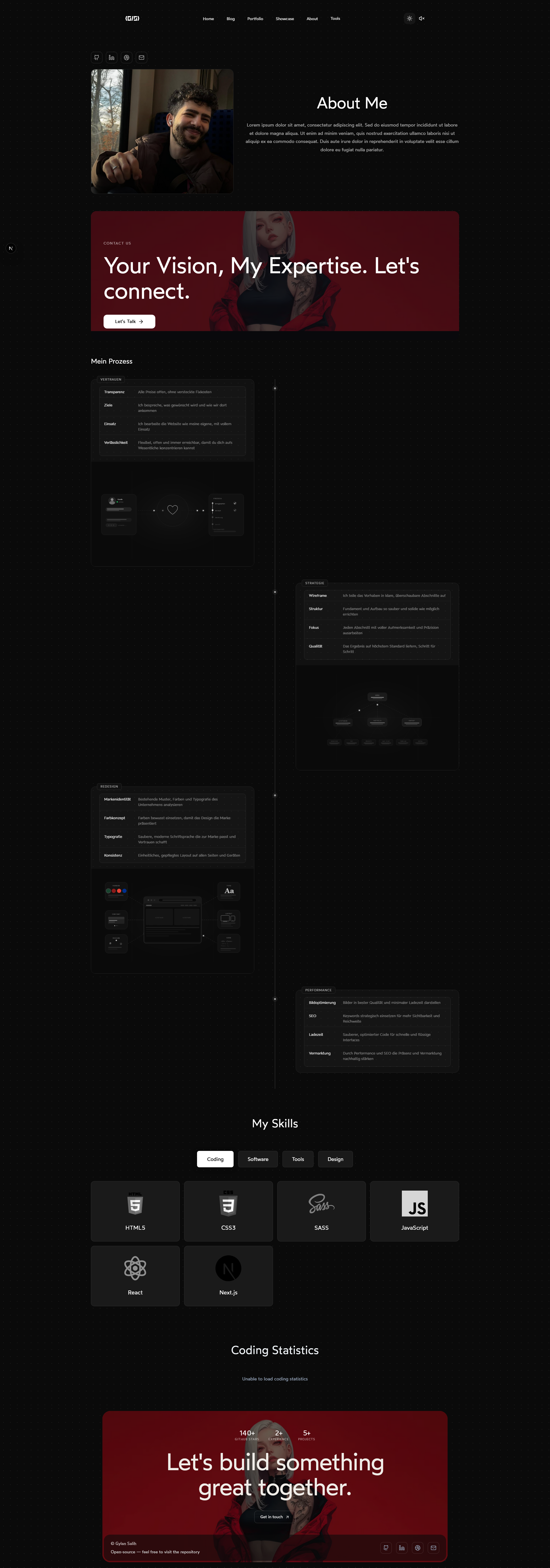
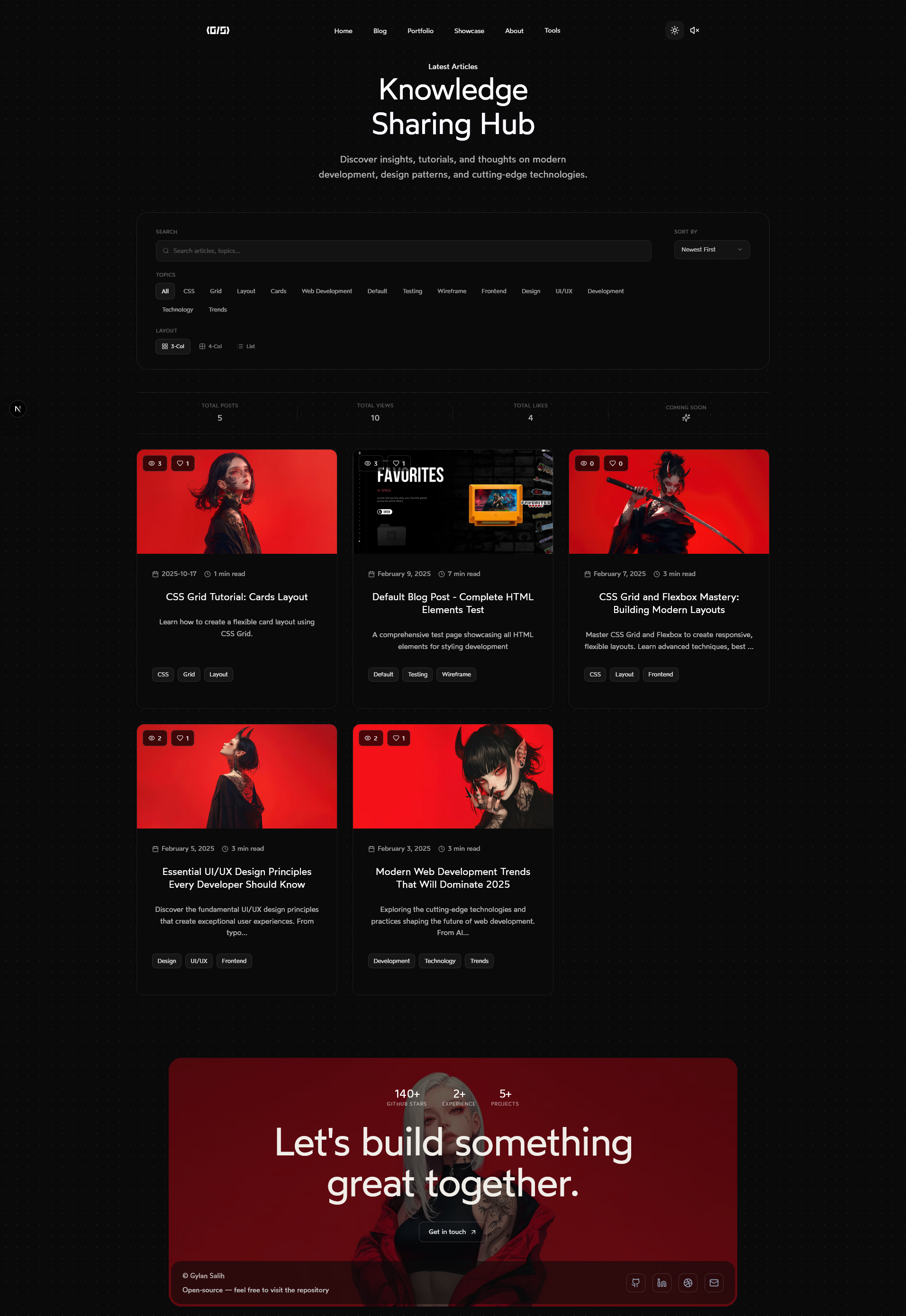
Here are some images showcasing the project:
| Home | Home Mobile | About Me |
|---|---|---|
 |
 |
 |
| Blog | Blog 2 | Blog Single Page |
|---|---|---|
 |
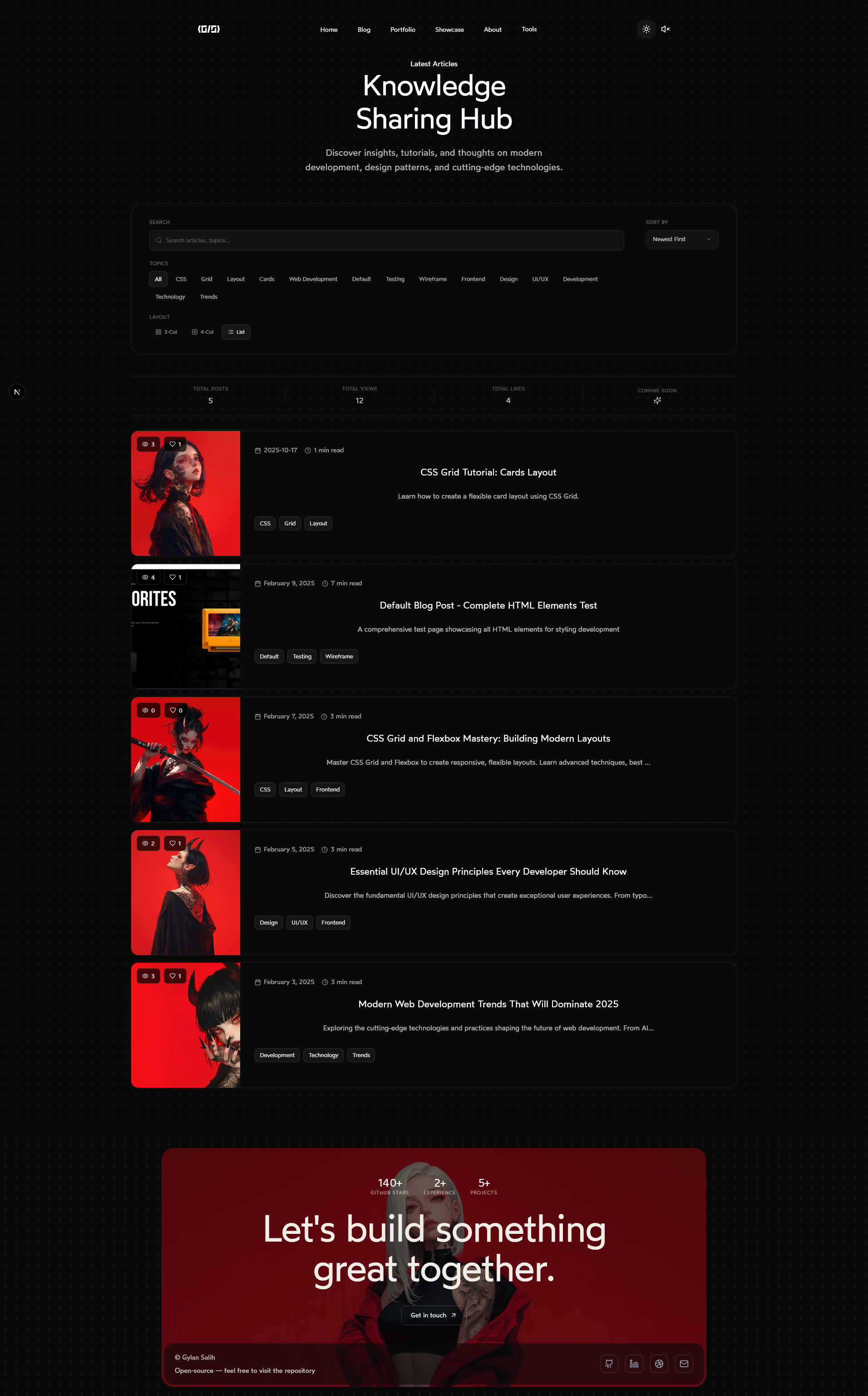 |
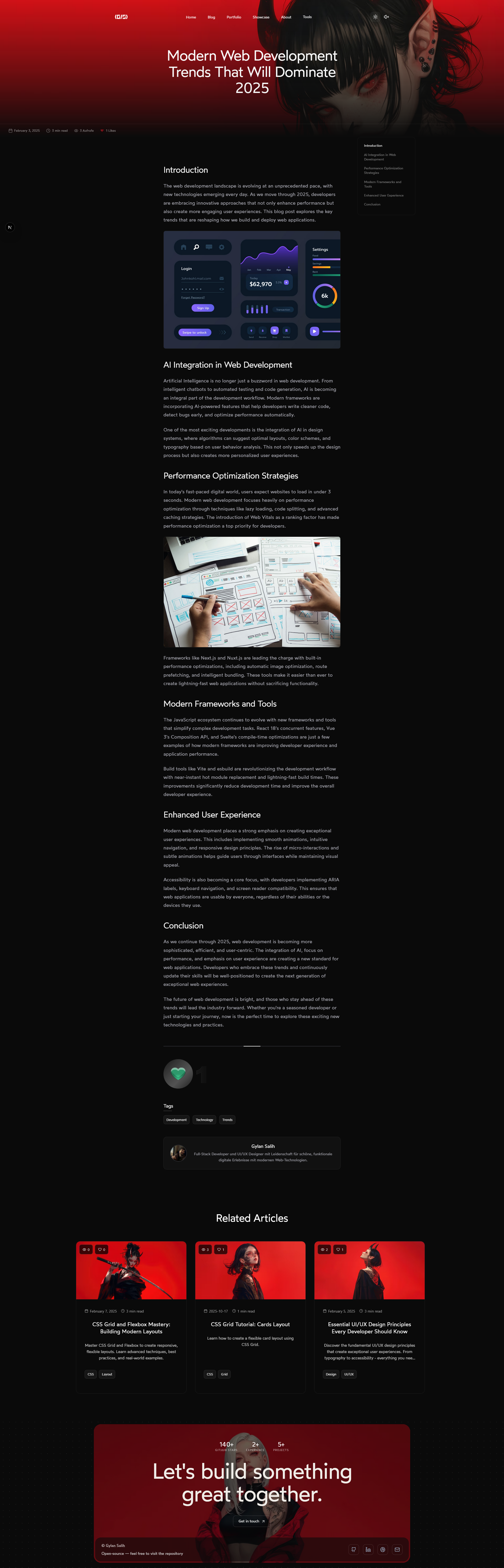 |
| Portfolio | Portfolio 2 | Portfolio Mobile |
|---|---|---|
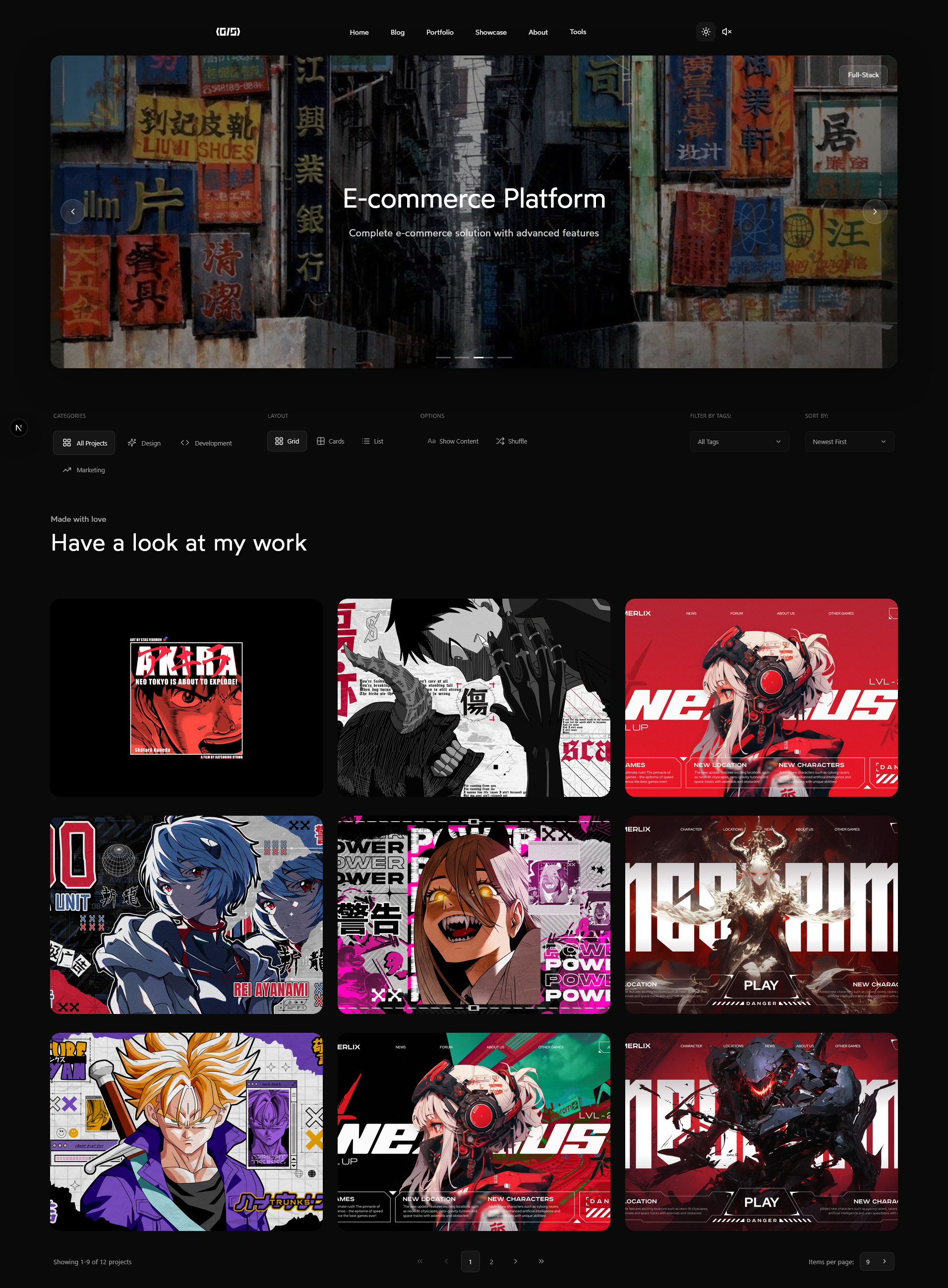 |
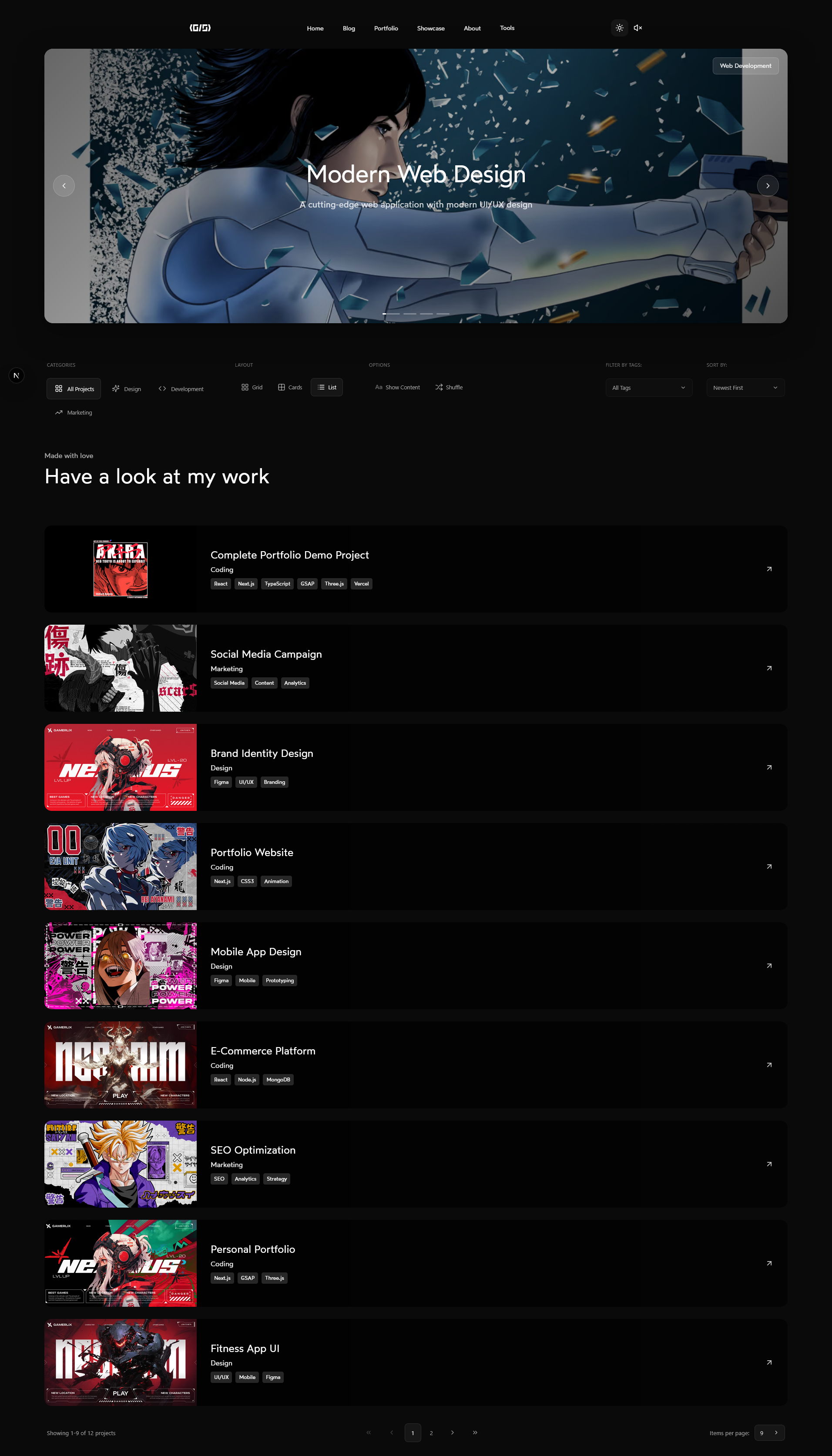 |
 |
| Portfolio Single Page | Showcase | Showcase Click |
|---|---|---|
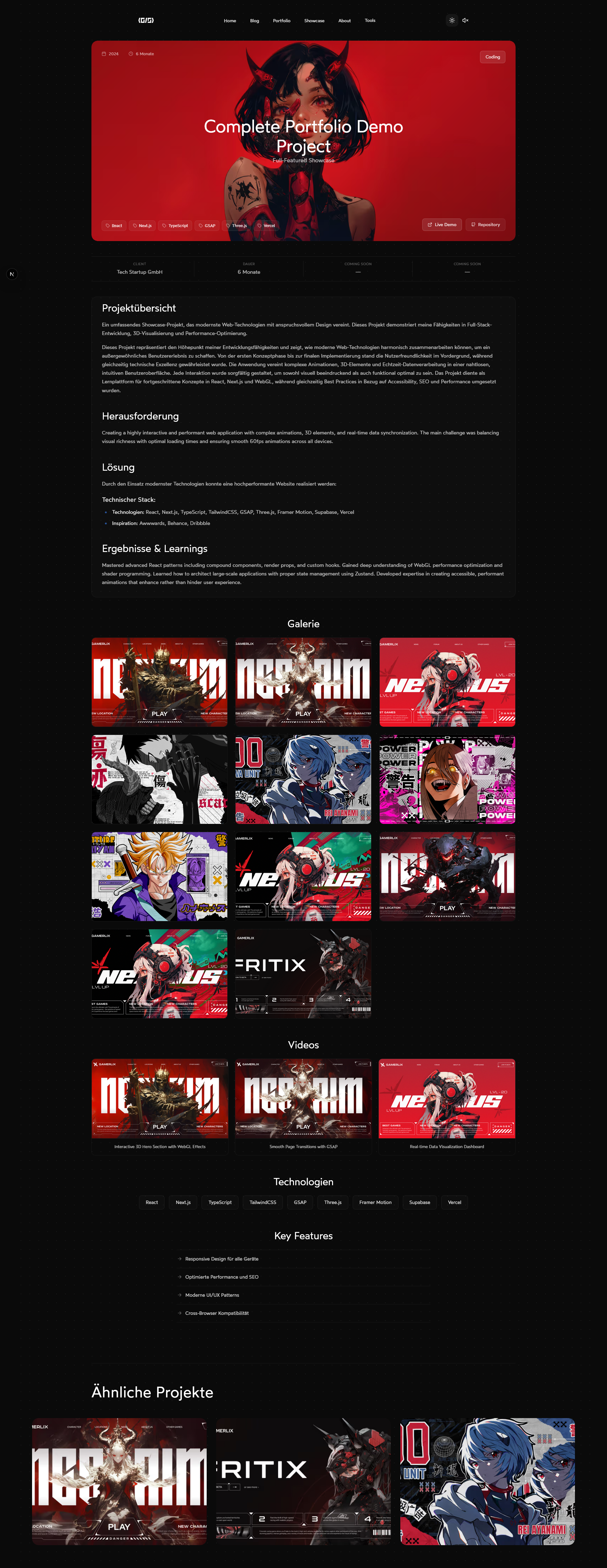 |
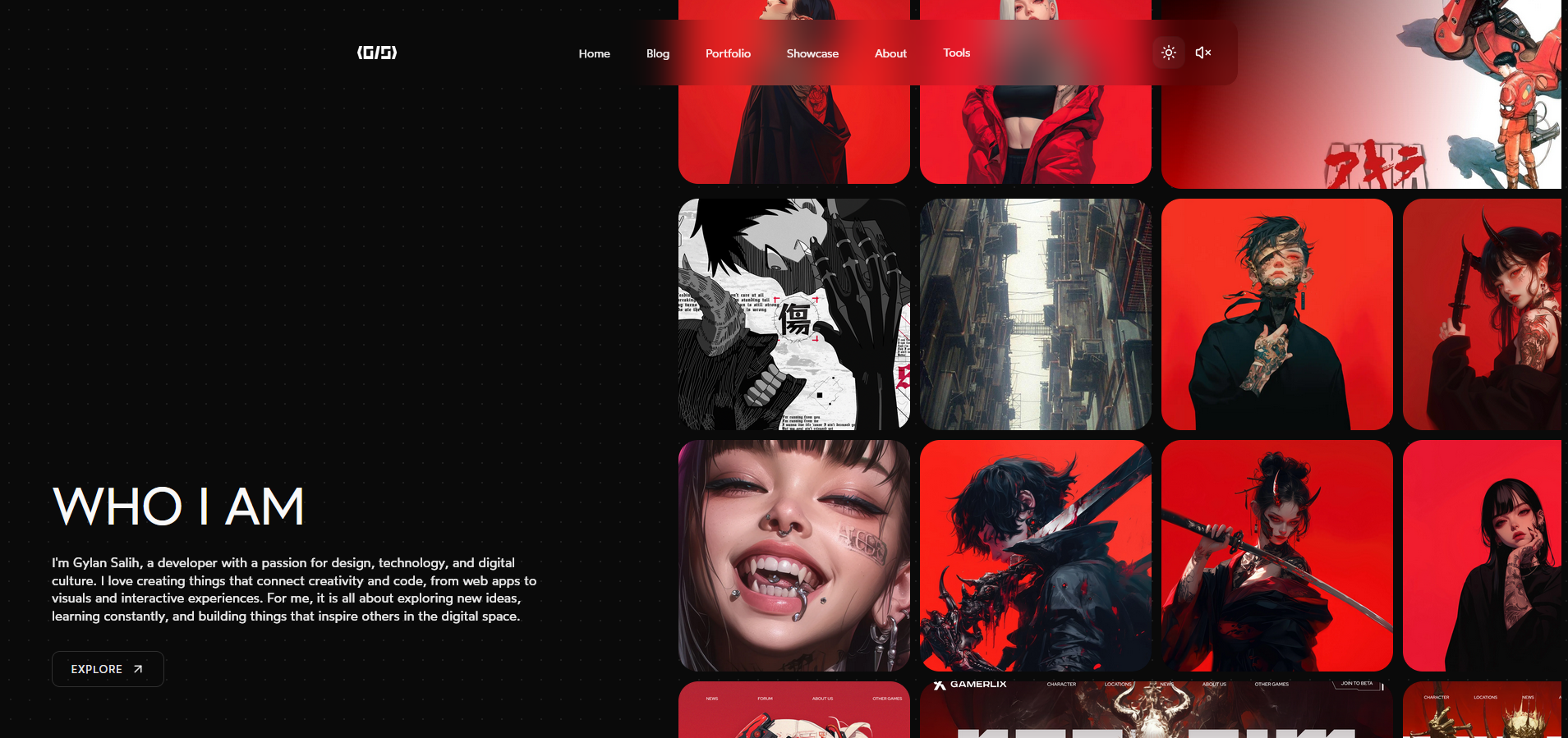 |
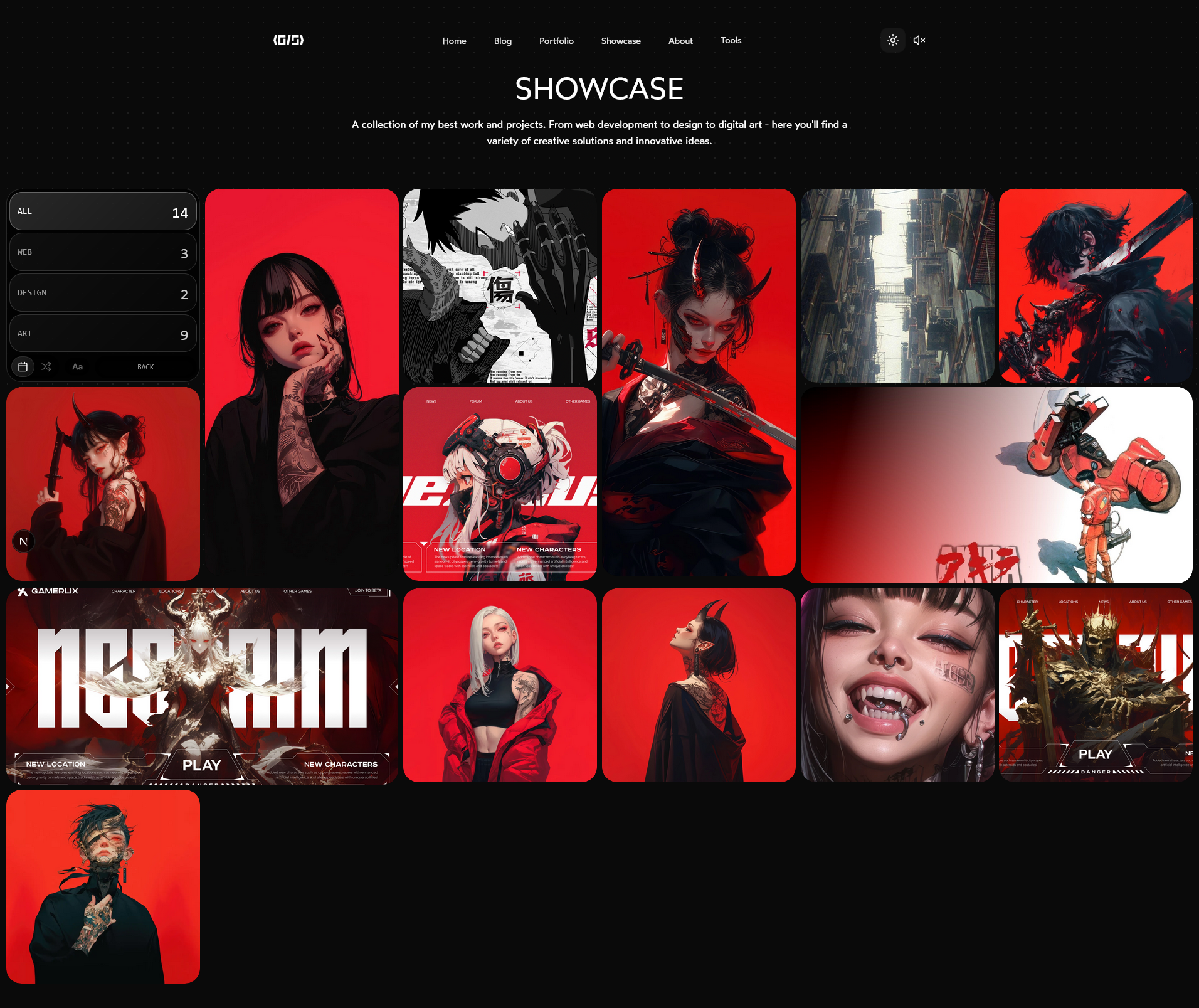 |
| Showcase Single Page View | Hamburger Menu | Light Mode |
|---|---|---|
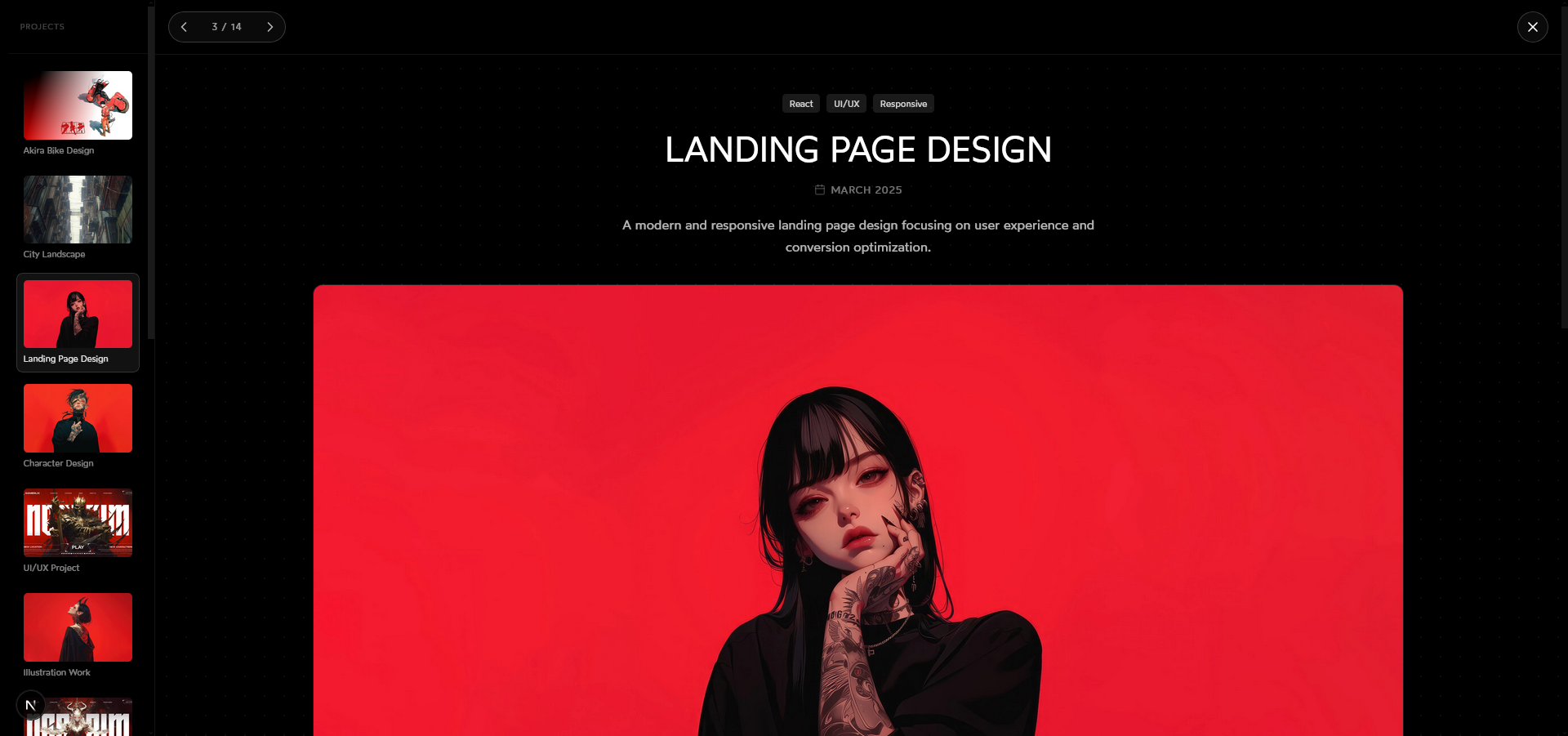 |
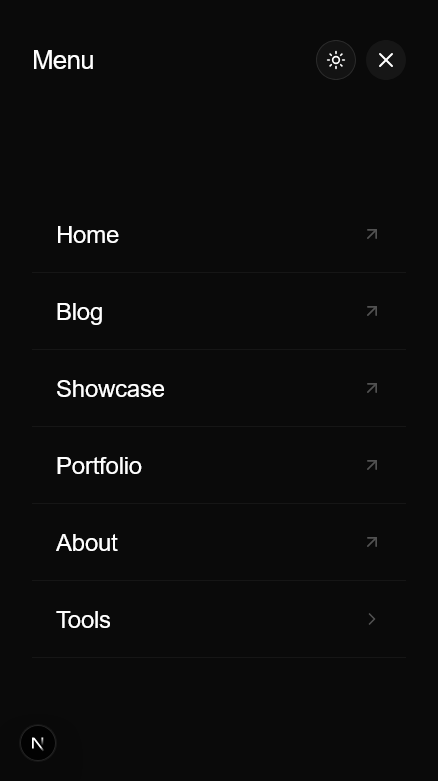 |
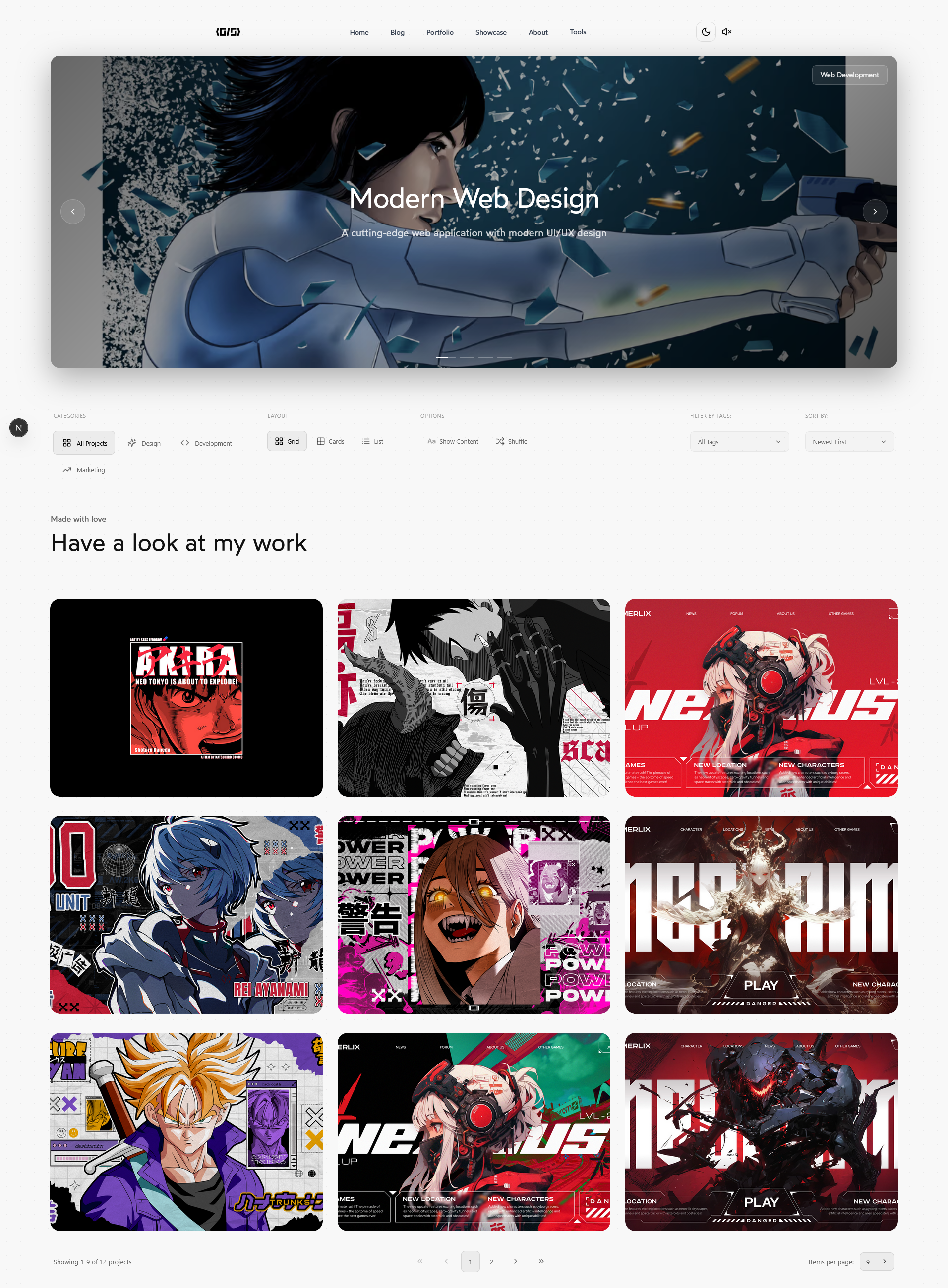 |
Installation
You'll need Git and Node.js installed. Then run:
# 1. Clone the repository
git clone https://github.com/GylanSalih/NextJS-Portify/

# 2. Navigate into the folder
cd NextJS-Portify

# 3. Install dependencies
npm install

# 4. Start the dev server
npm start
How to Contribute
# 1. Fork & clone your fork
git clone https://github.com/<your-username>/NextJS-Portify.git
cd NextJS-Portify

# 2. Create a branch
git checkout -b feature/your-feature-name

# 3. Commit your changes
git add .
git commit -m "Add: Description of the changes"

# 4. Push & open a Pull Request
git push origin feature/your-feature-name
Contribution Guidelines
- Follow the Code Style: Ensure your code follows the repository's style guide.
- Write Clear Commit Messages: Use concise and descriptive commit messages.
- Test Your Changes: Verify that your changes work as expected.
- Be Respectful: Always be respectful and considerate of others.
Need Help?
If you're stuck or need guidance, feel free to open an issue or start a discussion in the repository. We're here to help!
License
Distributed under the MIT license. See LICENSE.txt for more information.