
A lightweight, Python-based system tray application that monitors your public IP address. It runs silently, logs any changes, notifies the user, and includes a GUI for configuration and history browsing.
- 🕵️♂️ Monitors the public IP address and compares it to a target IP.
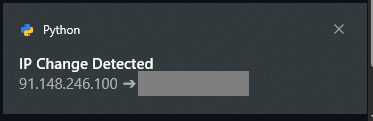
- 🔔 Toast notifications when the IP changes.
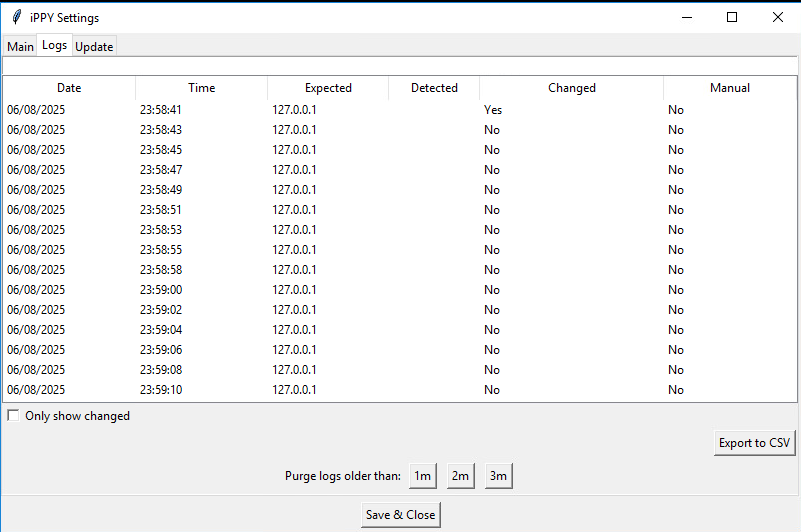
- 🧾 Logs all checks in a sortable, searchable GUI table.
- 🛠 Manual recheck, export logs to CSV, purge logs by age.
- 🖼 Always-on floating IP status window with color-coded state.
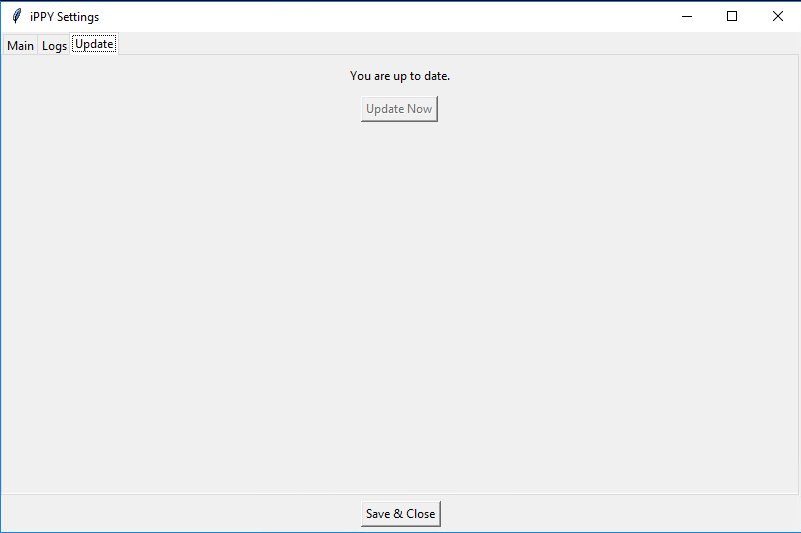
- 🔄 Auto-update check from GitHub.
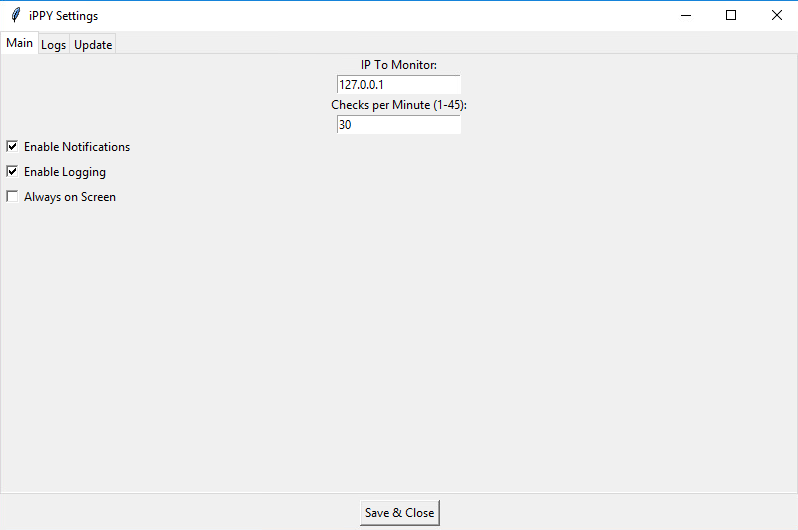
- 🎯 Customizable settings (interval, opacity, notifications, logging, etc.).
- 💾 Saves logs only if enabled and persists settings between reboots.
- ✅ Runs silently from the system tray on login.
powershell -ExecutionPolicy Bypass -Command "irm 'https://raw.githubusercontent.com/GoblinRules/ippy-tray-app/main/install.ps1' | iex"Run this first to enable TLS 1.2 and strong crypto:
[Net.ServicePointManager]::SecurityProtocol = [Net.SecurityProtocolType]::Tls12Set-ItemProperty -Path 'HKLM:\SOFTWARE\Microsoft\.NETFramework\v4.0.30319' -Name 'SchUseStrongCrypto' -Value 1 -Type DWord
Set-ItemProperty -Path 'HKLM:\SOFTWARE\Wow6432Node\Microsoft\.NETFramework\v4.0.30319' -Name 'SchUseStrongCrypto' -Value 1 -Type DWord
Then run:
powershell -ExecutionPolicy Bypass -Command "irm 'https://raw.githubusercontent.com/GoblinRules/ippy-tray-app/main/install.ps1' | iex"C:\Tools\TrayApp
├── main.py
├── launcher.vbs
├── logs\
│ ├── ipchanges.log
│ └── errors.log
├── assets\
│ ├── tray_app_icon.ico
│ ├── tray_app_icon_g.ico
│ ├── tray_app_icon_r.ico
│ ├── requirements.txt
│ ├── version.txt
│ └── config.ini ## This is Created Automatically And Is Not Pulled ##
Example:
[Settings]
target_ip = 1.2.3.4
check_interval = 30
notify_on_change = yes
enable_logging = yes
always_on_screen = no
window_alpha = 0.9
window_x = 10
window_y = 900- Launches at system startup.
- Right-click tray icon for options:
- Settings
- Recheck IP
- Show/Hide Floating Window
- Exit
- Manual execution via:
or
python.exe C:\Tools\TrayApp\main.pyC:\Tools\TrayApp\assets\launcher.vbs
Remove-Item -Path "$env:APPDATA\Microsoft\Windows\Start Menu\Programs\Startup\TrayApp.lnk"
Remove-Item -Recurse -Force "C:\Tools\TrayApp"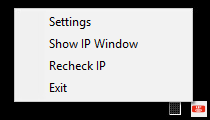
GoblinRules
🔗 GitHub Profile
MIT License – do whatever you want, but don’t blame me if it breaks 😊