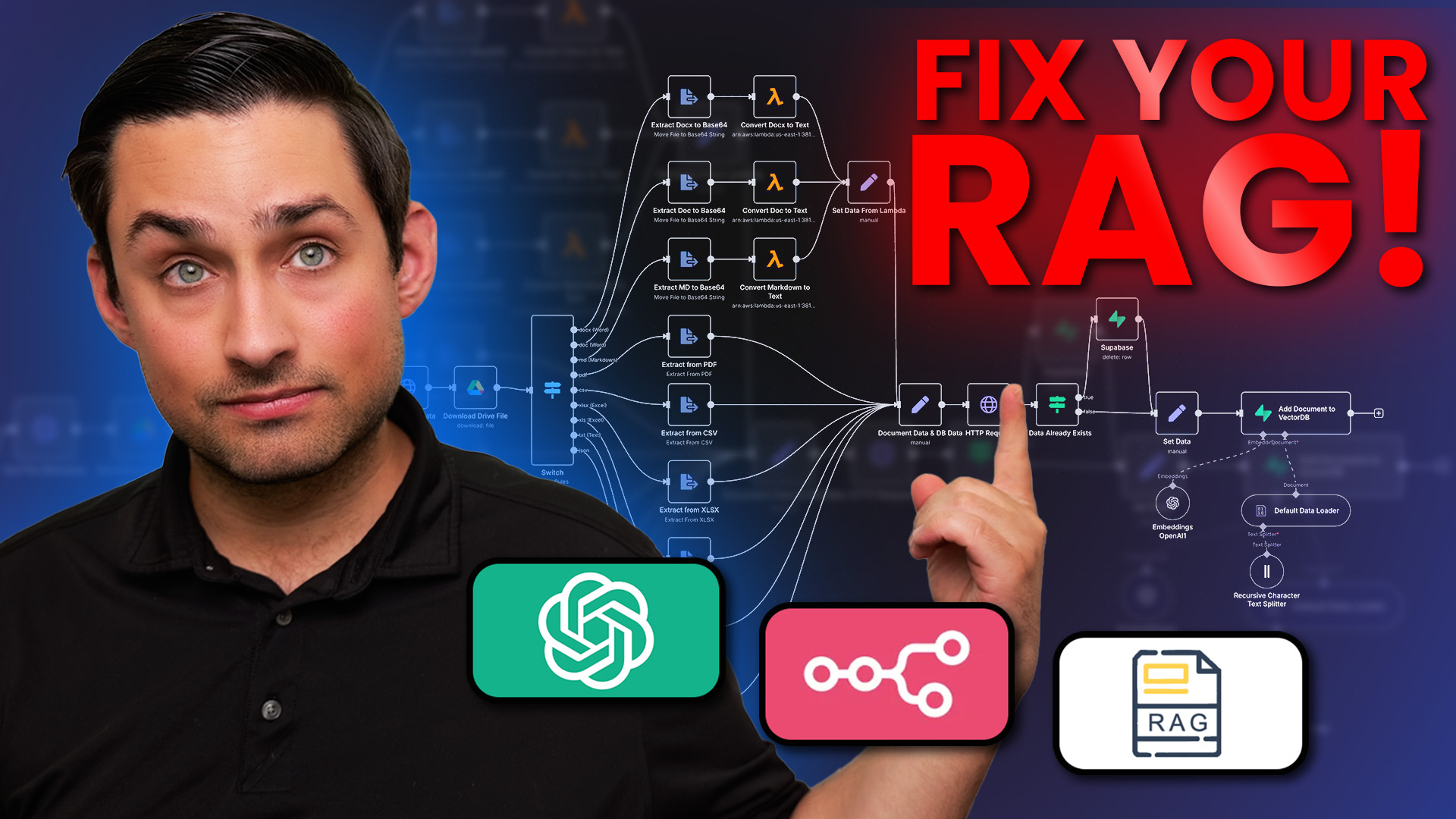
A production-ready Retrieval-Augmented Generation (RAG) system featuring Google Drive integration, document versioning, and Supabase vector storage. This enterprise-grade RAG solution provides advanced document processing capabilities at a fraction of the cost of commercial API services.
This framework is intended as a demonstration and educational resource. Retrieval-Augmented Generation (RAG) is not a one-size-fits-all solution, and the implementation needs to be tailored to your specific use case for optimal results.
To use this framework effectively with your own data:
- You will need to modify components to match your specific document types and content structure
- Chunking strategies should be adjusted based on your query patterns and document characteristics
- Embedding models may need to be changed depending on your domain-specific terminology
- Performance tuning will be required based on your scale and response time requirements
While this framework provides a solid foundation, successful RAG implementations require iterative testing and optimization with your actual data and use cases.
- Enterprise-Ready: Production-quality implementation with robust error handling, versioning, and comprehensive metadata
- Cost-Effective: Build your own RAG system without expensive API or SaaS subscription costs
- Full Control: Customize every aspect of your RAG pipeline to your exact requirements
- Complete Privacy: Your documents never leave your infrastructure - essential for sensitive data
- Advanced Features: Document versioning, image OCR, table extraction, and face detection capabilities
- Seamless Integration: Works natively with Google Drive and Supabase for simple deployment
graph TD
    A[Google Drive Documents] -->|Secure Authentication| B[Document Ingestion]
    B -->|Content Extraction| C[Document Processing]
    C -->|Text Chunking| D[Embedding Generation]
    D -->|Vector Storage| E[Supabase pgVector]
    E -->|Similarity Search| F[Query Engine]
    F -->|Relevant Content| G[RAG Application]

    style A fill:#ff9966,stroke:#333,stroke-width:2px
    style C fill:#6699ff,stroke:#333,stroke-width:2px
    style E fill:#66cc99,stroke:#333,stroke-width:2px
    style G fill:#9966cc,stroke:#333,stroke-width:2px
- Google Drive Integration: Secure document access with service account authentication
- Advanced Document Versioning:
- Track document changes with automatic version history
- Skip unchanged documents to reduce processing & embedding costs
- Distinguish between content changes vs. metadata-only updates
- Rich Metadata Extraction:
- Comprehensive document metadata including access permissions
- Direct permissions API with SSL error handling
- Hierarchical metadata with role-based access summaries
- Advanced Media Processing:
- OCR for text extraction from images
- Table extraction from PDFs with structure preservation
- Image analysis with face detection and visual content understanding
- High-Performance Processing:
- Parallel document processing with built-in timeout protection
- Optimized chunking with content-aware boundary detection
- Efficient error handling with graceful degradation
- Enterprise Vector Storage:
- Supabase pgvector with optimized indexes
- Document-level versioning and change tracking
- Metadata-rich embeddings for advanced filtering
Building your own RAG system with this solution can be significantly more cost-effective than using commercial services:
| Component | Cost Factor | Monthly Est. (10k docs) | Notes |
|---|---|---|---|
| Supabase | Vector storage | $0-25/month | Free tier available for smaller collections |
| OpenAI API | Embeddings | $0.50-5/month | Based on ~$0.0001/1K tokens |
| Google Drive | Document storage | $0-2/month | Free tier available (15GB) |
| Total | $0.50-32/month |
Compared to Commercial RAG Services:
- Enterprise RAG solutions: $500-5,000/month (based on usage)
- Managed vector DBs: $50-500/month (for similar document volume)
- Commercial embedding APIs: $20-200/month (for similar document volume)
The system follows a modular design with these key components:
flowchart LR
    GDrive["Google Drive Documents"] --> Auth["Authentication (auth.py)"]
    Auth --> Ingestion["Document Ingestion (ingestion.py)"]
    Ingestion --> Processor["Document Processor (utils.py)"]
    Processor --> VectorStore["Supabase pgVector (store.py)"]
    VectorStore --> Query["Query Engine (query.py)"]
    Query --> Results["Search Results"]

    classDef core fill:#0d5794,stroke:#333,stroke-width:1px;
    classDef data fill:#b3a41d,stroke:#333,stroke-width:1px;
    classDef process fill:#a934e3,stroke:#333,stroke-width:1px;

    class GDrive,Results data;
    class Auth,Ingestion,Processor,VectorStore,Query core;
See the full Architecture Documentation for more details on the system design.
- Python 3.9 or higher
- Supabase account (for vector storage)
- OpenAI API key
- Google Drive access (service account recommended)
# Clone the repository
git clone https://github.com/Getting-Automated/n8n-rag-example.git
cd n8n-rag-example

# Run the setup script
chmod +x setup.sh
./setup.sh# Clone the repository
git clone https://github.com/Getting-Automated/n8n-rag-example.git
cd n8n-rag-example
# Run the setup script
setup.batCheck out the Quick Start Guide for setup instructions and examples.
Full documentation is available in the docs directory:
The repository includes comprehensive examples in the examples/ directory:
# Activate your virtual environment
source venv/bin/activate  # Linux/macOS
venv\Scripts\activate     # Windows

# Run the examples
python examples/langchain_examples.py
The examples demonstrate:
- Basic ingestion with standard settings
- Advanced ingestion with enhanced features
- Specific file processing with precision targeting
- Enhanced media processing for images and PDFs
n8n-rag-example/
├── config/                      # Configuration files
│   └── service-account.json     # Google service account credentials (add your own)
├── docs/                        # Documentation
│   ├── advanced_usage.md        # Advanced usage guide
│   ├── architecture.md          # Architecture documentation
│   ├── quickstart.md            # Quick start guide
│   ├── supabase_setup.md        # Supabase setup instructions
│   └── troubleshooting.md       # Troubleshooting guide
├── examples/                    # Example code
│   └── langchain_examples.py    # Comprehensive usage examples
├── rag/                         # Core RAG module
│   ├── __init__.py              # Package initialization
│   ├── auth.py                  # Authentication utilities
│   ├── ingestion.py             # Document ingestion logic
│   ├── query.py                 # Query processing
│   ├── store.py                 # Vector store management
│   └── utils.py                 # Helper utilities
├── utils/                       # Utility modules
│   ├── __init__.py              # Package initialization
│   └── display_utils.py         # Display utilities for examples
├── setup_vector_store.sql       # SQL setup for Supabase
├── setup.sh                     # Setup script for Linux/macOS
├── setup.bat                    # Setup script for Windows
├── requirements.txt             # Python dependencies
└── ARCHITECTURE.md              # High-level architecture overview
Want to go deeper with automation and get direct support? Join our exclusive automation community!
- In-depth Automation Workflows: Learn how to integrate AI into your automation processes
- Battle-Tested Templates: Access exclusive, production-ready automation templates
- Expert Guidance: Get direct support from automation professionals
- Early Access to Content: Be the first to access exclusive content
- Private Support Channels: Receive personalized support through direct chat and office hours
- Community of Serious Builders: Connect with like-minded professionals
The community is capped at 250 members to ensure quality support and interaction.
Join the Getting Automated Community
- Website: Getting Automated
- YouTube Channel: Getting Automated YouTube
- Free Workflow Automation Tools: Automation Tools
If you need this solution built for you or want personalized guidance, you can schedule a consultation:
MIT