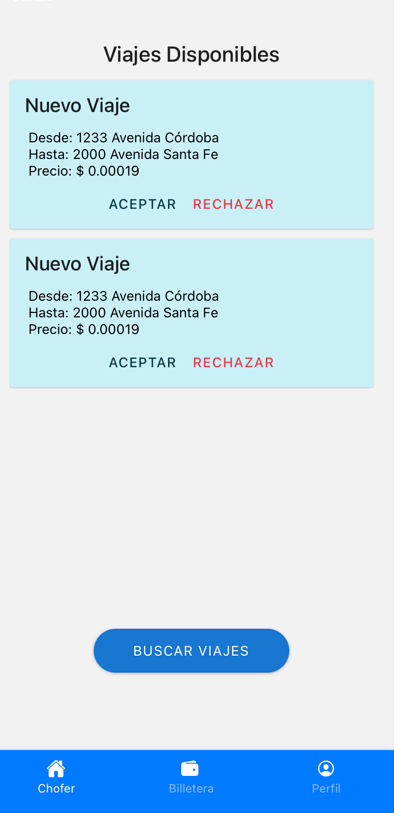
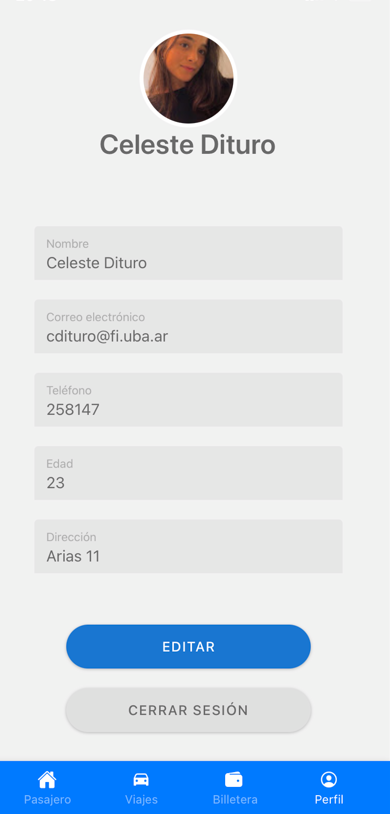
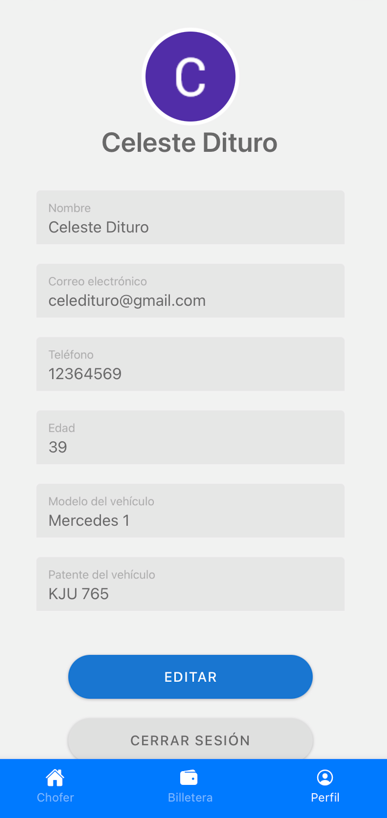
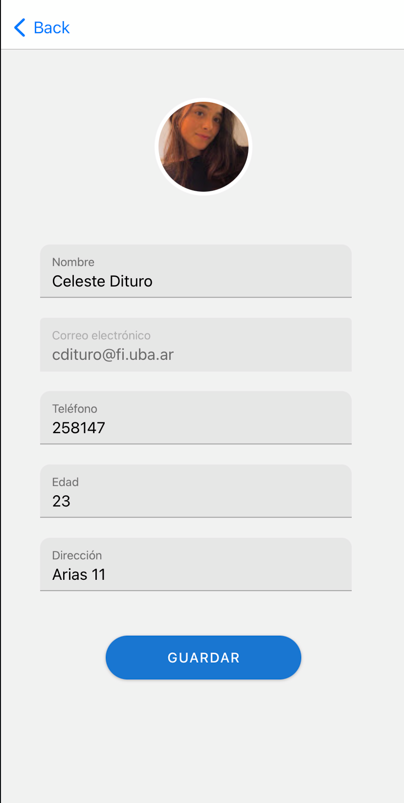
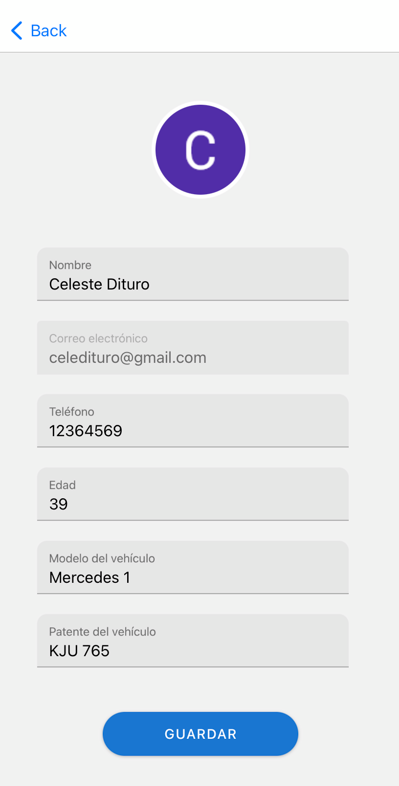
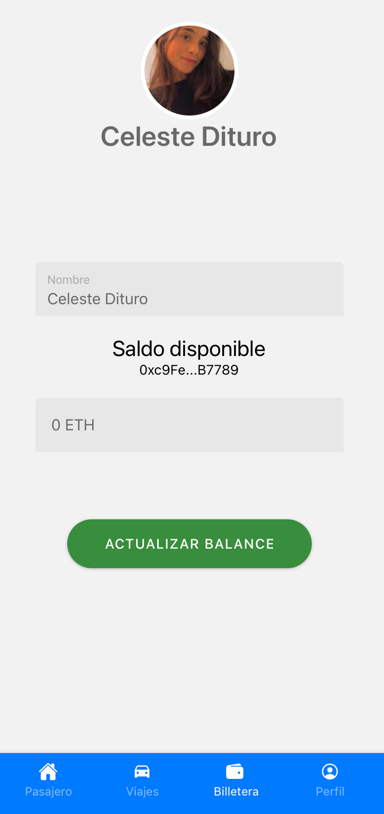
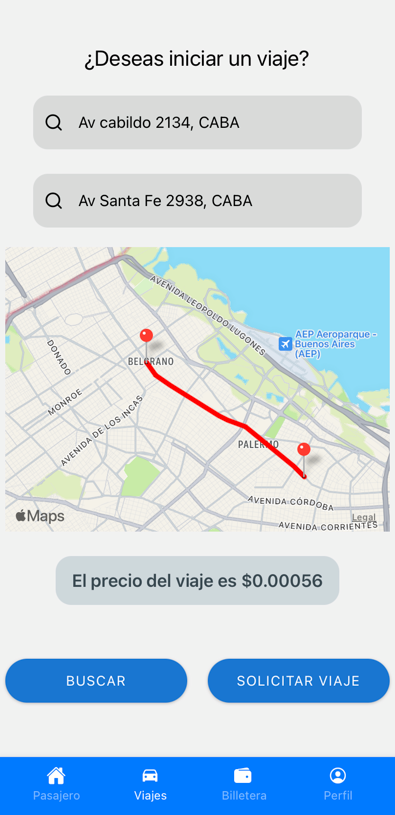
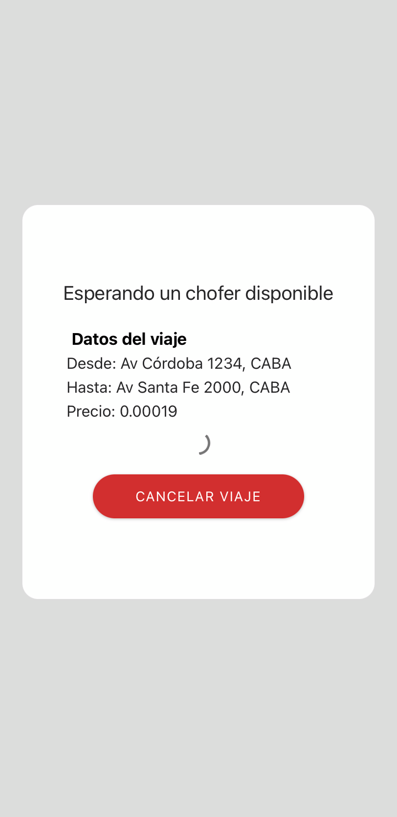
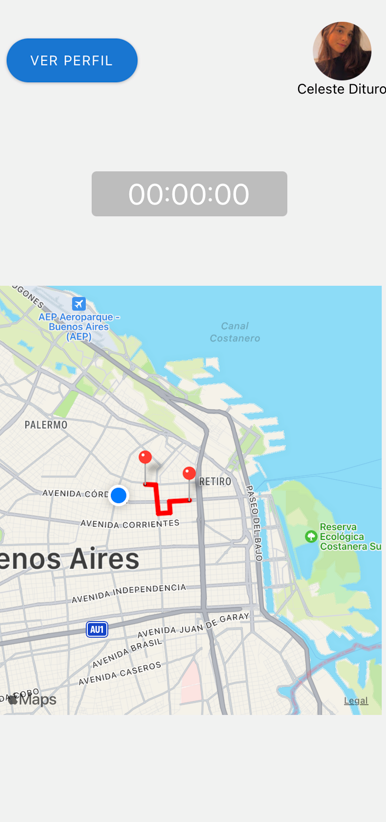
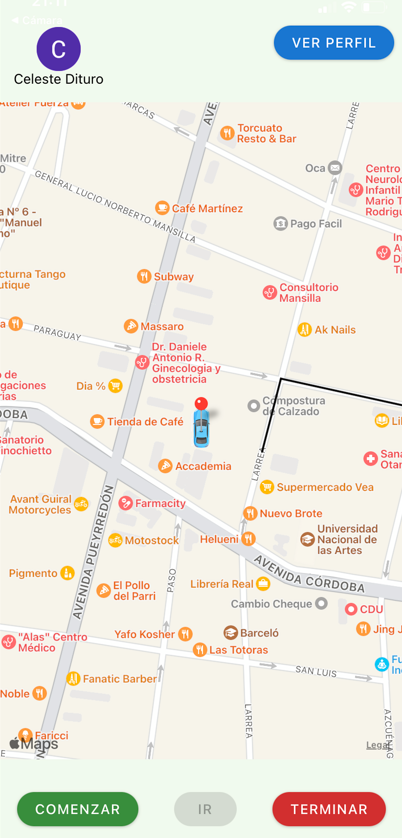
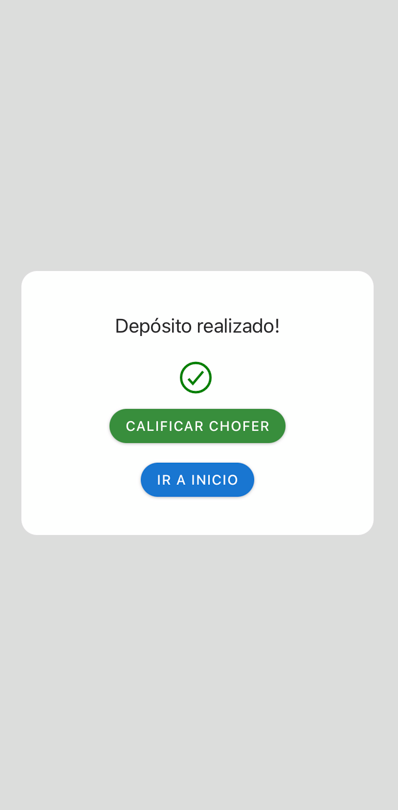
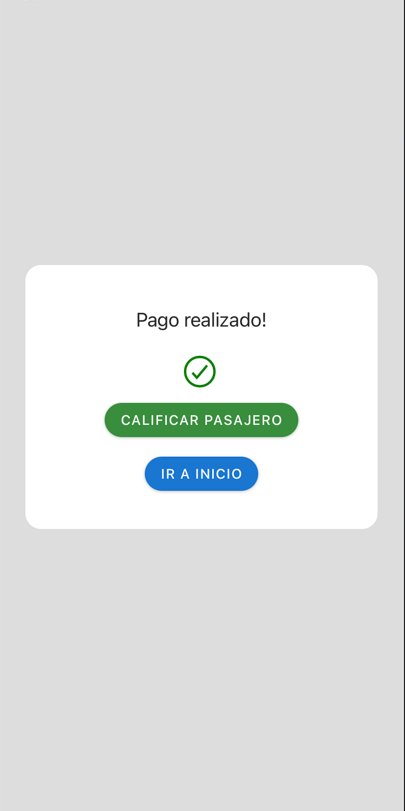
exp://exp.host/@celedituro/app?release-channel=default
Create an Expo Account here and login in your coomputer using
$ npm run login
--> Fill with credentials
$ npm -f install
$ npm run start
$ npm run eslint
Its necessary to have in .env file to run the app. There is an example in .env.example file.
-
- Install ExpoGo
- Scan the QR code with the camera (IOS) or with ExpoGo (Android)
-
- Write the letter 'w' in the terminal
- For the fisrt time, install the dependence indicated by the terminal
- Execute
npm run start - Write the letter 'w' in the terminal
-
- Create a virtual device manager with AndroidStudio
- Write the letter 'a' in the terminal