Simple react-native image cropping library wrapper around siong1987/TOCropViewController
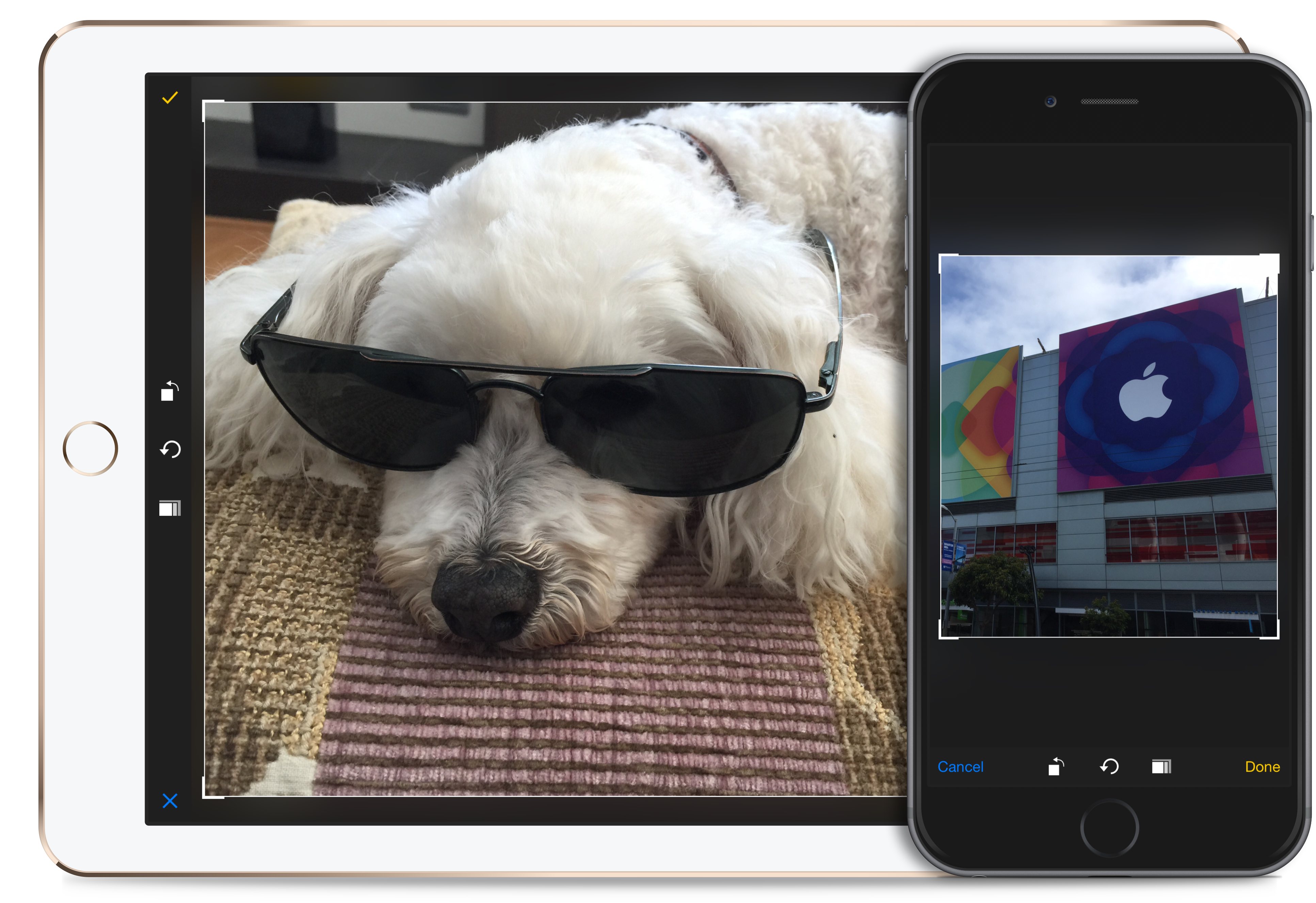
Supported only on iOS.
npm install https://github.com/EricWiener/react-native-image-cropping --save- In XCode, in the project navigator, right click
Libraries➜Add Files to [your project's name] - Go to
node_modules➜react-native-image-croppingand addReactNativeImageCropping.xcodeproj - In XCode, in the project navigator, select your project. Add
libReactNativeImageCropping.ato your project'sBuild Phases➜Link Binary With Libraries - Click
ReactNativeImageCropping.xcodeprojin the project navigator and go theBuild Settingstab. Make sure 'All' is toggled on (instead of 'Basic'). Look forHeader Search Pathsand make sure it contains both$(SRCROOT)/../react-native/Reactand$(SRCROOT)/../../React- mark both asrecursive. - Re-run your project (
Cmd+R)
If you get stuck open an issue. It's the first time I've published react native package and I may have not provided all necessary information.
const React = require('react-native');
const {ReactNativeImageCropping} = React.NativeModules;It is using RCTImageLoader so it should be able to crop any image that react knows how to load / display.
const originalImage = require('CrazyFlowers.jpg');

ReactNativeImageCropping
	.cropImageWithUrl(originalImage.uri)
    .then(image => {
		//Image is saved in NSTemporaryDirectory!
		//image = {uri, width, height}
	},
err => console.log(b));Available aspect ratios:
 - AspectRatioOriginal
 - AspectRatioSquare
 - AspectRatio3x2
 - AspectRatio5x4
 - AspectRatio4x3
 - AspectRatio5x4
 - AspectRatio7x5
 - AspectRatio16x9
Example:
let aspectRatio = ReactNativeImageCropping.AspectRatioSquare;

ReactNativeImageCropping
    .cropImageWithUrlAndAspect(imageUrl, aspectRatio)
    .then(image => {
        //Image is saved in NSTemporaryDirectory!
        //image = {uri, width, height}
    },
    err => console.log(b));