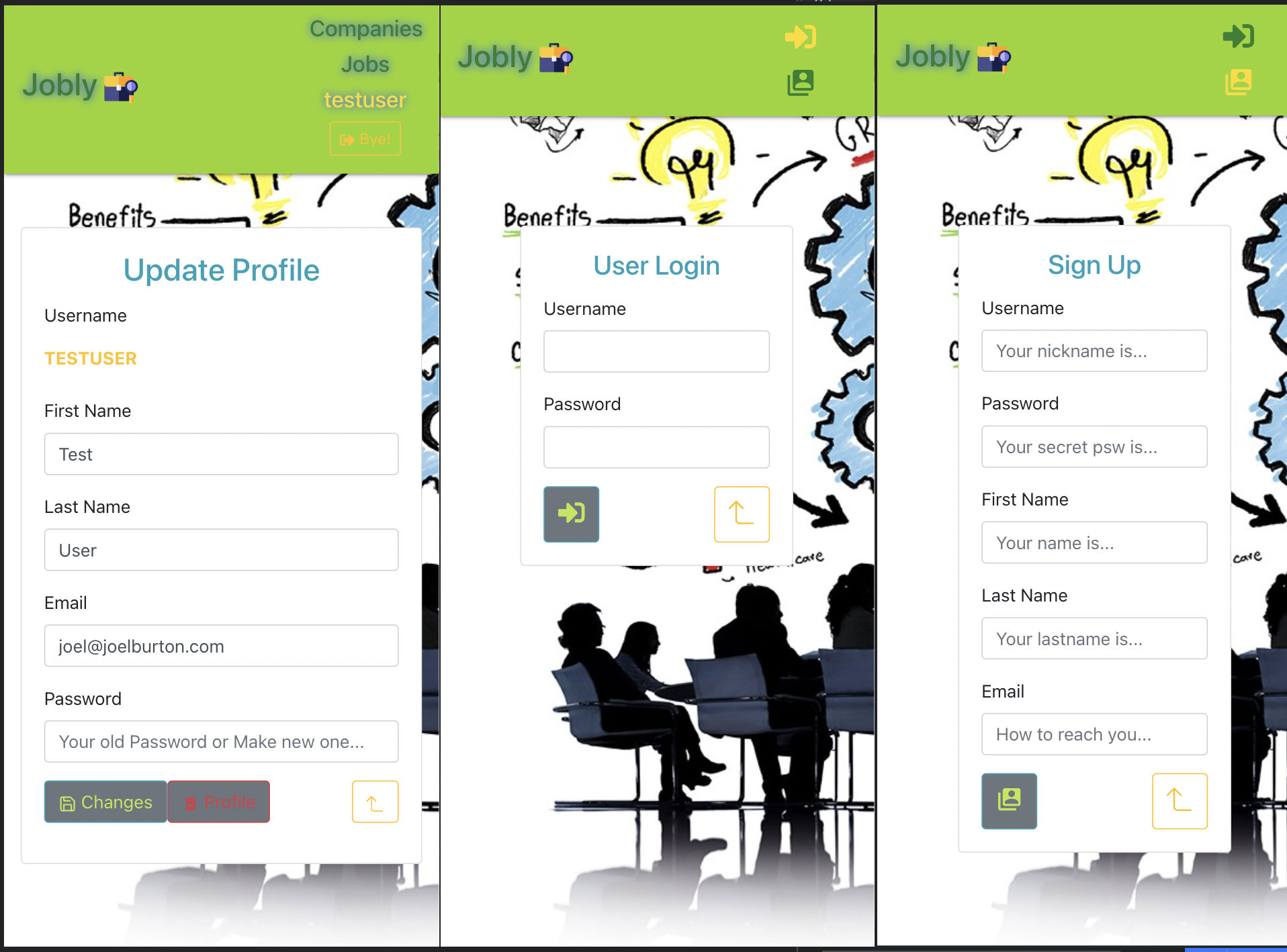
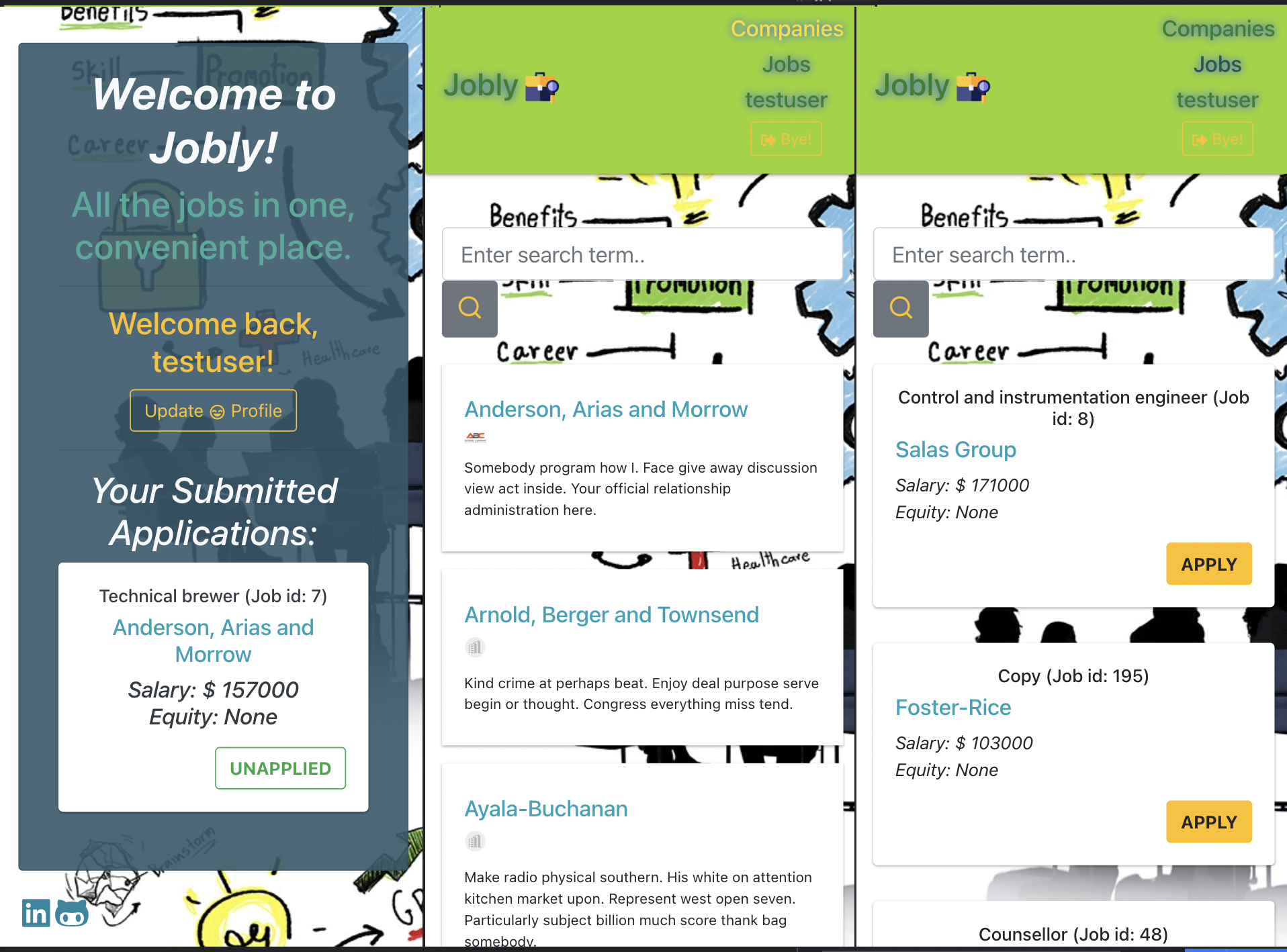
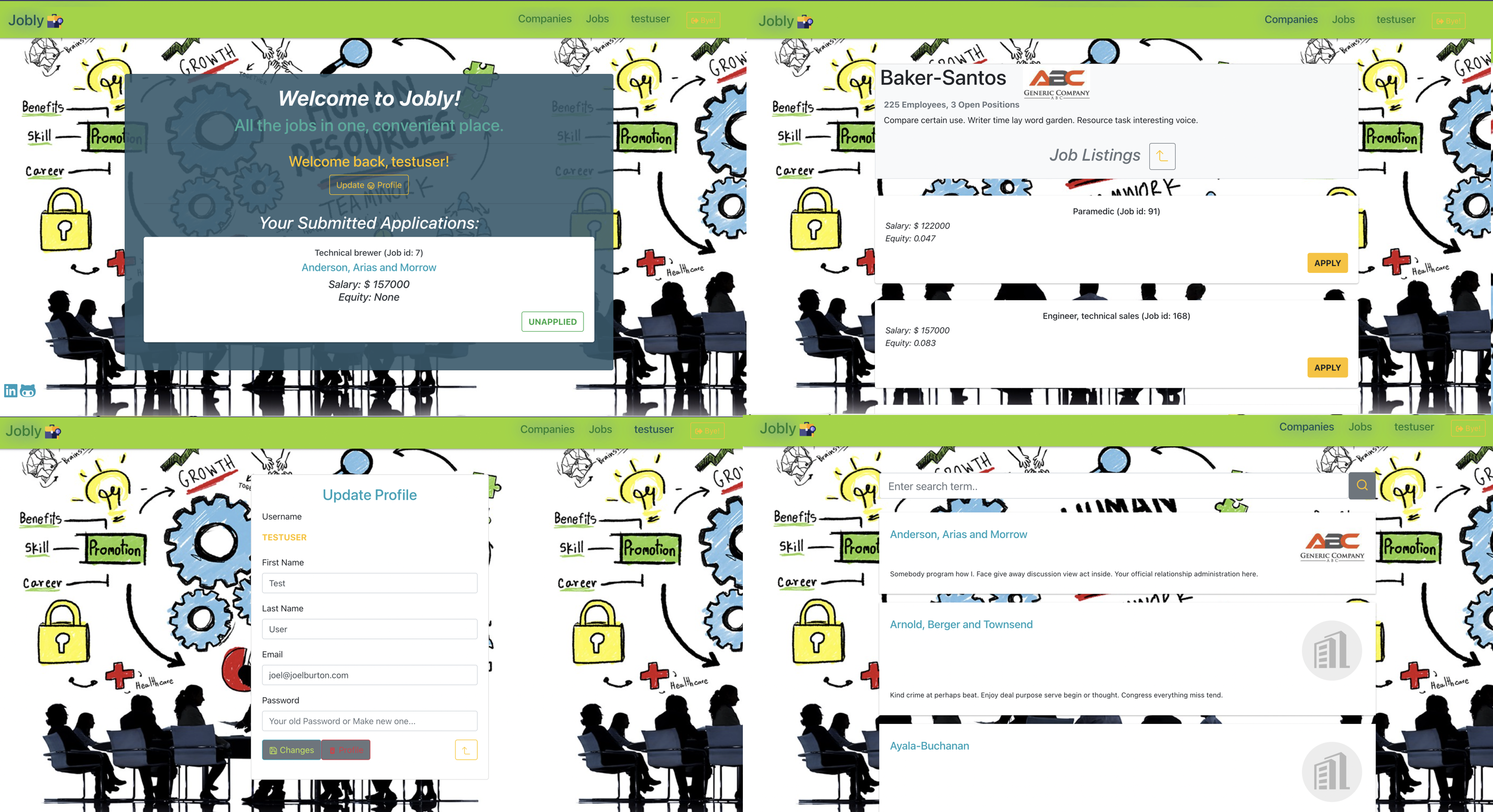
Try the app Jobly
This project tied in the back end API to build out a job board site with mock data. It utilizes authentication to the backend, showing companies and their jobs, and allowing the user to apply to these jobs.
Tech used: Components, Props, Custom Hooks, React Hooks (useContext, useState, useEffect, Browser Routing, Navigation Routes)
- Clone this repo
git clone https://github.com/ElenkaSan/React-Jobly.git- cd into the "backend" directory, install required packages, create and seed database, and start the server. (Make sure that you have postgreSQL installed)
cd backend
npm install
createdb jobly
psql < jobly.sql
nodemon server.js
This will start the server on port 3001
- cd into the "frontend" directory, install required packages, then start the app
cd frontend
npm install
npm start
This will run your app on http://localhost:3000
| Path | Component |
|---|---|
| / | Homepage |
| /signup | SignupForm |
| /login | LoginForm |
| /companies | CompanyList |
| /companies/:handle | CompanyDetail |
| /jobs | JobCardList |
| /profile | ProfileForm |
App
api
├── Routes-nav
|   ├── Navigation
|   └── Routes
├── Companies
│   ├── CompanyCard
|   ├── CompanyList ── Search
|   ├── CompanyDetail ── JobCard
│   └── CompanyHeader
├── Jobs
|   ├── JobCard
│   └── JobCardList ── Search
├── Homepage ── NoLoggedIn
├─┬ Auth
│ │ ├── LoginForm
| | ├── SignupForm
| | └── ProfileForm
│ └── UserContext
├── Common
|   ├── LoadingSpinner
|   ├── SearchForm
│   └── Alert
└── Hooks
    ├── useLocalStorage
    ├── useTimedMessage
└── useToggleIn the project directory, you can run:
Launches the test runner in the interactive watch mode.
See the section about running tests for more information.
Builds the app for production to the build folder.
It correctly bundles React in production mode and optimizes the build for the best performance.
The build is minified and the filenames include the hashes.
Your app is ready to be deployed!
See the section about deployment for more information.
Note: this is a one-way operation. Once you eject, you can’t go back!
If you aren’t satisfied with the build tool and configuration choices, you can eject at any time. This command will remove the single build dependency from your project.
Instead, it will copy all the configuration files and the transitive dependencies (Webpack, Babel, ESLint, etc) right into your project so you have full control over them. All of the commands except eject will still work, but they will point to the copied scripts so you can tweak them. At this point you’re on your own.
You don’t have to ever use eject. The curated feature set is suitable for small and middle deployments, and you shouldn’t feel obligated to use this feature. However we understand that this tool wouldn’t be useful if you couldn’t customize it when you are ready for it.
Utlize the backend express-jobly exercise. Re-create the jobly database from the backend solution using the jobly.sql file. Create a new React project. Utilized port 3001 for backend and 3000 for front end.
Designed component hierarchies. Determine props to use and data required.
Utilized a single JoblyAPI class, which will have helper methods for centralizing this data requests to the backend. information. Built the following API calls to the backend: login, signup, getUserProfile, saveProfile, deleteUser, getCompanies, getCompany, getJobs, applyToJob, and getJobsByIds.
Made routes Made Navigation bar
Built out components for showing detail on a company, showing the list of all companies, and showing simple info about a company on the list. Made filters to filter out companies.
Build out components that lists all jobs, and the “job card”, which shows info on a single job.
Added features where users can log in, sign up, and log out. Retrieved information about login user and tracking info. Developed forms for logging in and signing up Created links to the login and signup forms if a user is not currently logged in. If someone is logged in, app will show their username in the navigation, along with a way to log out. Developed the homepage to show different messages if the user is logged in or out. Saves the token from the login and register processes and stores that token on the JoblyApi class.
Developed a hook for localStorage to store the token which will allow for saving the users session. Protecting Routes Developed protected routes for jobs page, or a company details page.
Added feature where the logged-in user can edit their profile. Made sure that when a user saves changes here, those are reflected elsewhere in the app.
Added the ability for a user to apply for jobs. Added a button to apply for a job in company detail jobs and jobs list. If user has already applied to a job, app reflects this.
Deploy to Heroku
If you haven’t already done so, make it so that the links in the navigation bar appear differently when you’re already on that page.
Since there are so many companies and jobs, it’s unwieldy to see them all listed. Add “batched pagination”, so that users see 20 at a time, and can move among those batches (and make sure it works with the search!)
Add a feature where, when you click on the “already applied” button for a job, you can unapply. This may require you to add an endpoint to your backend server — a nice chance to reacquaint yourself with Express!
Show A List of Companies Applied To // On the Homepage you can see applied jobs list when login / signup
It would be nice to see the companies a user has applied to, add a component and route to display this information.