Many airlines offer free texting service in-flight, while charging for general Wifi service. This is a text message bot that allows you to browse Wikipedia for free during a flight by texting you a requested article's contents.
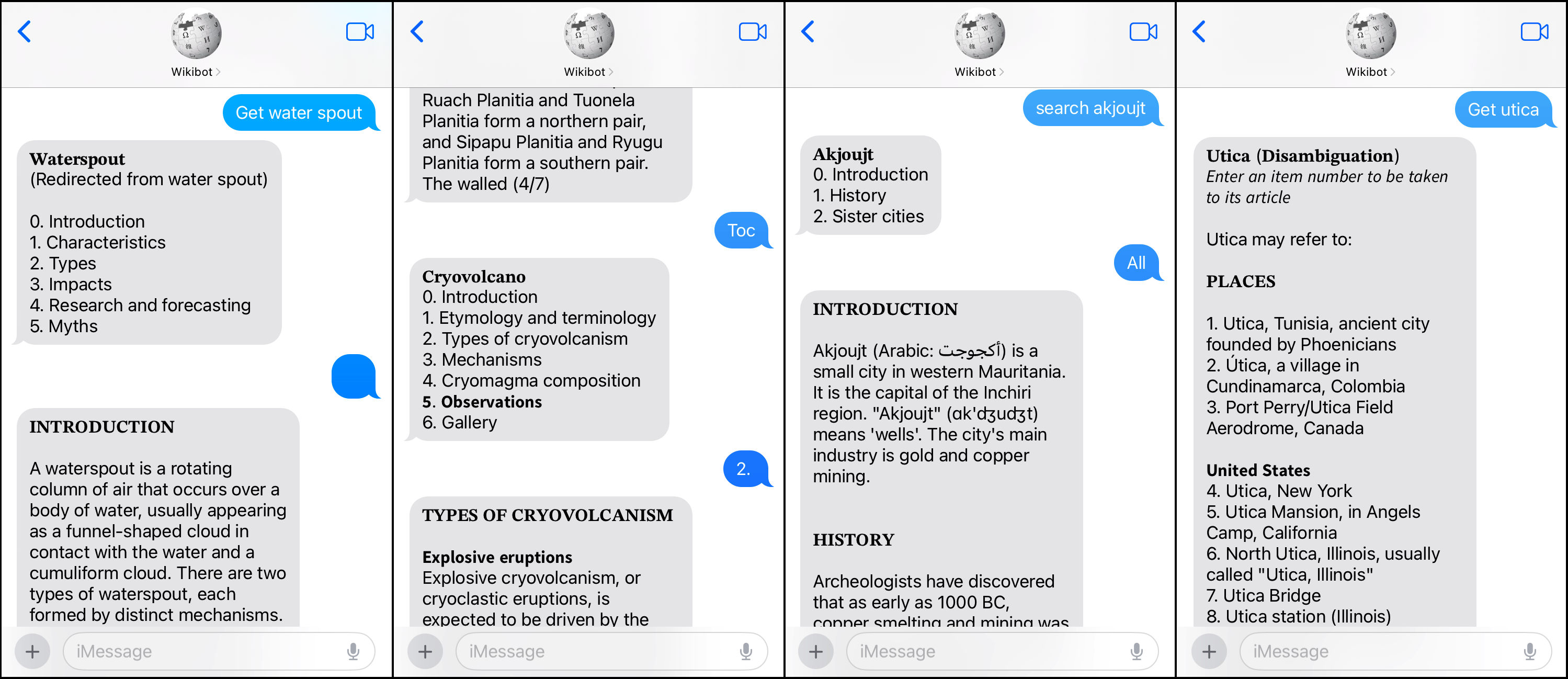
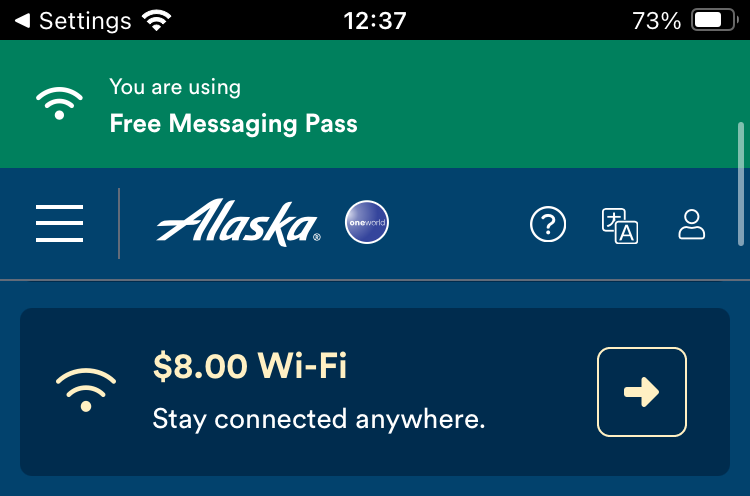
It is common these days for airlines to have a two-tiered in-flight Wifi service. The free tier will allow you to send and receive texts via wifi messaging apps like WhatsApp, Messenger, or iMessage. This last service is interesting, as one can deploy a texting bot on any Apple computer that sends and receives texts via iMessage for free, no (real) phone number required! This opens up the possibility to use iMessage as a kind of primitive web proxy. Media attachments are usually not possible via free in-flight texting services, so this proxy use-case is further limited to plaintext only. The obvious website to use for this is Wikipedia, as it is mostly text-based and has a simple API.

This Python script reads in text messages via iMessage and translates them into requests for Wikipedia's TextExtracts API. Content is then organized and formatted for display within the Messages app. The bot features a number of text commands that one can use to help navigate the article.
Different articles can be loaded for different users, and anyone with the deployed bot's iCloud address can browse Wikipedia with their own session. Group chats also get their own unique session.
Setting this bot up is somewhat involved and requires a dedicated Apple computer such as an old Macbook to run the script, as well as a fake iCloud account. It's not the most practical home server project out there, and probably not worth the money saved. However, it's a fun little trick and is something I now use whenever I fly.
Create a new user account on an Apple computer (MacOS 10.12 or later), and setup an iCloud account for this user. This generally requires a phone number, so get a free Google Voice number to use for this account. Enable the new account in Messages app and check that it can send and receive iMessages (it will not be able to send/receive SMS with Android phones). Download wikibot.py onto this computer and install any dependencies if needed. Run the script via Terminal (directory does not matter), and test that it's working by texting a command message, such as "ping", to the new iCloud address from an iPhone or other Mac.
To run normally:
python3 wikibot.pyOr, to run the cross-platform CLI mode, which uses stdin/stdout for I/O rather than iMessage:
python3 wikibot.py cliThe command list can be seen by sending the message "help". Detailed info for a specific command can be found by typing "help command name". All commands are case-insensitive, and are listed below:
- search (or get) - Search for an article by title
- toc - Print the table of contents
- next (or “”) - Get the next part of the article
- previous (or prev) - Get the previous part of the article
- section (or sect) - Jump to a specified section (by name or number)
- part - Jump to a specified part of a section
- all - Get entire article text, rather than split by sections
- limit (or lim) - Set character limit for response messages
- clear - Clear out the cache for your article
- disable (or stop) - Disable wikibot
- help - Print the help text
- ping - Ping bot to check connection