[WXSFUS-162]- create & style the landing page for food ordering#2298
[WXSFUS-162]- create & style the landing page for food ordering#2298chimmalambo wants to merge 10 commits intomasterfrom
Conversation


|
Well done @chimmalambo! You must ensure that your webpage looks precisely like the shared mockup on the Fifgma page: https://www.figma.com/file/qDRZt0susSQ5k4wEgB09hU/FoodBag-beginner?node-id=13%3A0. It's the highlighted page you are to work on. You still have some corrections to make. |
|
@Mayowa2020 Thanks. |
|
@Mayowa2020, changes done. See additional screenshot: |
|
Good morning @chimmalambo, I have the following comments to make: I hope this is clear enough. If not, do not hesitate to reach out to me on Slack. |
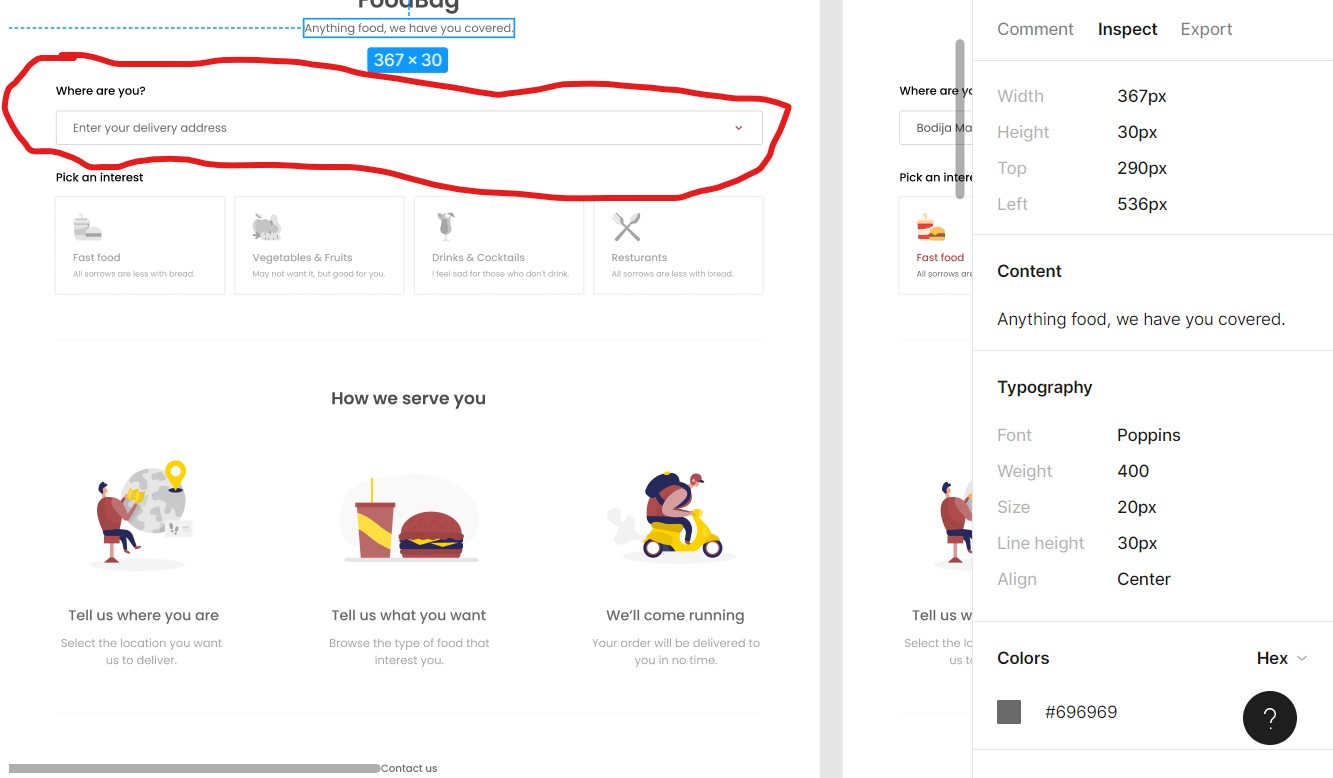
|
@Mayowa2020 hi Bukky. almost done. this is what I have done so far now. left with replacing the drop down arrow with the one that was provided in the asset file. Having a bit of a challenge but working through it |
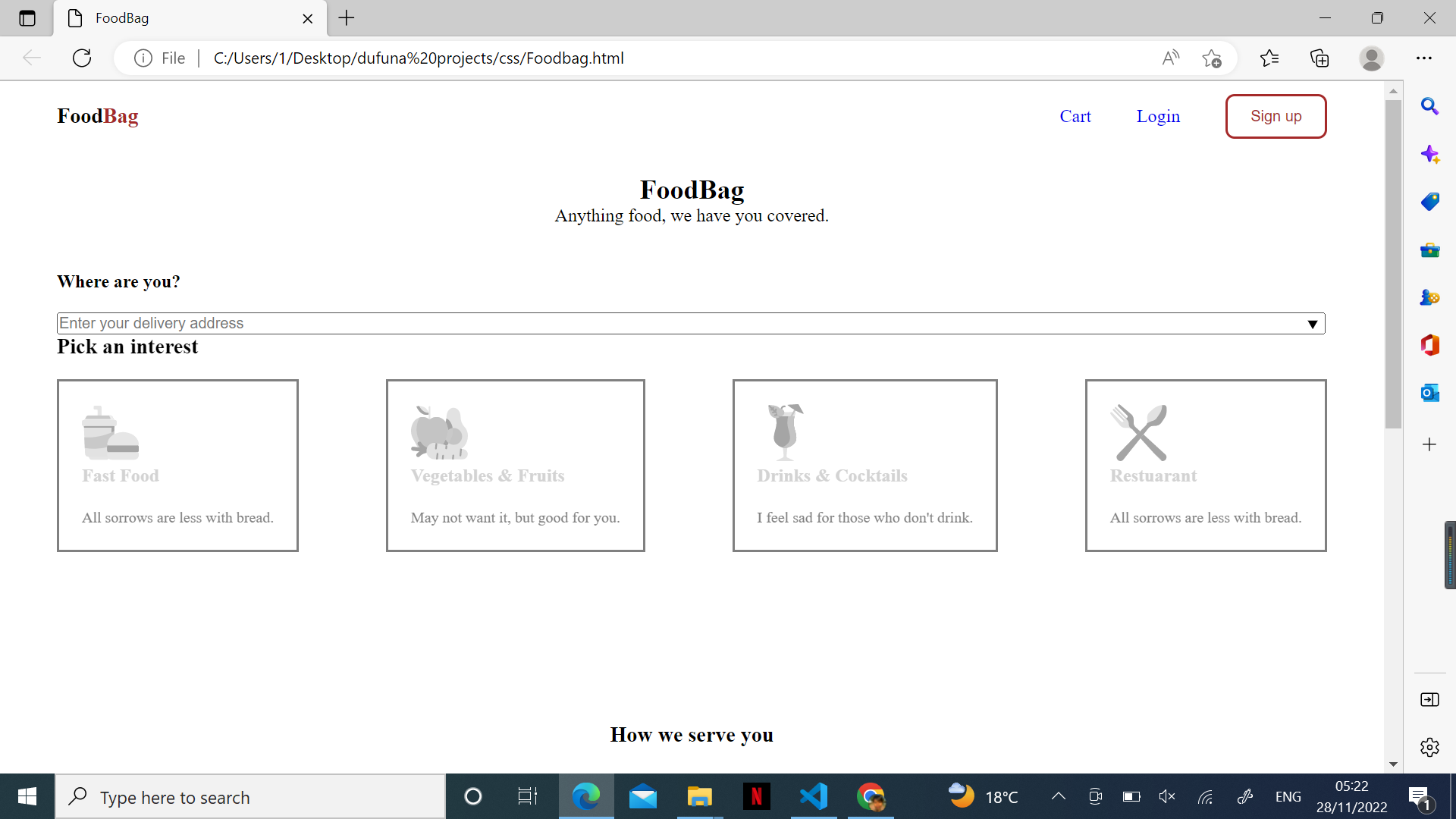

|
Well done @chimmalambo, you are quite close, but not there yet. As earlier mentioned the fonts on your webpage are not the same as that on the Mockup page. I had already mentioned how to get the fonts from the Mockup page on Figma, Also ensure the weight, colour and size of the fonts on your web page are quite close, if not exactly similar to what is on the Mockup page. Once you get the type of font used, you might have to import it from Google fonts. It's not on Windows by default. Attaching the screenshots of your code is not necessary, what is required here are screenshots of your web pages. Kindly make the necessary changes and revert when done. |
2 participants


created and styled a landing page for a food ordering website.