A small Frappe module that displays custom alerts to specific recipients after login.
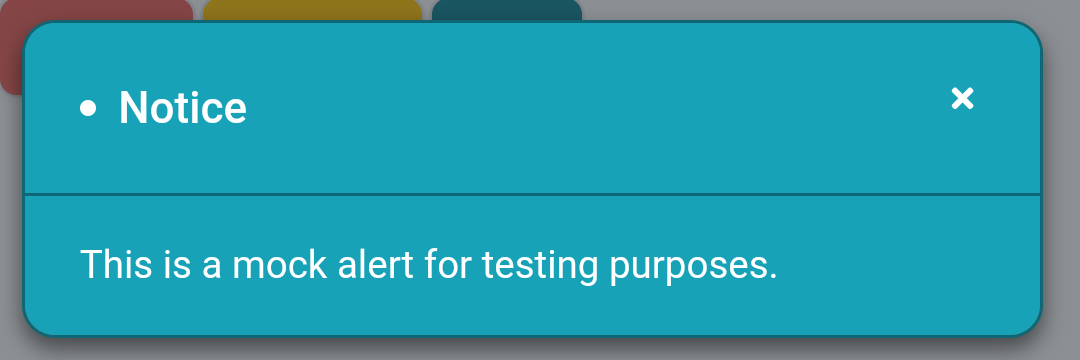
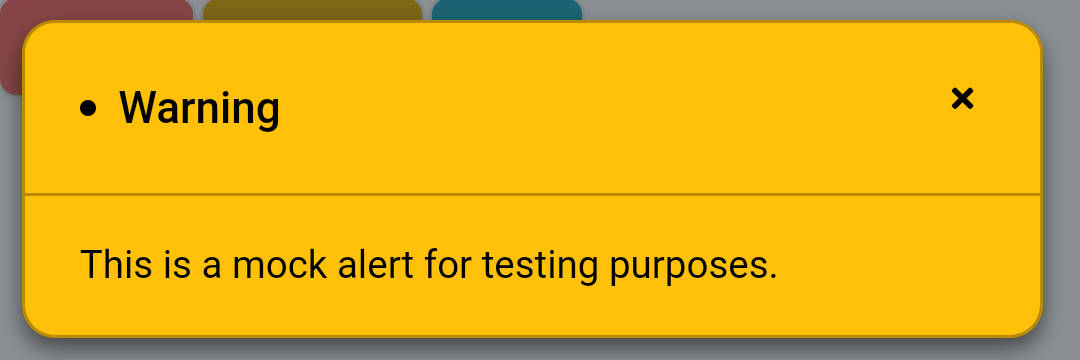
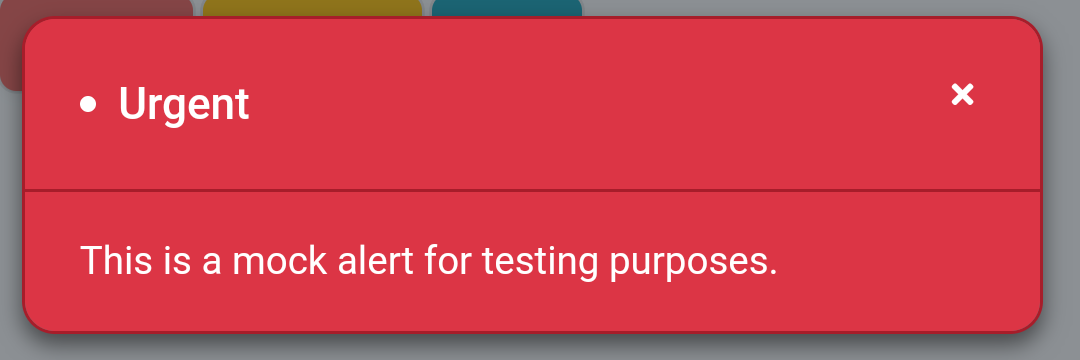
- Frappe >= v12.0.0
Do not forget to replace [sitename] with the name of your site in all commands.
- Go to bench directory
cd ~/frappe-bench
- Get plugin from Github
(Required only once)
bench get-app https://github.com/kid1194/frappe_alerts
- Build plugin
(Required only once)
bench build --app alerts
- Install plugin on a specific site
bench --site [sitename] install-app alerts
- Check the usage section
- Go to app directory
cd ~/frappe-bench/apps/alerts
- Get updates from Github
git pull
- Go to bench directory
cd ~/frappe-bench
- Build plugin
bench build --app alerts
- Update a specific site
bench --site [sitename] migrate
- (Optional) Restart bench
bench restart
- Go to bench directory
cd ~/frappe-bench
- Uninstall plugin from a specific site
bench --site [sitename] uninstall-app alerts
- Remove plugin from bench
bench remove-app alerts
- (Optional) Restart bench
bench restart
- Go to
Alert Typethen create a new type - Enter the title for the type
- Set the
Display Priorityif needed - To make alerts of this type close automatically:
- Set the
Display Timeout (Seconds)or keep as0to disable the automatic close - Fraction numbers can also be used, like
1.5, to set a more specific timeout
- Set the
- To customize the alert sound:
- Select the
Display Soundthat you prefer - Select
Customoption to be able to upload aCustom Display Sound - Select
Noneto disable theDisplay Sound
- Select the
- To customize the look of the alert:
- Change the
Background Color,Border Color,Title ColorandContent Color - Click on
Previewto see how the custom style will look
- Change the
- Go to
Alertand create new entry - Select an
Alert Typeand change the alertTitle, if needed - Set the
From DateandUntil Dateto specify the alert duration - Enter and format the
Messageof alert - Set the
For Rolesand/or theFor Usersto specify the alert recipients - Check
Is Repeatableto display the alert more than once, and set theNumber of Repeats - After submitting the alert:
- The
Seen Bytable will be visible and will include all the reached users and datetime of reach
- The
- In list view, check the total number of unique users the alert has
Reached
If you find bug in the plugin, please create a bug report and let us know about it.
This repository has been released under the MIT License.