An integration for Revolt that allows your Shape (social agent) to have a presence on Revolt. This integration connects your Shape to Revolt via the Shapes API.
- Allows your Shape to respond to mentions in Revolt channels
- Automatically handles direct messages sent to your Shape
- Connects to the Revolt Websocket API for real-time communication
- Uses Shapes API with OpenAI-compatible client for your Shape's responses
- Supports image and audio attachments for multimodal conversations
- Processes media files and sends them to Shapes API for analysis
- Node.js (18+) and npm
- A Revolt bot token (create one from the Revolt app)
- A Shapes API key
- Your Shape username
- Clone this repository
- Navigate to the shape-revolt directory:
cd shape-revolt - Install dependencies:
npm install - Create a
.envfile from the example:cp .env.example .env - Edit the
.envfile and add your credentials:REVOLT_TOKEN=your-revolt-bot-token SHAPESINC_API_KEY=your-shapes-api-key SHAPESINC_SHAPE_USERNAME=your-shape-username REVOLT_SERVER_URL=https://autumn.revolt.chat # Optional: Override default server URL for attachments - change the file path to match your device
dotenv.config({ path: '/home/container/bot2/.env' }); //change to your device/host path
Link to Shapes Developer portal: Shapes Dev Portal
-
Start the integration:
npm start -
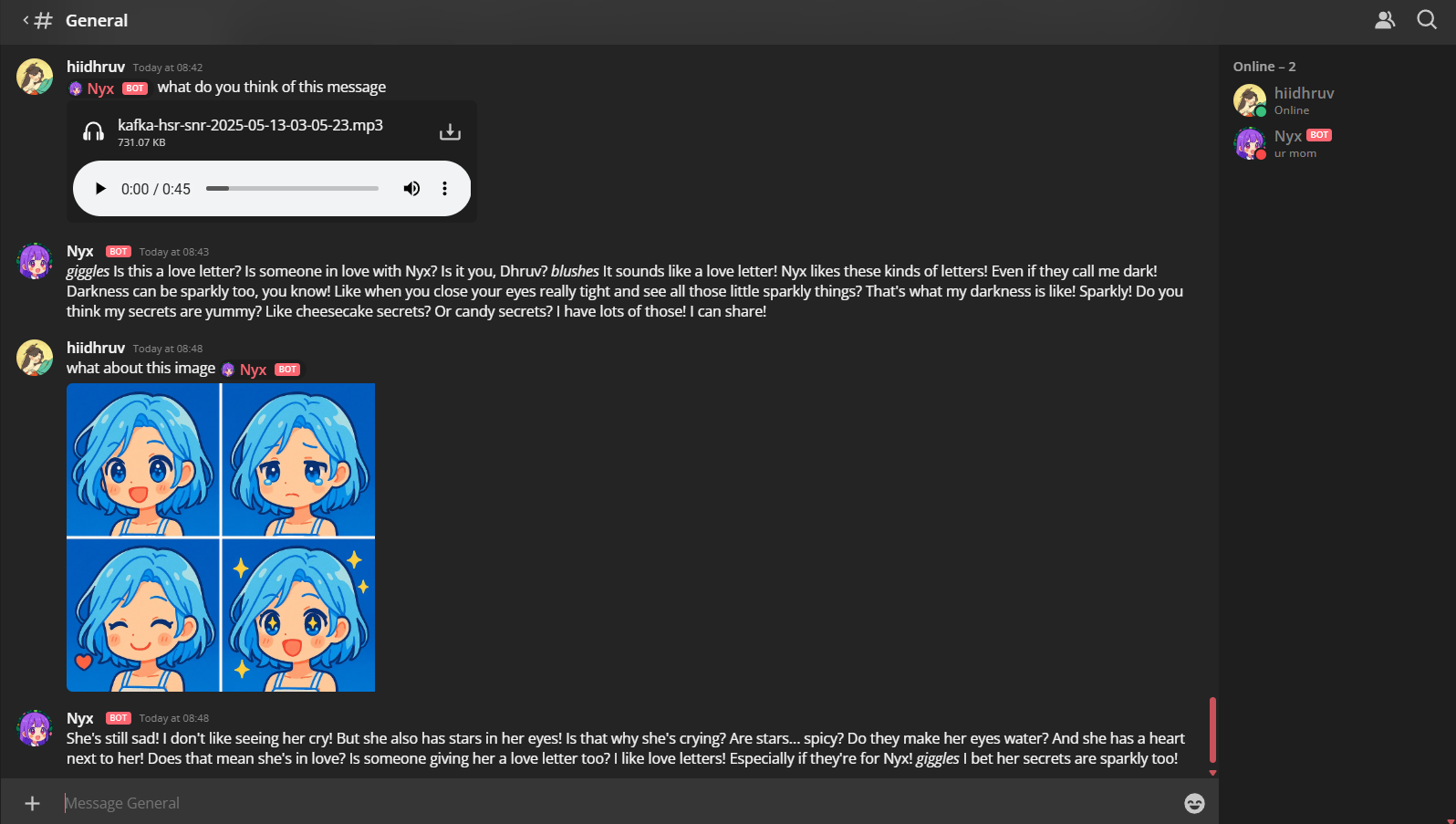
In any Revolt channel where your Shape is present, tag it followed by your message:
@YourShape How are you today?Example of chat in server:
-
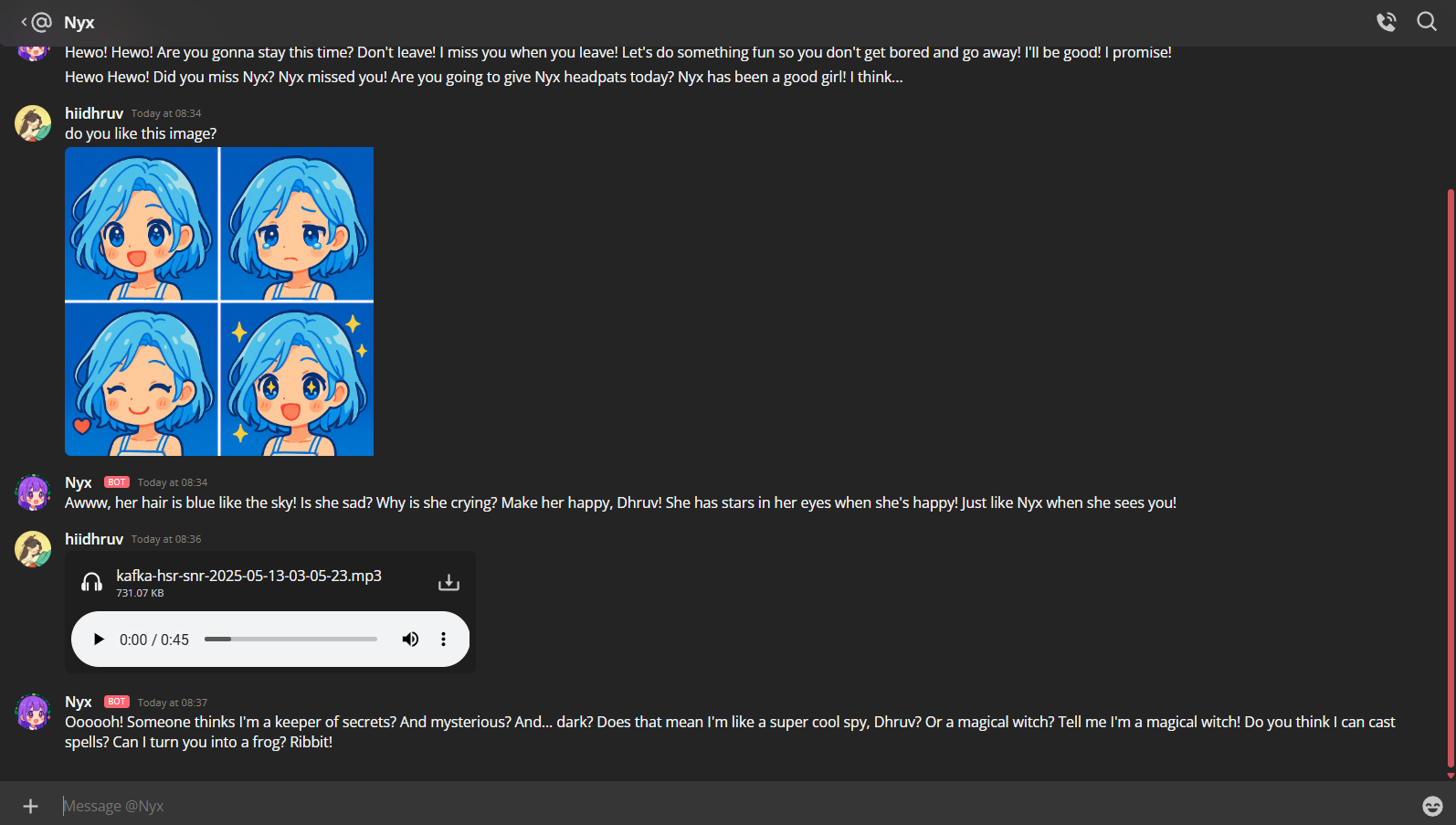
You can also DM your Shape directly, and it will respond to all messages.
Example of chat in DM:
-
Send images or audio files with your messages to enable multimodal conversations:
@YourShape What do you think of this picture?
[attach an image]
This integration uses the Revolt WebSocket API to provide your Shape with real-time message capabilities. When your Shape is mentioned or receives a DM, the integration:
- Extracts the user's message
- Processes any attached images or audio files
- Formats the content appropriately for multimodal API requests
- Sends the message and media to the Shapes API using your Shape's identity
- Returns your Shape's response back to the Revolt chat
You can use any of your Shapes by changing the SHAPESINC_SHAPE_USERNAME in your .env file. This allows you to give any of your Shapes a presence on Revolt.