 A battery saving toolkit to make the Unity3d editor more laptop battery friendly.
Add the following lines to your project's manifest.json (in the packages folder of your project)
"scopedRegistries": [
    {
      "name": "Cratesmith",
      "scopes": [
        "com.cratesmith"
      ],
      "url": "http://upm.cratesmith.com:4873"
    }
  ]
Your manifest.json should look something like this
{
  "scopedRegistries": [
    {
      "name": "Cratesmith",
      "scopes": [
        "com.cratesmith"
      ],
      "url": "http://upm.cratesmith.com:4873"
    }
  ],

  "dependencies": {
    "com.unity.2d.sprite": "1.0.0",
    "com.unity.2d.tilemap": "1.0.0",
    "com.unity.cinemachine": "2.3.4",
    ... etc ....
    }
}
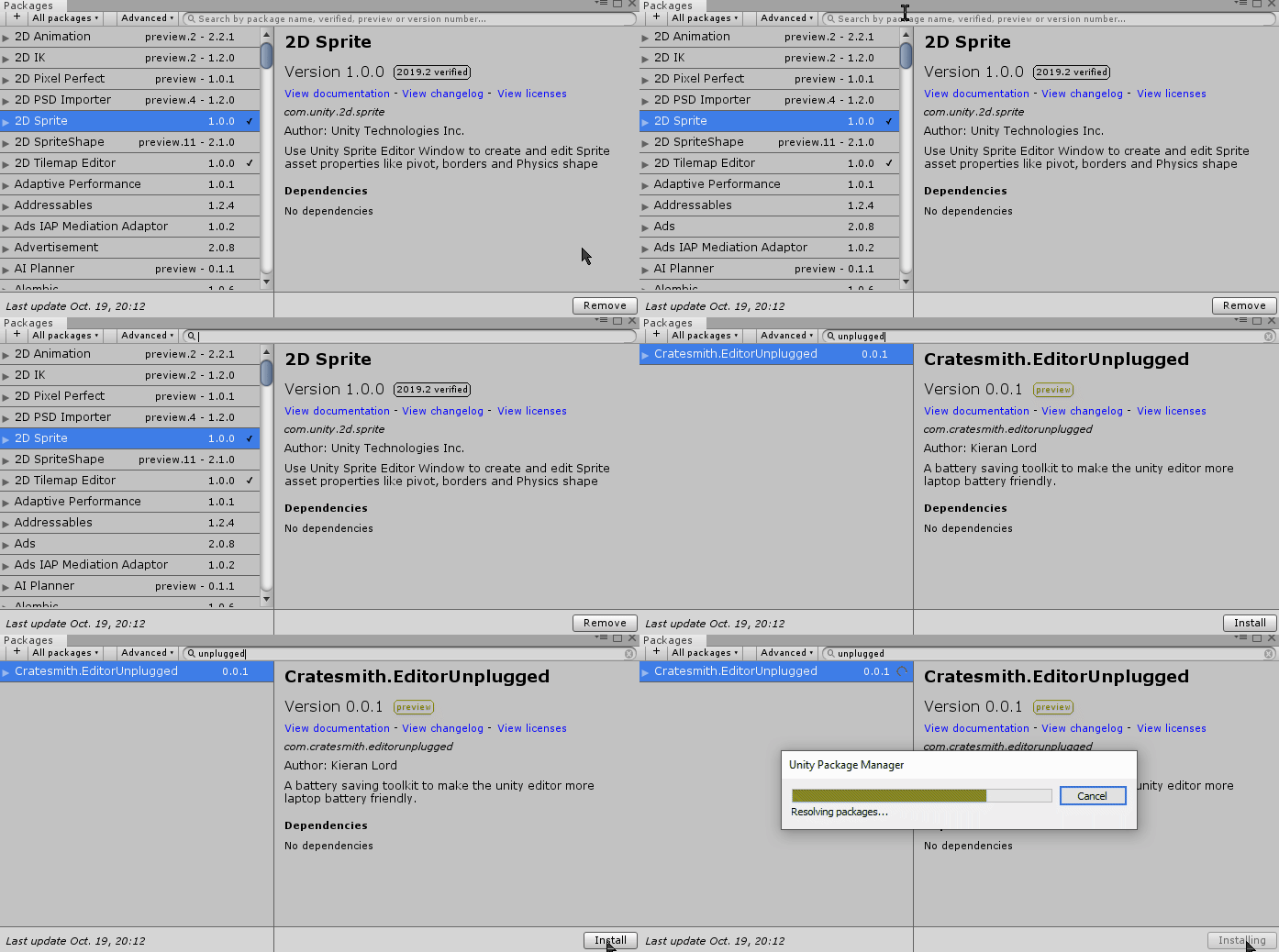
Select Window > Package Manager from the menu
Find Cratesmith.Editor Unplugged in the list (you may need to wait for it to refresh packages first) and click Install
It adds a nifty toolbar into your scene view that helps you track battery usage and control features that affect battery life!
 This shows how long unity has been running since startup.
 Information about how the battery's current status and usage trends.
Check the tooltips for detailed descriptions on each field.
Information about how the battery's current status and usage trends.
Check the tooltips for detailed descriptions on each field.
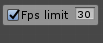 Restricts the game's framerate in the Unity editor if enabled.
(Setting this to 15 or 30 will significantly reduce GPU related battery use!)
Restricts the game's framerate in the Unity editor if enabled.
(Setting this to 15 or 30 will significantly reduce GPU related battery use!)
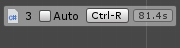 Adds a toggle for easily switching Auto-Refresh assets on and off. It also shows how many times scripts have been reloaded this session, and how long the last script reload took.
When auto is disabled press ctrl-r (or press the button) to recompile or load changed assets.
(Setting disabling auto significantly cuts down on CPU usage from unnecessary reloads when editing scripts)
This is an odd one... but currently the package manager window in 2018/19 has a habit of making reload times much longer if it's open (even in a tab!). So just as a safety it'll now automatically be closed the moment a compile starts.
 This drop down lets you easily control when assets get compressed for builds.
(Setting 'On Build' will make build times longer if there are new assets since the last build, but saves quite a lot of CPU usage)
This drop down lets you easily control when assets get compressed for builds.
(Setting 'On Build' will make build times longer if there are new assets since the last build, but saves quite a lot of CPU usage)
 This drop down allows you to quickly switch between different lightmapping behaviours.
(Setting 'On Demand' prevents the lightmapping engine recalculating Baked/Realtime GI when the scene is changed, which can be very GPU and CPU intensive)
This drop down allows you to quickly switch between different lightmapping behaviours.
(Setting 'On Demand' prevents the lightmapping engine recalculating Baked/Realtime GI when the scene is changed, which can be very GPU and CPU intensive)

This plugin doesn't alter your power settings or other applications at all. To get any real savings you should close any programs you aren't using (especially anything using the GPU!)
It also doesn't do anything at all outside of the editor. (Optimizing your game for battery is up to you!)