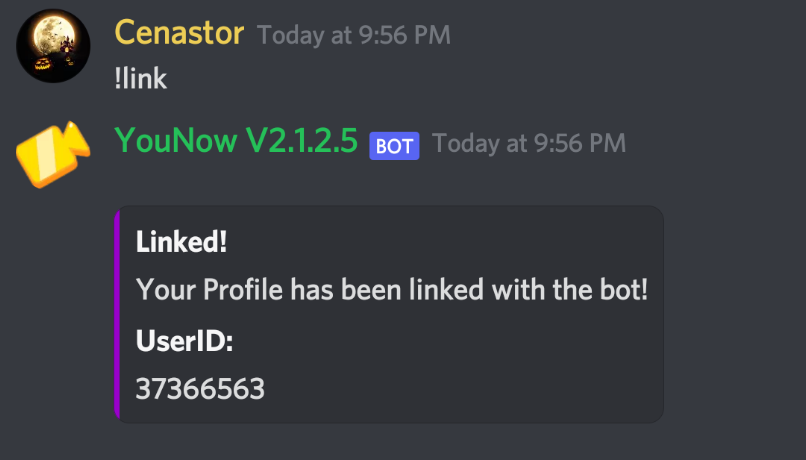
Account Linking
The first thing you need to do when setting up the bot on your server is to link your younow account with the bot this saves your younow userid and username to member data within the bot which is used for other commands like !profile and !getsub aswell as a few others.
/getcode younowusername <Your YouNow Username>
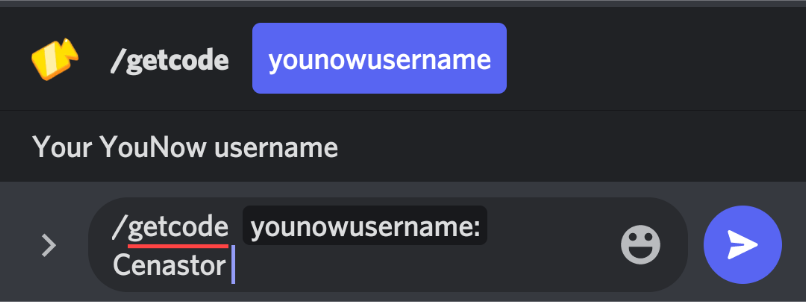
Goto a server with the bot and that you have access to slash commands and type in chat this will have the bot DM aswell
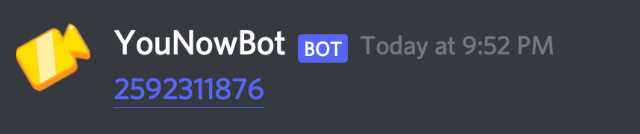
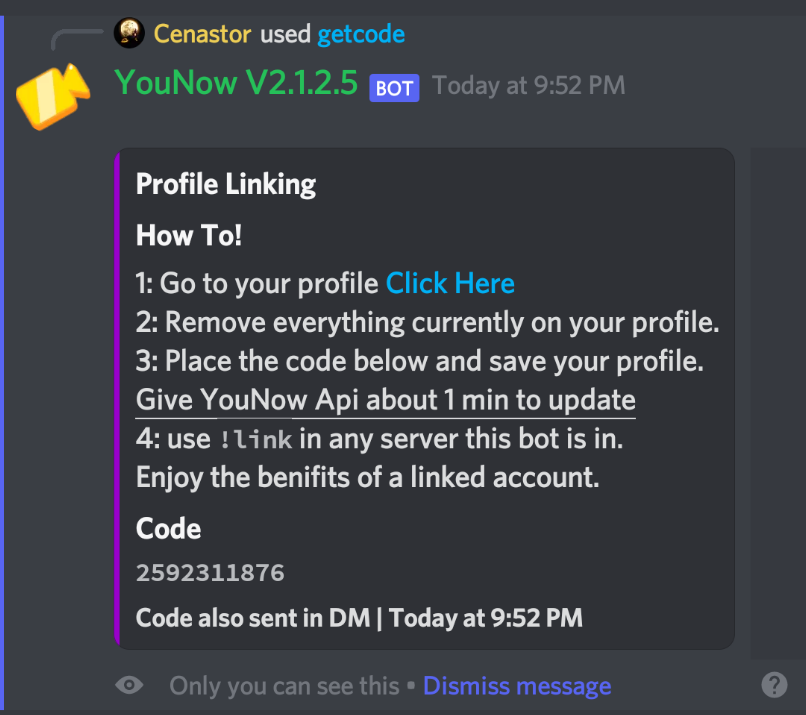
the command is ran in. Both of these msgs will contain the 10 digit code you will need to place on your profile make sure to remove everything else.
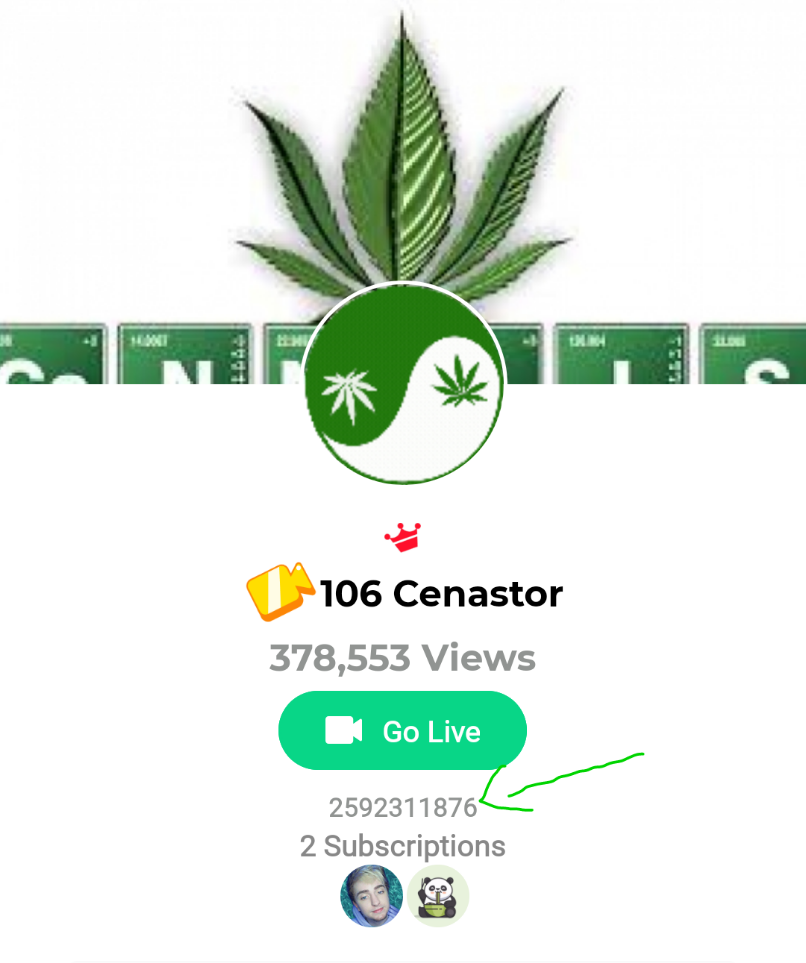
Once that is done come back to discord and type !link in the chat providing the api updated you should have just linked your account if it doesnt work the first time give it about 1 min and try the !link command again.