Setup
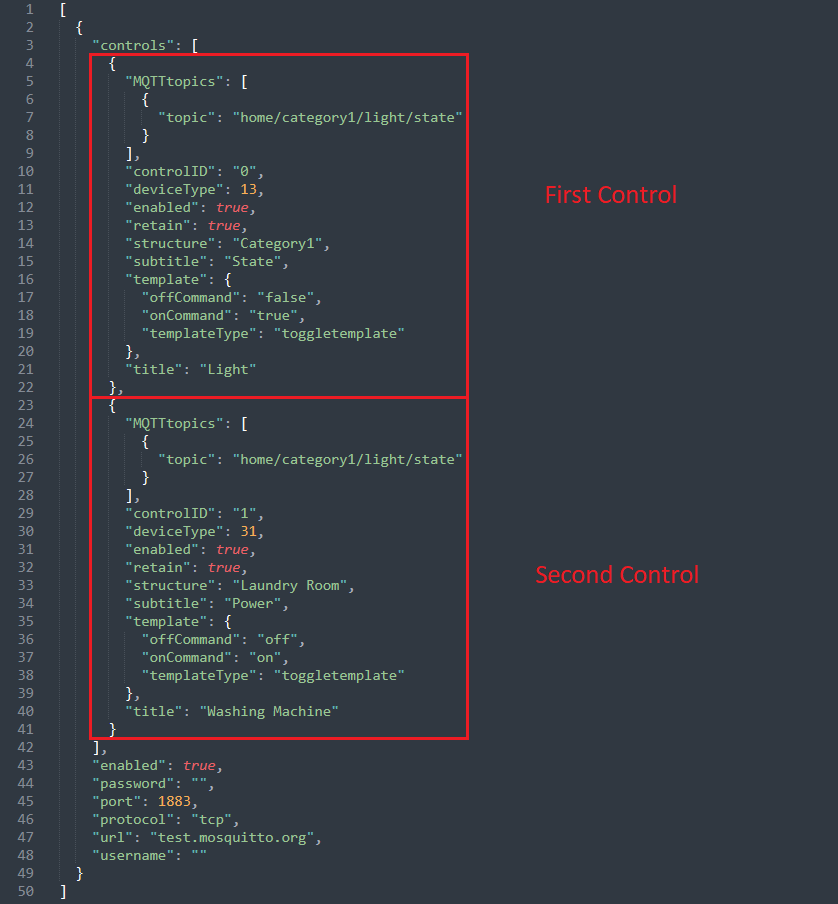
When first launching the app, you need to configure your desired controls via a json file.

this config would result in this Entry in the Device Controls menu:
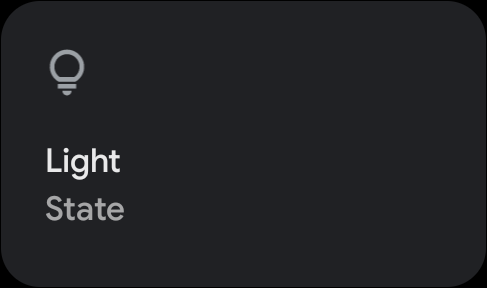
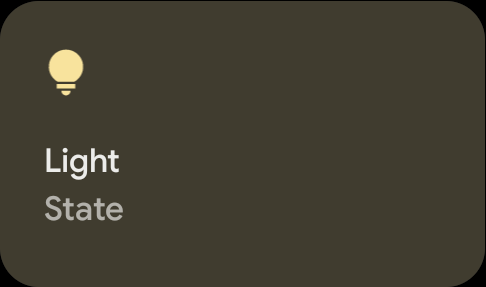
When tapping on it it will connect to the specified MQTT Server, send the onCommand to the Server and change the visual appearance of the button:
This time we choose to model a Washing Machine (A overview of supported visuals can be found here). The resulting Config would look like this:
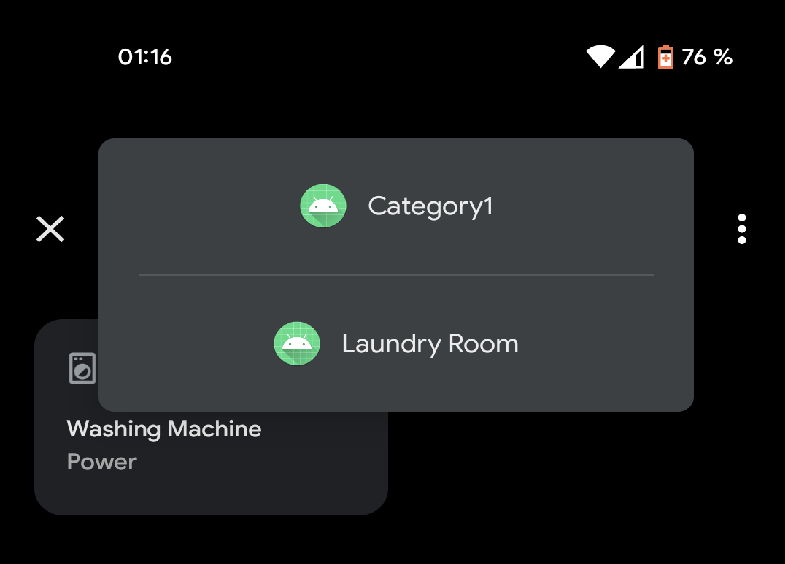
And the Device Control Menu would look like this:
For further info have a look here