
CAD Booster is a software companies that develops intuitive add-ins for SOLIDWORKS. We love streamlining complex workflows into one-click magic.
Our goal is to create really good software, with intuitive being the ultimate praise. We make every choice with the engineer in mind. This results in:
- Free trials without a credit card and with access to all features.
- No vendor lock-in. You still create the same drawings with Drew, you are just faster.
- Access to all updates and access to support when you use one of our products.
- No licensing shoehorned into our fastener library. You just get native SOLIDWORKS parts.

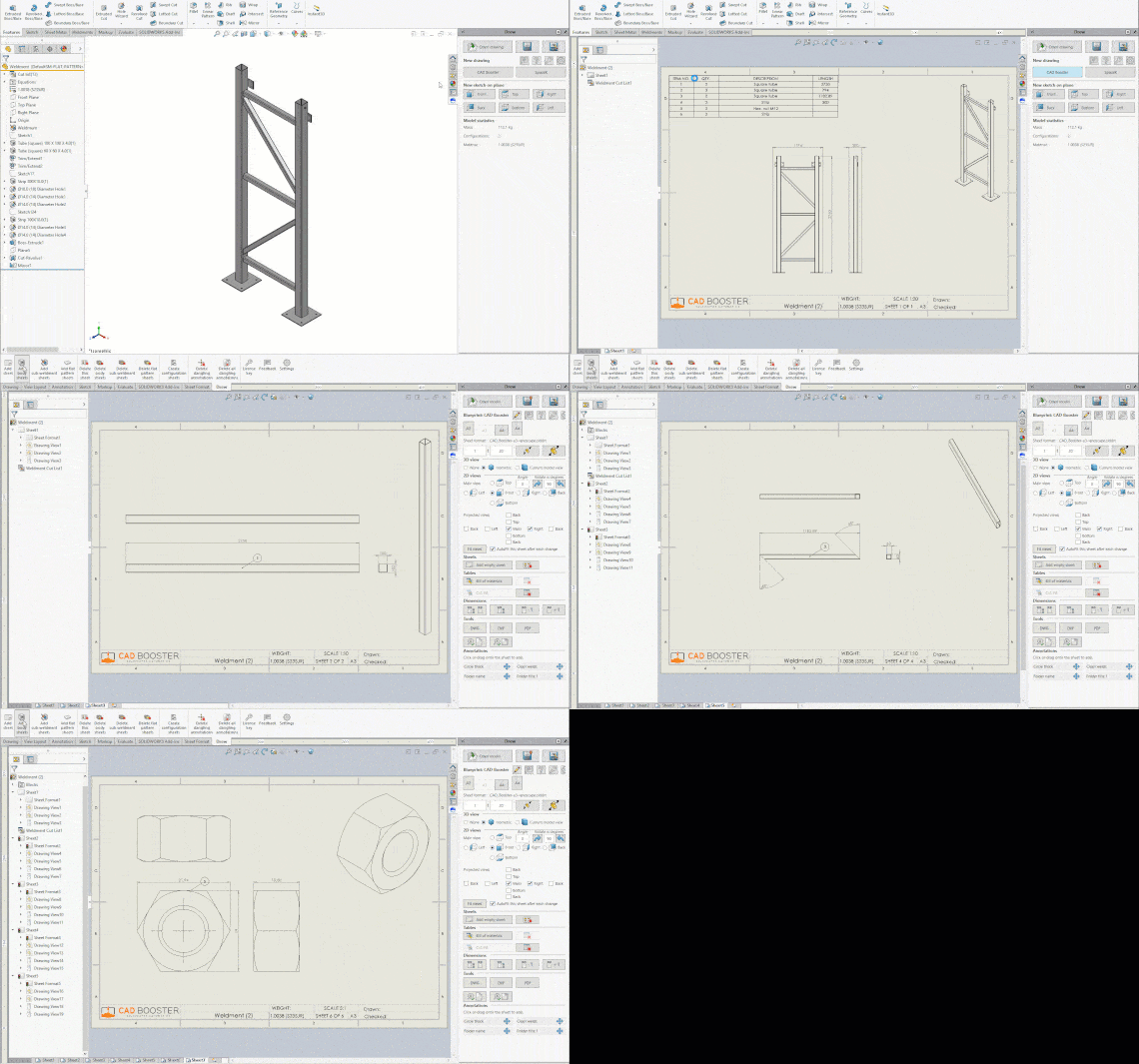
Drew is a drawing automation add-in for SOLIDWORKS. You store your preferences for templates, sheet sizes, scales, tables, views, dimensions and blocks in what we call Blueprints. After that, you start a new drawing with a single click.
Our goal is to turn every action into a single click. Add a view and move the other views? One click. Add a sheet with views for each unique body? One click. Even sharing your Blueprints with a colleague just takes a single click.
If SOLIDWORKS creates a popup, we create a setting. That way, you never have to answer the same question twice.
You can try Drew for free for 14 days, no credit card required.

Lightning is and add-in for SOLIDWORKS that makes working with fasteners fun again. Stop scrolling through endless lists of filenames, just select a type, size and material, then drag the bolt into your assembly. We'll add the washer and pattern for you.
We store size data for all your fasteners into a database, then make it easy to search through them. Since we're not browsing files but a database, this is very fast.
Once you selected a size, drag it into SOLIDWORKS and let the mate referenes do their thing. The bolt or nut will snap in place, after which we can add a washer or even a pattern. We can create patterns from both Hole Wizard feature and Cut-Extrudes, we don't mind.
You can try Lighning for free for 14 days, no credit card required.

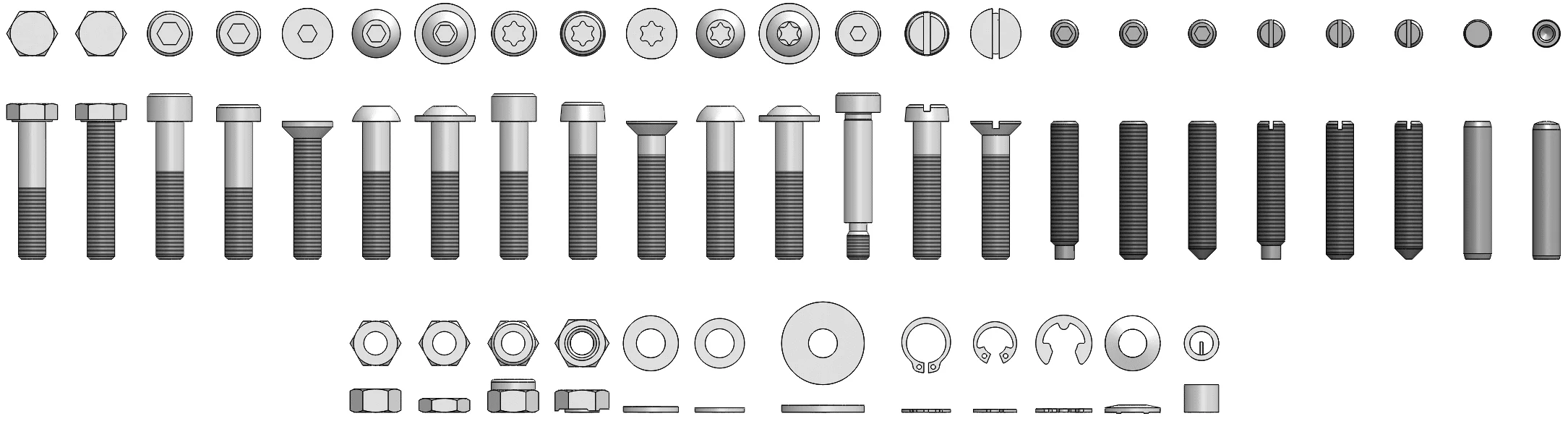
Fastener Models is a great fastener library for SOLIDWORKS. We purchased all ISO and DIN standards, extracted relevant size info and created software to create perfect fastener models.
The resulting files are native SOLIDWORKS parts, perfectly consistent and made for speed. They contain mate references, custom properties and face names. And since the files are normal parts, they are perfectly compatible with PDM, 3DEXPERIENCE and other version control systems.
You can download 5 free sample files so can see exactly what you will get before you buy. You can buy a single standard or get a collection of 16, 30 or all 65 fastener types. We also offer customization services if you want to add custom properties, materials or change the file names.

We maintain SolidDNA, a framework that makes building SOLIDWORKS add-ins easier. Every time a SOLIDWORKS API is hard to use, we create a user-friendly wrapper for it.
SolidDNA was started by Luke Malpass, a SOLIDWORKS legend from a few years back. He got so busy that SolidDNA wasn't being maintained and our proposed bug fixes and change requests were effectively ignored. So we forked the project, fixed bugs and added features.
Check out the CADBooster.SolidDNA NuGet package to get started.
We use SolidDNA in all of our add-ins. It runs Drew, Lightning, TimeSavers and at least a dozen other add-ins that we built for our clients.
This is a simple project. The Airtable NuGet is not strong-name signed and the maintainer did not want to change that. So we download every update, sign the DLLs inside it and publish the NuGet package as Airtable.Signed.
Just as with Airtable.Signed, we create and publish a signed copy of the Coralogix.SDK NuGet package as Coralogix.SDK.Signed. Coralogix no longer recommends their own SDKs, so we deprecated the package.
We're writing a series of articles about getting started with the SOLIDWORKS API. We're starting with the absolute basics and are trying to include all weird API behaviors beginners may trip over. Because the API docs will not teach you those tricks.
- The SOLIDWORKS Object Model + API explained
- SOLIDWORKS API: the basics – SldWorks, ModelDoc2
- How to work with Features
- Persistent ID and sketch segment ID and more
- All identifiers in the SOLIDWORKS API
- About return values
- Entities and GetCorresponding
- Understanding math and MathTransform
- Toolbars, menus and the Command Manager (coming soon)
- How to create task panes and Property Manager Pages (coming soon)
- How to develop a SOLIDWORKS add-in
- How to create your own SOLIDWORKS add-in (coming soon)
- SolidDNA: a better framework for SOLIDWORKS add-ins (coming soon)
You can also check out SolidDNA for a guide on building your own SOLIDWORKS add-in.
