-
git config --global user.name "Mona Lisa"confirm it worked:
git config --global user.nameShould respond with:
Mona Lisa -
Set your commit email address in Git.
git config --global user.email "email@example.com"confirm it worked:
git config --global user.emailShould respond with:
email@example.com -
-
Create a personal fork of the project on Github.
-
Clone the fork on your local machine. Your remote repo on Github is called origin.
-
Add the original repository as a remote called upstream using one of the following:
git remote add upstream https://github.ibm.com/payer/caps.gitor
git remote add upstream git@github.ibm.com:payer/caps.gitIf you created your fork a while ago be sure to pull upstream changes into your local repository. Create a new branch to work on! Branch from master.
-
Push your branch to your fork on Github, the remote origin.
-
stage changes for push:
git add .or
git add [FILE PATH] -
make commit message:
git commit -m "your message" -
push your changes:
git push origin [your branch name]
-
-

GitHub Basics Tutorial

GitHub Tutorial 2020 - Beginner's Training Guide
Provides GitHub shortcuts and paired/shared programming FREE
-
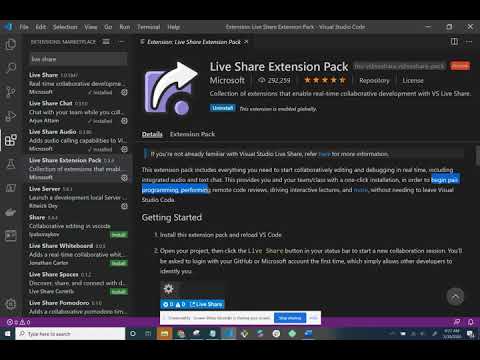
Includes everything you need to start collaboratively editing anddebugging in real time, including integrated audio and text chat -
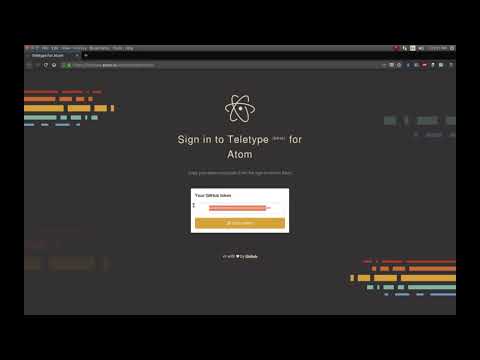
lets developers share their workspace with team members andcollaborate on code in real time. -
Note:
Both editors have a varying list of "extension" or "packages" that you can installto make for an enhanced coding experience. Things such as linters, IntelliSense,GitHub/Debugging plugins, etc.
- JetBrains
- cutting-edge software vendor specializing in the creation of intelligent development tools
- They also offer a educational licenses to students and teachers which provides a suite of tools suppporitng various languages for FREE!!!
- Educational License

Problem Solving Technique #1 for Coding Interviews
with Google, Amazon, Microsoft, Facebook, etc.

How To Think And Problem Solve In Coding