Spinner is an activity indicator that spins while an unquantifiable task, such as loading or synchronizing complex data, is performed. It disappears when the task completes
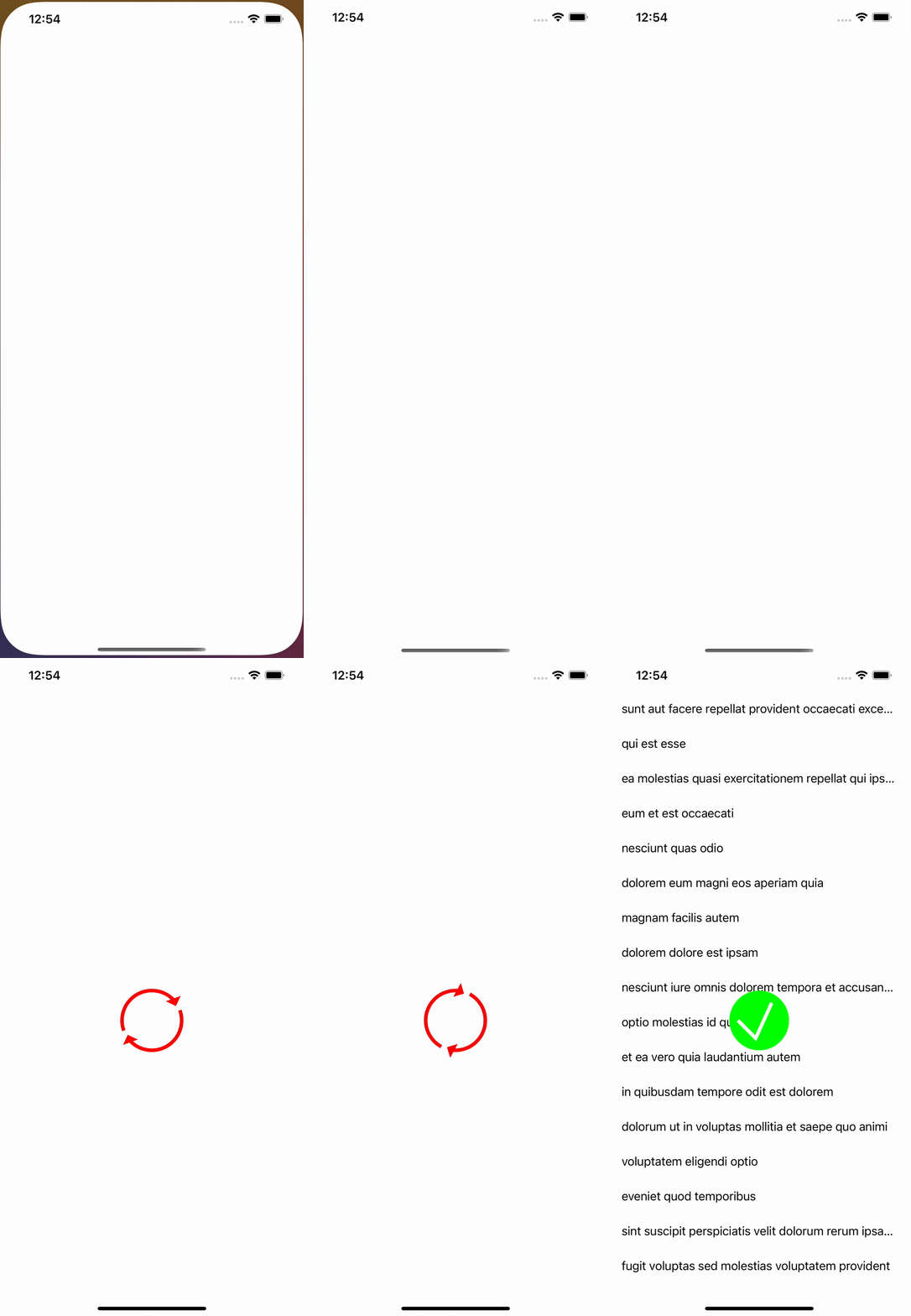
var spinner = SpinnerView()

func showSpinner(view: UIView) {
    spinner = SpinnerView(frame: CGRect(x: view.frame.width / 2, y: view.frame.height / 2, width: 100, height: 100))
    spinner.center = view.center
    view.isUserInteractionEnabled = false
    view.addSubview(spinner)
}

func removeSpinner(view: UIView) {
    spinner.removeSpinner()
    view.isUserInteractionEnabled = true

}
Spinner mainly deals with layers by adding, removing, and animate them
- Create SpinnerView and add it to tableView
- create main layer to add it to SpinnerView and animate it with infinity repetition
- create 2 sublayers part of oval with an arrow at end of it
- add the 2 sublayers to the main layer
when the task finished I needed to remove loadingView and show success one
- remove sublayers of main layer
- stop main layer animation
- create success layer and add success layer to main layer with animation for checkmark layer
- when animation finish remove sublayers of spinnerView layer
- remove spinnerView from tableView