You signed in with another tab or window. Reload to refresh your session.You signed out in another tab or window. Reload to refresh your session.You switched accounts on another tab or window. Reload to refresh your session.Dismiss alert
TrueFit is a complete full-stack e-commerce web application offering users a seamless shopping experience across various product categories including clothing, accessories, and footwear. Built with the MERN stack, it includes OTP-based authentication, Google OAuth login, a wishlist functionality, a cart system, order management, admin dashboard, and a Telegram bot that notifies the admin when a new order is placed or a new user signs up — all with a clean and responsive custom CSS interface.
Project Overview
TrueFit delivers a rich shopping experience with features like multi-category product listings, secure user authentication (OTP & Google), wishlist, shopping cart, checkout, order tracking, and user profile management. Admins can manage products, orders, coupons, and the hero banners through a protected interface.
UI Previews
User Interface
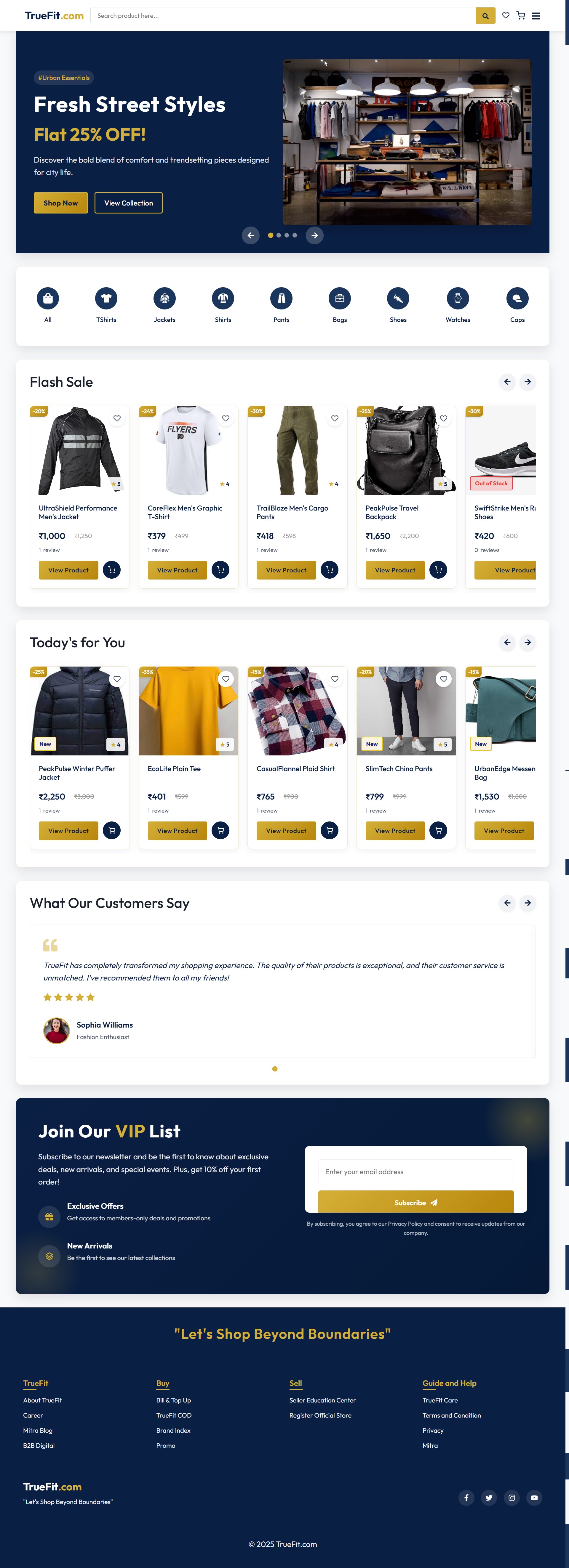
Landing Page
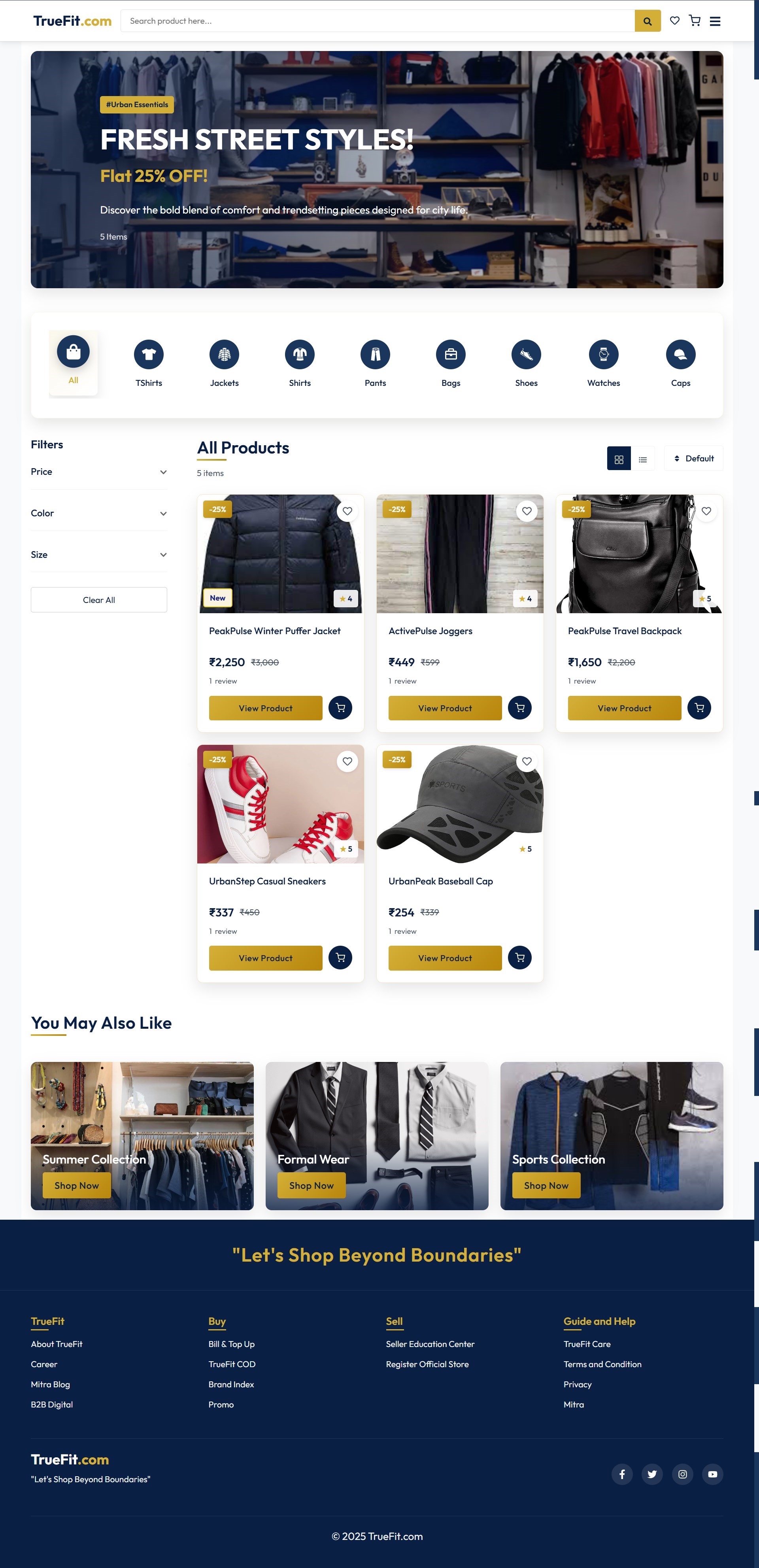
Shop Now Page
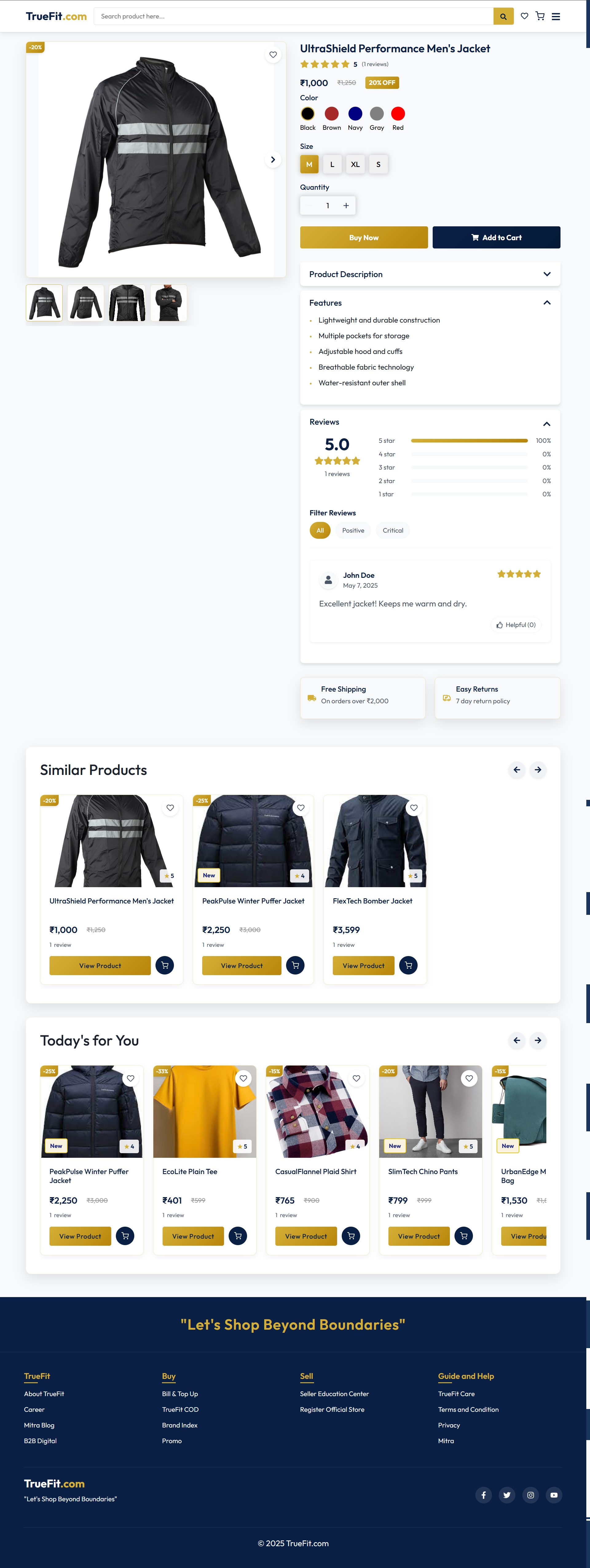
View Product Page
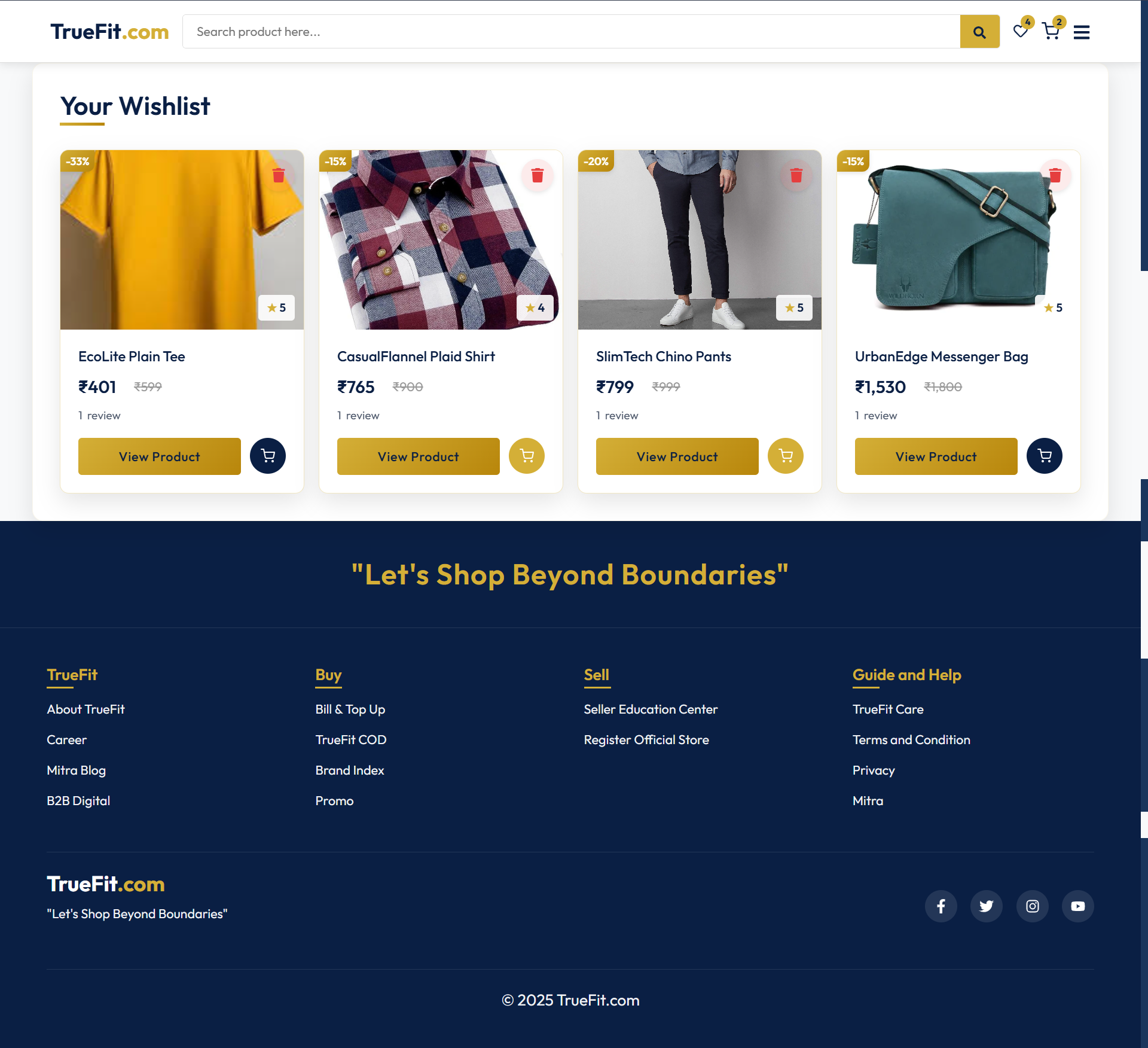
Wishlist Page
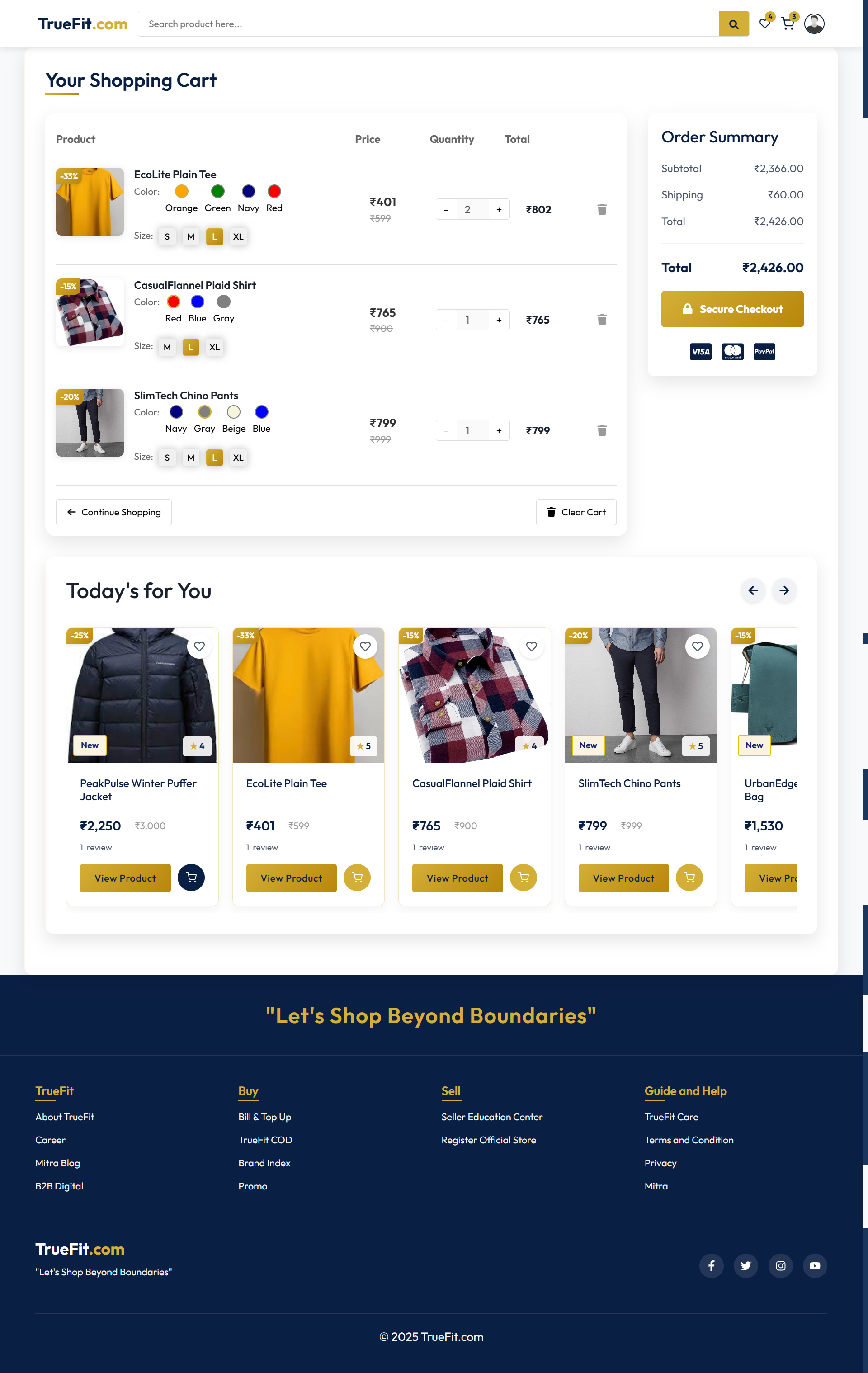
Cart Page
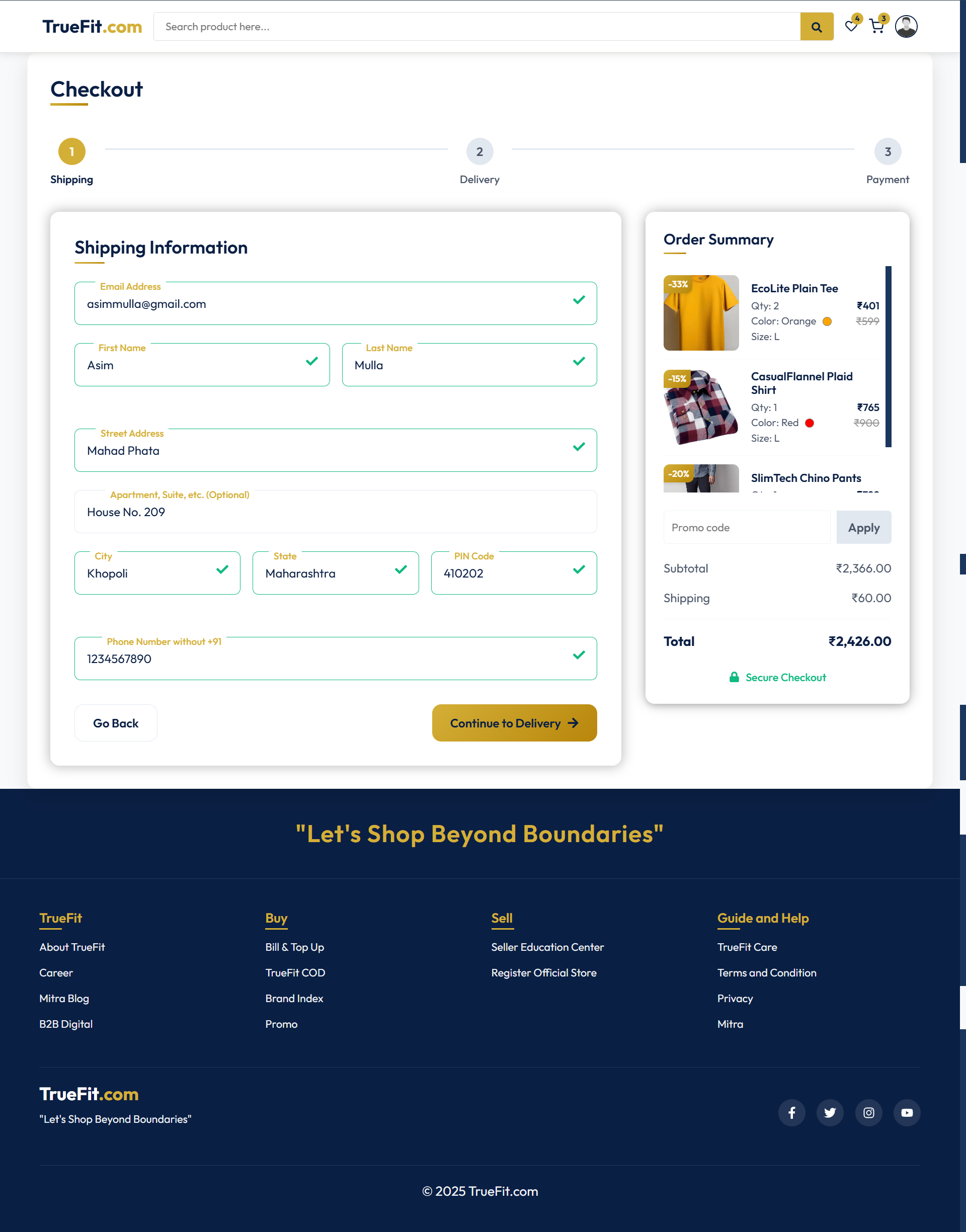
Checkout Address Page
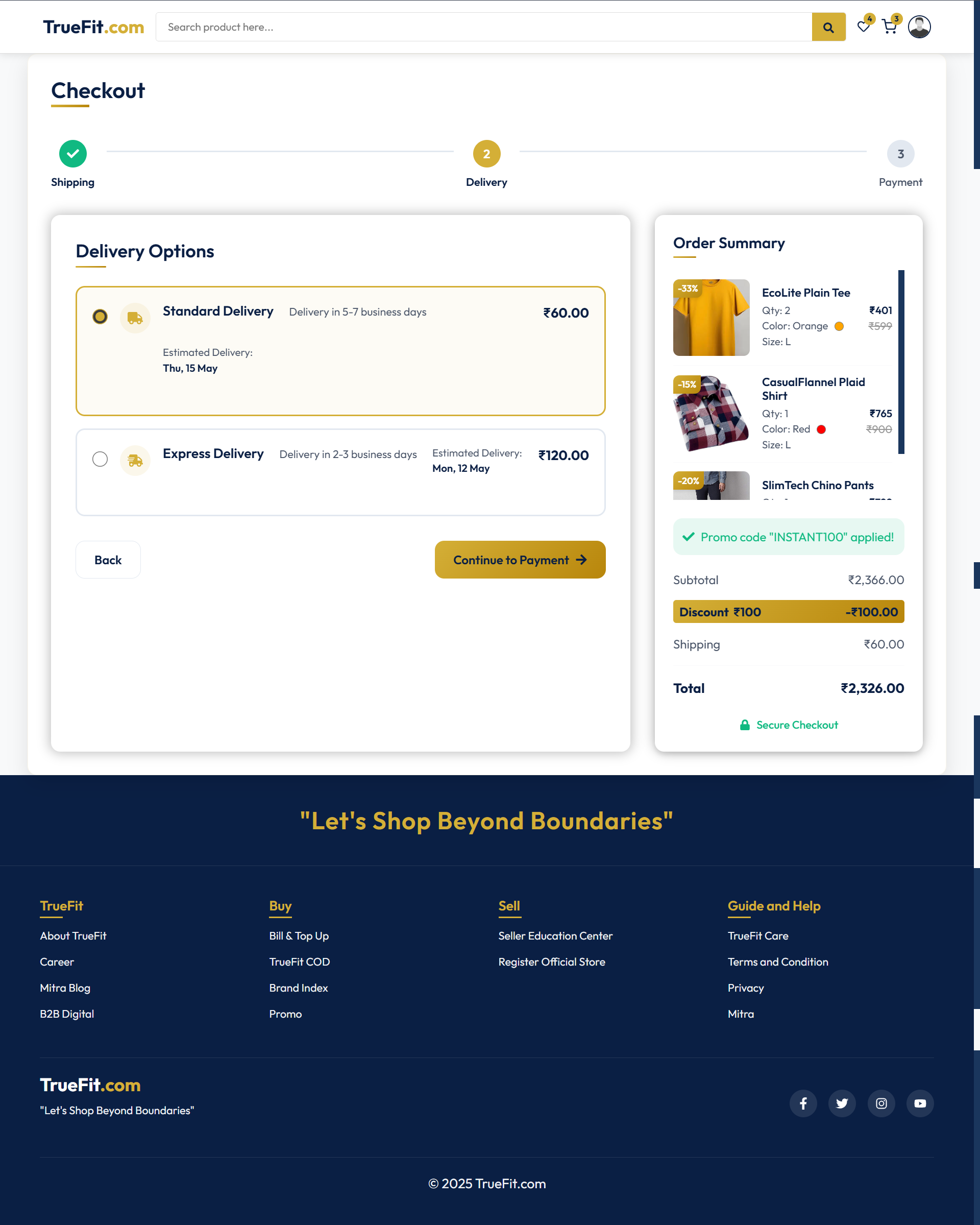
Checkout Shipping Speed Page
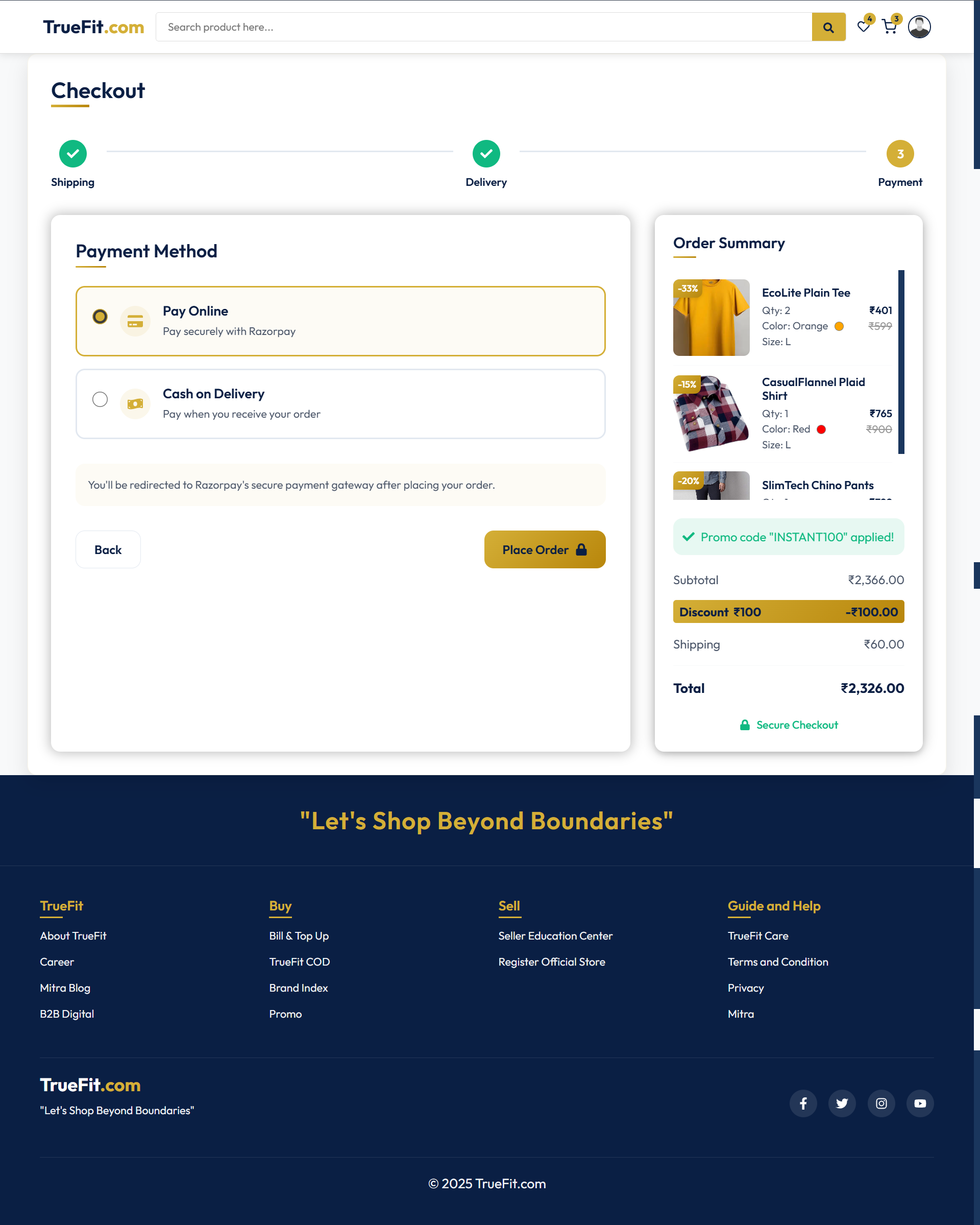
Checkout Payment Page
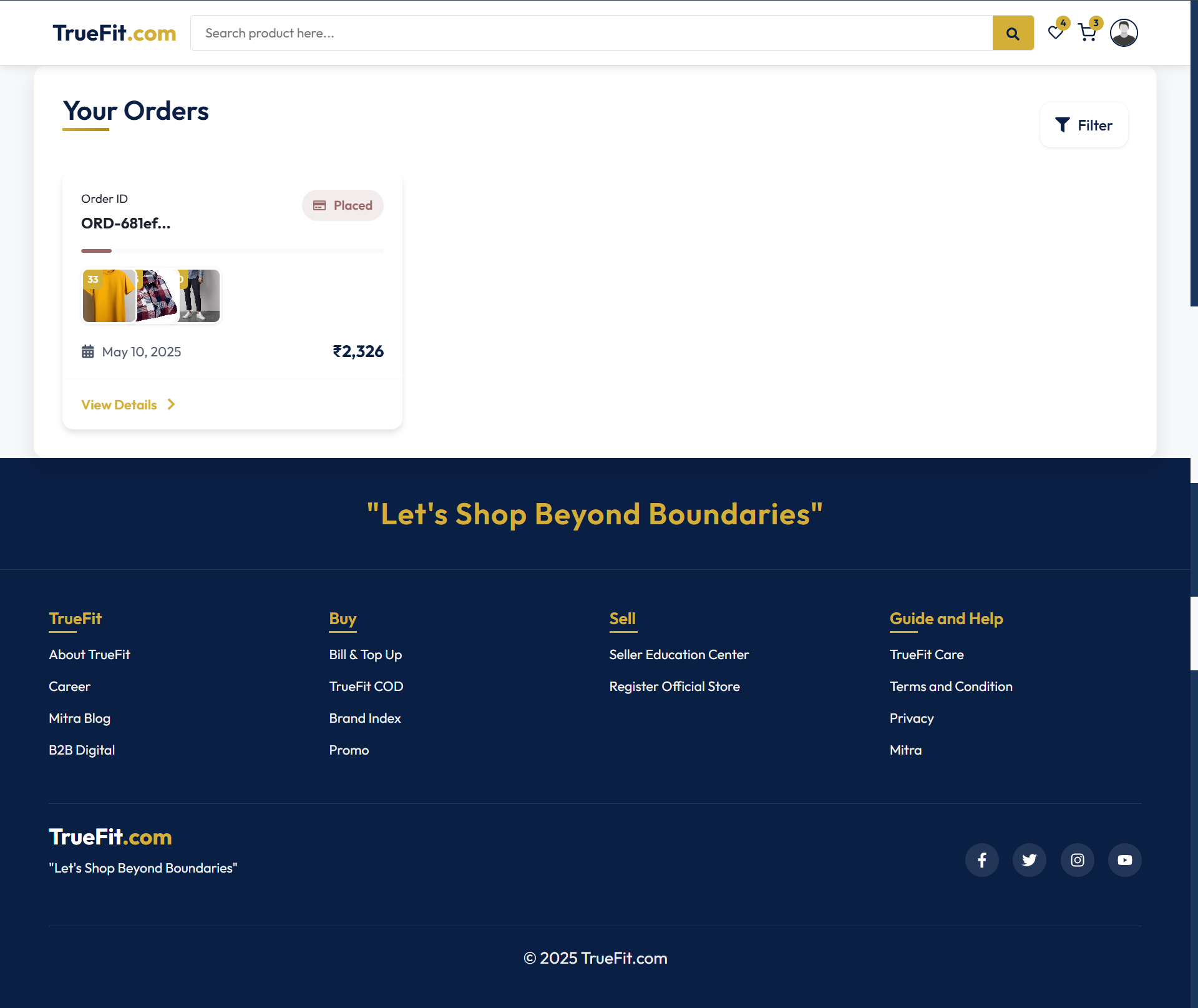
Orders Page
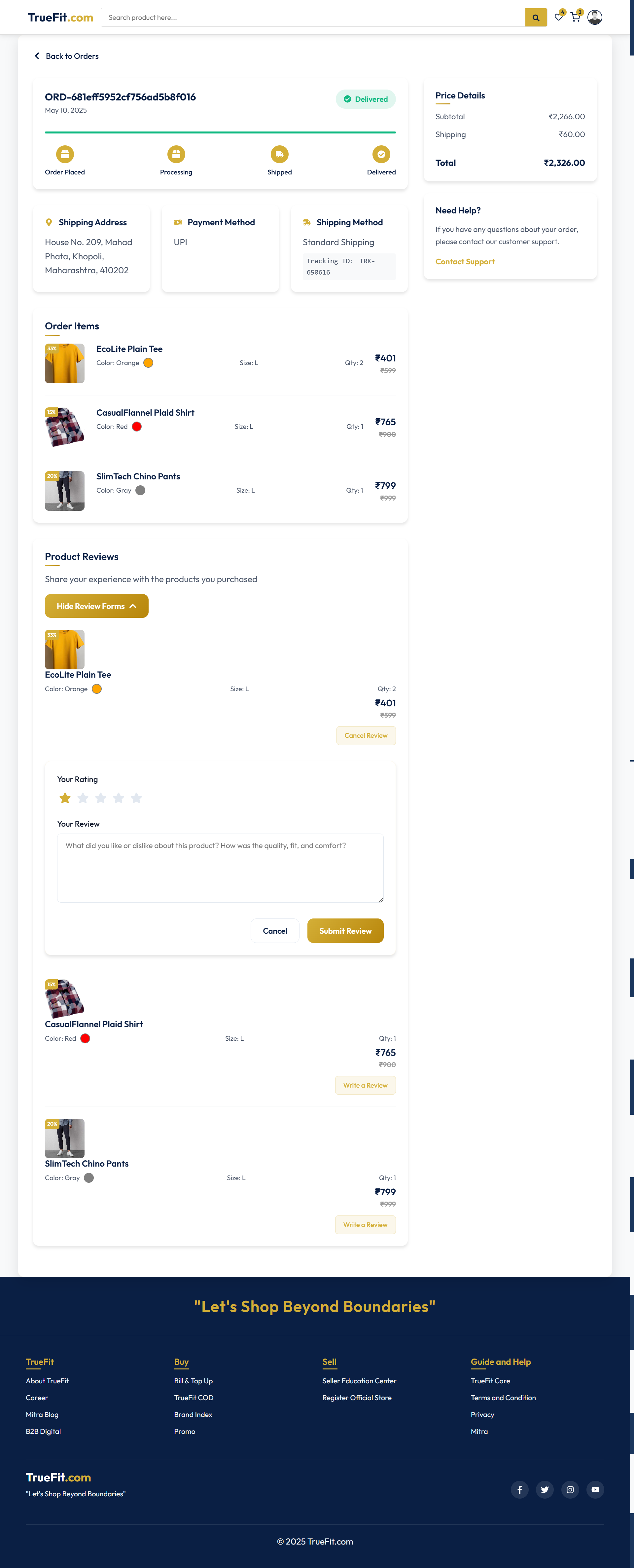
View Order Page
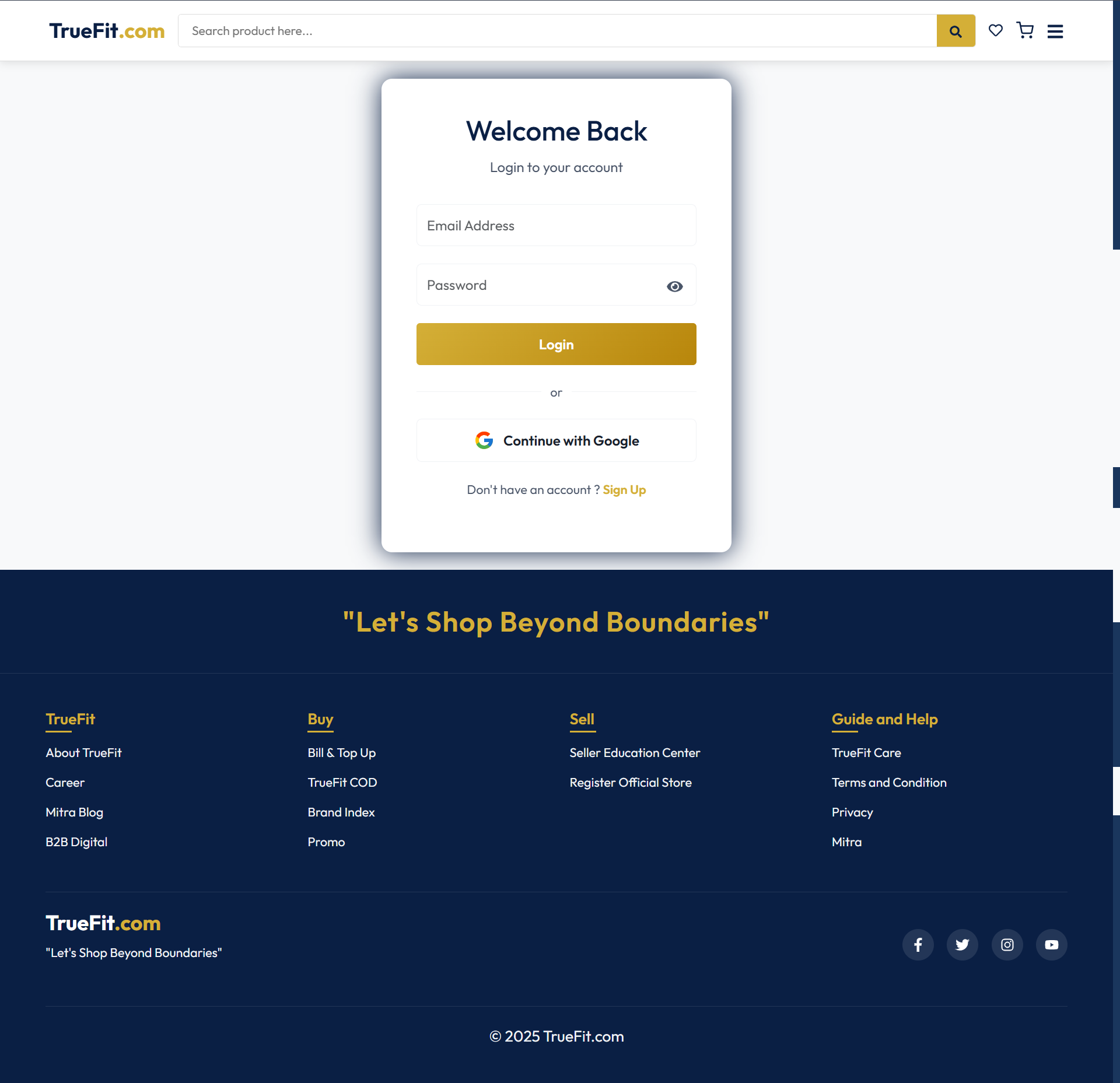
Login/Signup Page
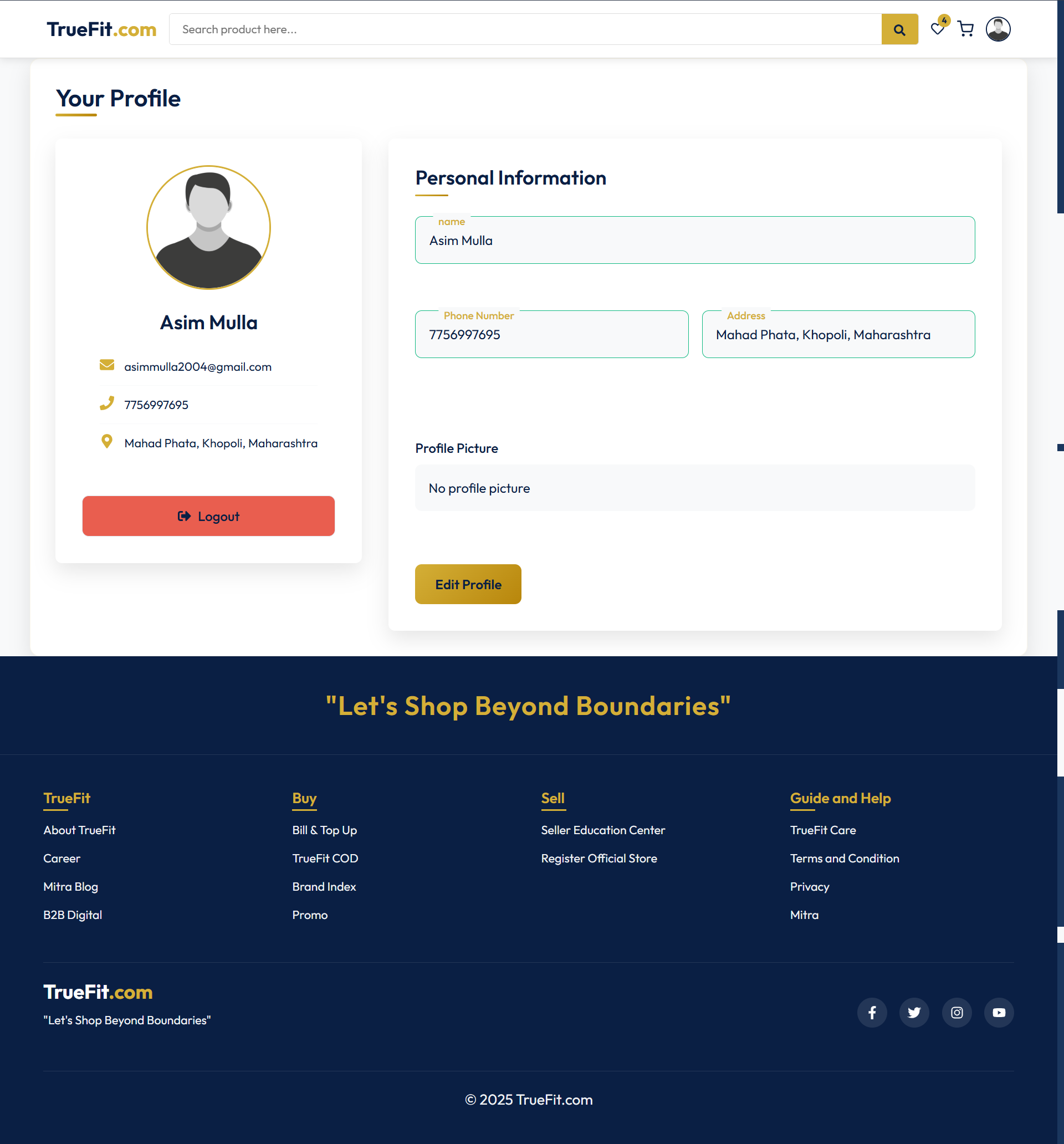
Profile Page
Admin User Interface
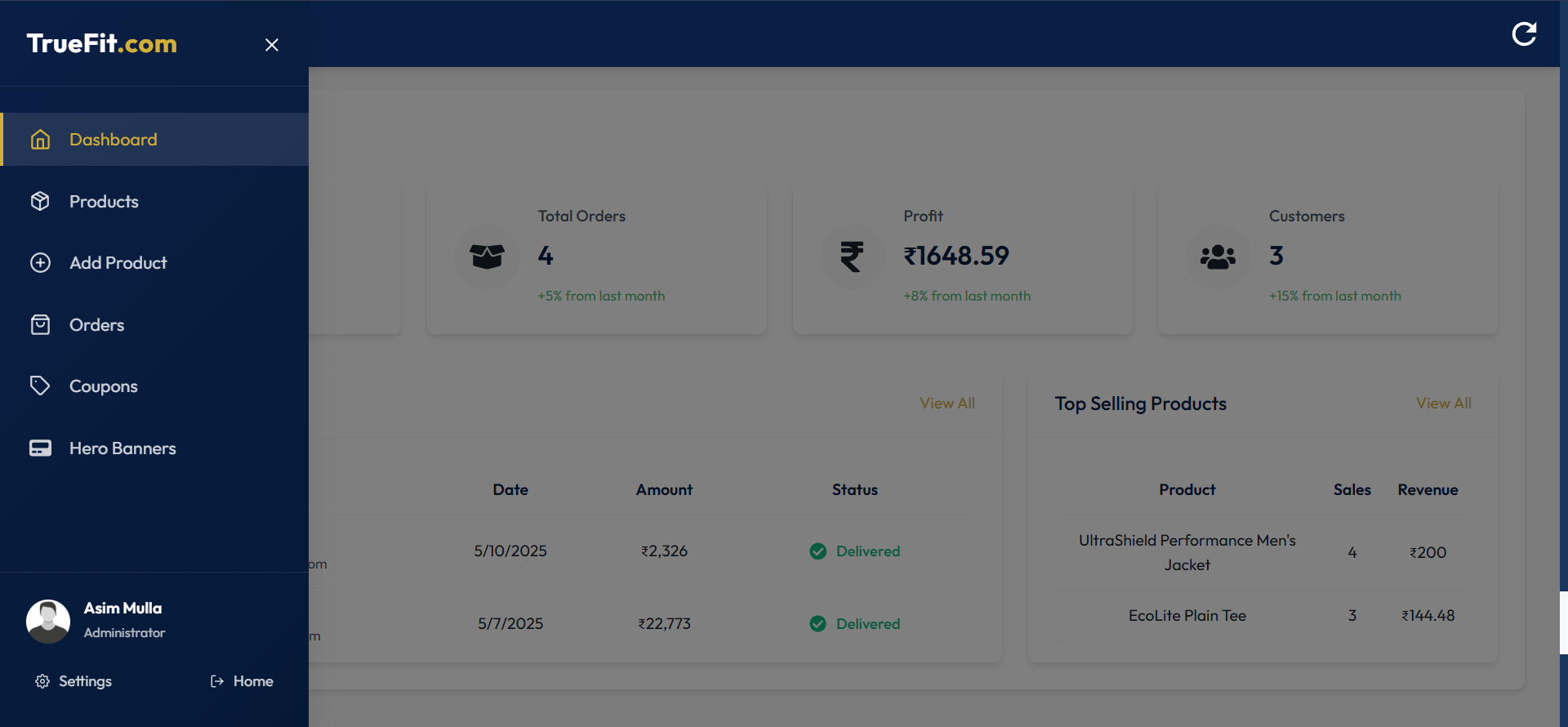
Admin Panel Sidebar
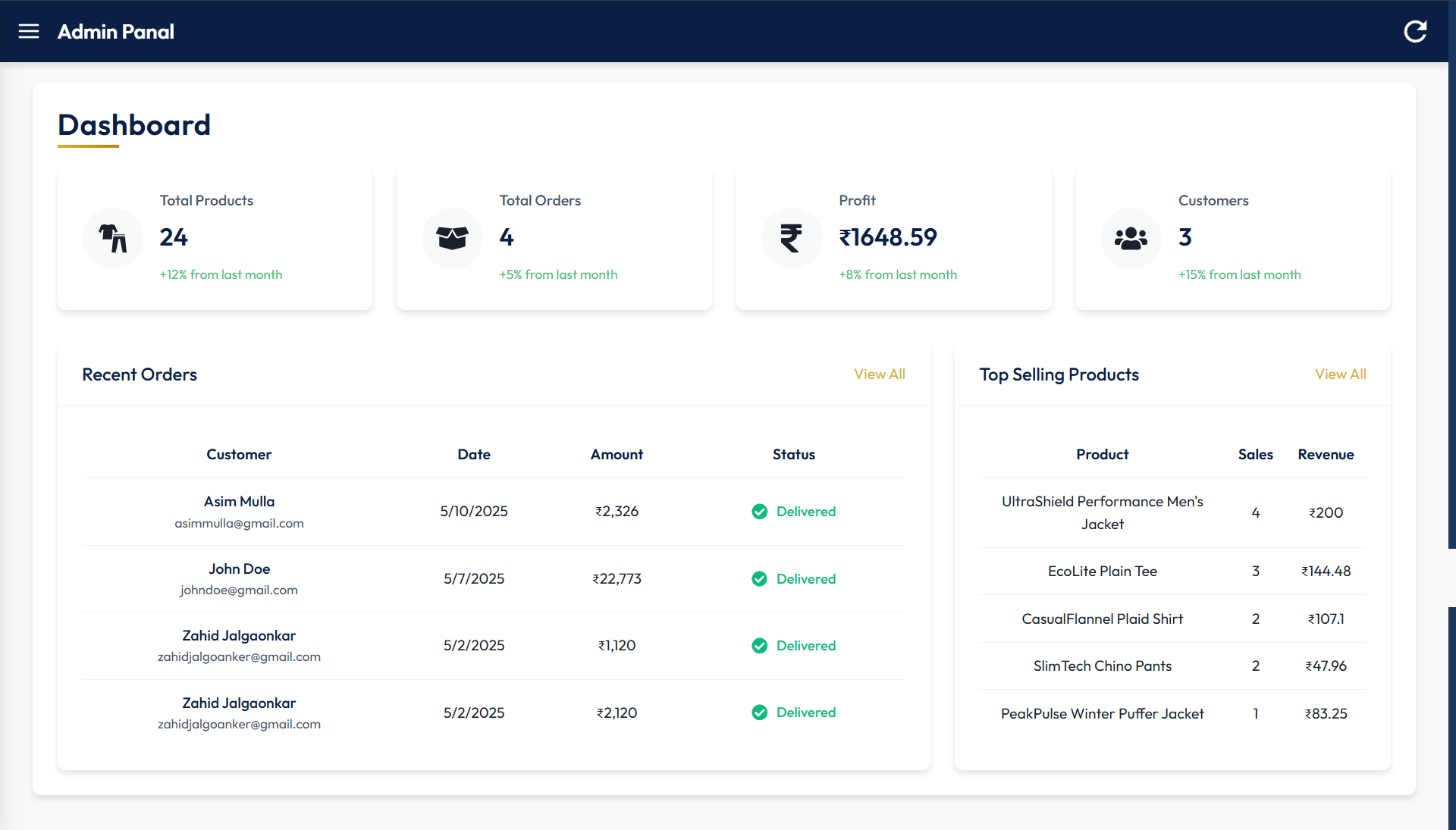
Dashboard
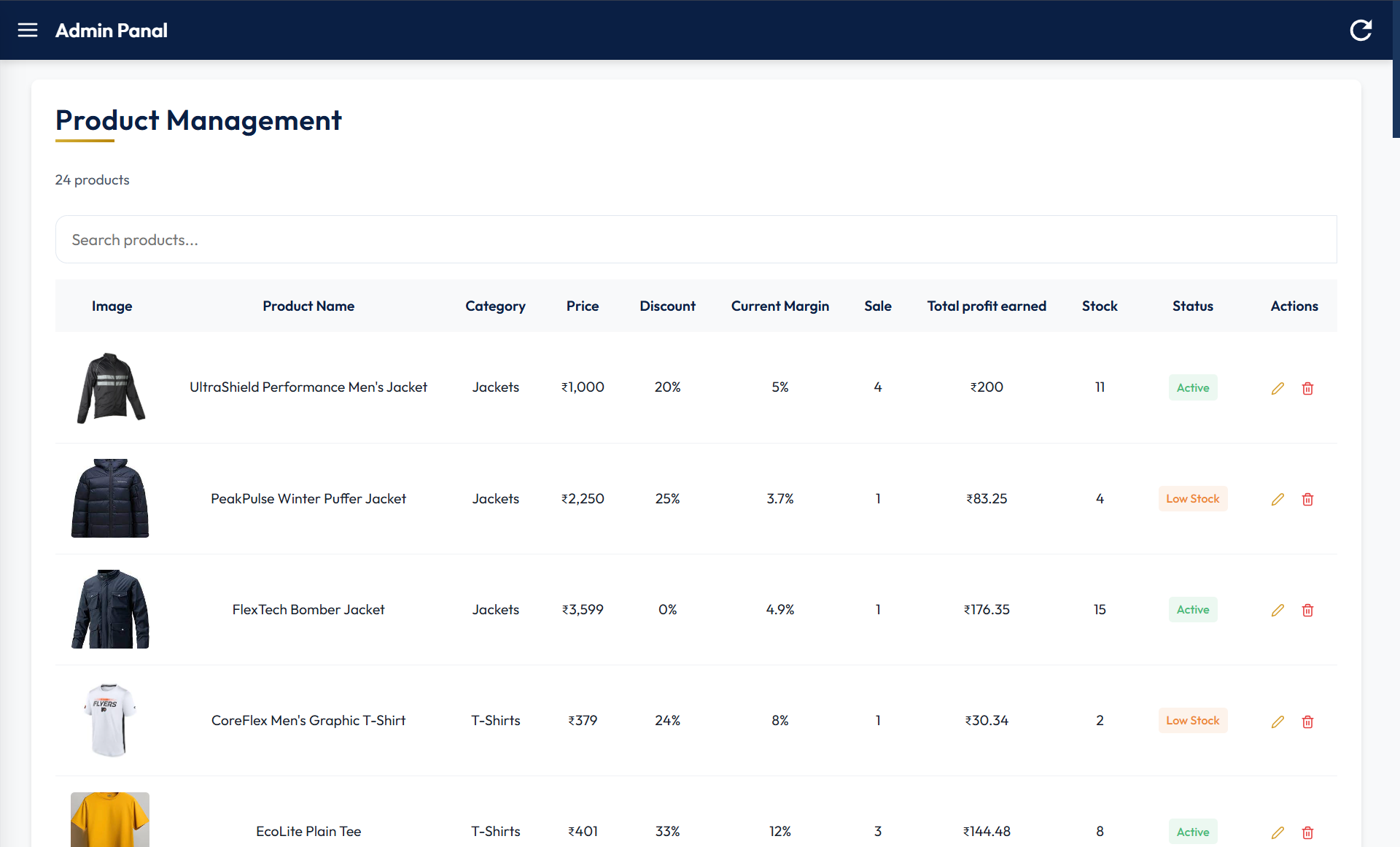
Product Management
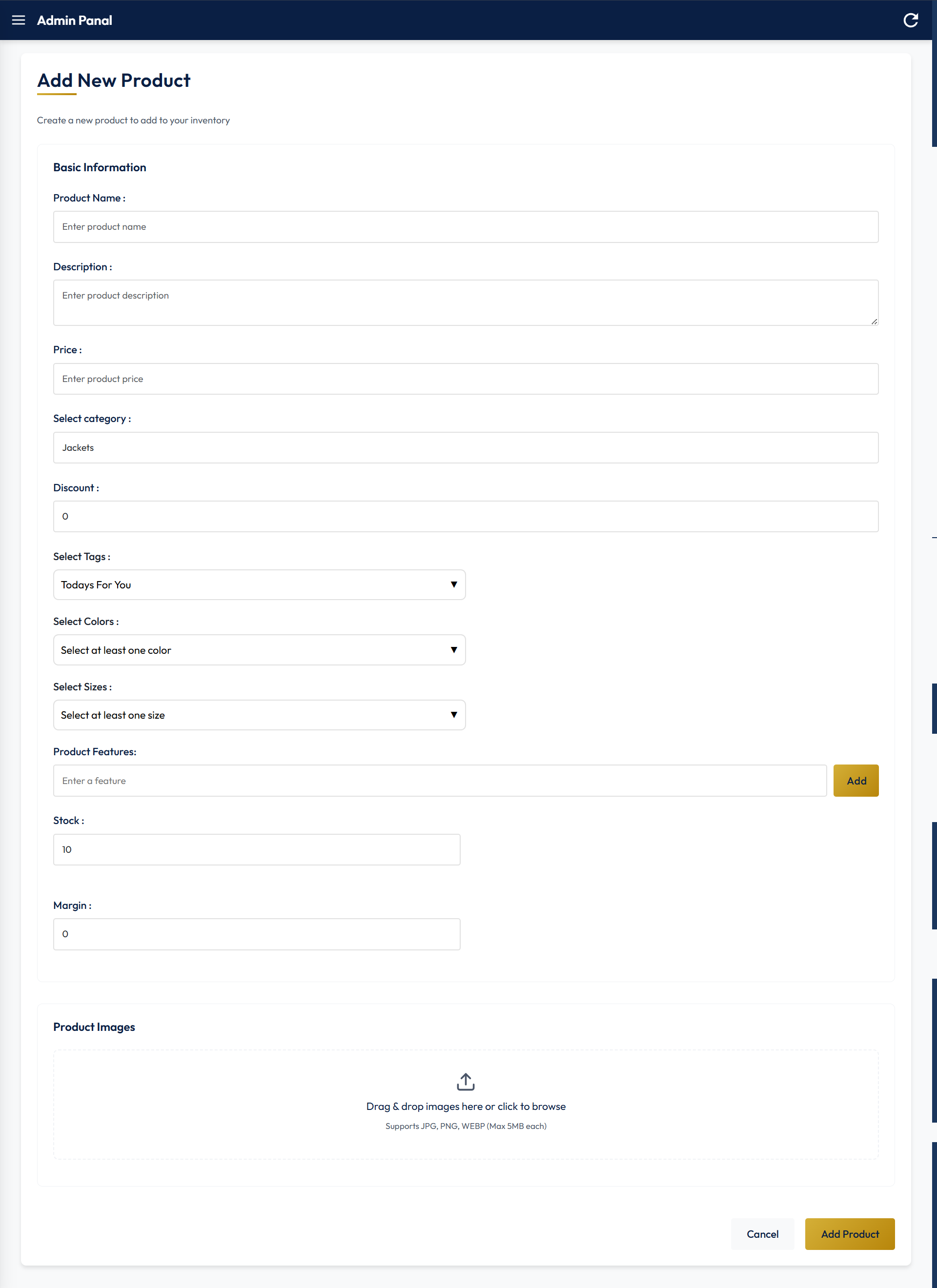
Add New Product
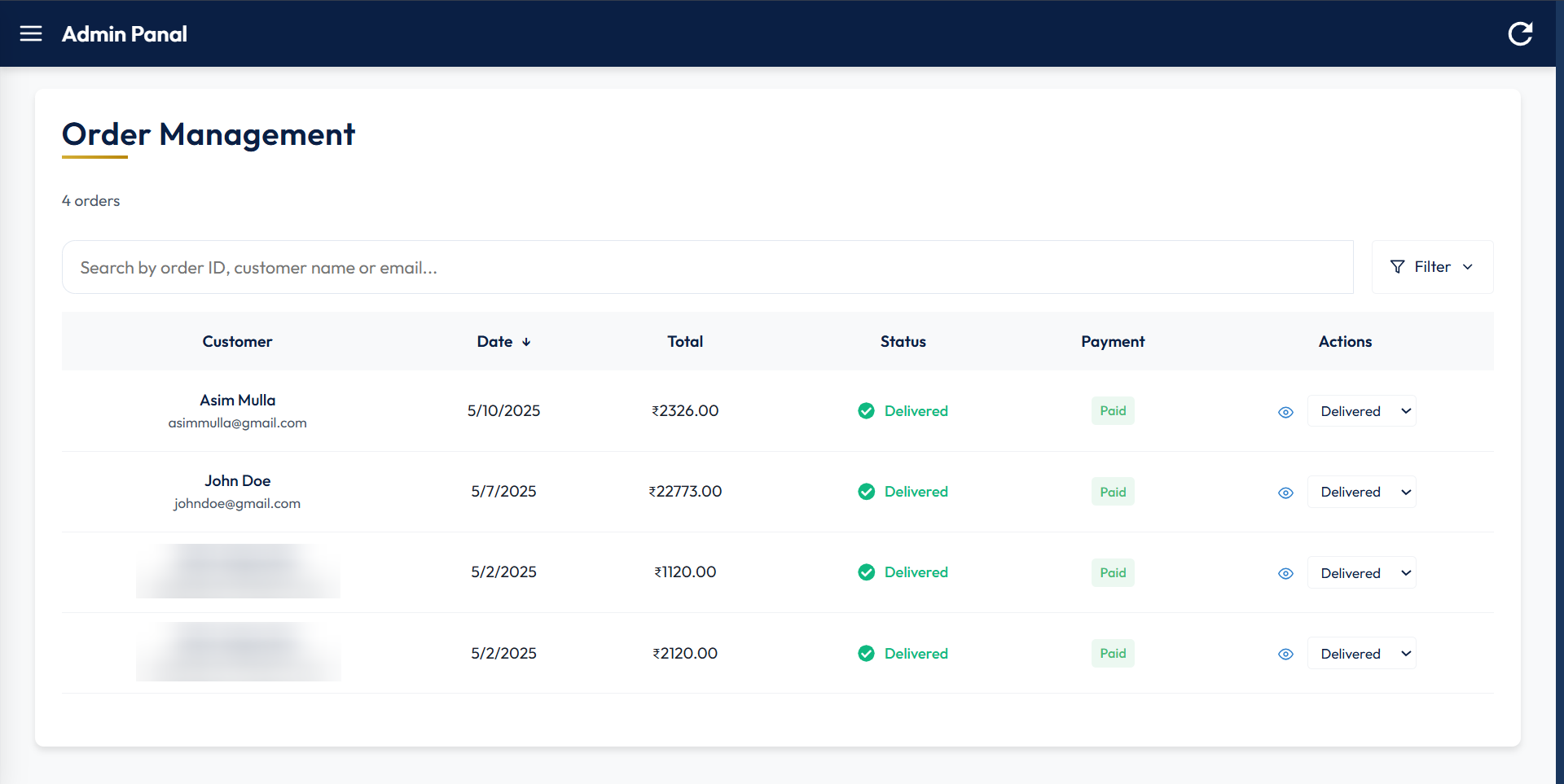
Order Management
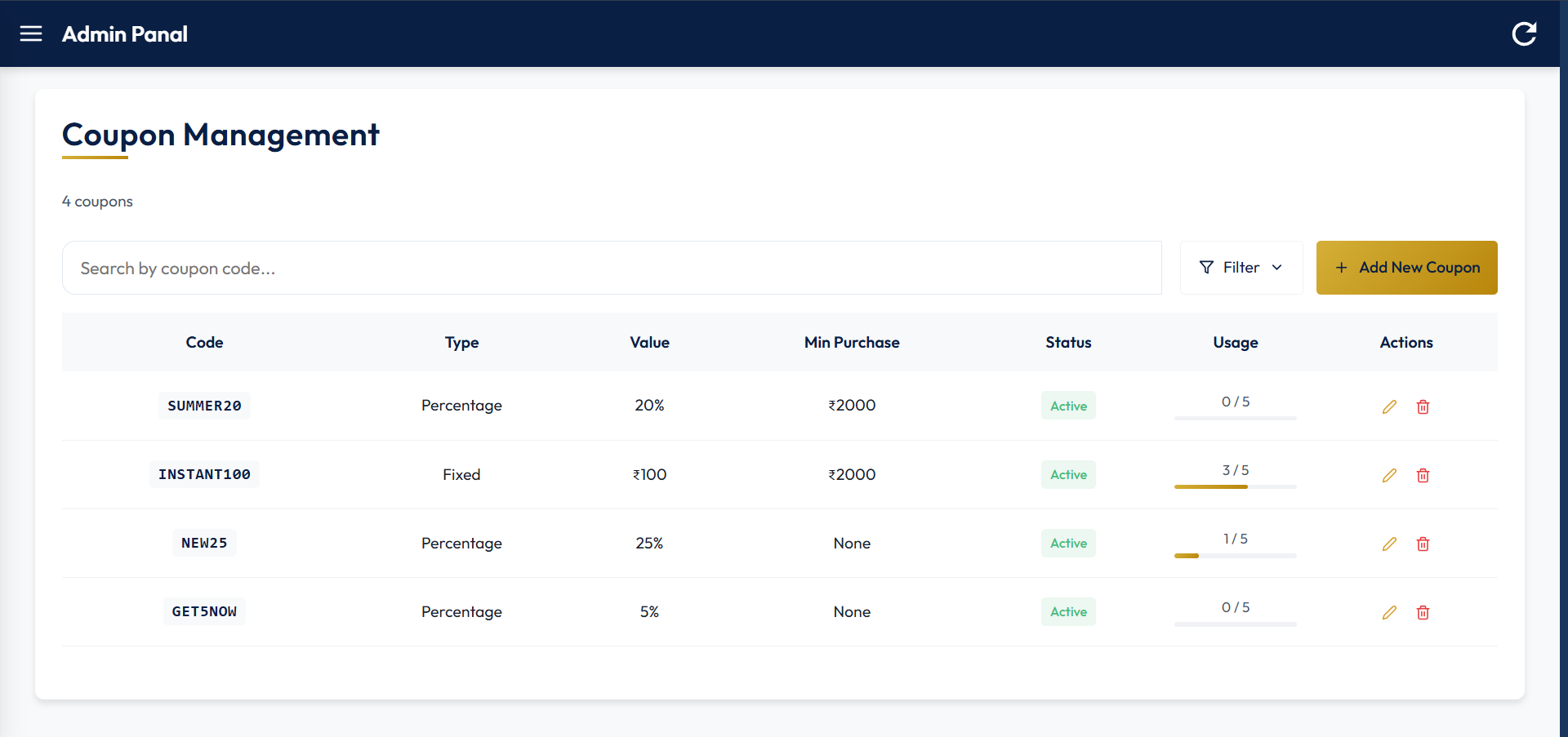
Coupon Management Management
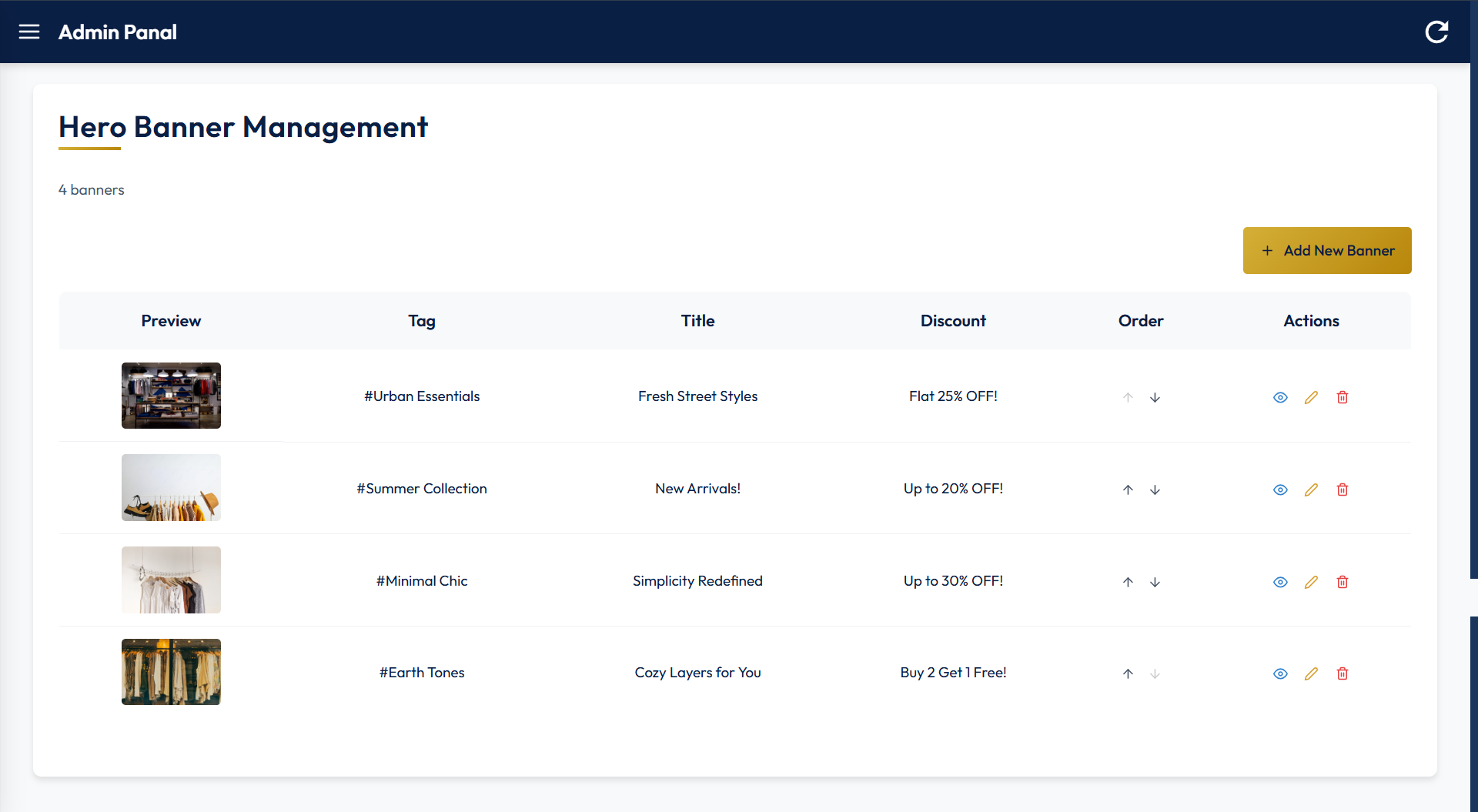
Hero Banner Management
Features
Customer-Facing Features
Intuitive Product Discovery
Category-based navigation with visual icons for quick access
Advanced filtering by price, color, and size
Responsive product grid with clear pricing, discount, and rating indicators
Featured collections and seasonal promotions
Detailed Product Presentation
High-quality product imagery with multiple views
Color and size selection with real-time inventory checking
Comprehensive product descriptions and features
Customer reviews and ratings
Related and recommended products
Personalized User Experience
Email and password login via OTP and Google OAuth integration
Profile management
"Today's for You" and "Flash Sale" section with curated items
Order history and tracking
Wishlist Functionality
Add/remove products to personal wishlist
Move items directly from wishlist to cart
Streamlined Shopping Process
Intuitive cart management with item color, size, and quantity adjustments
Promo code application with instant price updates
Multi-step checkout with progress indicators
Multiple shipping speed options (Standard and Express)
Multiple payment options including online (UPI, Card, etc) and Cash on Delivery
Order confirmation with detailed summary
Post-Purchase Experience
Real-time order tracking with status updates
After delivery review collection
Admin Features
Comprehensive Dashboard
Real-time sales and revenue metrics
Customer growth analytics
Order volume and processing statistics
Inventory alerts and notifications
Performance comparison with previous periods
Product Management
Centralized product catalog management
Add, edit, or delete functionality
Order Management
View full order history
Individual order status management (processing, shipped, delivered, cancelled)
Coupon Management
Add a new coupon
Edit or delete an existing coupon
Hero Banner Management
Add a new Hero banner
Edit or delete an existing one
Rearrange banner order
Telegram Notification
A Telegram bot notifies the admin when a user places an order and when a new user signs in
Tech Stack
Frontend
Framework: React 19
Routing: React Router v7
Build Tool: Vite
UI Components: Custom CSS components with Bootstrap and React Icons
VITE_GOOGLE_CLIENT_ID=Your Google OAuth Client ID
VITE_RAZORPAY_KEY_ID=Your Razorpay Key ID (Test)
Start development server
npm run dev
Backend Setup
Navigate to backend directory
cd Backend/
Install dependencies
npm install
Create .env file with the following variables
CLIENT_URL=Your Frontend URL

ATLAS_DB_URL=Your Atlas DB URL

CLOUD_NAME=Your Cloudinary Cloud Name
CLOUD_API_KEY=Your Cloudinary API Key
CLOUD_API_SECRET=Your Cloudinary API Secret

JWT_SECRET=Your Random JWT Secret

GOOGLE_CLIENT_ID=Your Google OAuth Client ID
GOOGLE_CLIENT_SECRET=Your Google OAuth Client Secret

RAZORPAY_KEY_ID=Your Razorpay Key ID (Test)
RAZORPAY_KEY_SECRET=Your Razorpay Key Secret (Test)

ADMIN_SIGNUP_TOKEN=Your Random Admin Signup Token
ADMIN_SIGNUP_SECRET=Your Random Admin Signup Secret

TELEGRAM_BOT_TOKEN=Your Telegram Bot Token
TELEGRAM_CHAT_ID=Your Telegram Chat ID

EMAIL=Your Email
EMAIL_PASSWORD=Your Email App Password
Uncomment the development CORS configuration and comment out the production one in server.js.
Start Server
node server.js
Admin Panel Usage
Signup for admin at /adminSignup using the token and secret that you created in the .env.
Access the admin panel at /admin.
Navigate through the sidebar to manage:
Products: Add, edit, delete products
Orders: View and update order status
Coupons: Create and manage promotional offers
Hero Banners: Customize homepage banners
Responsive Design
The application is fully responsive and optimized for Desktops, Tablets, and Mobile devices, except the admin panel, which may have limited responsiveness due to table layouts.