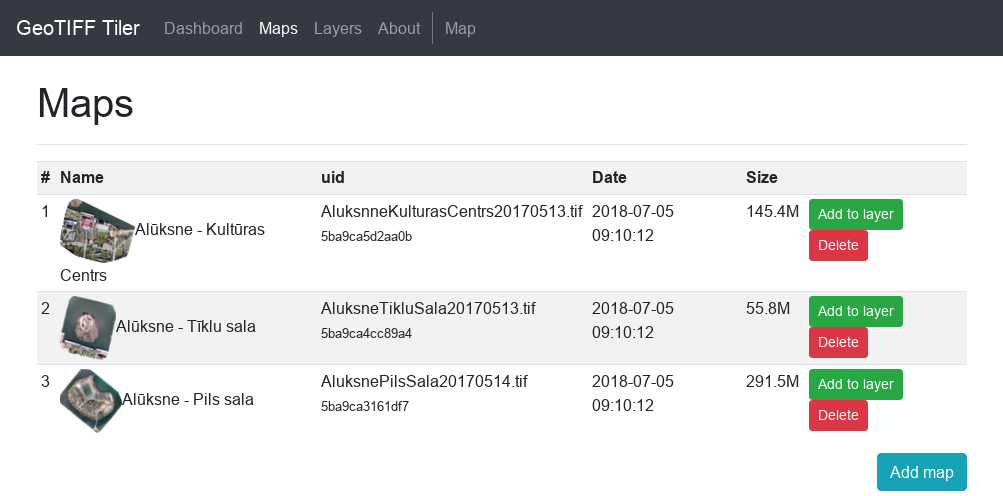
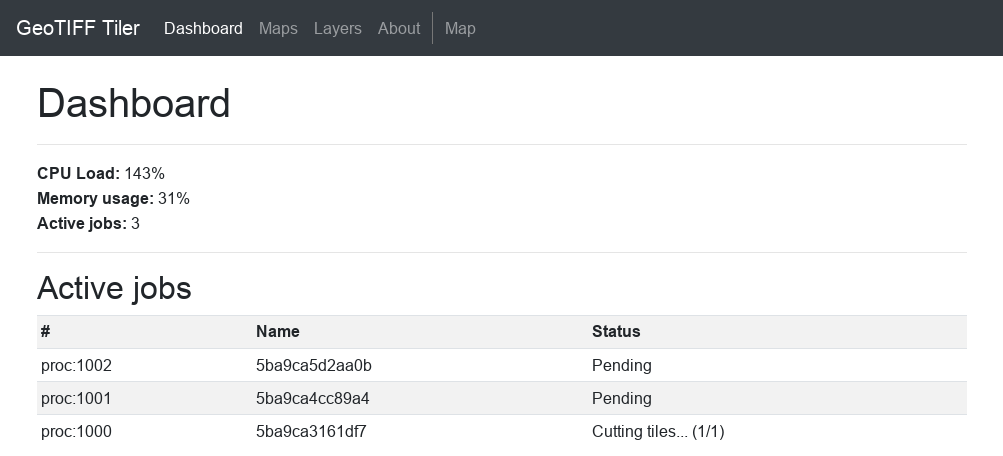
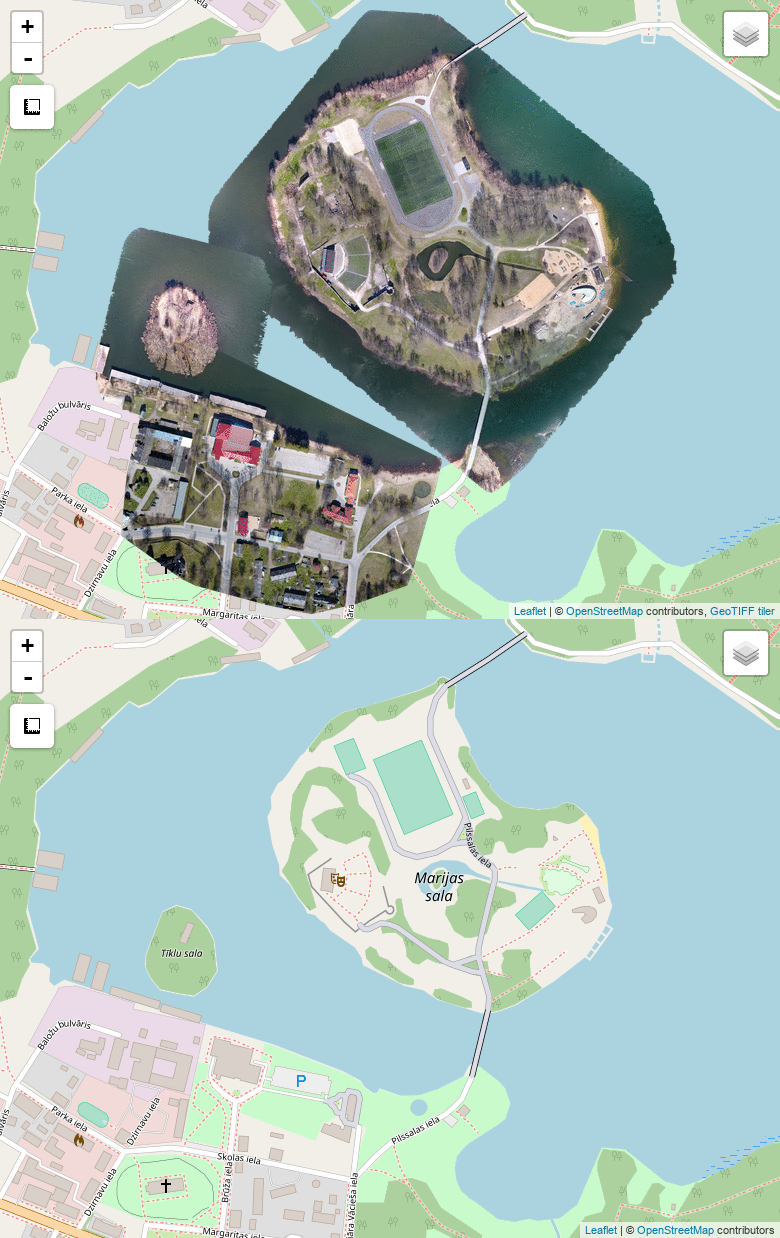
Upload GeoTIFF images or Ozi calibrated maps and slice them to tiles.
This tool tool allows to easily create TMS tiles from calibrated map images and allows to merge multiple maps in one map (TMS tileset). It uses https://github.com/vss-devel/tilers-tools.git for tile slicing and custom script (www/import.py) for merging tilesets.
If You prefer to use CLI, You can use only www/import.py script. Make sure You have gdal, imagemagick and tilers-tools installed.
Usage:
python import.py tiff_dir tile_dir [options]

options:
-z zoom levels (-z 10,11,12) Make sure directories in www directory maps, layers, logs and tmp are writeable:
chmod 777 www/maps
chmod 777 www/layers
chmod 777 www/logs
chmod 777 www/tmpMount theese:
Uploaded maps dir: /var/www/html/maps
Map layer tiles dir: /var/www/html/layers
Temporary files dir: /var/www/html/tmp
Pull image docker pull anrijs/geotiff-tiler
Run it:
docker run -d --name=geotiff-tiler \
    -p <port>:80 \
    -v </path/to/maps>:/var/www/html/maps \
    -v </path/to/layers>:/var/www/html/layers \
    -v </path/to/temp>:/var/www/html/tmp \
anrijs/geotiff-tilerBuild image: docker build . -t geotiff-tiler
Run it:
docker run \
    -p <port>:80 \
    -v </path/to/maps>:/var/www/html/maps \
    -v </path/to/layers>:/var/www/html/layers \
    -v </path/to/temp>:/var/www/html/tmp \
-it geotiff-tilerOpen localhost:<port> in web browser
Add new layer under Layers tab
Upload new GeoTIFF or Ozi map map under Maps tab
Add uploaded map to any layer
Follow active jobs in Dashboard tab
Preview map under Map tab