A simple, web server made with TCP Web Sockets.
To get things setup,
- Fork this repository
- Clone it into your working directory
- You're good to go!
To initialize a web server on your device,
- Navigate to
/server-and-client/server.cin your terminal - Run
gcc server.c -Wall -o se - Run
/se {portNumber}and you should see it begin listening on the given server port.- Ex:
/se 2000will run a web server on port 2000.
- Ex:
Two ways to connect to said web server:
-
Use the browser!
- A normal GET Request will look something like:
http://localhost:{portNumber}/{path to file from root}- Ex:
http://localhost:1000/desktop/dogs/cat.htmlwill attempt to GET a file called cat.html in the folder named 'dogs' (which is a subdirectory of 'desktop').
- Ex:
- A normal GET Request will look something like:
-
However, in general (and for PUT and DELETE Requests), I highly recommend Postman. But, PUT Requests are possible in the browser as well.
- For both, it requires using query params (or basically writing in the URL), and a request body (for the data we want in the file).
- Example in Postman:
-
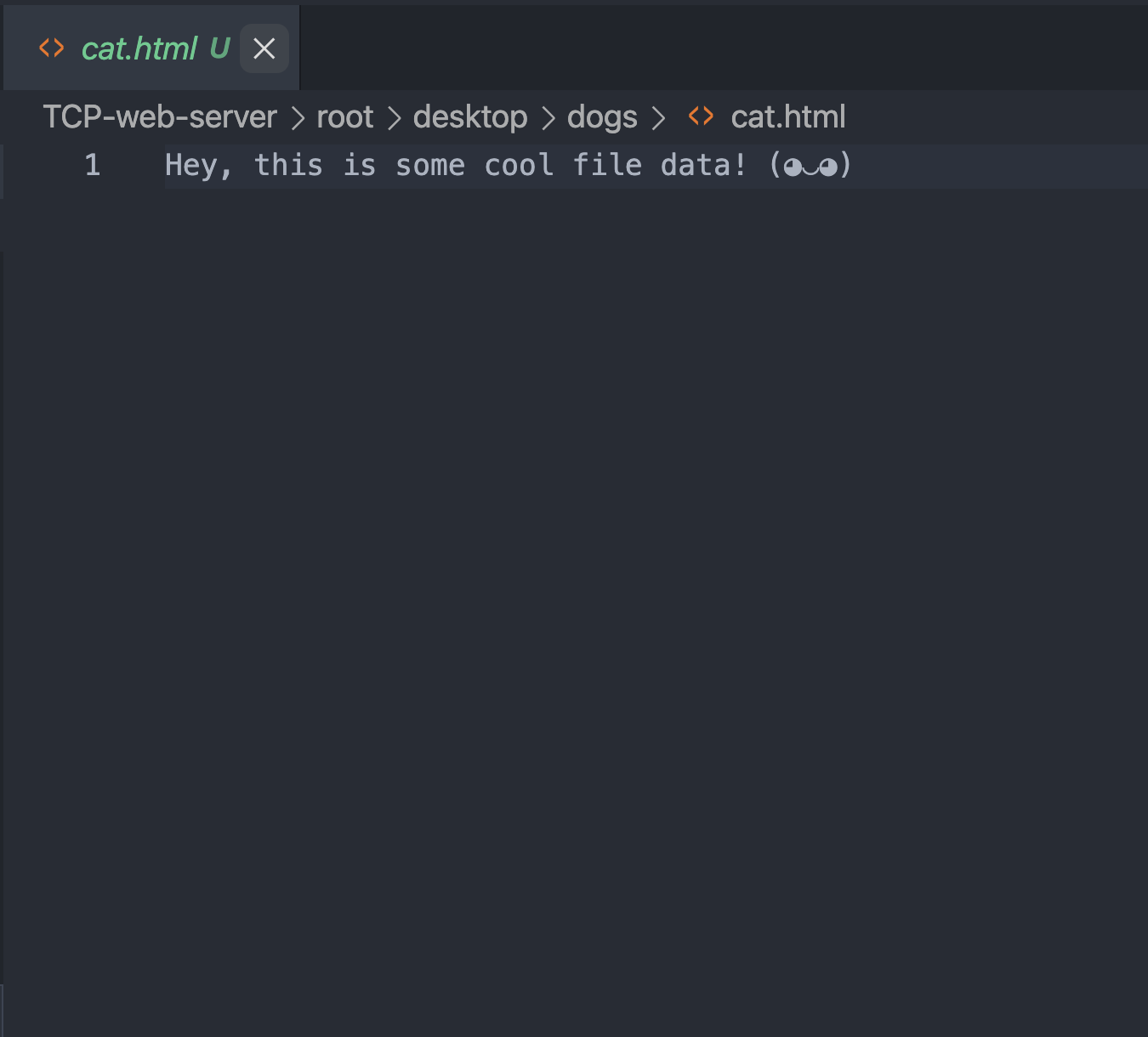
- We will now see the data here in our file system at
/desktop/dogs/cat.html: -
-
Use the client side
- Initalize another terminal
- Run
gcc client.c -Wall -o ce - Run
./ce {portNumber}and you should see it connect (if the server is running), asking for a HTTP Request.- Example HTTP Requests (there are issues currently with copy and paste :/) :
- GET /desktop/cats/dogs.html HTTP/1.1
Host: localhost:2000
Connection: keep-alive - PUT /desktop/cats/dogs.html HTTP/1.1
Host: localhost:2000
Connection: keep-alive
This is some cool file data! (◕‿◕)
- GET /desktop/cats/dogs.html HTTP/1.1
- Example HTTP Requests (there are issues currently with copy and paste :/) :