This chat application is based on Firestore service of Google Firebase.
- Realtime Chat with google firestore database
- One 2 One chat
- Group Chat
- Unread message count
- Vuex Integration
- Vue Js 2
- Vuex
- Firebase Firestore Database
- Below steps are based on google's firebase console UI at the time of this project development. If google's UI changes, then please see their docs to configure the firebase App in firebase console.
- Go to Firebase Console (https://console.firebase.google.com/)
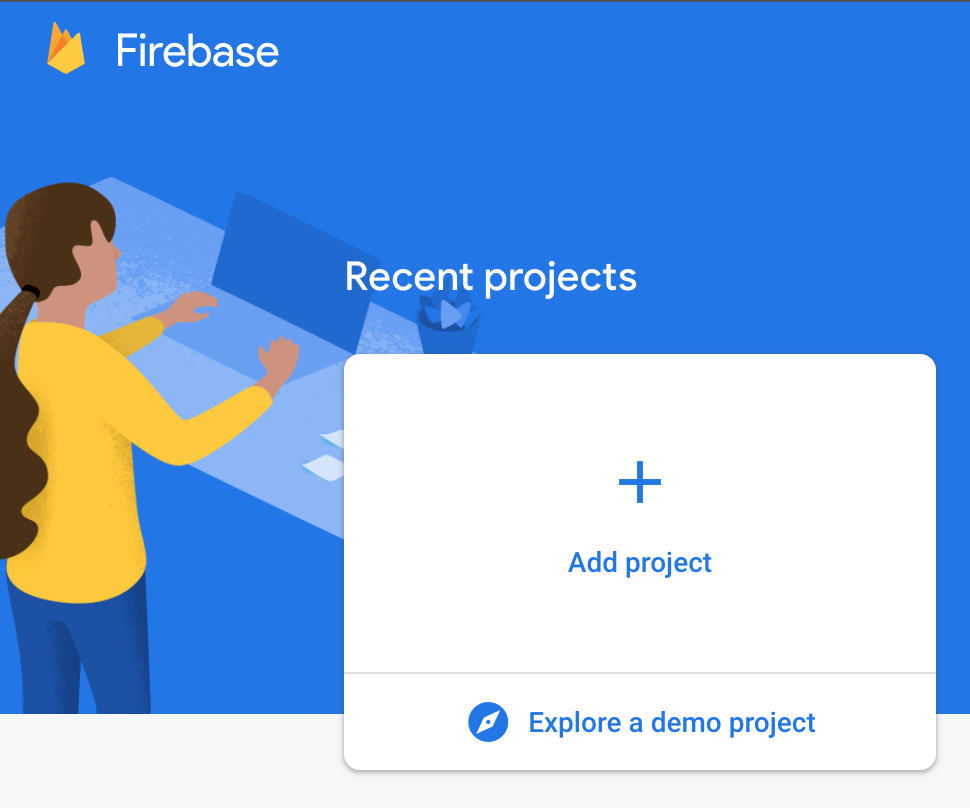
- Click on add project
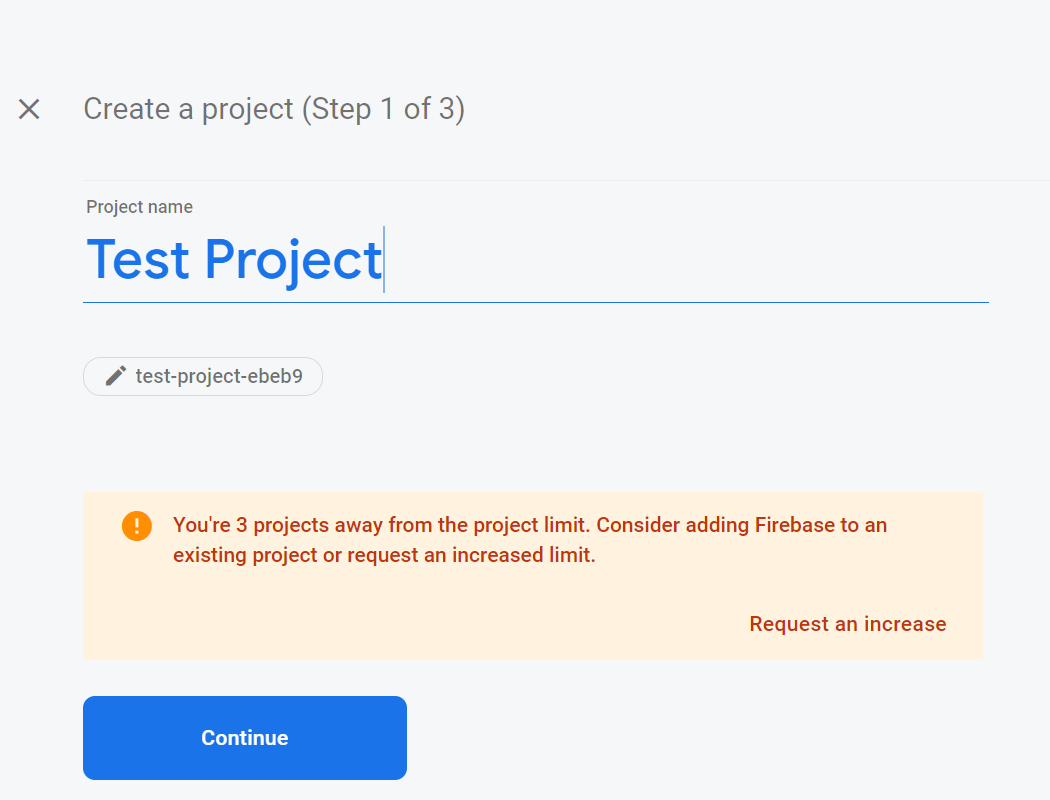
- Enter project name and continue
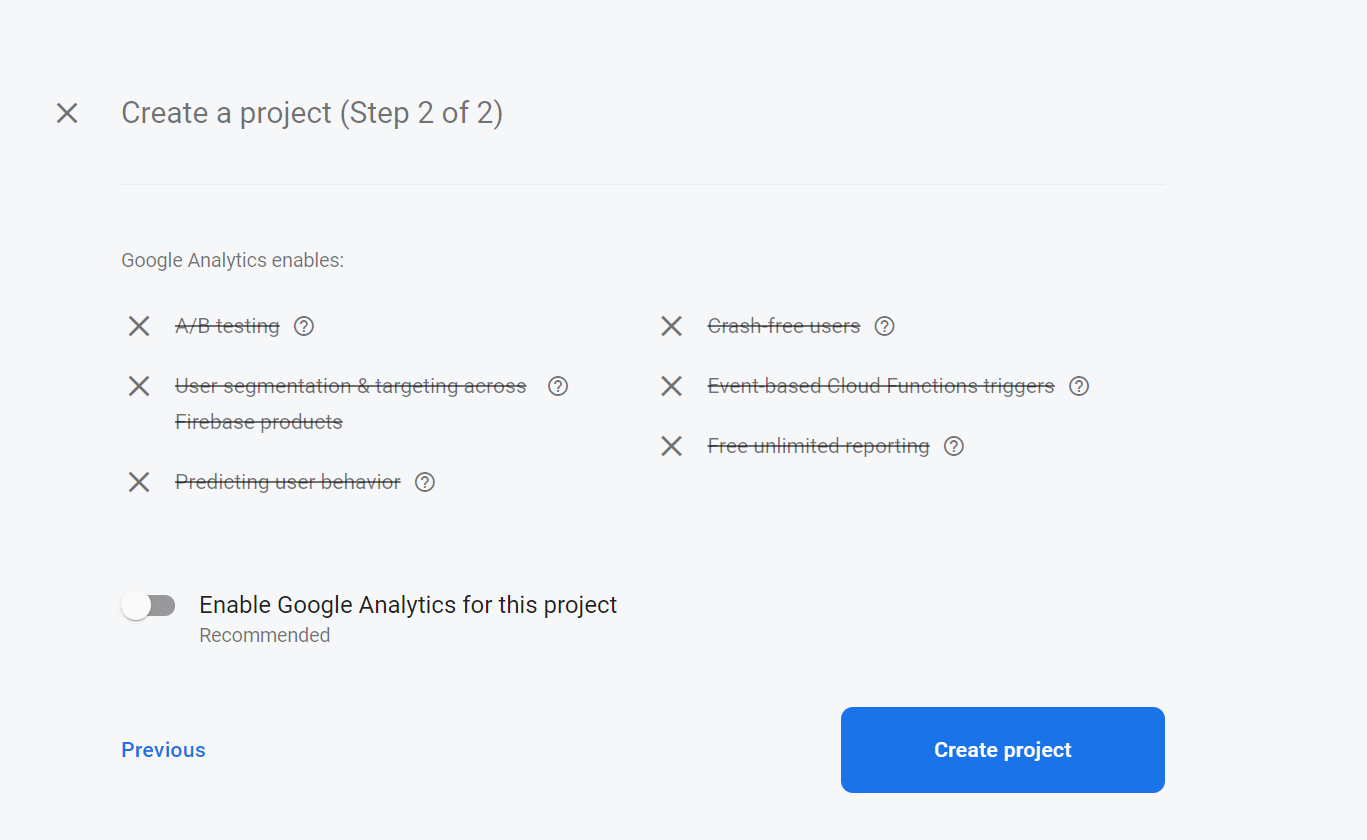
- Turn off google analytics and click create project
- Click continue when project is ready

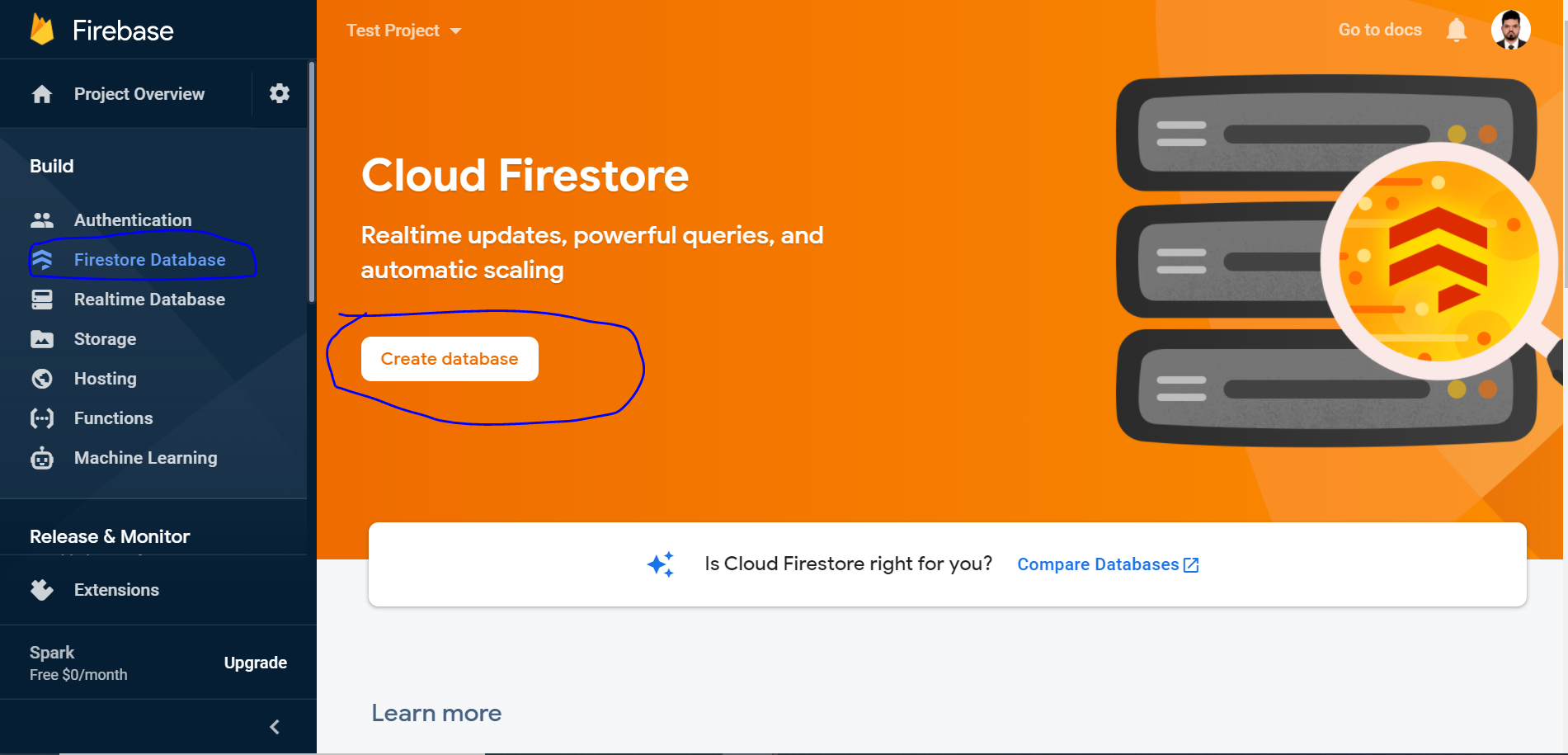
- Click on Firestore Database then create database
- Choose start in test mode and click Next

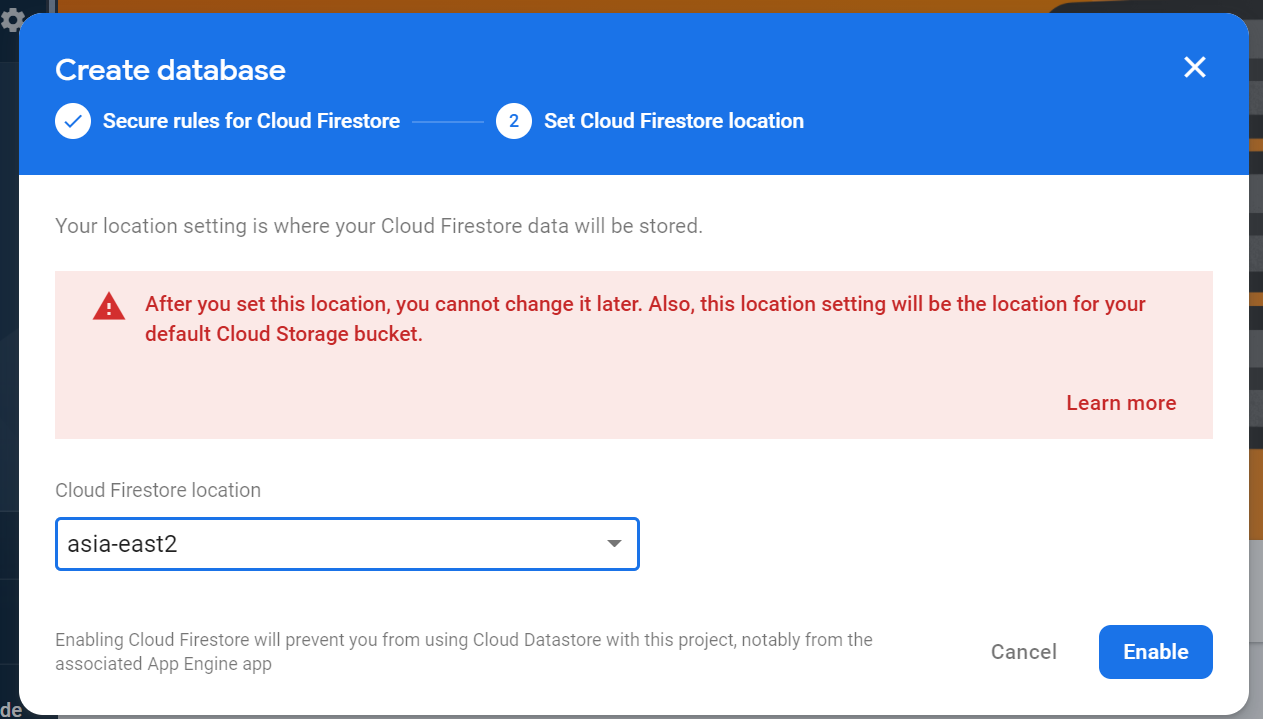
- Choose location and click Enable
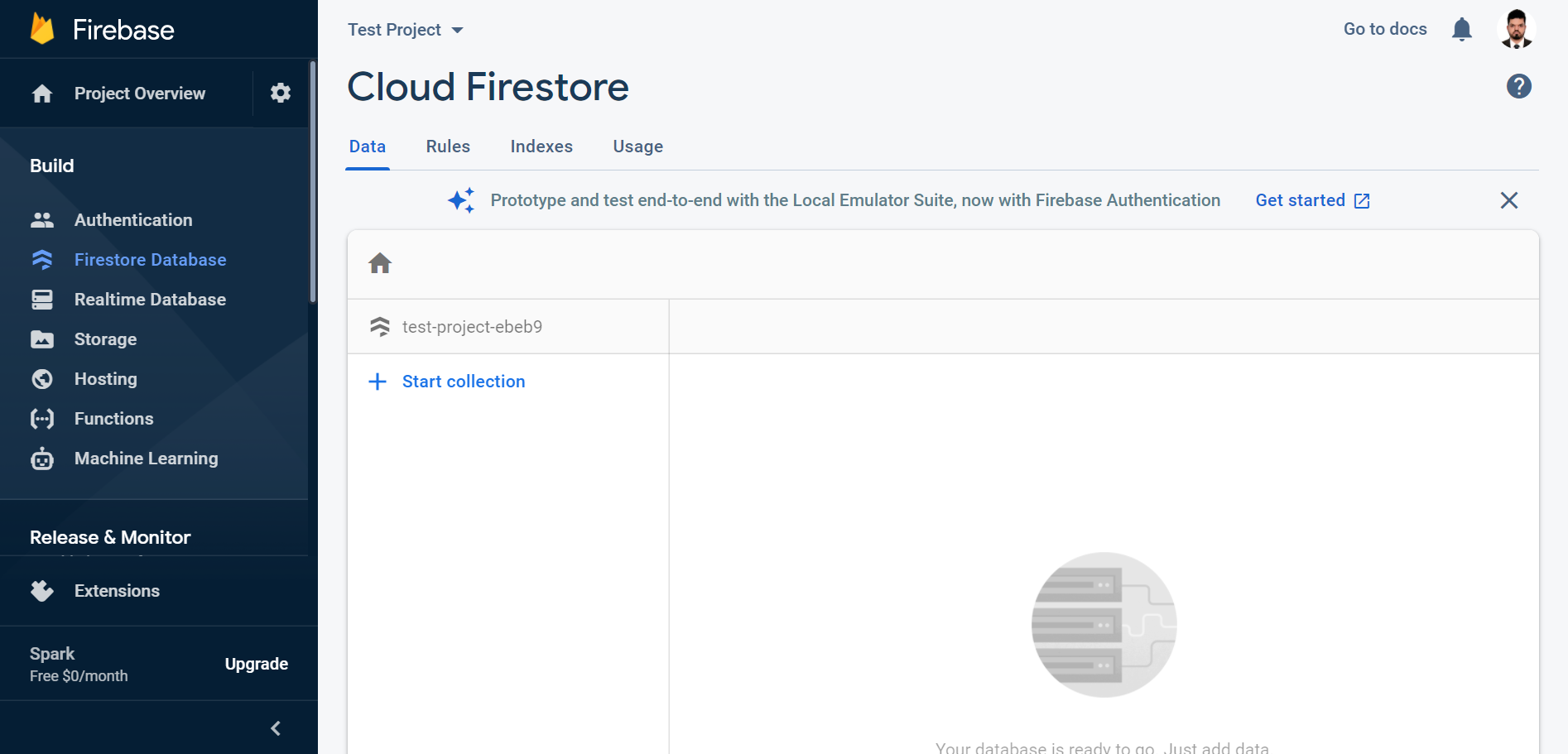
- You will be presented with the following screen
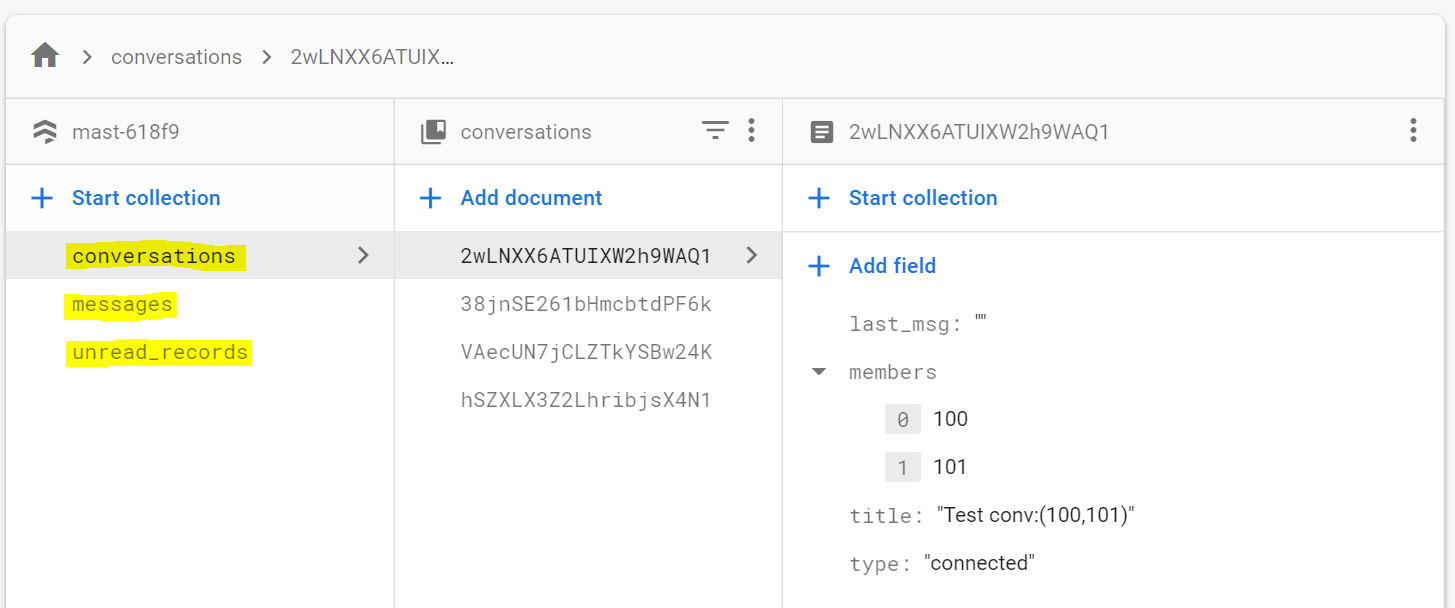
- Create 3 collections with the following names: (conversations,messages,unread_records). See the screenshot below.
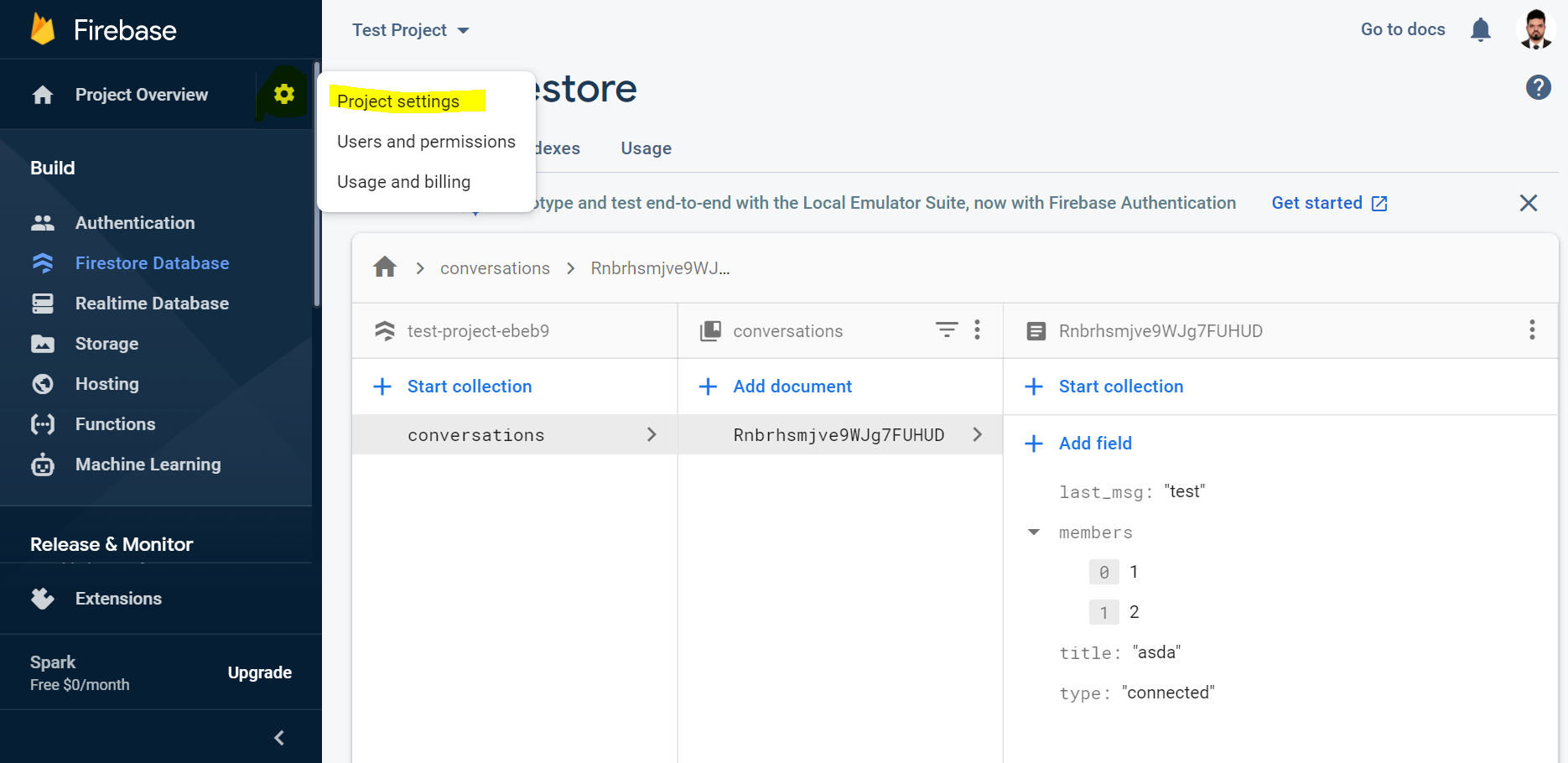
- Go to project settings
- Click on create app button
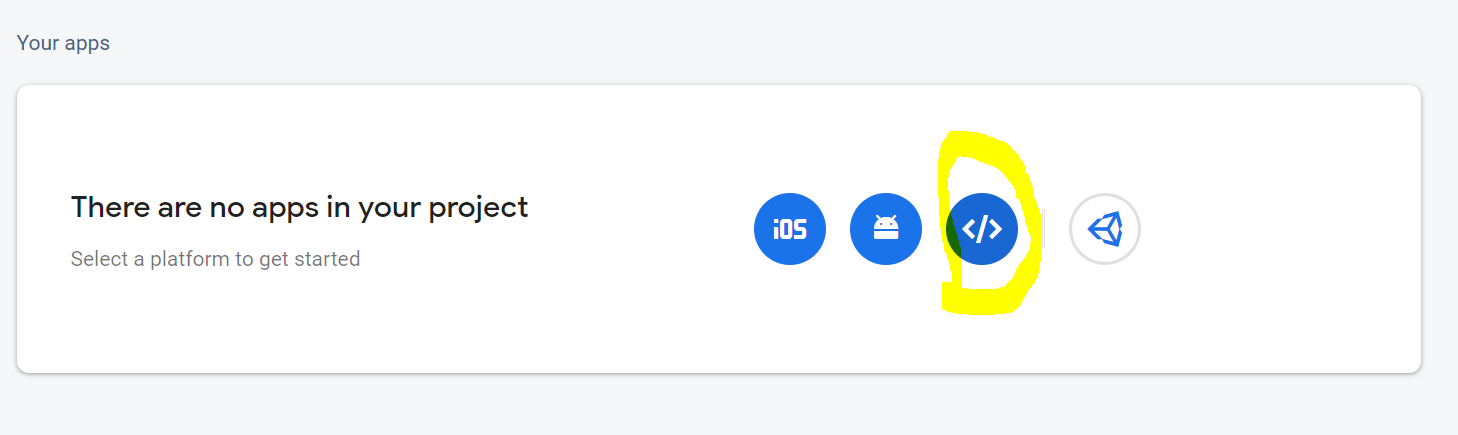
- Enter App nickname and click register app

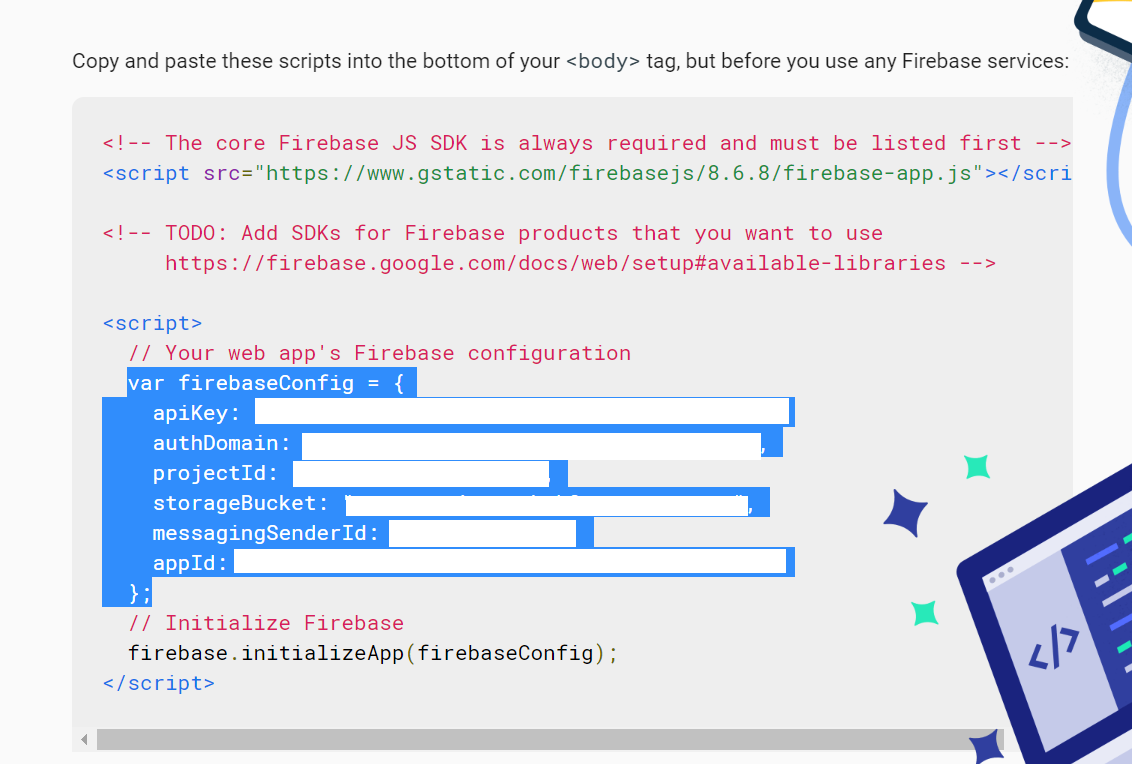
- You will be presented with firebase sdk config data. Copy the firebaseConfig info for later use.
git clone https://github.com/AhnafMuttaki/firestore_chat.git
npm install
- Rename PROJECT_ROOT/src/configs/firebaseExample.js to PROJECT_ROOT/src/configs/firebase.js
- Fill up the data of the firebase.js config file with firebaseConfig info data from firebase
npm run serve