


이번 프로젝트에서는 MVVM 패턴을 적용해보고, 포켓몬 API와 RxSwift를 사용해 비동기 데이터 처리를 실습해보는 프로젝트입니다.
스파르타코딩클럽에서 iOS를 수강 중 앱개발 심화 주차 과제로 부여받은 개인프로젝트입니다.
-
포켓몬 도감 메인 화면 : API를 통해 가져온 포켓몬 이미지를 번호 순서대로 보여줌.
-
스크롤 : 스크롤을 내리면 새로운 포켓몬 데이터를 가져와 보여줌.
-
포켓몬 이미지 탭 : 이미지를 선택하면 해당 포켓몬의
- 2024.12.27(금) ~ 2025.01.06(월)
Xcode / UIKit / SnapKit / RxSwift / RxCocoa / KingFisher

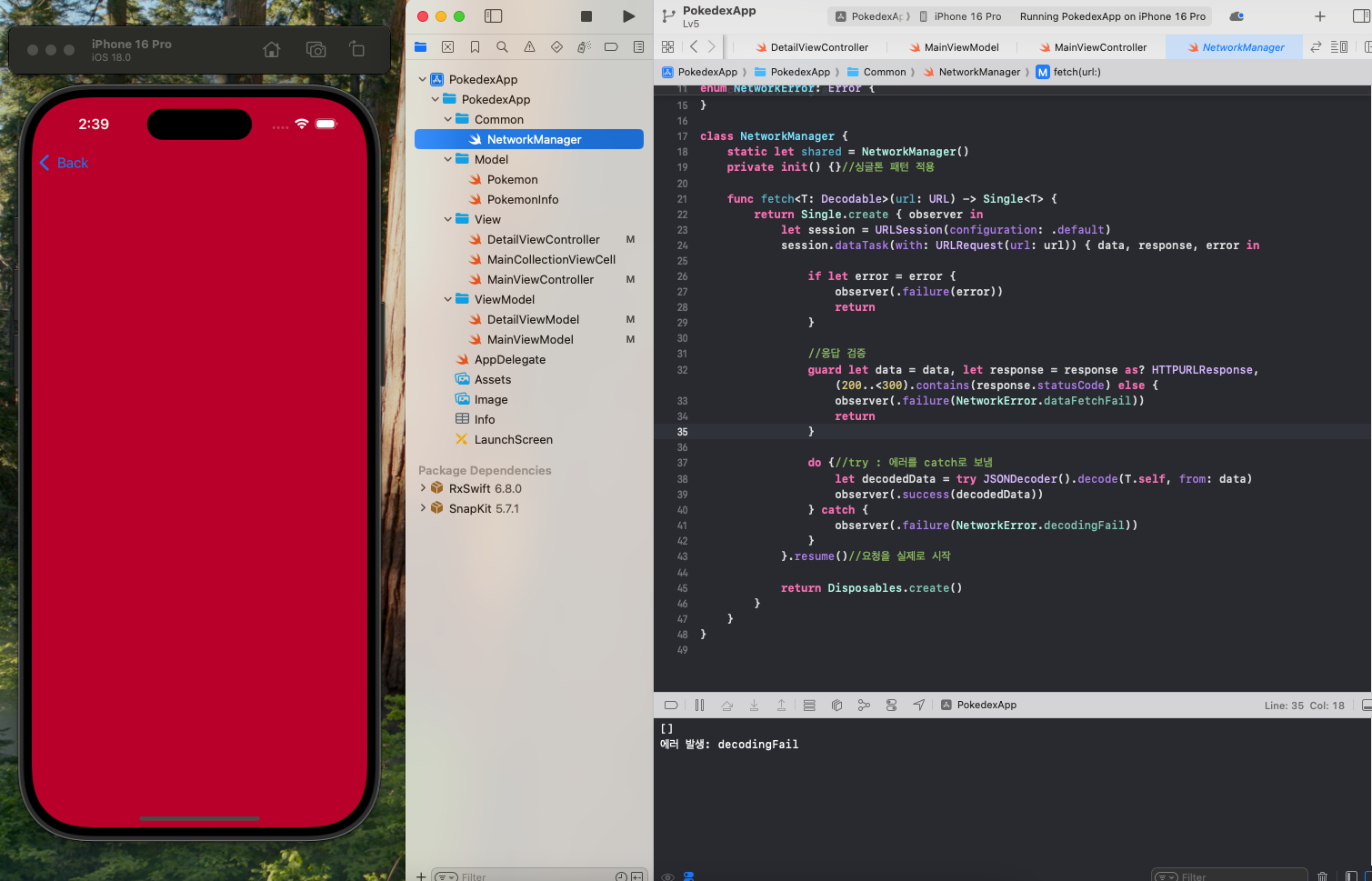
- API를 데이터를 가져올 때 데이터 fetch시 decodingFail 에러 문구 출력
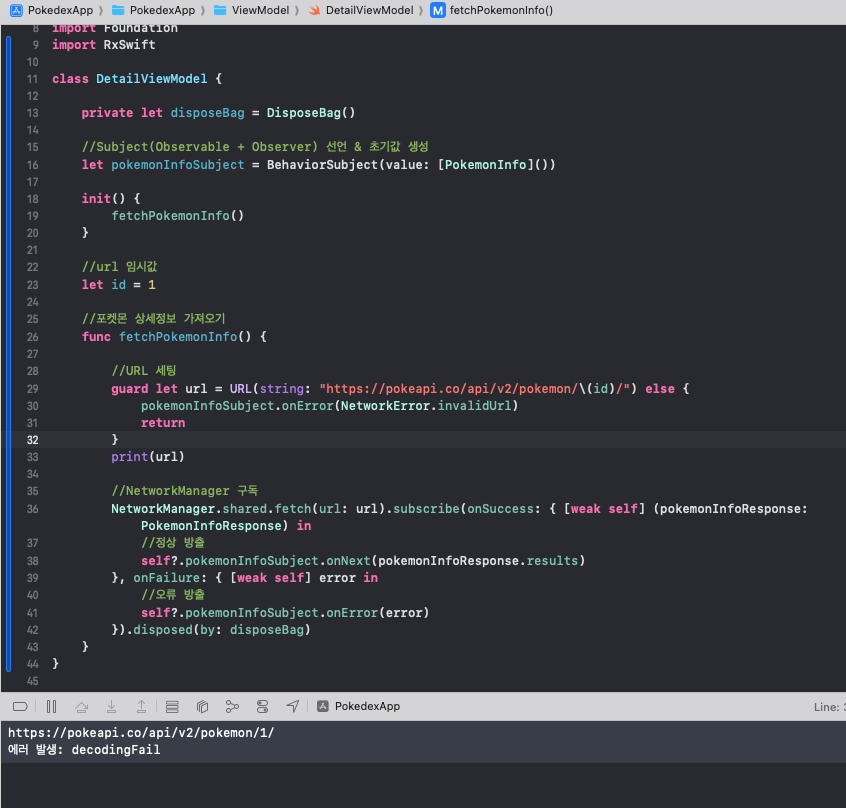
- url : 이상 없음
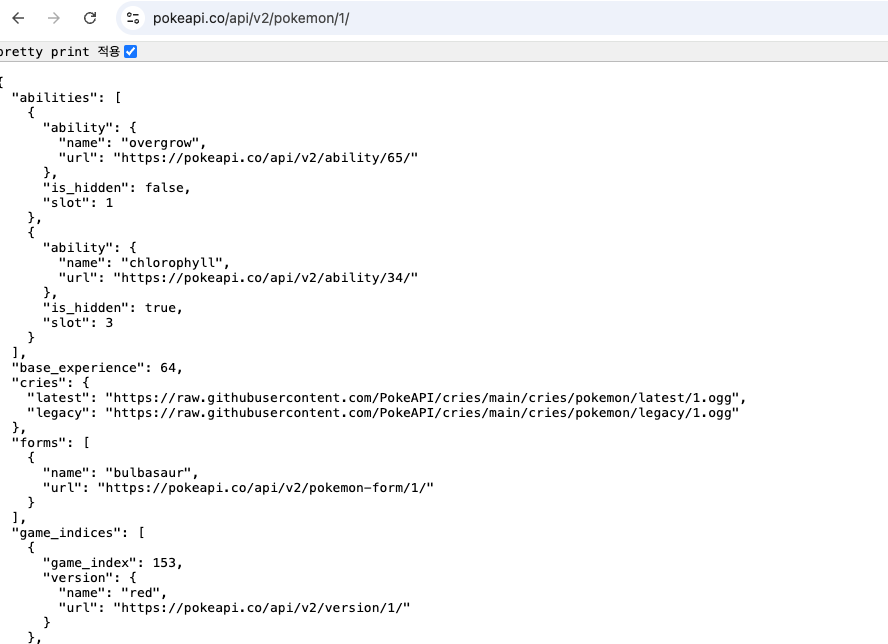
- Model : 보내주는 값을 배열로 받는 것이 원인으로 추정됨.
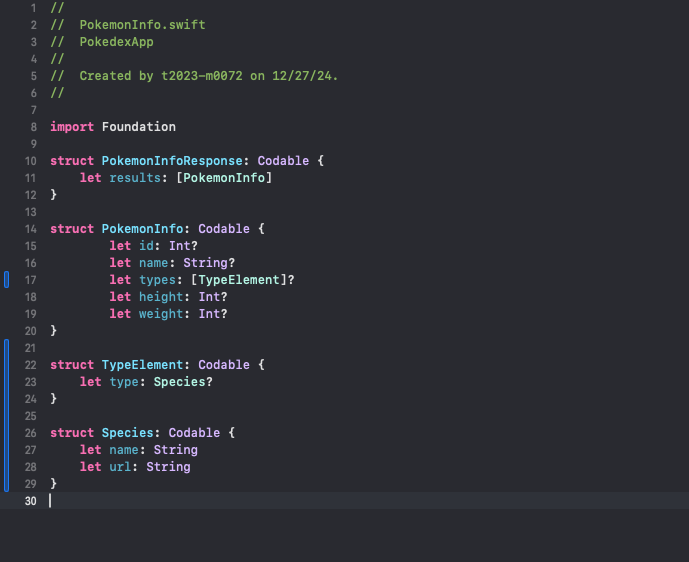
let pokemonInfoSubject = BehaviorSubject(value: [PokemonInfo]())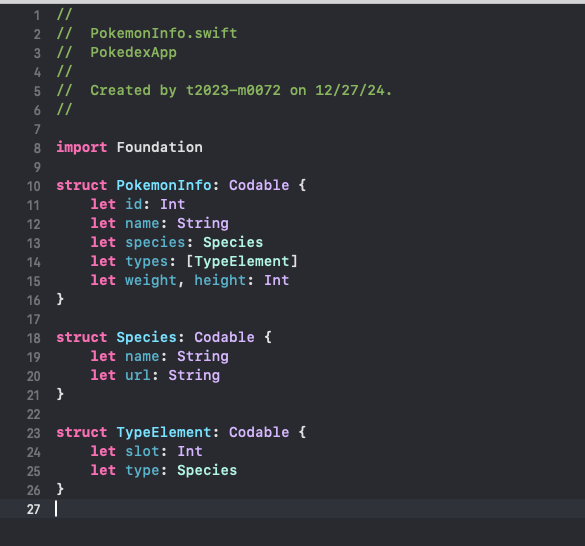
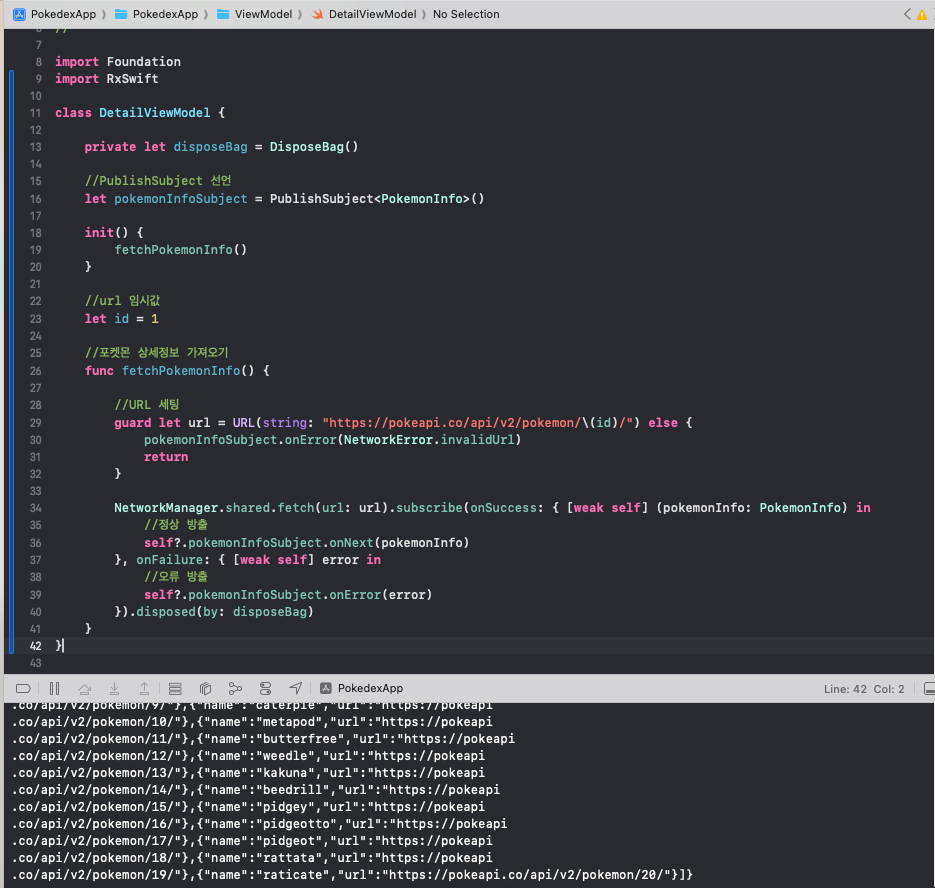
let pokemonInfoSubject = PublishSubject<PokemonInfo>()JSON데이터에서 보내주는 데이터 형태에 맞게 Subject가 PokemonInfo 객체를 담도록 변경.
정상적으로 decoding 성공
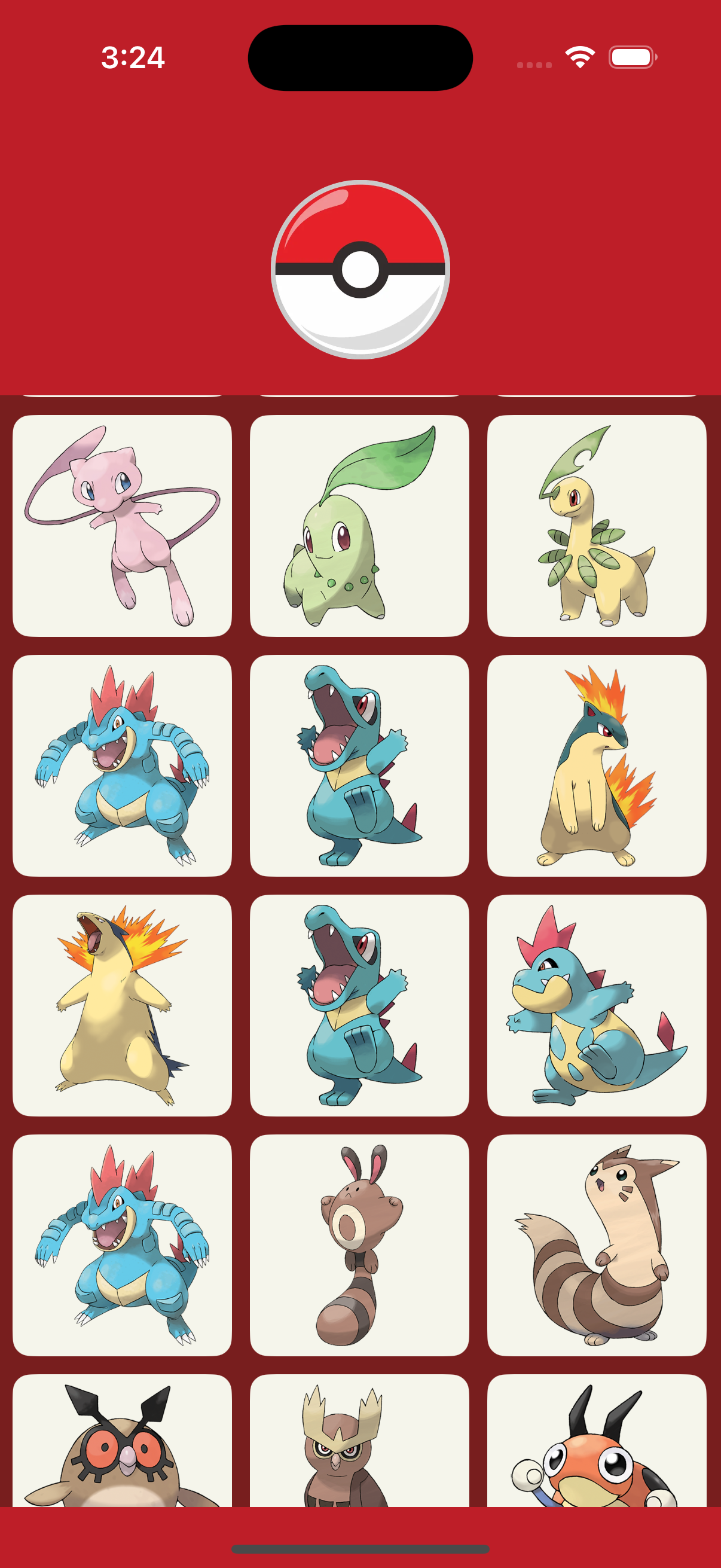
- 이미지가 비정상적으로 로드
- 셀을 클릭하면 이미지와 다른 포켓몬의 정보 출력
- 이미지를 불러오는 로직 문제
- 포켓몬 API에서 받을 수 있는 값을 보면 name과 url외에 id값이 없었다. 그래서 처음에는 셀의 indexPath.row의 값을 포켓몬 데이터를 받아오는 id값으로 사용했다.
{
  "count": 1302,
  "next": "https://pokeapi.co/api/v2/pokemon?offset=20&limit=20",
  "previous": null,
  "results": [
    {
      "name": "bulbasaur",
      "url": "https://pokeapi.co/api/v2/pokemon/1/"
    },
    {
      "name": "ivysaur",
      "url": "https://pokeapi.co/api/v2/pokemon/2/"
    },
    {
      "name": "venusaur",
      "url": "https://pokeapi.co/api/v2/pokemon/3/"
    },
    {
      "name": "charmander",
      "url": "https://pokeapi.co/api/v2/pokemon/4/"
...이하 생략extension MainViewController: UICollectionViewDataSource {
func collectionView(_ collectionView: UICollectionView, cellForItemAt indexPath: IndexPath) -> UICollectionViewCell {
guard let cell = collectionView.dequeueReusableCell(withReuseIdentifier: MainCollectionViewCell.id, for: indexPath) as? MainCollectionViewCell else {
return UICollectionViewCell()
}
cell.configure(indexPath.row + 1)
return cell
}
func collectionView(_ collectionView: UICollectionView, numberOfItemsInSection section: Int) -> Int {
return pokemon.count
}
} func configure(indexPath: Int) {
//셀 indexPath로 포켓몬 id 식별. indexPath는 0부터 시작되기 때문에 +1
let urlString = "https://raw.githubusercontent.com/PokeAPI/sprites/master/sprites/pokemon/other/official-artwork/\(indexPath + 1).png"
guard let url = URL(string: urlString) else { return }
//백그라운드에서 데이터 변환 작업
DispatchQueue.global().async { [weak self] in
if let data = try? Data(contentsOf: url) {
if let image = UIImage(data: data) {
//UI는 메인 쓰레드에서 작업
DispatchQueue.main.sync {
self?.imageView.image = image
}
}
}
}
}제대로 된 id값을 API를 통해 가져오고 [Pokemon] 배열에 생성을 해줘야 정상적으로 셀을 구성하고 이미지를 fetch 할 수 있을 것이라는 판단이 들었다.
import Foundation

struct PokemonResponse: Codable {
    let results: [Pokemon]
}

/* 수정 전
struct Pokemon: Codable {
    let name: String?
    let url: String?
}
*/

// 수정 후
struct Pokemon: Codable {
    let name: String?
    let url: String?

    var id: String {
        //url에서 포켓몬 id에 해당하는 부분 추출
        guard let pokemonUrl = url else { return "" }
        let urlSplit = pokemonUrl.split(separator: "/")

        return String(urlSplit[5])
    }
}
Pokemon 모델에서 url에 포함된 id값을 추출해서 사용하기 위해 연산 프로퍼티를 사용했다. 그리고 [Pokemon] 배열에서 id값을 사용해 셀의 이미지를 fetch하도록 수정했다.
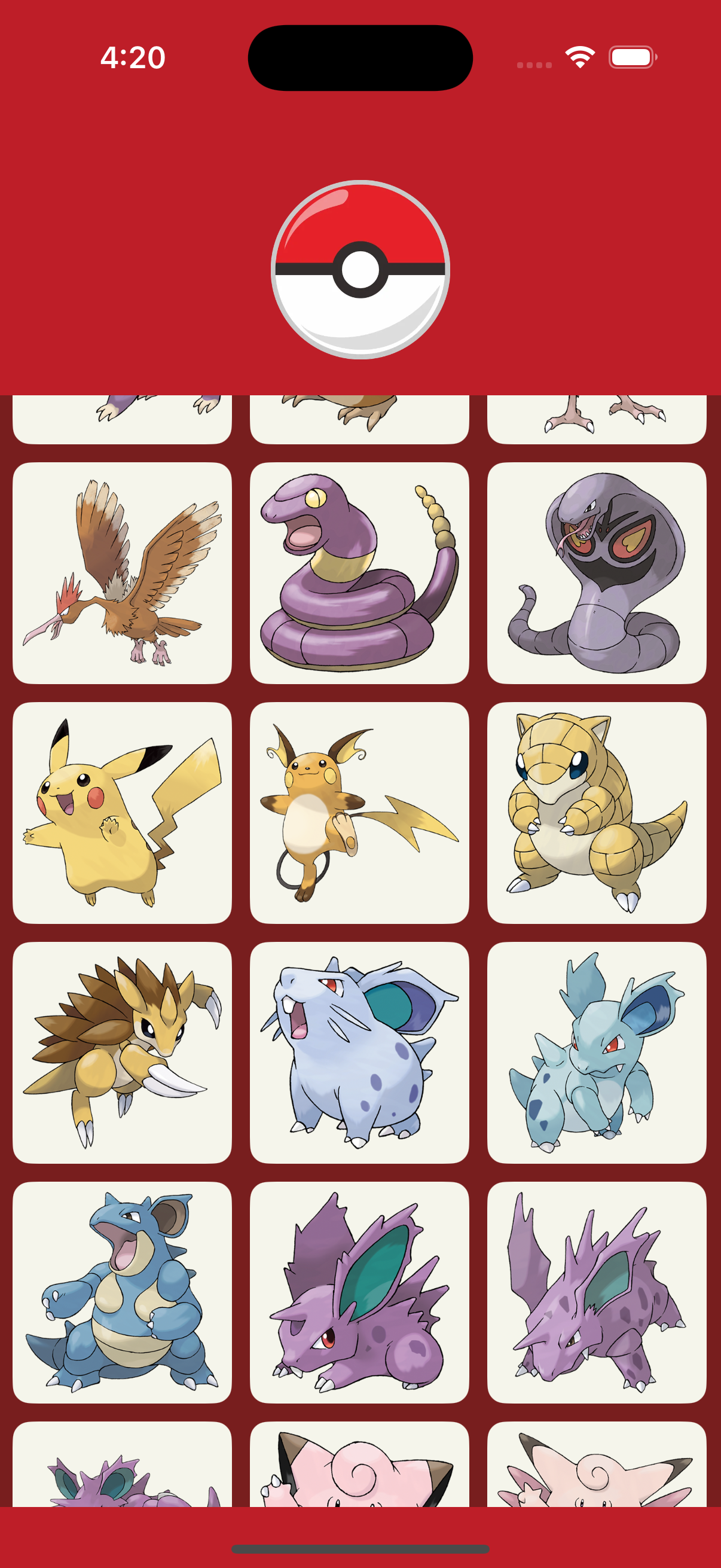
id값의 순서에 맞게 포켓몬 이미지가 정상 출력되었다.
- 스크롤을 빠르게 내리면 데이터의 순서가 일정하지 않게 저장되는 현상 발생
- 스크롤을 했을때 데이터를 fetch하는 함수를 여러번 빠르게 호출하면서 먼저 요청된 데이터가 로드되기 전에 뒤에 요청된 데이터가 먼저 로드되면서 순서가 섞인 것으로 추측
    func collectionView(_ collectionView: UICollectionView, willDisplay cell: UICollectionViewCell, forItemAt indexPath: IndexPath) {

        if indexPath.row > pokemon.count - 5 {
            viewModel.fetchPokemon()
        }
    }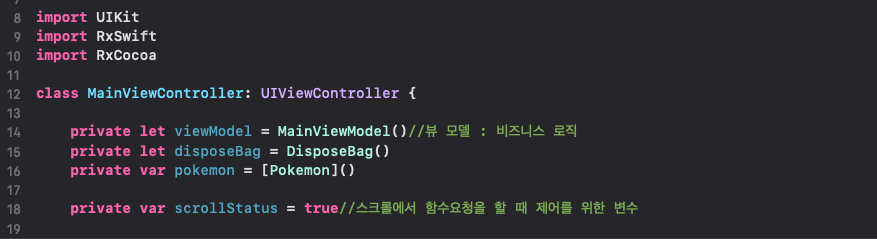
scrollStatus라는 Bool 타입의 프로퍼티를 사용해 스크롤에서의 함수 요청을 제어하기로 했다.
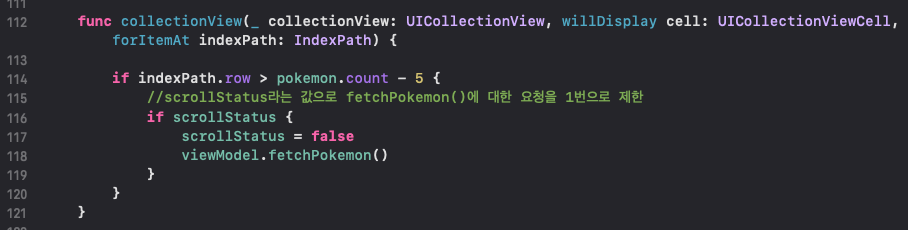
스크롤 됐을때 scrollStatus를 false로 변경해주고 더 이상 fetchPokemon()이 호출 되지 않도록 한다.
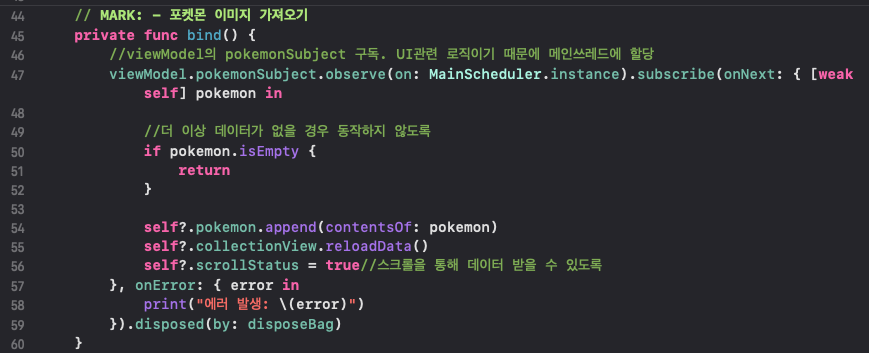
옵저버가 정상적으로 결과를 받아오면 구독 해제가 되기전에 scrollStatus를 true로 변경해 스크롤을 통해 fetchPokemon()을 호출 할 수 있도록 했다.
- 더 이상 문제 없이 순서가 일정하게 출력되었다.