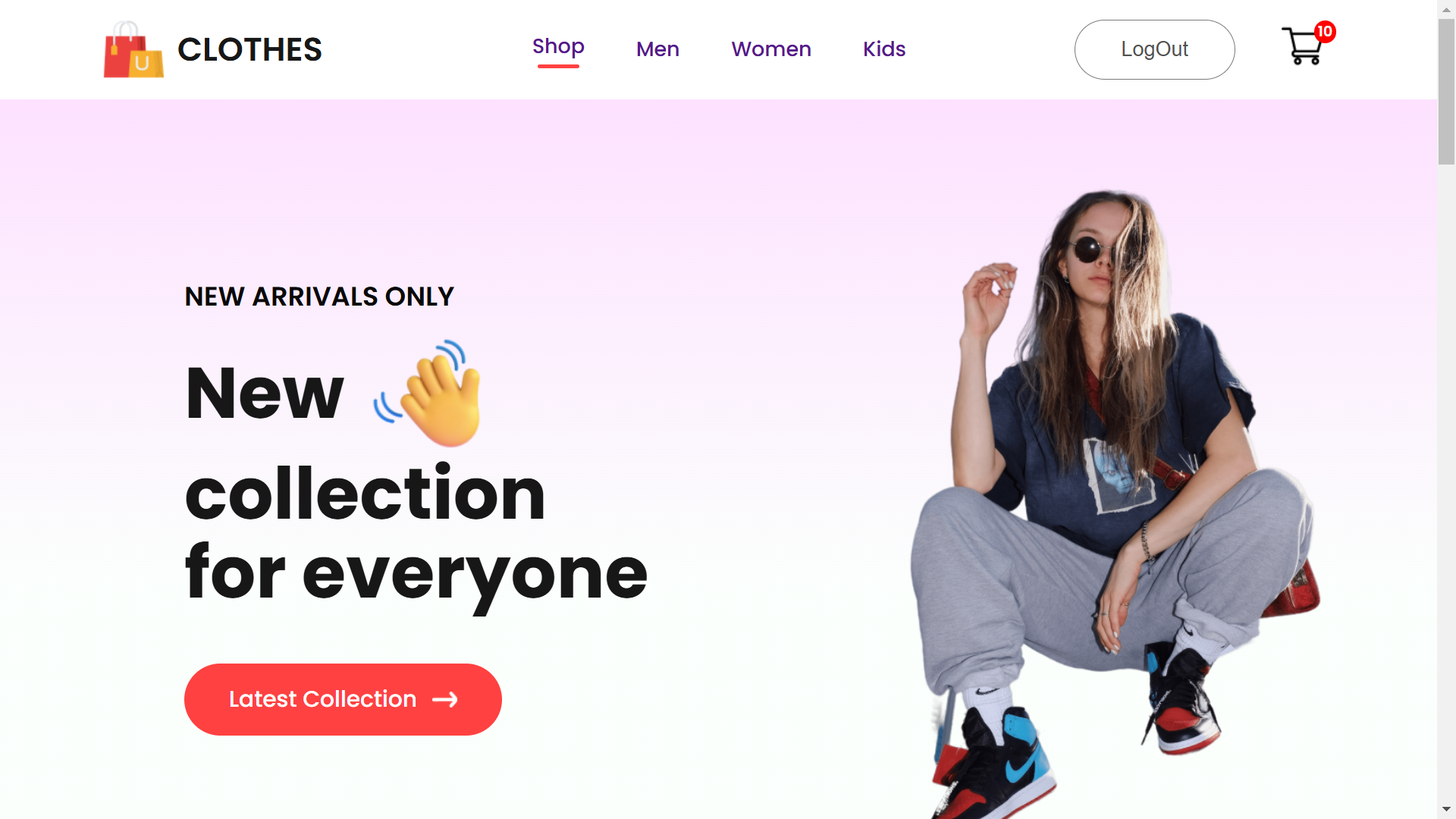
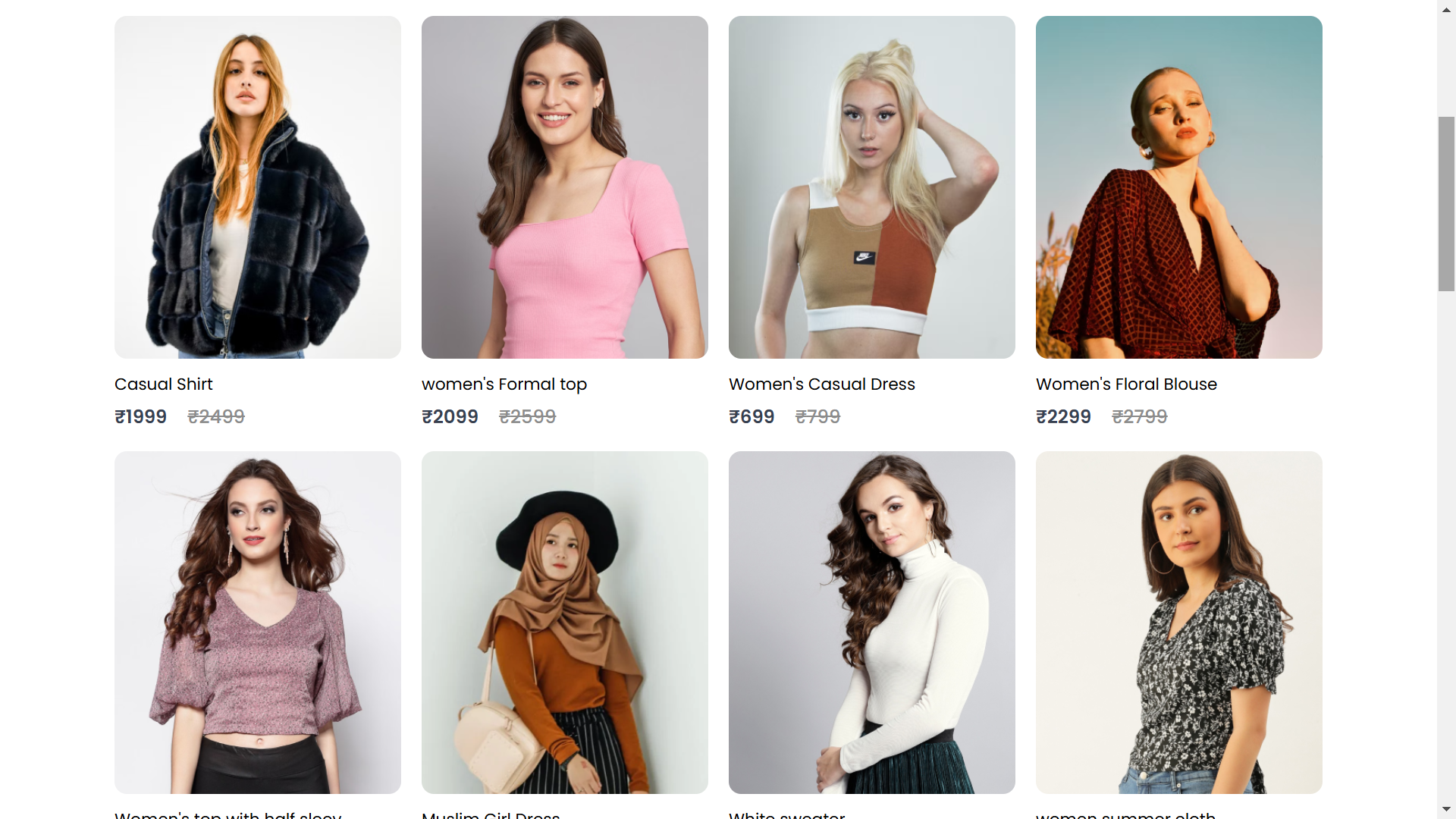
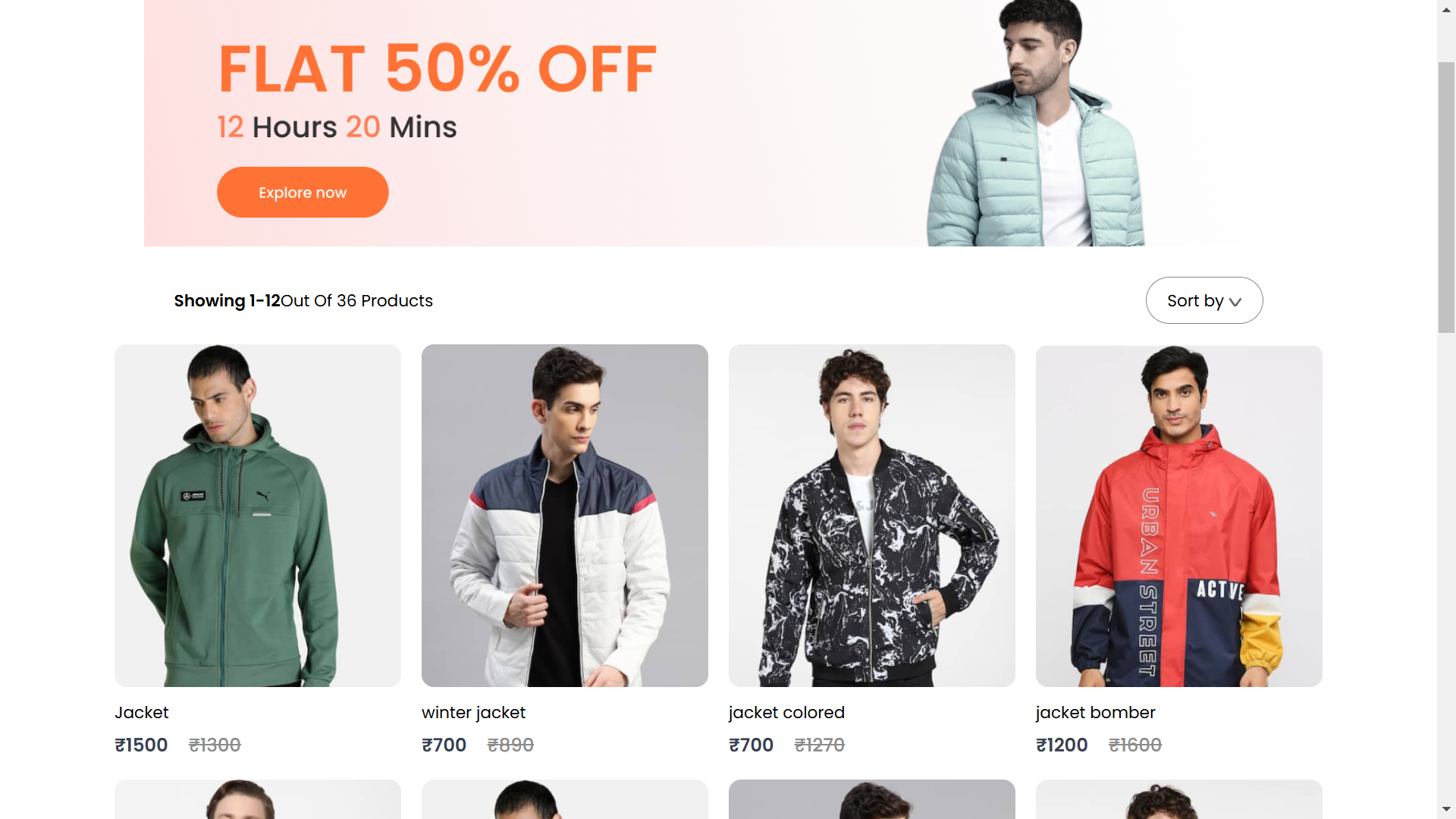
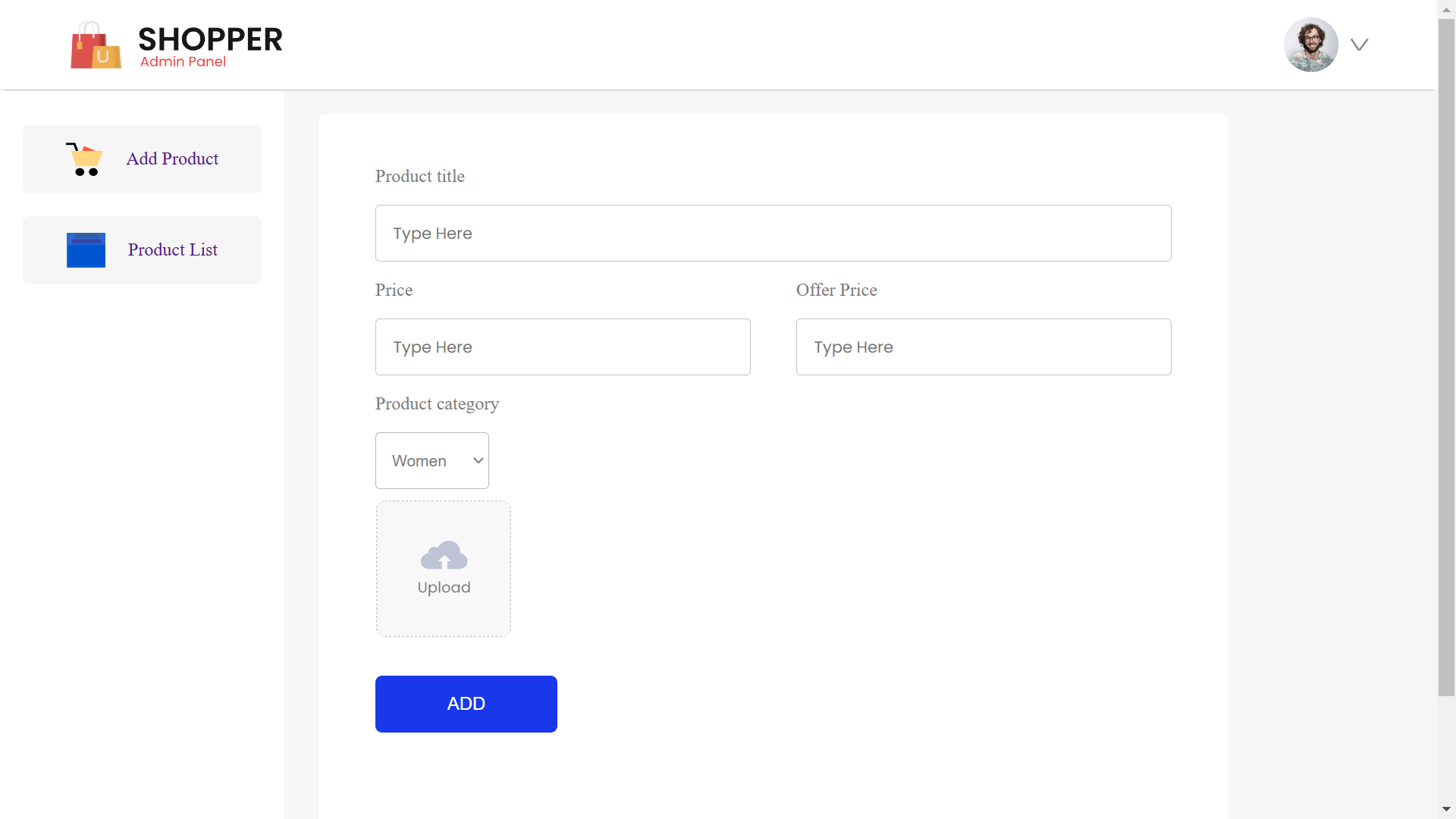
You can view and interact with the live app here: E-commerce Web App
This e-commerce web app is built using various web technologies, including Express.js, MongoDB, and JWT Authentication. It allows users to manage products, user registration, login, and cart functionalities. The app provides endpoints for adding, removing, and retrieving products, as well as managing user data.
- Express.js: A web framework for building RESTful APIs and server-side logic.
- MongoDB: A NoSQL database for storing user and product data.
- Mongoose: ODM (Object Document Mapping) library for interacting with MongoDB.
- JWT Authentication: Secure user authentication using JSON Web Tokens for verifying and managing sessions.
- Multer: Middleware for handling file uploads, such as product images.
- CORS: Middleware to handle Cross-Origin Resource Sharing for allowing requests from different domains.
- dotenv: For managing environment variables securely.
- Node.js: JavaScript runtime for the server-side logic.
- File System Operations: Handling product image storage and serving them from the server.
- User Registration and Login: Users can sign up and log in to the app using email and password.
- Product Management: Admins can add, remove, and view products.
- Cart Management: Users can add and remove items from their shopping cart.
- Image Upload: Products can have images uploaded through the app.
- Clone the repository.
- Install dependencies:
npm install
- Set up a
.envfile to store your environment variables, including database credentials and JWT secret. - Run the server:
npm start
- POST /signup: Register a new user.
- POST /login: User login and JWT token generation.
- POST /addproduct: Admin endpoint to add a new product.
- POST /removeproduct: Admin endpoint to remove a product.
- POST /upload: Upload product images.
- POST /addtocart: Add an item to the user's cart.
- POST /removefromcart: Remove an item from the user's cart.
- POST /getcart: Retrieve the user's cart data.
- GET /allproducts: Retrieve all products.
- GET /newcollection: Retrieve the latest products for a new collection.
- GET /popularinwomen: Retrieve popular products in the women category.
This project is open-source under the MIT License.