When studying for long periods of time, it is extremely easy to get distracted and start procrastinating. StudyDash is a minimalistic sleek dashboard app that will allow you to focus through various widgets such as a pomodoro clock, deadline reminders, as well as studying analytics.
StudyDash will also allow a user to listen to music while studying, add deadlines that also show up in a calendar to help users keep track of time and eliminate procrastination. Users will also be able to check how much time they have spent on breaks vs. studying. There is also a flashcards widget that will allow users to create flashcards to practice studying content.
-
User Authentication
- Users can login with a demo user or with their own credentials
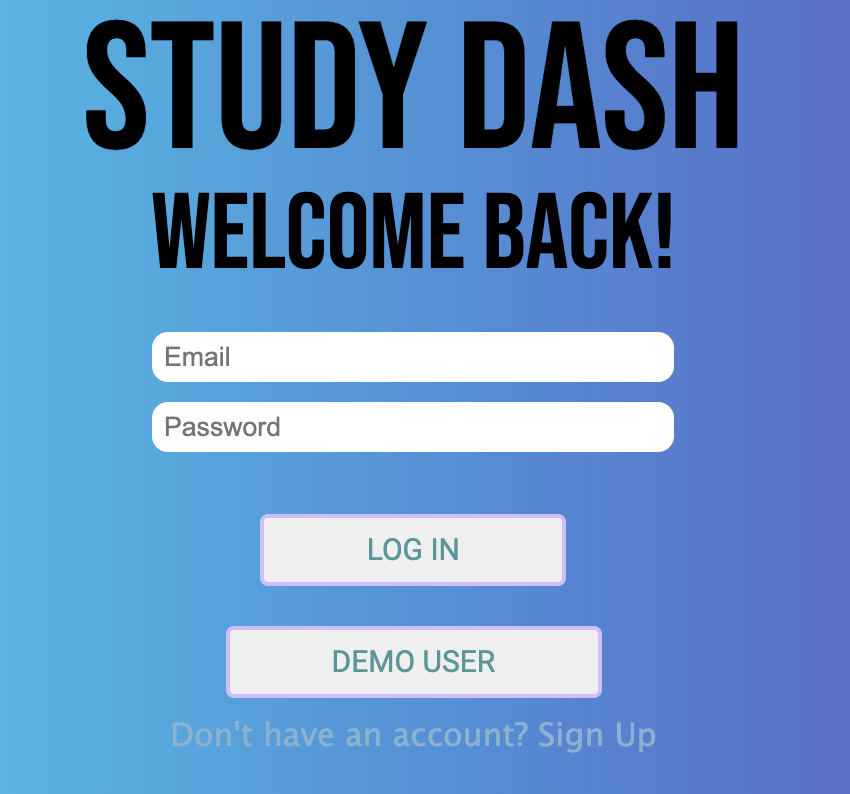
- Errors on login/signup show on incorrect submission
-
The app has 6 widgets to click on from the main splash page
- These widgets include:
-
Deadlines
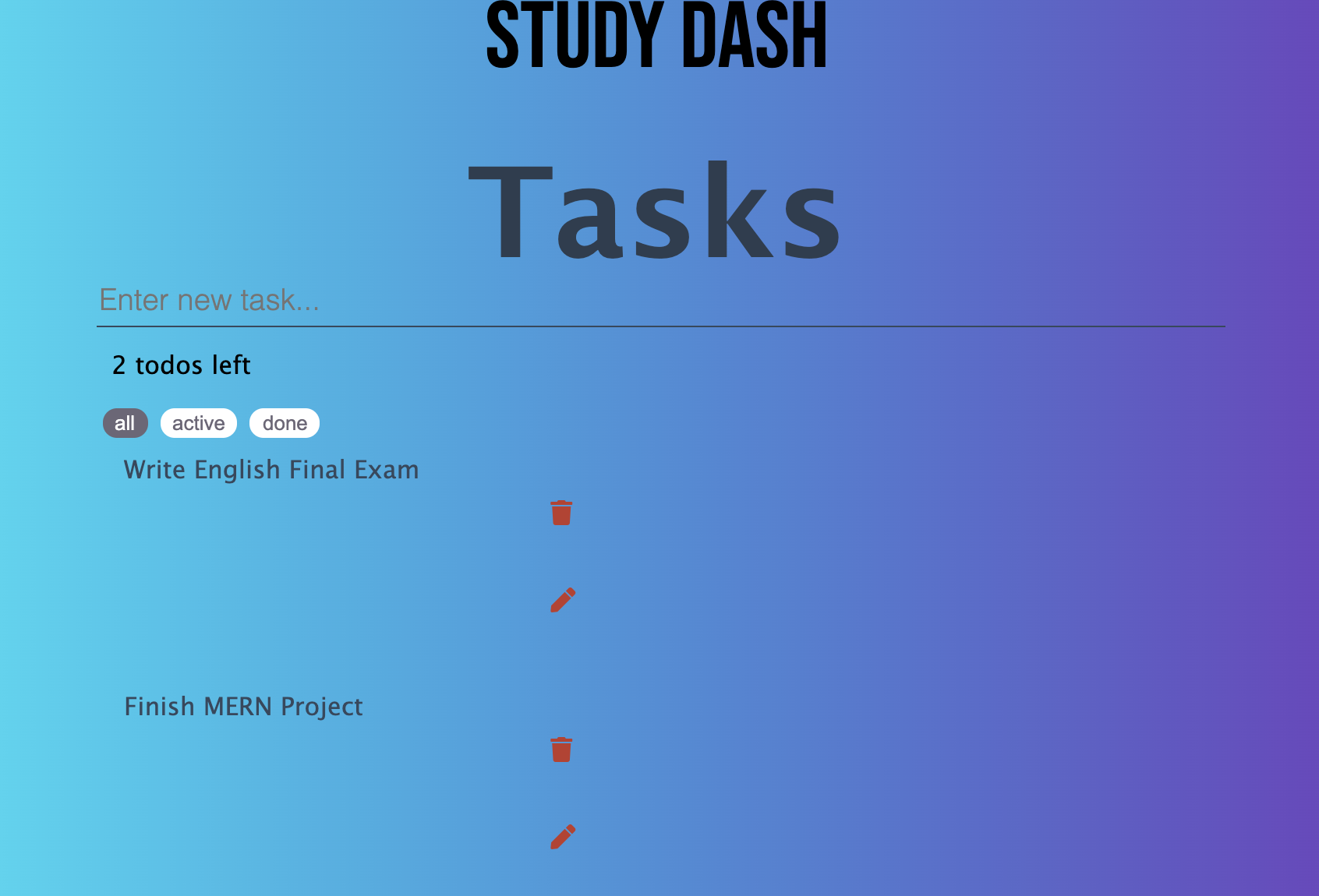
- Users can create deadlines, cross them out, remove them or edit them
-
Calendar
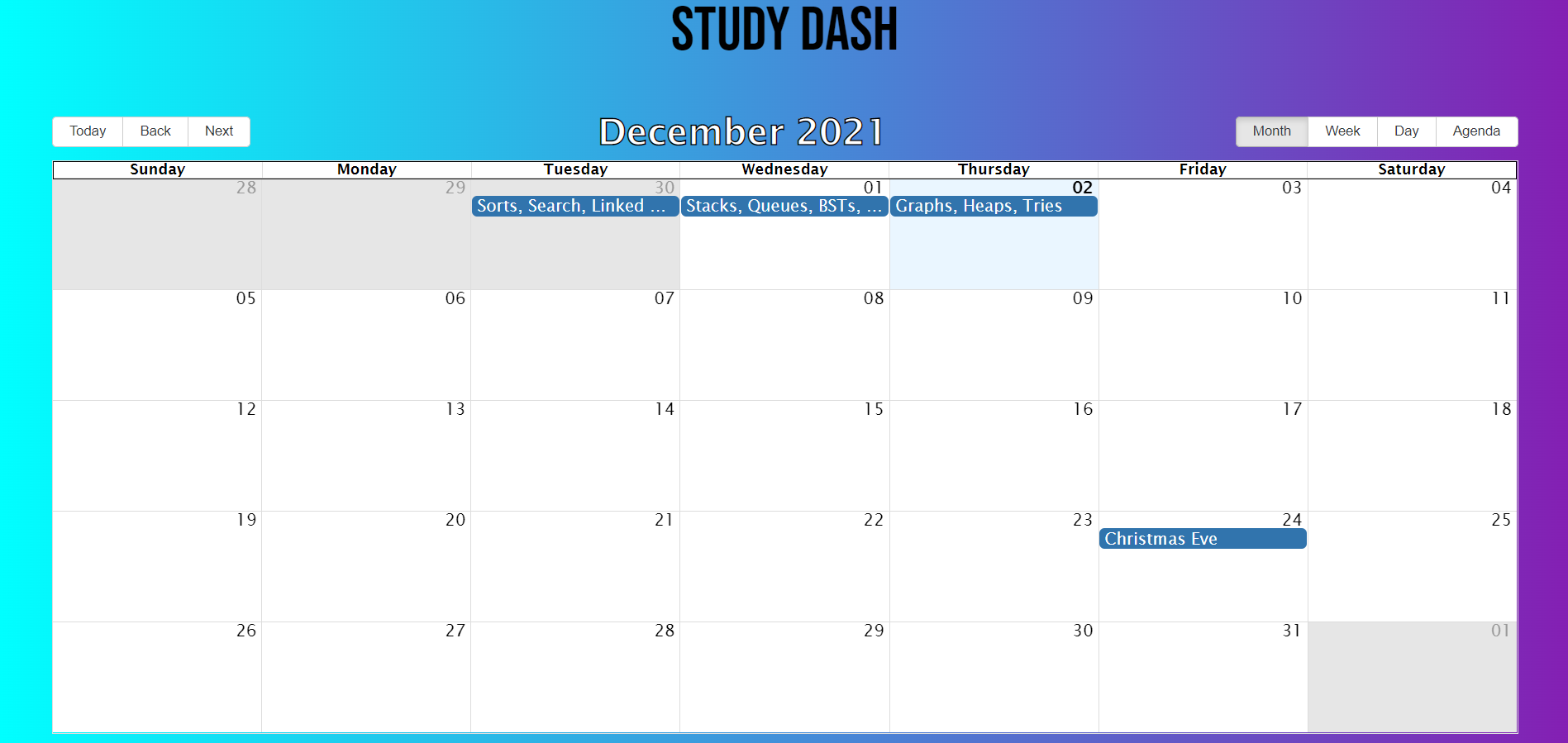
- Users can view and create events on calendar
  const event = [];
  const [newEvent, setNewEvent] = useState({ title: "", start: "", end: "" });
  const savedEvent = JSON.parse(localStorage.getItem("savedData"));
  const [allEvents, setAllEvents] = useState([...event, ...savedEvent]);
  let errors;
  function removeDup(arr) {
      let result = []
      arr.forEach((item, index) => { if (arr.indexOf(item) == index) result.push(item) });
      return result;
  }
  function handleAddEvent() {
      if (!newEvent.title) {
          errors = <p>Missing fields. Please fill out event fields</p>;
          return errors;
      }
      let newEvents = [...allEvents, newEvent];
      setAllEvents(newEvents)
      let finalEvents = removeDup(newEvents);
      localStorage.setItem("savedData", JSON.stringify(finalEvents));
  }
  let objects = JSON.parse(localStorage.getItem("savedData"));
- Users can view and create events on calendar
-
Pomodoro Clock
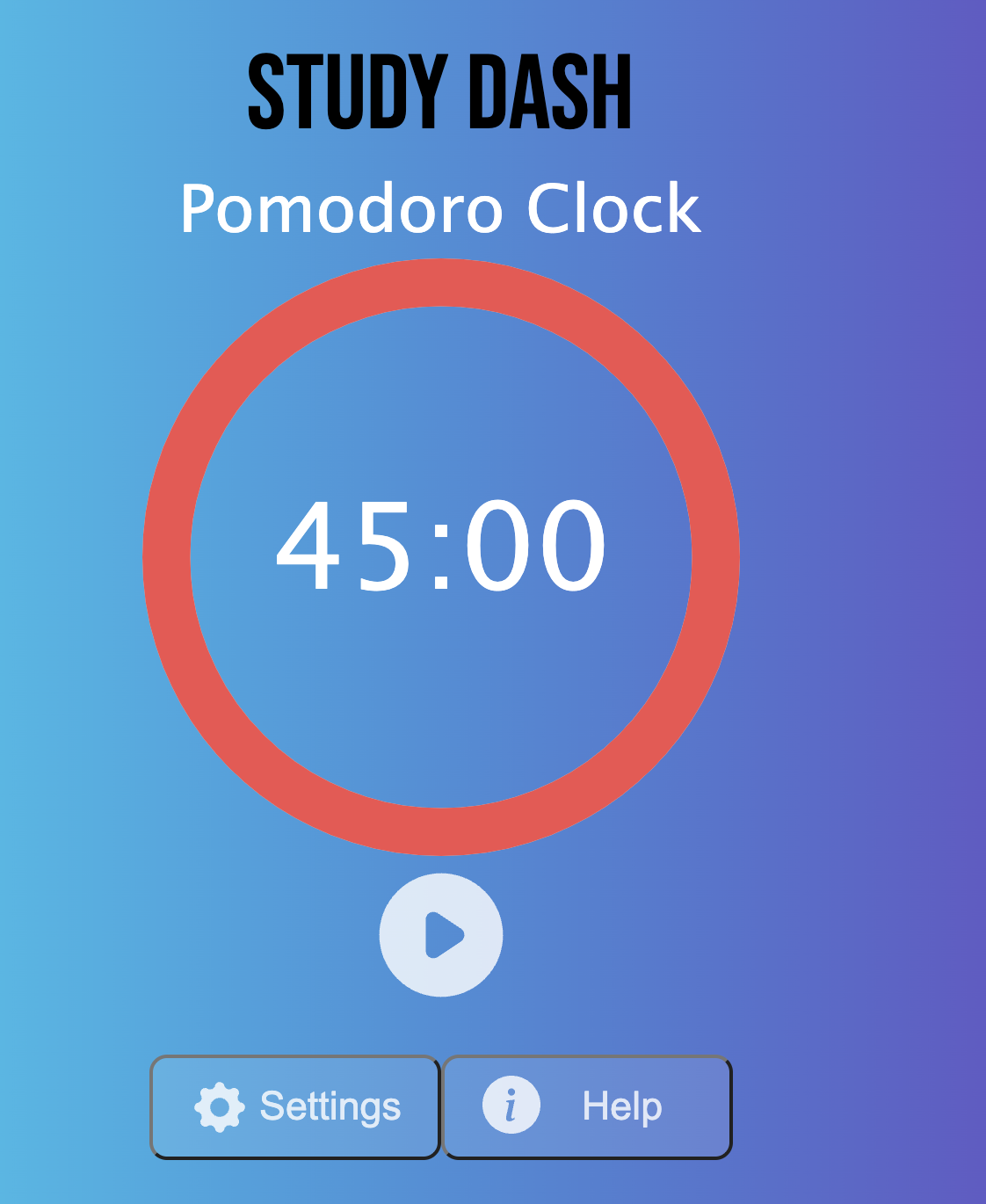
- Users can start a timer based on their work/break minutes and the timer will display a ring when the time is up

-
Flashcards
- Users can create, edit, use flashcards to help them study.
-
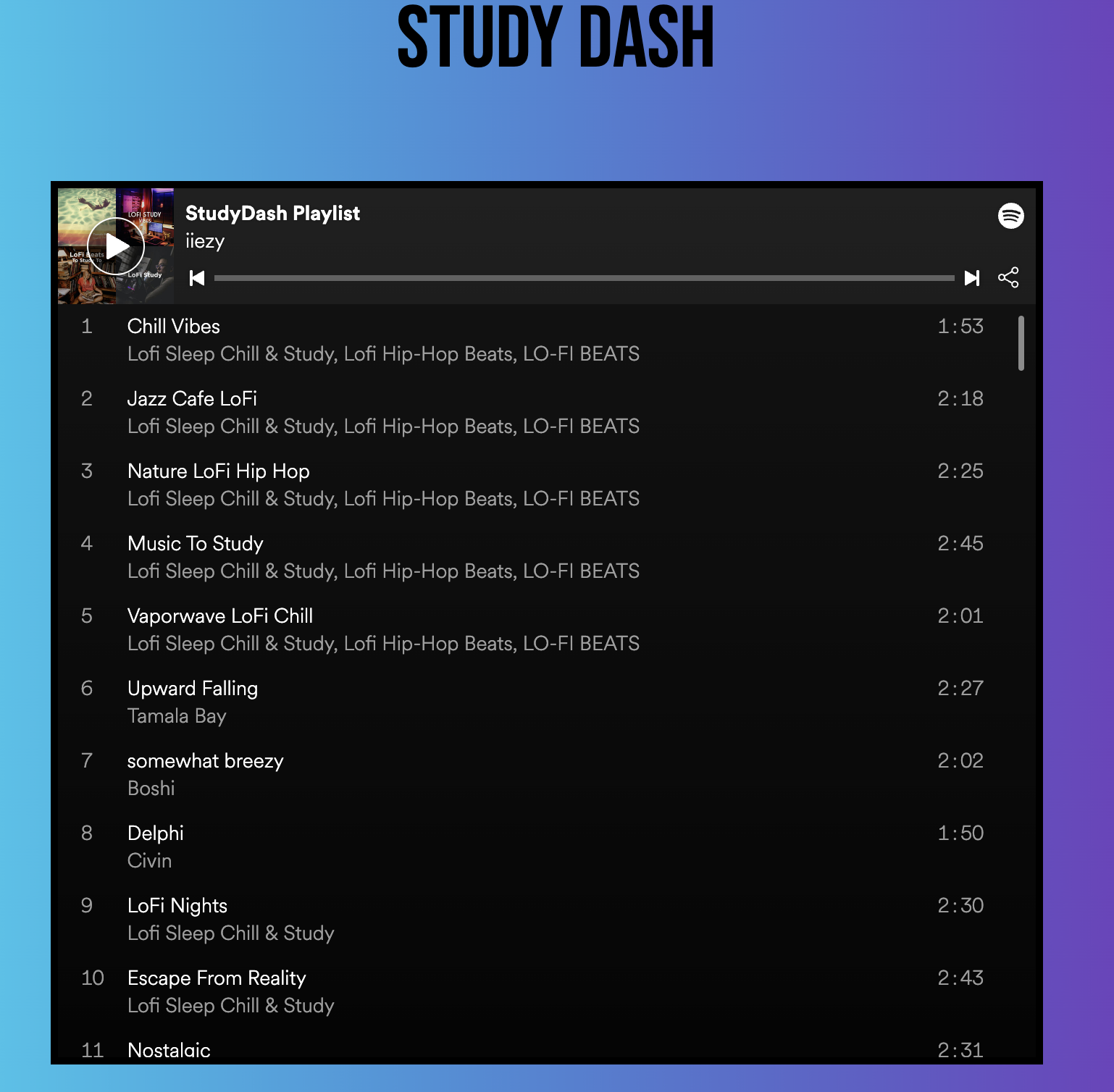
Music Playlist
- This displays a lo-fi playlist from spotify that allows the user to listen to while studying. Users can play this throughout the web app
-
User Analytics
- This includes a various statistics about the user like the amount of times the user has logged, the amount of hours/minutes the user has spent studying, the amount of hours/minutes the user has spent taking breaks.
  const lastLogin = new Date(this.props.currentUser.lastLogin);
  const date = new Date(this.props.currentUser.date);
  let totalTime = this.props.currentUser.timeStudied;
  const hours = Math.floor((totalTime / 60) / 60);
  if (hours > 0){
      totalTime -= ((hours * 60) * 60);
  }
  const minutes = Math.floor(totalTime / 60);
  if (minutes > 0) {
      totalTime -= (minutes * 60);
  }
  const seconds = totalTime;
  let tasksDone = []
  let activeTasks = []
  this.props.todos.forEach(todo => {
      if(todo.done){
          tasksDone.push(todo)
      } else {
          activeTasks.push(todo)
      }
  })
-
- These widgets include:
- MongoDB
- Mongoose
- Express.js
- React
- Redux
- Node.js
- HTML5
- CSS3
- Axios
- JSON Web Tokens
- Amazon Web Services (AWS)