Official repository of "CORE4D: A 4D Human-Object-Human Interaction Dataset for Collaborative Object REarrangement".
Yun Liu*, Chengwen Zhang*, Ruofan Xing, Bingda Tang, Bowen Yang, Li Yi
- 2025/7/1: Uploaded CORE4D-Real (V1, V2) in Hugging Face
- 2024/8/17: Uploaded V2 of CORE4D-Real, including updated human motions in "CORE4D_Real_human_object_motions_v2"
- 2024/5/31: Uploaded CORE4D-V1
The data is organized as follows:
|--CORE4D_Real
    |--object_models
        ...
    |--human_object_motions
        ...
    |--allocentric_RGBD_videos
        ...
    |--egocentric_RGB_videos
        ...
    |--human_object_segmentations
        ...
    |--camera_parameters
        ...
    |--action_labels.json
|--CORE4D_Synthetic
    |-- <motion sequence name 1>
        |-- human_poses.npy
        |-- object_mesh.obj
        |-- object_poses.npy
    |-- <motion sequence name 2>
        |-- human_poses.npy
        |-- object_mesh.obj
        |-- object_poses.npy
    ...
Please refer to docs/file_definitions.md for details of our dataset.
For allocentric_RGB_videos from Hugging Face, please use the following command to merge the files to a single zip file:
cat allocentric_RGB_videos_* >allocentric_RGB_videos.zip[1] Environment setup
Our code is tested on Ubuntu 20.04 with one NVIDIA GeForce RTX 3090 GPU. The Driver version is 535.129.03. The CUDA version is 12.2.
Please use the following command to set up the environment:
conda create -n core4d python=3.9
conda activate core4d
<install PyTorch >= 1.7.1>
<install PyTorch3D >= 0.6.1>
cd dataset_utils
pip install -r requirements.txt
Then, install smplx from smplx, and download SMPL-X models.
[2] Visualize human-object motions
cd dataset_utils
python visualize_human_object_motion.py --dataset_root <dataset root directory> --object_model_root <object model root directory> --smplx_model_dir <SMPL-X model directory> --sequence_name <sequence name> --save_path <path to save the visualization result> --device <device for the rendering process>
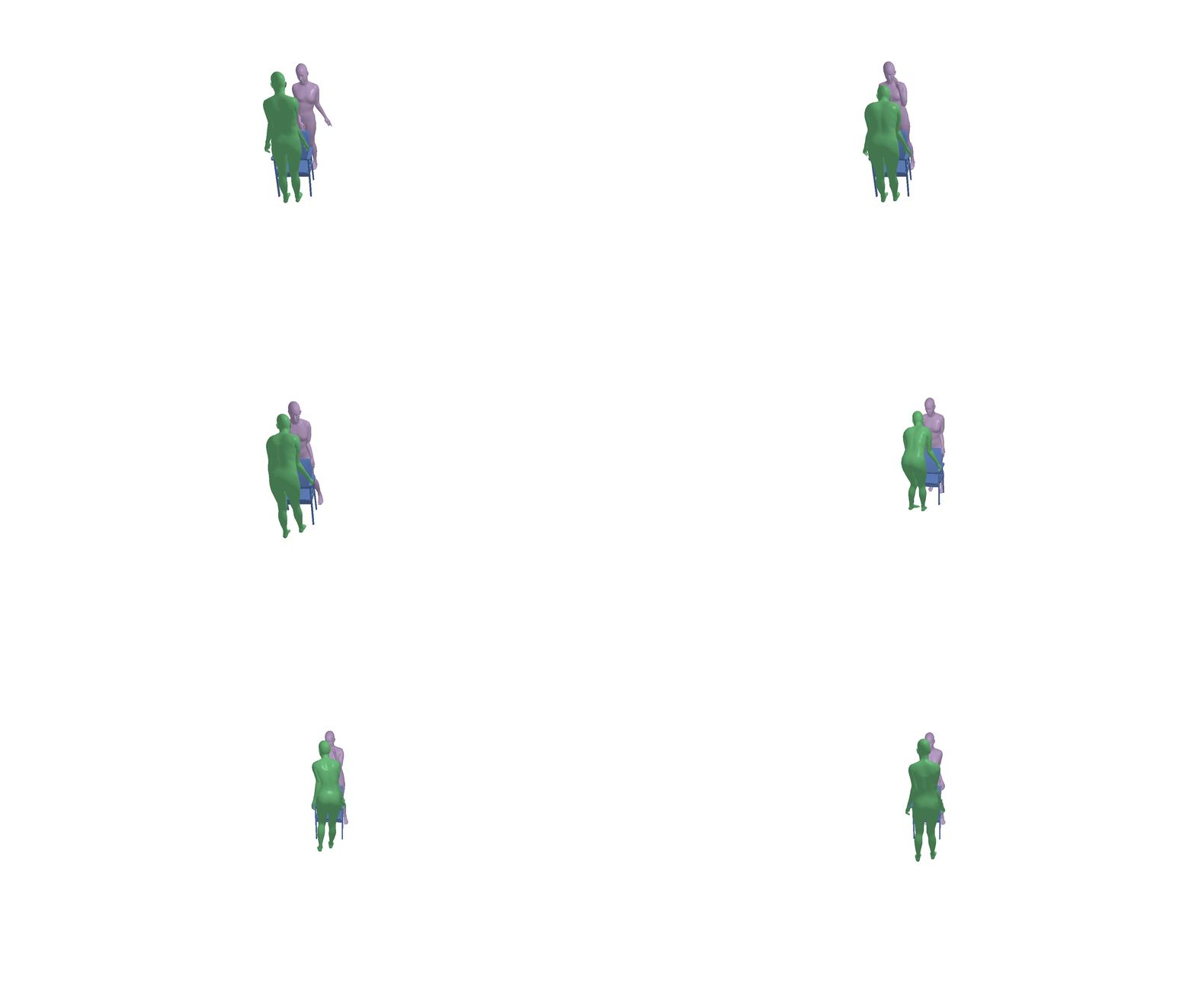
For example, if you select the following data sequence:
python visualize_human_object_motion.py --dataset_root <dataset root directory> --object_model_root <object model root directory> --smplx_model_dir <SMPL-X model directory> --sequence_name "20231002/004" --save_path "./example.gif" --device "cuda:0"You can obtain the following visualization result:
For the implementation of the benchmark "human-object motion forecasting", please refer to ./benchmarks/motion_forecasting/README.md.
For the implementation of the benchmark "interaction synthesis", please refer to ./benchmarks/interaction_synthesis/README.md.
This work is licensed under a CC BY 4.0 license.
If you have any questions, please feel free to contact zcwoctopus@gmail.com or yun-liu22@mails.tsinghua.edu.cn.
If you find our work helpful, please cite:
@inproceedings{liu2025core4d,
  title={CORE4D: A 4D Human-Object-Human Interaction Dataset for Collaborative Object REarrangement},
  author={Liu, Yun and Zhang, Chengwen and Xing, Ruofan and Tang, Bingda and Yang, Bowen and Yi, Li},
  booktitle={Proceedings of the Computer Vision and Pattern Recognition Conference},
  pages={1769--1782},
  year={2025}
}