You signed in with another tab or window. Reload to refresh your session.You signed out in another tab or window. Reload to refresh your session.You switched accounts on another tab or window. Reload to refresh your session.Dismiss alert
//destination scene이 나타나기 전 미리 필요한 작업을 수행하기위해 준비해주는 단계
overridefunc prepare(for segue:UIStoryboardSegue, sender:Any?){letdestination= segue.destination
letbutton= sender as!UIButton
destination.title = button.titleLabel?.text
//데이터가 전달되어 destination scene의 네비게이션 바 '타이틀' 설정
}
//이전 viewcontroller에서 넘겨준 데이터 어떤형식으로 받을지 선언
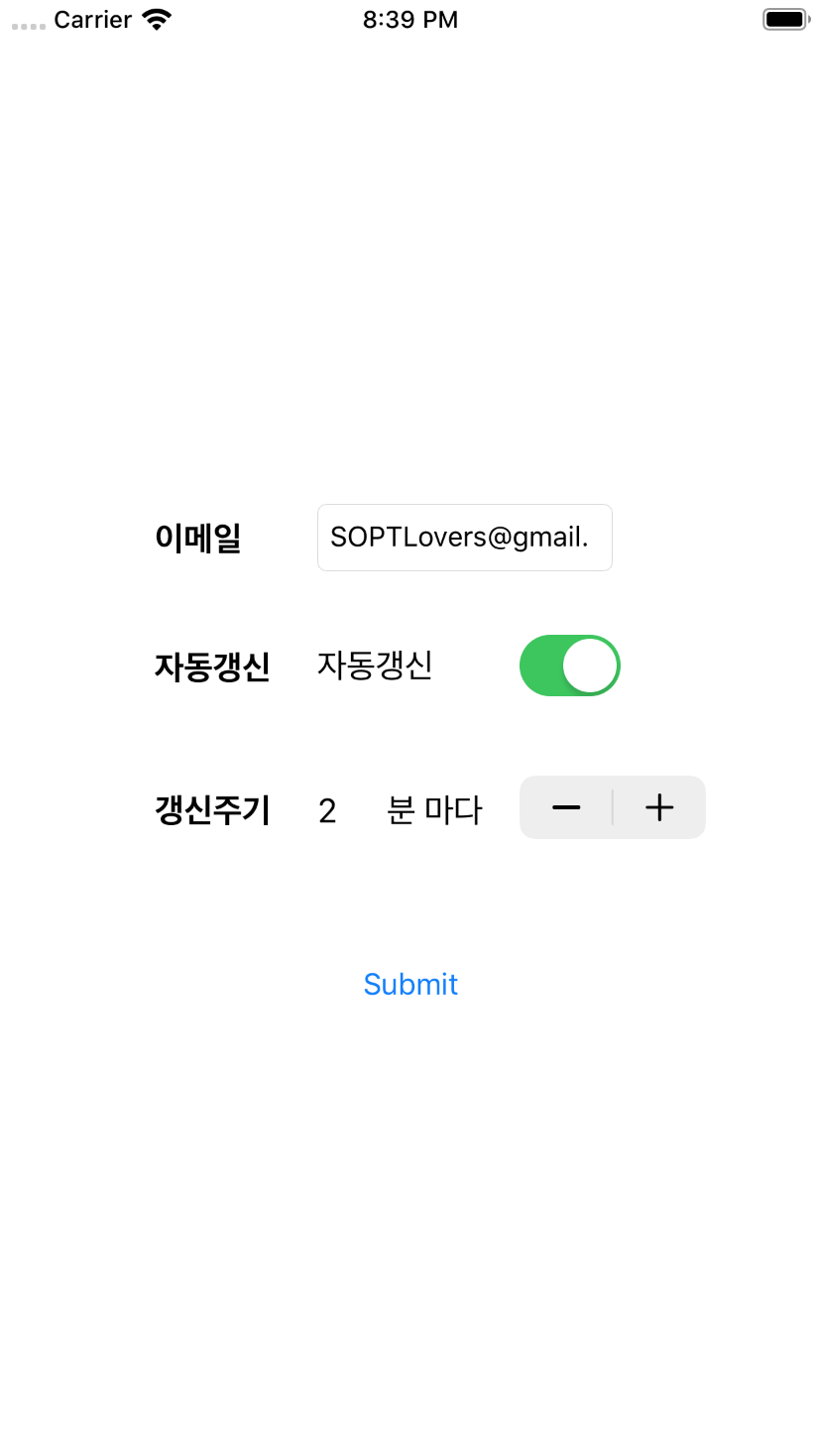
varparamEmail:String=""varparamUpdate:Bool=falsevarparamInterval:Double=0
//코드로 Back Action(이때,스토리보드에선 뷰간 연결해주면 안됨)
@IBActionfunc onBack(_ sender:Any){self.dismiss(animated:true)}
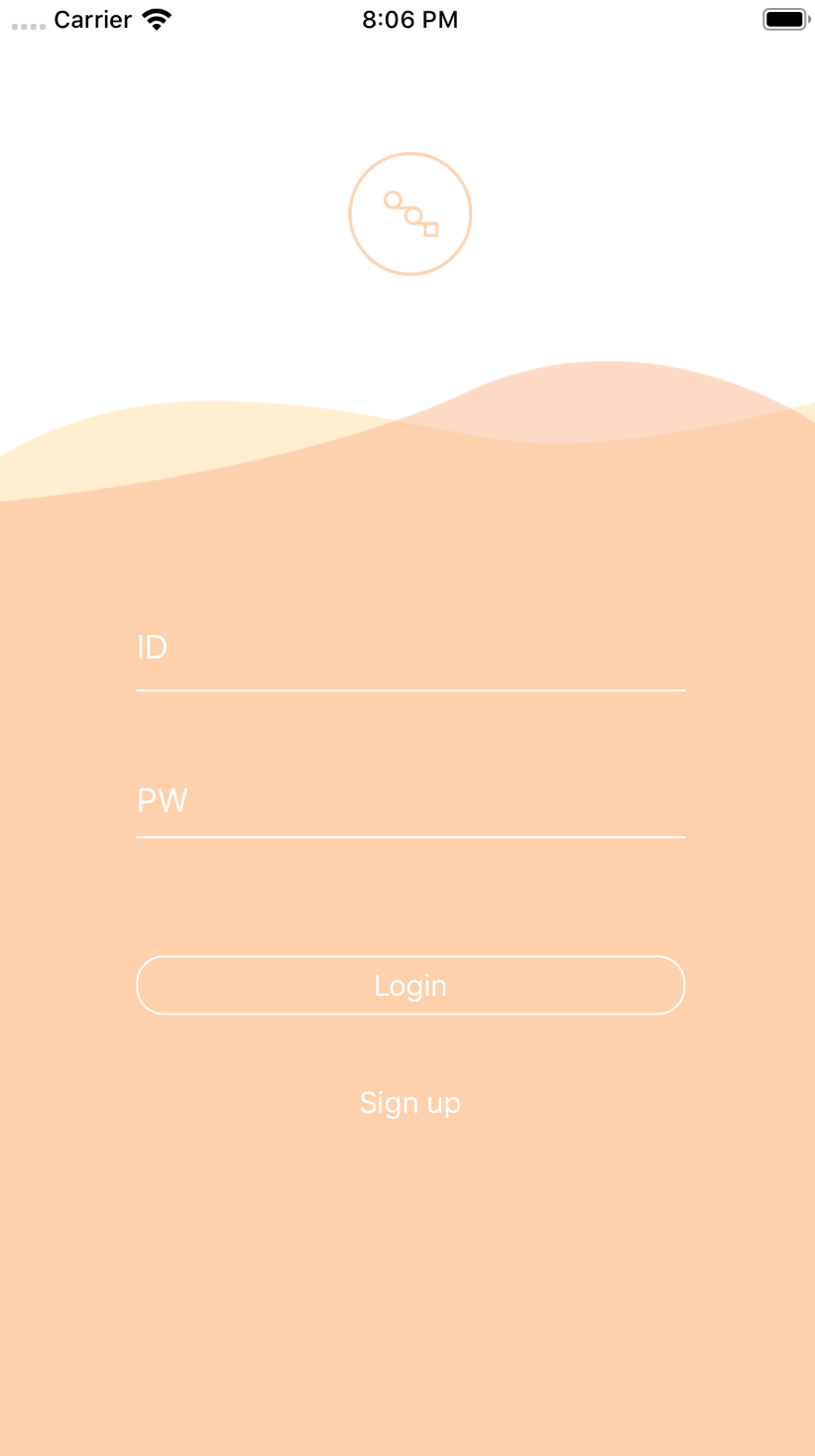
* 과제1: Stackview - Loginview그리기
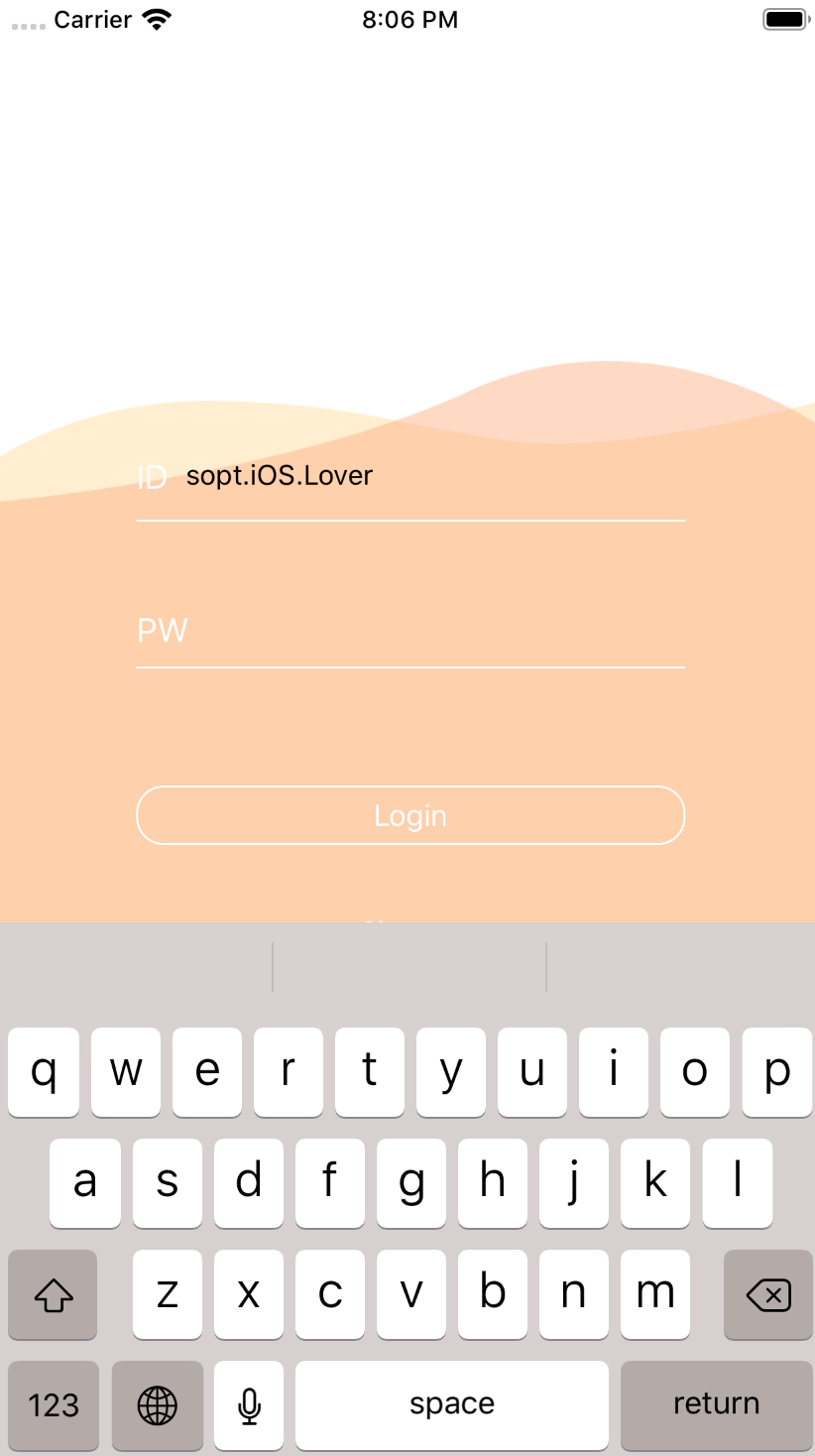
// 로그인 뷰의 모든 AutoLayout을 잡고 StackView의 'Center Y축을' @IBOutlet으로 선언해서 키보드 제스처에 따라 높이를 제어
@IBOutlet weak varstackViewCenterY:NSLayoutConstraint!
// animation 함수
// 최종 결과물로 보여줄 상태만 선언해주면 애니메이션은 알아서 동작
// duration은 간격
UIView.animate(withDuration: duration, delay:0.0, options:.init(rawValue: curve), animations:{self.logoImgView.alpha =0
// +로 갈수록 y값이 내려가고 -로 갈수록 y값이 올라간다.
self.stackViewCenterY.constant =-keyboardHeight/2+125})
//스택뷰 CenterY 잡아와서 constant 계산