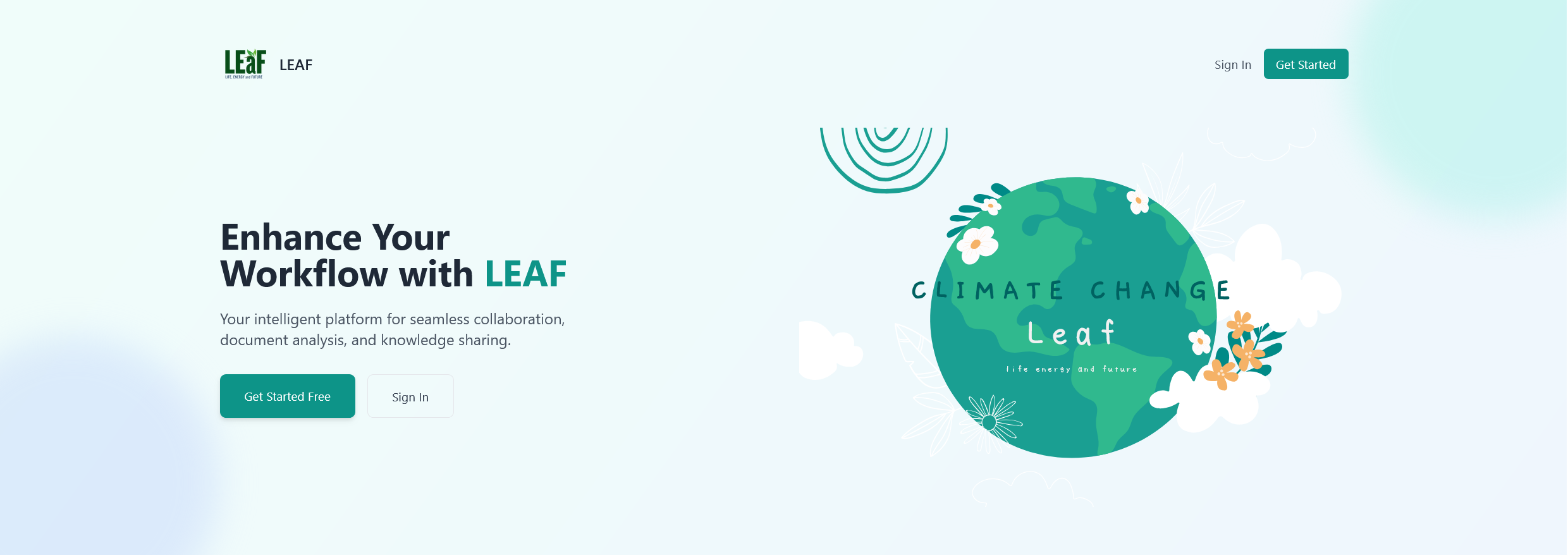
LEAF is an advanced AI assistant specialized in climate change and environmental sustainability. Built with Nuxt.js and powered by Google's Gemini AI models, LEAF provides comprehensive, evidence-based responses to climate-related queries while maintaining a conversational experience.
- Specialized in climate change, environmental sustainability, and related topics
- Trained on extensive climate datasets for accurate and relevant responses
- Smart query routing to determine the most appropriate response strategy
- Web Search Integration: Fetches the latest information from trusted climate sources using Tavily API
- Vector Database: Accesses pre-indexed climate documentation for consistent, reliable information
- PDF Processing: Extract and analyze information from uploaded PDF documents
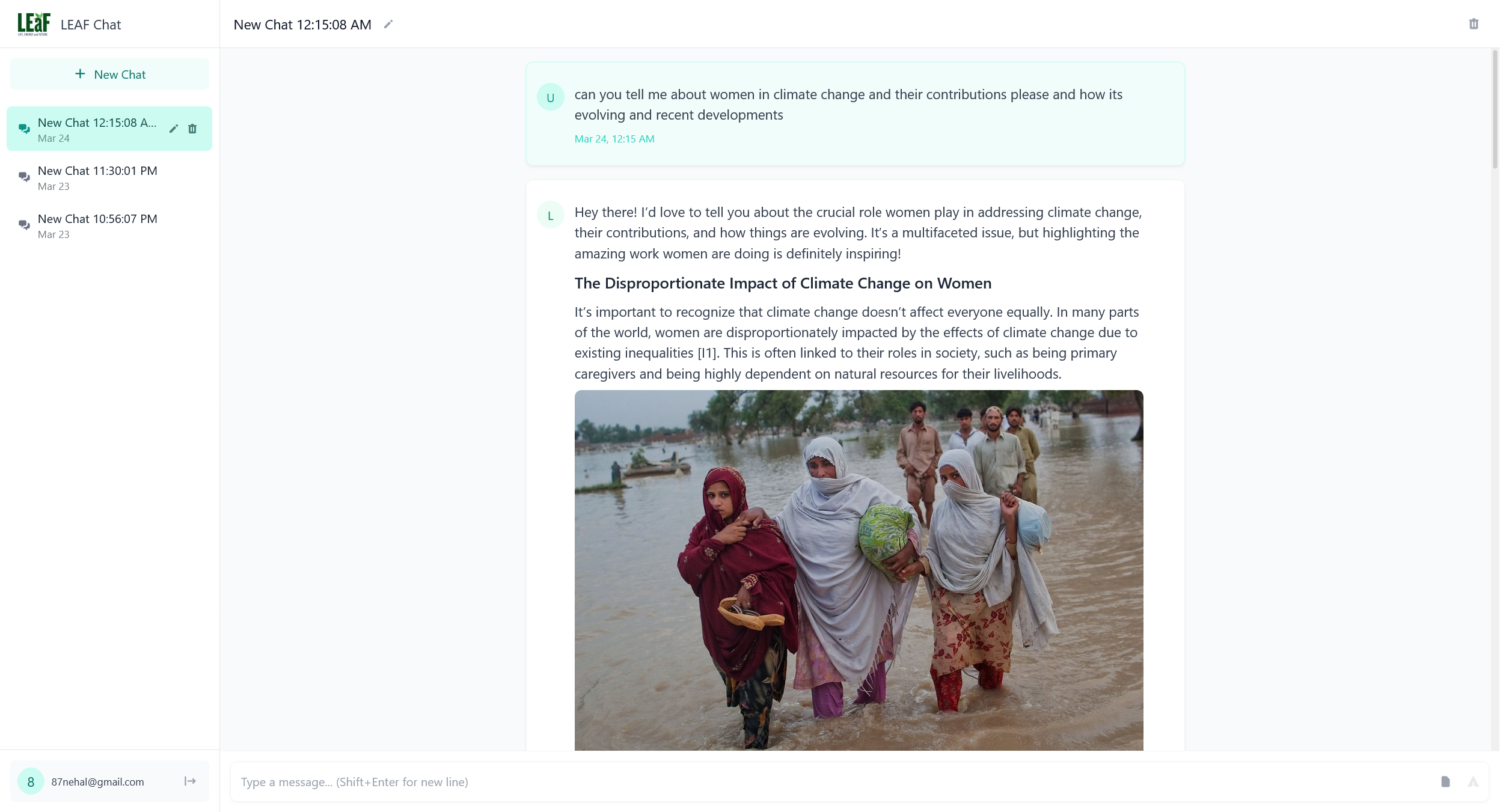
- Markdown formatting with headers, lists, and emphasis
- Image integration with strategic placement and descriptive captions
- Hyperlinked sources for easy reference
- Comprehensive citation of information sources
- Maintains context across conversation threads
- References previous exchanges for more coherent interactions
- Allows for follow-up questions and deep-dive discussions
- Frontend: Nuxt.js, Vue.js
- Backend: Server API routes with H3
- Authentication: JWT-based authentication
- Database: Prisma ORM with relational database
- AI: Google Generative AI (Gemini models)
- Vector Database: Qdrant for semantic search capabilities
- Web Search: Tavily API for retrieving up-to-date information
- Document Processing: LangChain for PDF handling and text extraction
LEAF employs a sophisticated multi-step processing pipeline:
- Query Analysis: Determines if a query is climate-related or conversational
- Query Routing: Routes to appropriate processing strategy based on query type
- Research Collection: For research queries, gathers information from:
- Web search results (prioritizing recent and reliable sources)
- Vector database of climate knowledge
- Uploaded PDF documents (when provided)
- Response Generation: Synthesizes information into comprehensive, conversational responses
- Source Citation: Automatically formats and includes references to information sources
- Node.js 16+ and npm/yarn/pnpm
- API keys for:
- Google Generative AI (Gemini)
- Tavily (for web search)
- Qdrant (for vector database)
- PostgreSQL or other database supported by Prisma
- Clone the repository:
git clone https://github.com/yourusername/LEAF_WEB_JS.git
cd LEAF_WEB_JS- Install dependencies:
# npm
npm install

# pnpm
pnpm install

# yarn
yarn install- Set up environment variables in a
.envfile:
# Database
DATABASE_URL="postgresql://username:password@localhost:5432/leaf_db"

# API Keys
GEMINI_API_KEY="your-gemini-api-key"
TAVILY_API_KEY="your-tavily-api-key"
QDRANT_URL="your-qdrant-instance-url"
QDRANT_API_KEY="your-qdrant-api-key"
FIREBASE_PROJECT_ID="your-firebase-project-id"
FIREBASE_CLIENT_EMAIL="your-firebase-client-email"
FIREBASE_PRIVATE_KEY="your-firebase-private-key"

# Authentication
NUXT_JWT_SECRET="your-jwt-secret"
- Set up the database:
npx prisma migrate dev- Start the development server:
# npm
npm run dev

# pnpm
pnpm dev

# yarn
yarn devBuild the application for production:
# npm
npm run build

# pnpm
pnpm build

# yarn
yarn build
For more information on deploying Nuxt applications, refer to the Nuxt deployment documentation.
Contributions are welcome! Please feel free to submit a Pull Request.
- Google for the Generative AI API
- Tavily for the search API
- Qdrant for the vector database
- All the contributors to the climate data sources used in this project