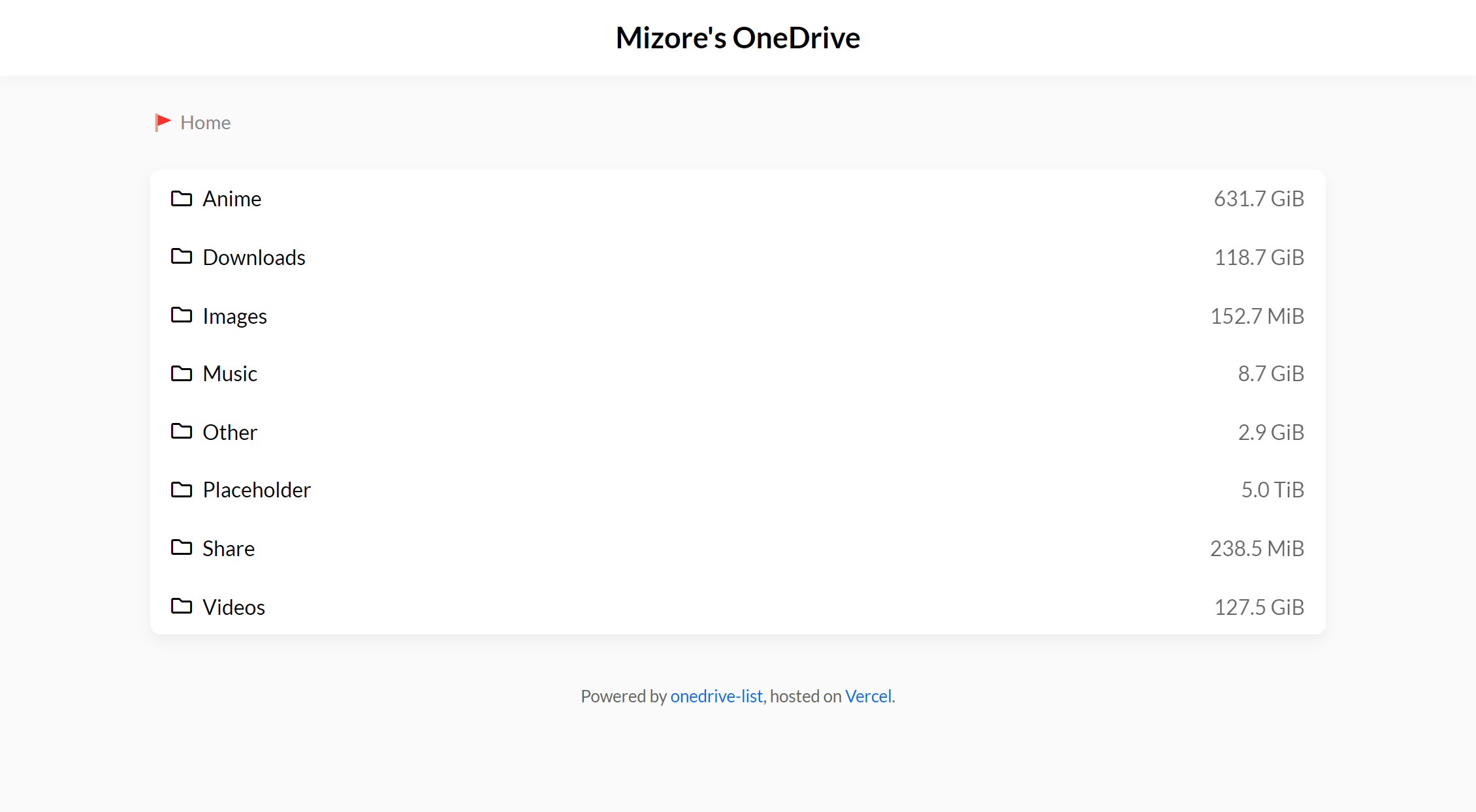
本地运行
npm i
npm start
点击按钮部署到 Vercel↓↓↓
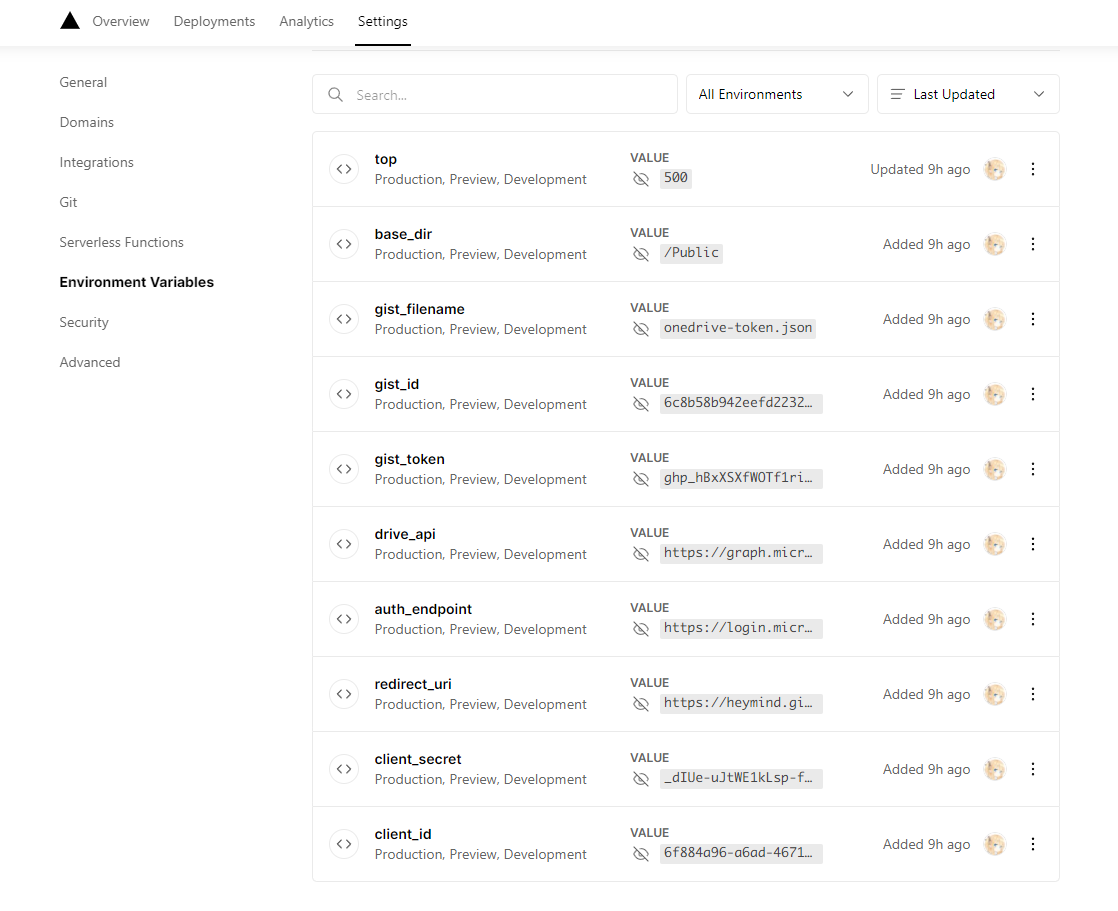
- Vercel 部署需在 Vercel 中配置环境变量
- 本地部署需自行创建并填入到
.env文件
client_id =                                                           # 必填
client_secret =                                                       # 必填
redirect_uri = http://localhost:3000                                  # 选填
auth_endpoint = https://login.microsoftonline.com/common/oauth2/v2.0  # 选填
drive_api = https://graph.microsoft.com/v1.0/me/drive                 # 选填

gist_id =                                                             # 必填
gist_token =                                                          # 必填
gist_filename = onedrive-token.json                                   # 选填

base_dir = /                                                          # 选填
top = 500                                                             # 选填
1. 使用 ms-graph-cli 获取
client_id client_secret redirect_uri auth_endpoint drive_api refresh_token
# 需安装 Node.js
npx @beetcb/ms-graph-cli -l cn创建 Gist 文件名 onedrive-token.json,文件内容如下:
将
ms-graph-cli中获取的refresh_token填写进去
{
  "refresh_token": "xxx"
}
Gist 创建完成即可从链接 https://gist.github.com/{username}/{gist_id} 中获取 gist_id