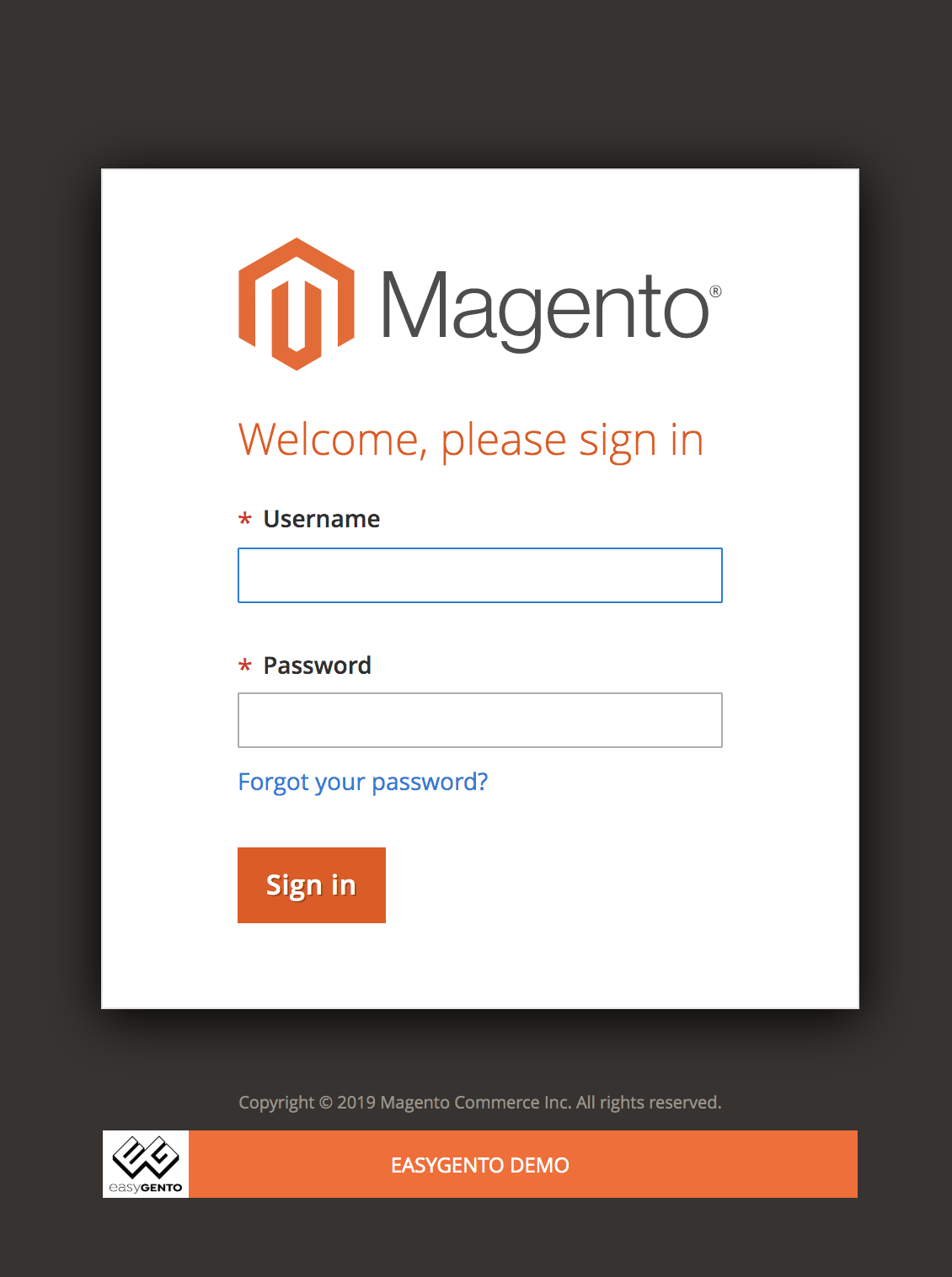
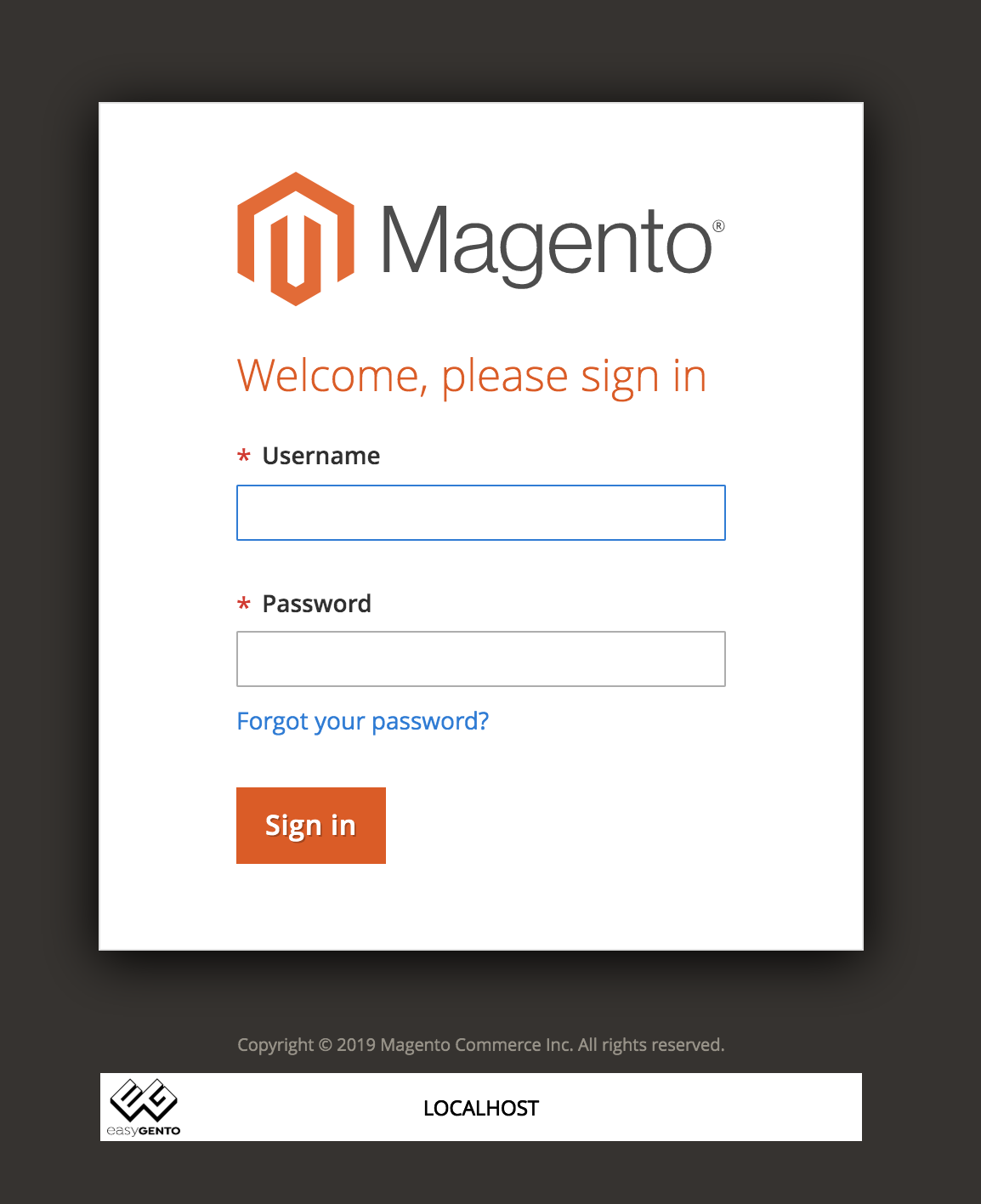
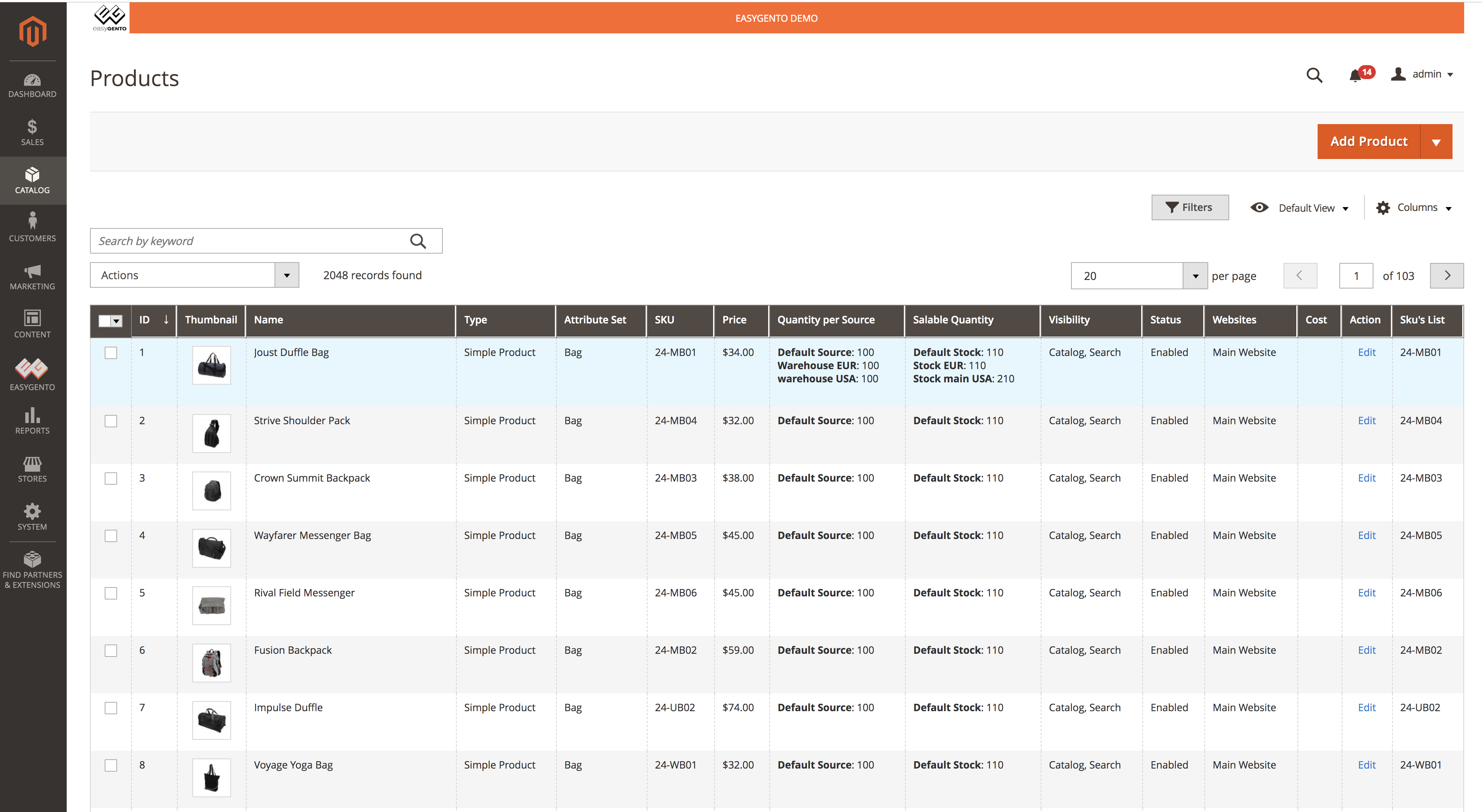
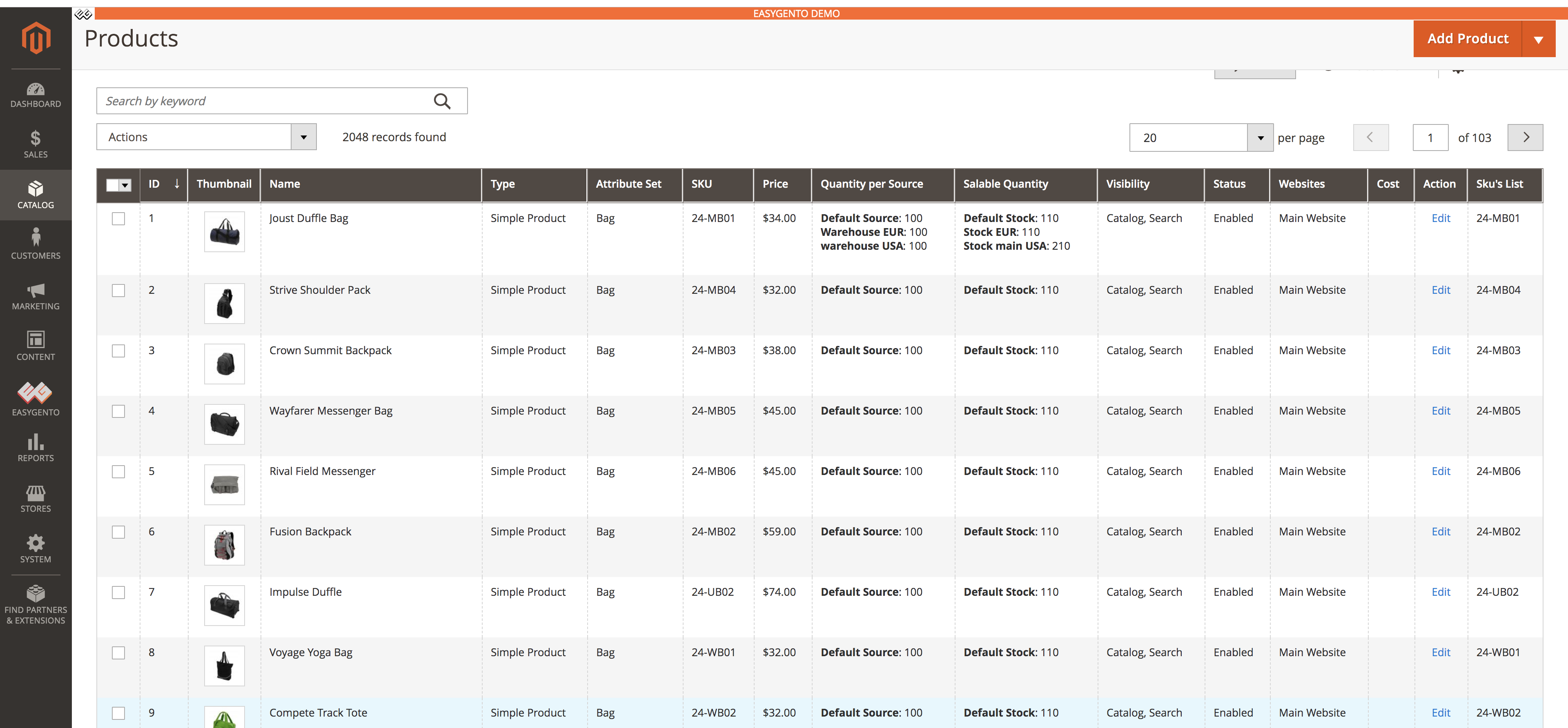
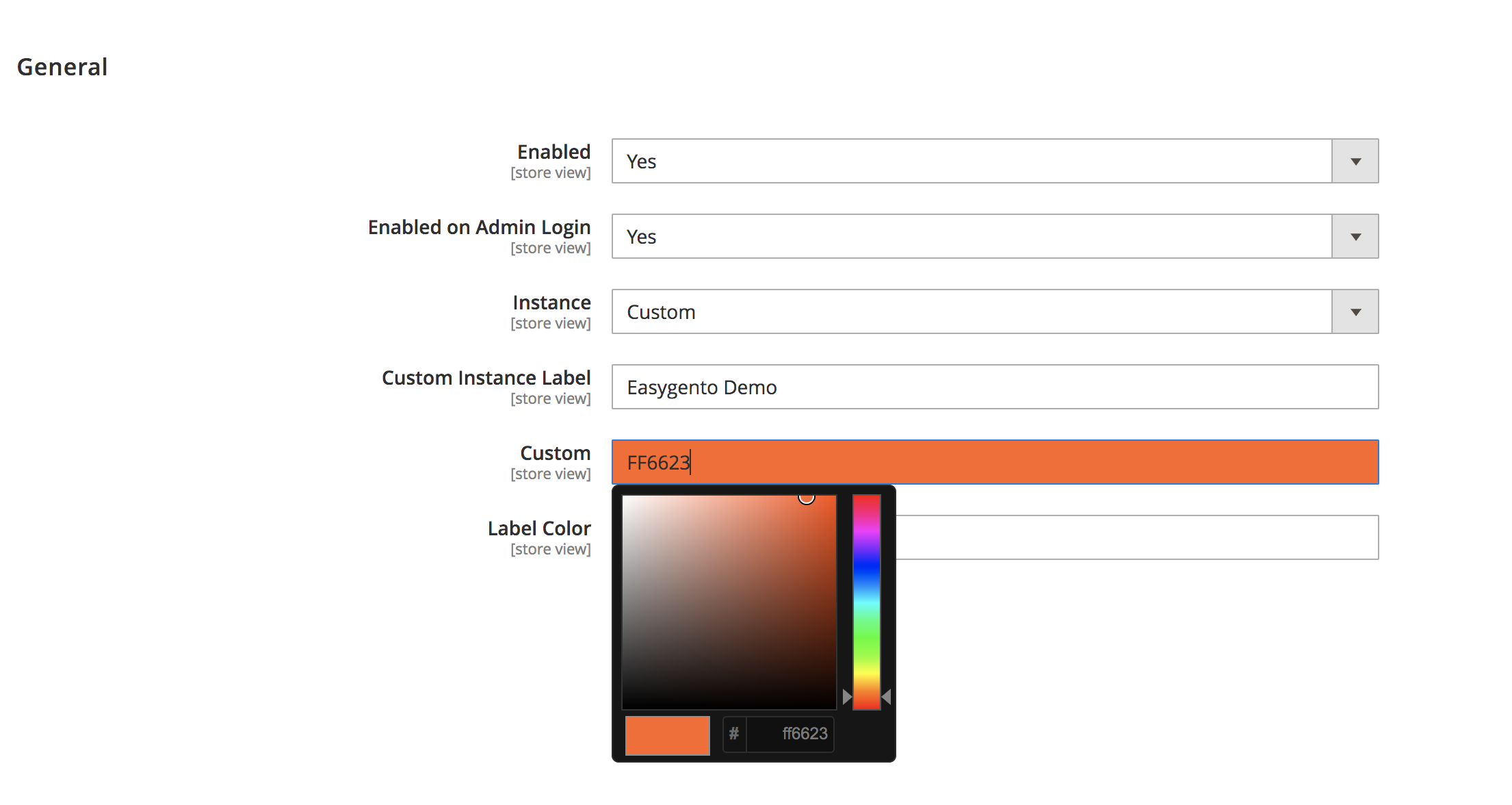
Sometimes you have to work on multiple instance on multiple tab on your browser. This module prevent you to mix up by mistake your instances.
There are 4 instance types :
- Develop
- Pre Production
- Production
- Custom (you can named it as you want)
You have to define the colour for your current instance. After set all that you need an indicator top bar will appears.
Install by composer :
Update your composer.json file: Open the root Magento directory on your server and send Composer the following command:
composer require easygento/magento2-instancereminder
Install without composer :
Put the code in the app/code/Easygento/InstanceReminder folder
Once the module installed , run the command
bin/magento setup:upgrade and bin/magento setup:di:compile