There are lots of occasions when we need to use lists. HTML provides us with three different types:
-
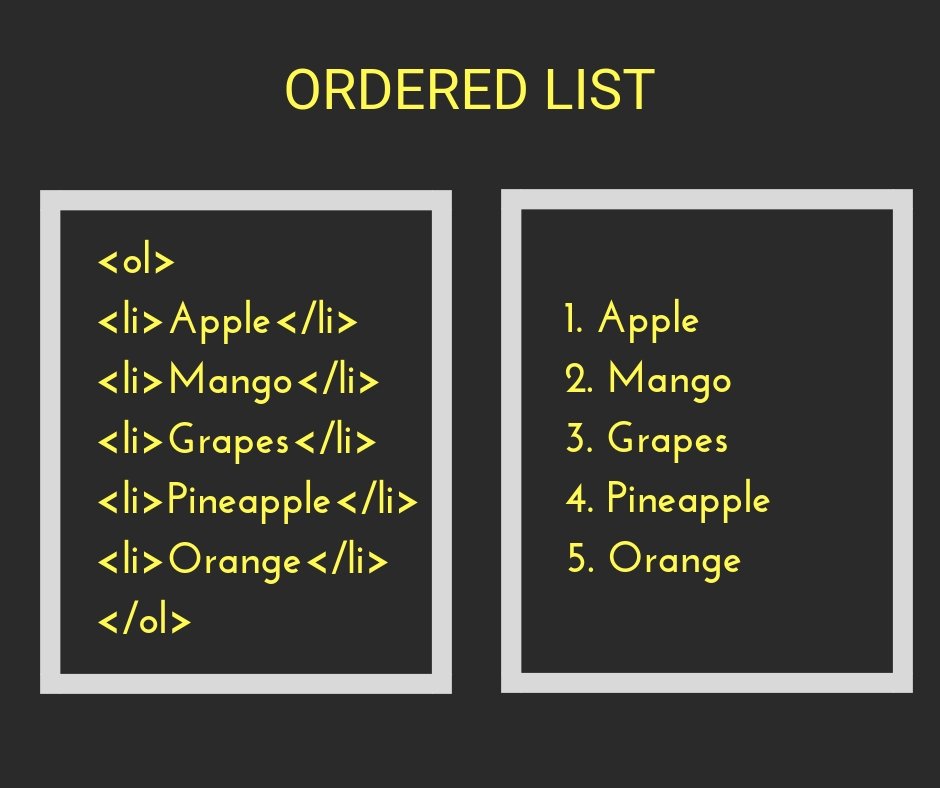
Ordered lists are lists where each item in the list is numbered.
-
nordered lists are lists that begin with a bullet point.
-
Definition lists are made up of a set of terms along with the definitions for each of those terms.
ordered list and he unordered list sturtcure he ordered list is created with the < ol> element.Each item in the list is placed between an opening < li> tag and a closing </ li> tag. (The li stands for list item.)
The definition list the definition list is created with the < dl> element and usually consists of a series of terms and their definitions. Inside the < dl> element you will usually see pairs of < dt> and < dd> elements
NoteYou can put a second list inside an < li> element to create a sub list or nested list.Browsers display nested lists indented further than the parent list. In nested unordered lists
By default a box is sized just big enough to hold its contents. To set your own dimensions for a box you can use the height and width properties
Note When you specify the width of a box, any padding or margin should be added to the width of it. Internet Explorer 6, however, has a quirk whereby it includes the padding and margins in the width of the box.
he overflow property tells the browser what to do if the content contained within a box is larger than the box itself.
- hidden: This property simply hides any extra content that does not fit in the box
- scroll This property adds a scrollbar to the box so that users can scroll to see the missing content
Every box has three available properties that can be adjusted to control its appearance: Border, Margin and Padding The padding and margin properties are very helpful in adding space between various items on the page.
- inline This causes a block-level element to act like an inline element
- block This causes an inline element to act like a block-level element.
- none This hides an element from the page.
the border-image property applies an image to the border of any box
- Horizontal offset Negative values position the shadow to the left of the box.
- Vertical offset Negative values position the shadow to the top of the box.
- Blur distance If omitted, the shadow is a solid line like a border. -Spread of shadow If used, a positive value will cause the shadow to expand in all directions, and a negative value will make it contract.
CSS3 introduces the ability to create rounded corners on any box, using a property called border-radius.
o create more complex shapes, you can specify different distances for the horizontal and the vertical parts of the rounded corners
An array is a special type of variable. It doesn't just store one value; it stores a list of values.
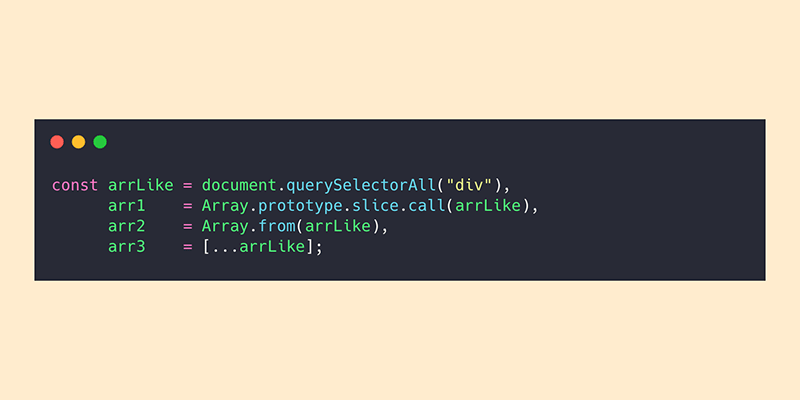
how we can make an array You create an array and give it a name just like you would any other variable (using the var keyword followed by the name of the array).
VALU ES IN ARRAYS Values in an array are accessed as if they are in a numbered list. It is important to know that the numbering of this list starts at zero (not one).
index Each item in an array is automatically given a number called an index. This can be used to access specific items in the array.
if ... e 1 se statement allows you to provide two sets of code:
- one set if the condition evaluates to true
- another set if the condition is false
A switch statement starts with a variable called the switch value. Each case indicates a possible value for this variable and the code that should run if the variable matches that value
SWITCH
• You have a default option that is run if none of the cases match.
• If a match is found, that code is run; then the break statement stops the rest of the switch statement running (providing better performance than multiple i f statements).
SHORT CIRCUIT VALUES
Logical operators are processed left to right. They short-circuit (stop) as soon as they have a result - but they return the value that stopped the processing (not necessarily true or fa 1 se).
-
FOR LOOPS A for loop is often used to loop through the items in an array.
-
WHILE LOOPS
-
DO WHILE LOOPS
-
switch statements allow you to compare a value against possible outcomes (and also provides a default option if none match).
-
Data types can be coerced from one type to another.
-
There are three types of loop: for, while, and do ... while. Each repeats a set of statements.