q-objects #63

Replies: 3 comments

-
|
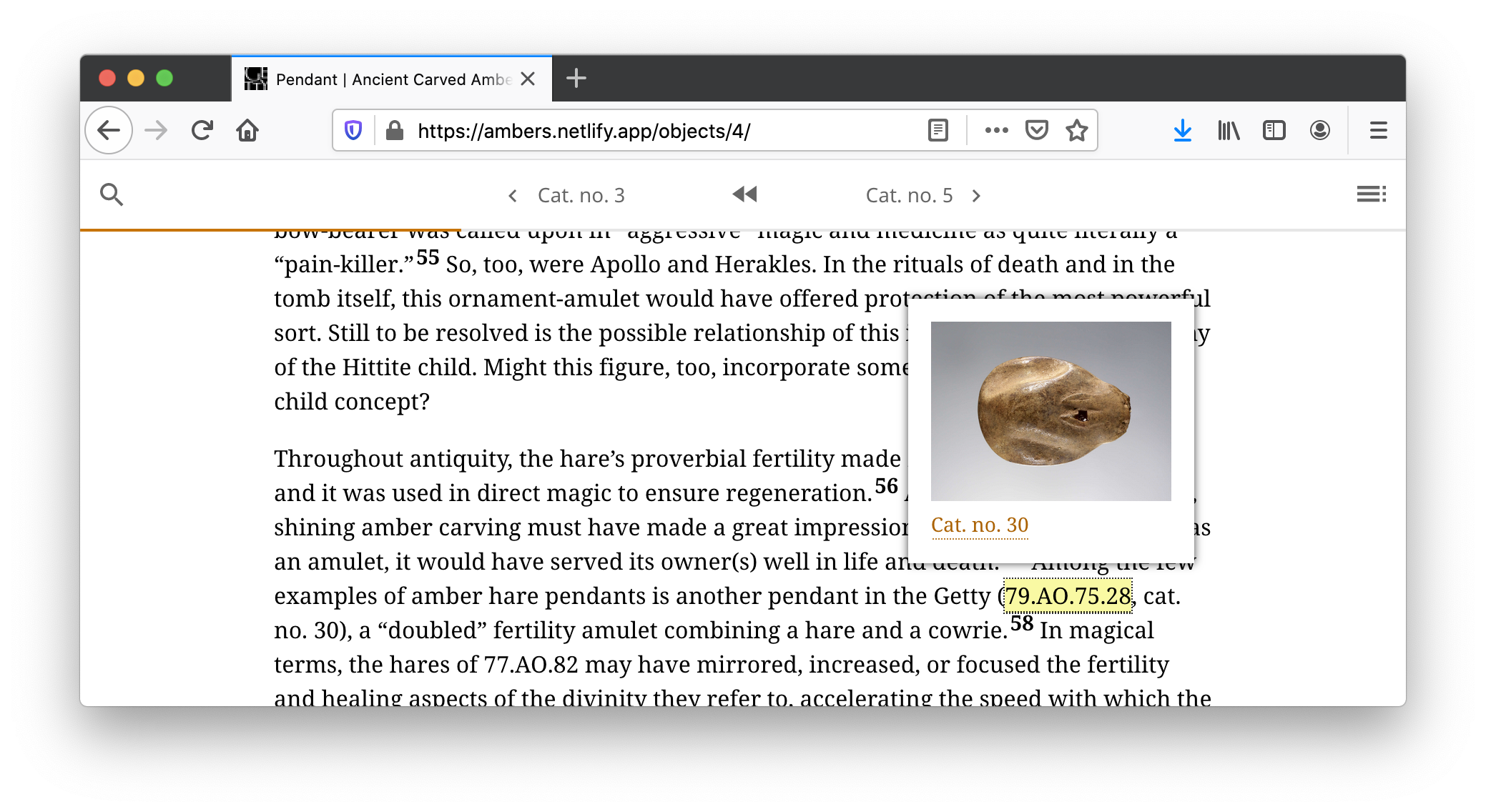
@1000camels, I think you may want to look in the entry page template for a good code example, and maybe specifically this bit: quire/themes/default/layouts/entry/single.html Lines 54 to 72 in e94cec2 In this example, it takes the object id, matches it to one in data/objects.yml, then finds the figure associated with that object and feeds that to a "figure" template, which you'll find near the bottom of the same file. Is this the kinds of logic you had in mind? Also, working with the various q-figure shortcodes is, I'm afraid, going to be a little extra messy. Those templates got very complicated and very hard to use/modify very quickly. In fact, we're part-way through a project of rewriting them entirely, in order to make them more clear. You might actually be better off writing something from scratch, especially if you don't need the fancybox but just want an image that links to a page in the publications As an FYI, we did something sort of similar in our Ancient Ambers catalog but instead of figures we modified the q-cite shortcode to do pop-ups with object images and a link to the object entry.
|
Beta Was this translation helpful? Give feedback.

-
|
Hi, @1000camels. Were you still experiencing issues with this or did you find a solution?? |
Beta Was this translation helpful? Give feedback.

-
|
I have not had time to develop this feature, but when I get around to it, I will your suggestion |
Beta Was this translation helpful? Give feedback.


Uh oh!
There was an error while loading. Please reload this page.
-
I would like to create some shortcodes to have objects render just like figures, so I am guessing I need to q-objects.html, q-objects-group.html and q-objects-zoom.html.
The purpose is to allow us to lay out object images as thumbnails throughout the site and then when you click on them you get the catalogue page. I'm happy to link to the catalogue instead of rending it in a fancybox, but I can deal with that code. What I am having trouble understanding is what I might need to change to adjust my new q-objects.html to use the data/objects.yml instead of data/figures.yml when looking up the id. I'm not sure I understand the way the code works.
If anyone can point me in the right direct, that would be appreciated
Darcy
Beta Was this translation helpful? Give feedback.
All reactions