The javascript comparison operators compare two operands value and return the result in boolean form( true or false). You can use the following js comparison operators to compare two operands(string, number, etc) value.
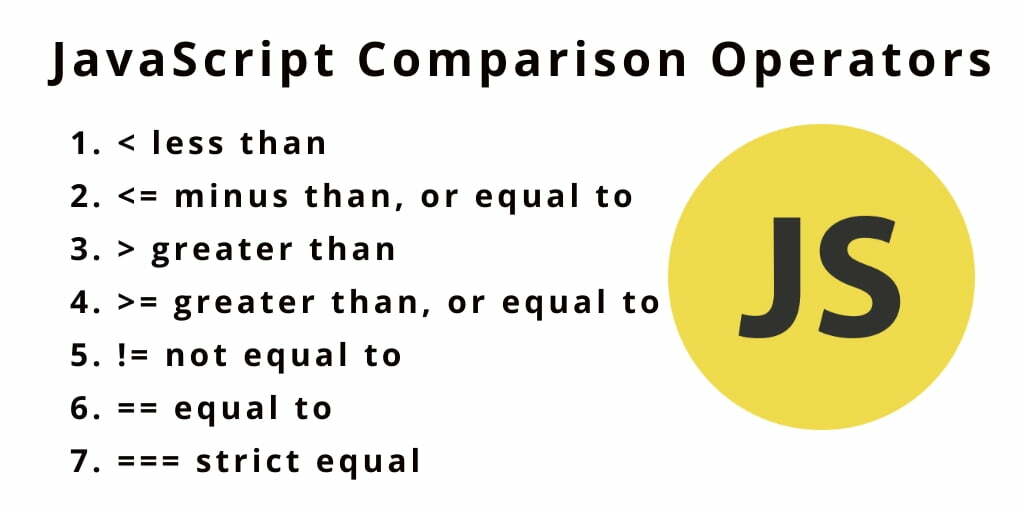
| Operators | Description |
|---|---|
| == | Compares the equality of two operands without considering type |
| === | Compares equality of two operands with type. |
| != | Compares inequality of two operands. |
|Checks whether left side value is greater than right side value. If yes then returns true otherwise false. <|Checks whether left operand is less than right operand. If yes then returns true otherwise false. =|Checks whether left operand is greater than or equal to right operand. If yes then returns true otherwise false. <=|Checks whether left operand is less than or equal to right operand. If yes then returns true otherwise false.
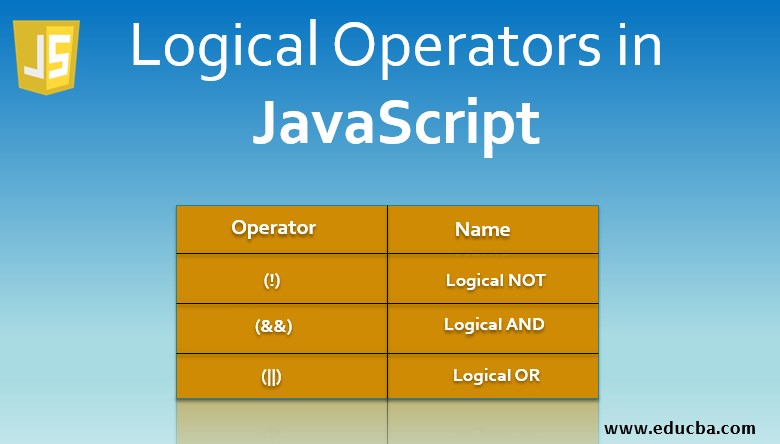
There are four logical operators in JavaScript: (OR),(AND),(NOT)(Nullish Coalescing). Here I Will cover the first three.
(OR)
The “OR” operator is represented with two vertical line symbols
(AND)
The AND operator is represented with two ampersands &&
(NOT)
The boolean NOT operator is represented with an exclamation sign !
The JavaScript loops are used to iterate the piece of code using for, while, do while or for-in loops. It makes the code compact. It is mostly used in array.
for loop The JavaScript for loop iterates the elements for the fixed number of times. It should be used if number of iteration is known. while loop _The JavaScript while loop iterates the elements for the infinite number of times. It should be used if number of iteration is not known. _ do-while loop The JavaScript do while loop iterates the elements for the infinite number of times like while loop. But, code is executed at least once whether condition is true or false. for-in loop The JavaScript for in loop is used to iterate the properties of an object.

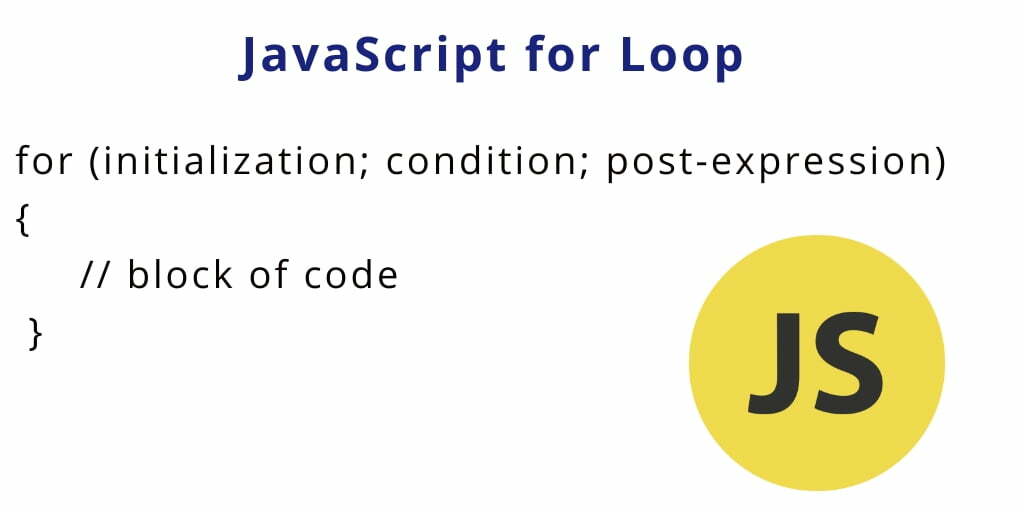
The JavaScript for loop statement allows you to create a loop with three optional expressions. The following illustrates the syntax of the for loop statement:
initialization The initialization expression initializes the loop. The initialization expression is executed only once when the loop starts. You typically use the initialization is to initialize a counter variable. If you use the var keyword to declare the counter variable, the variable will have either function or global scope. In other words, you can reference the counter variable after the loop ends. However, if you use the let keyword to declare the counter variable, the variable will have a blocked scope, which is only accessible inside the loop.
condition The condition is an expression that is evaluated once before every iteration. The statement inside the loop is executed only when the condition evaluates to true. The loop is terminated if the condition evaluates to false. Note that the condition is optional. If you omit it, the for loop statement considers it as true.
post-expression The for loop statement also evaluates the post-expression after each loop iteration. Generally, you use the post-expression to update the counter variable. The following flowchart illustrates the for
***THANKS FOR READING ***