#Git Commits For Non-Git Users
This is a guide to aid others not familiar with git to contribute to our TIL repo.
- copy clone to clipboard
- Run the following
commandsin your shell:git clone <PASTE CLIPBOARD>
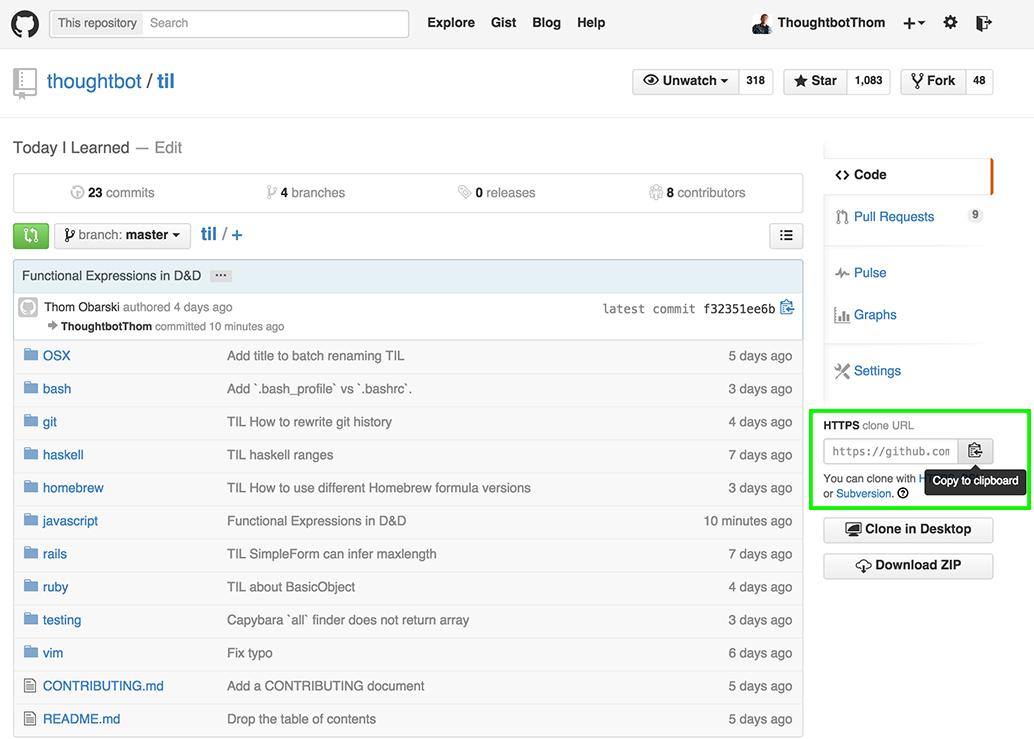
git pull origin mastergit checkout -b <BRANCHNAME>- add files/folders locally
git add .to add everything in cur dirgit commit- press
ito enter insert mode, write title & message ESC :wqto write-quitgit push origin <BRANCHNAME>- Compare & Pull Request on website
git statusto see changed files in redgit add .git statusto see updated files in greengit commit( -m "MESSAGE" to skip Vim)git push origin <BRANCHNAME>
git fetch origingit rebase -i origin/master- squash to 1 in vim;
:wq - reword commit messages
git push -f origin <BRANCHNAME>
git logto view the list of commits on the current branchgit checkout mastergit pull origin masterto be up to dategit merge <BRANCHNAME>git push origin master- Delete branch from web UI
git branch -d <BRANCHNAME>to delete branch locally